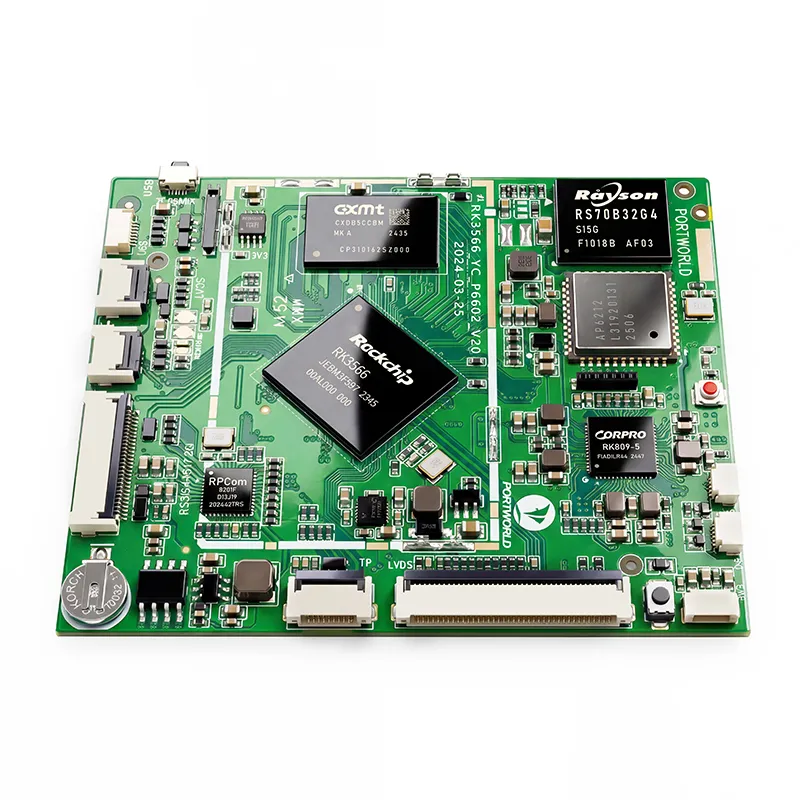
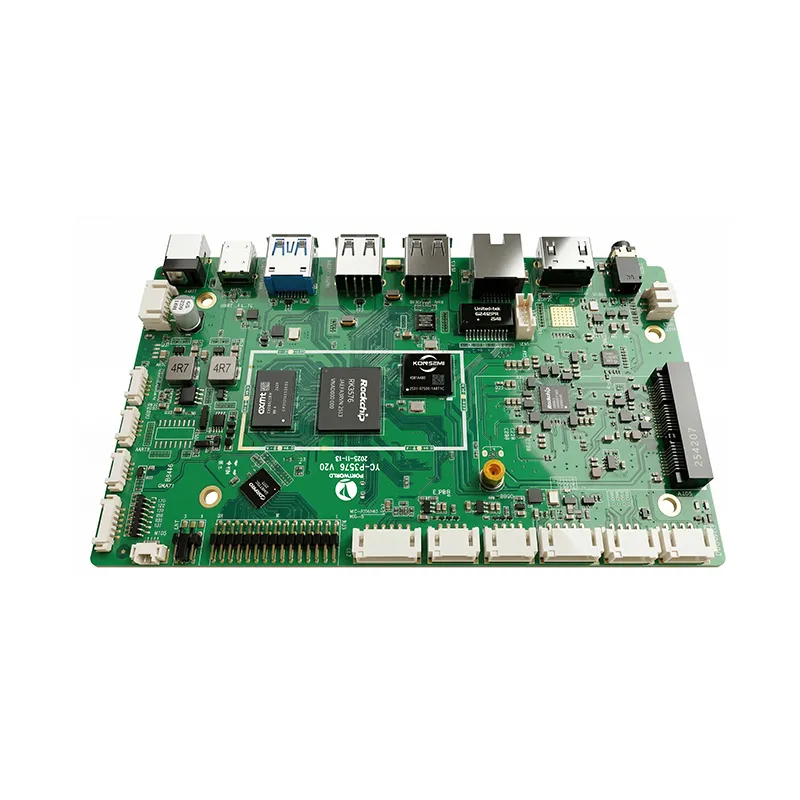
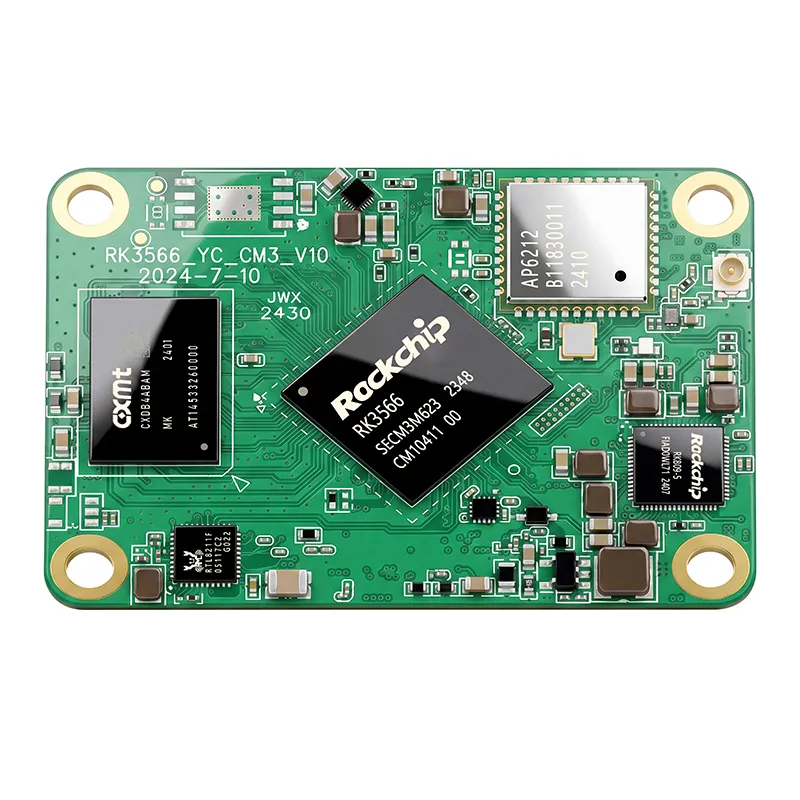
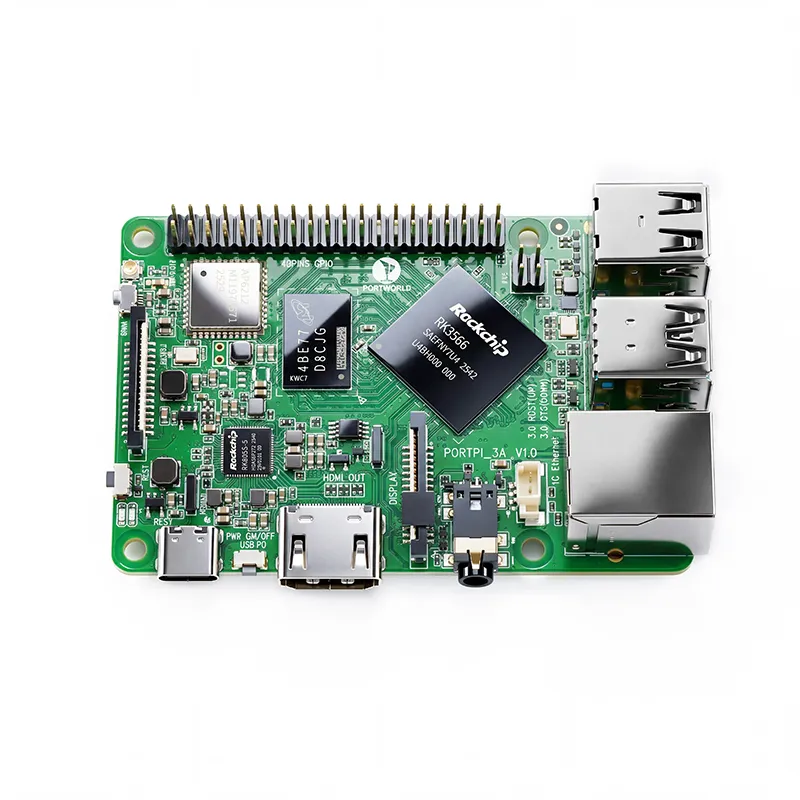
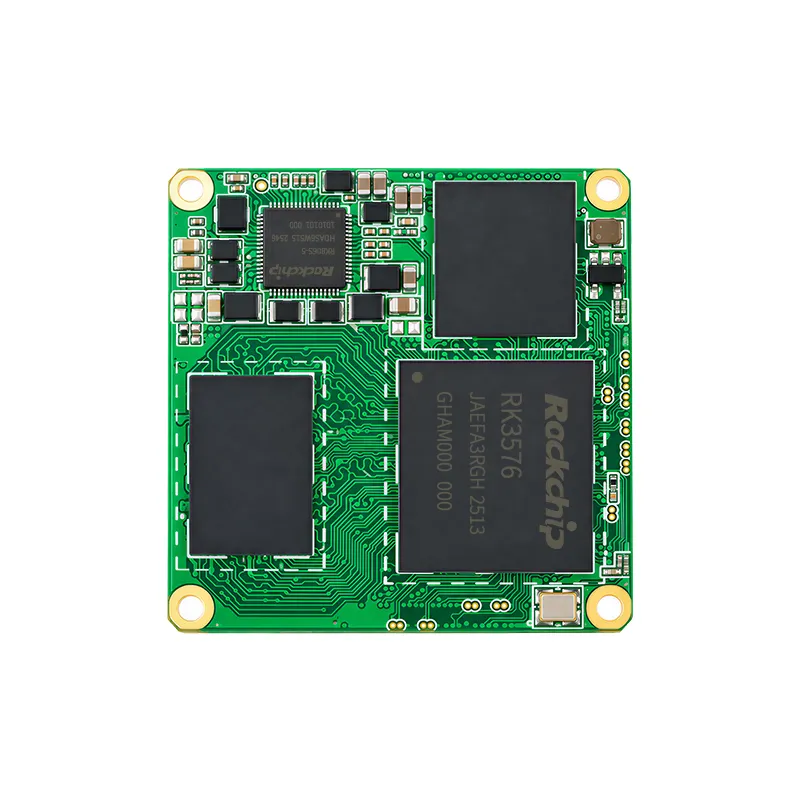
RK3576 Motherboard PCBA Design and Custom OEM/ODM Services
Apr 27,2026
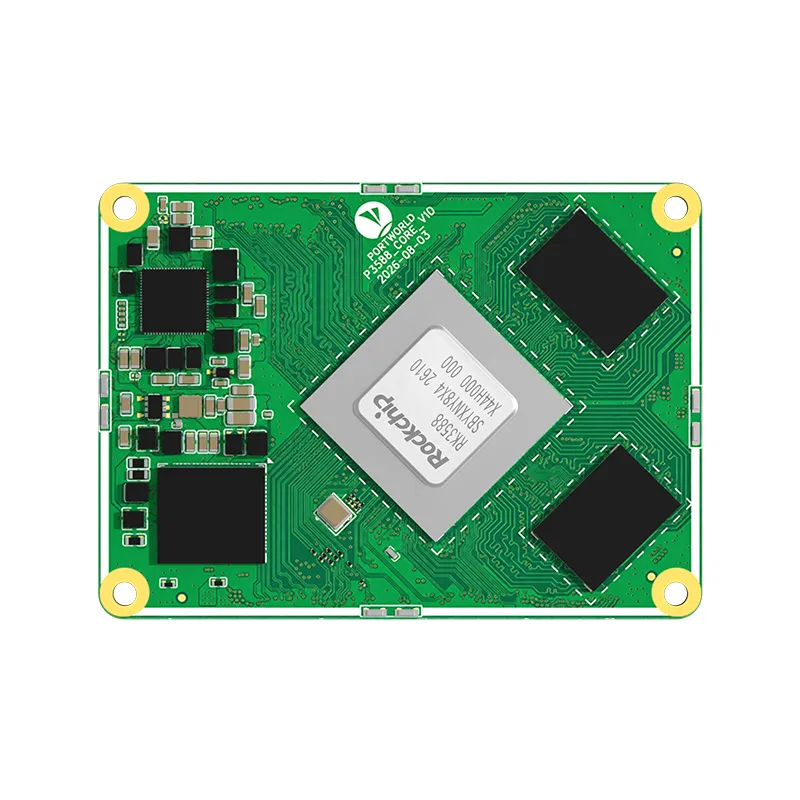
The Next-Gen RK3588 Core board
Powerful, AI-Driven, High-Performance.Shop Now>





Retailers continually seek more effective ways to present product information and capture shoppers’ attention at the point of purchase. Traditional printed shelf labels work well for basic pricing, but provide little room for promotions, product imagery, or changing content.
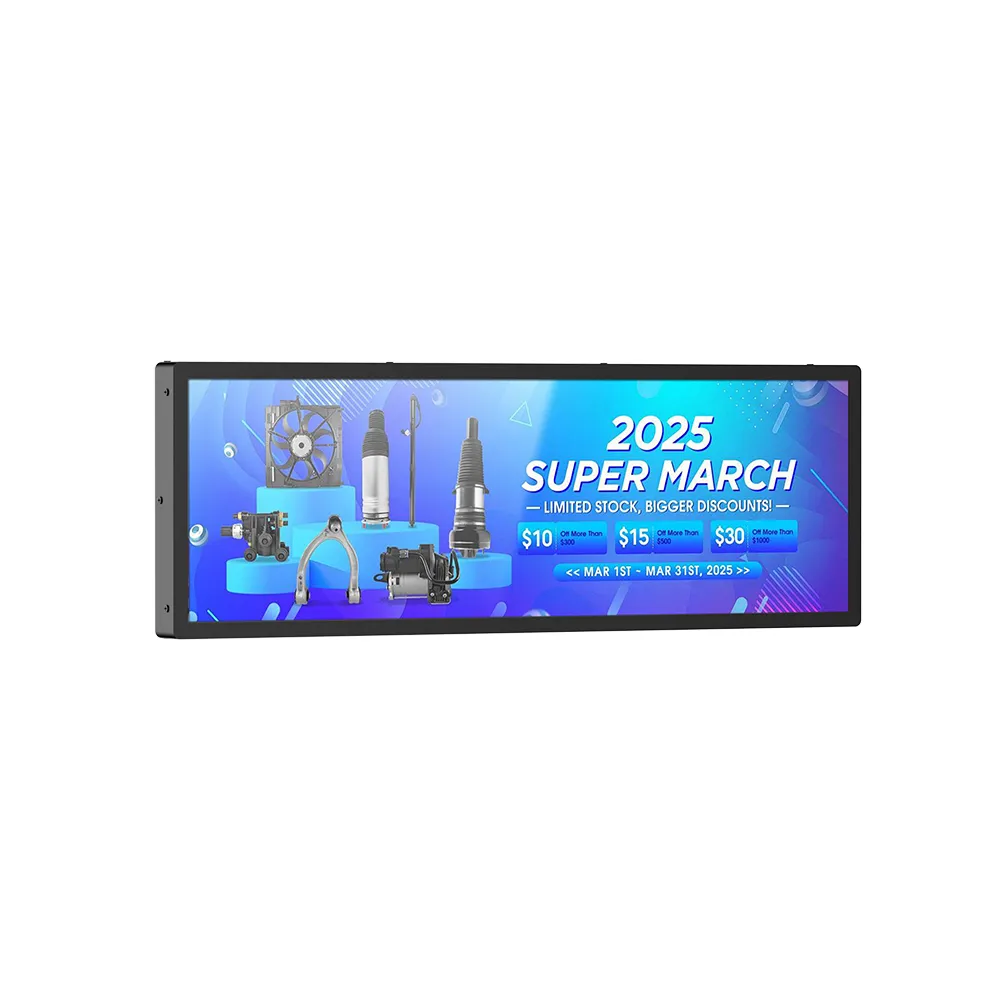
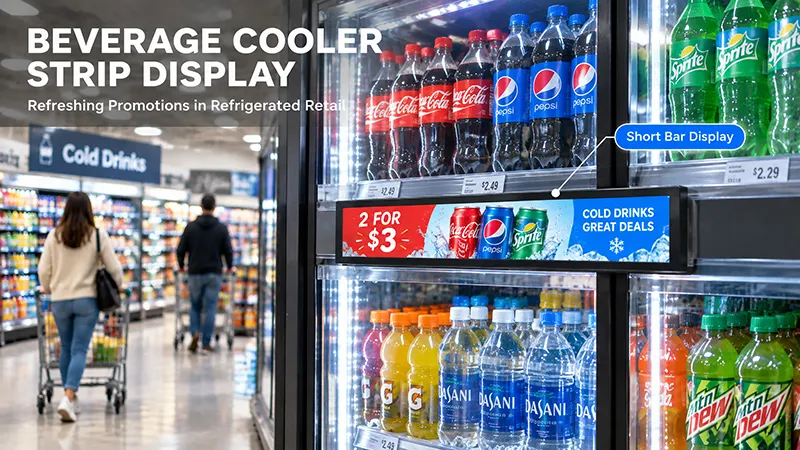
Shelf edge displays offer a more adaptable solution. Mounted along shelves or product display areas, these compact digital screens show product details, promotional messages, brand information, and visual content right where customers make buying decisions.
Used in settings ranging from supermarkets and electronics retailers to cosmetics shops and convenience stores, shelf edge displays help businesses maximize shelf space and create a more engaging shopping experience.
1. Present Product Information Directly on the Shelf
A highly practical application of shelf-edge displays is to provide product information where customers make their purchasing decisions.
Shoppers frequently compare products before choosing one. Traditional shelf labels, however, offer limited space and can make it challenging to convey detailed information.
Digital shelf displays can share a wider range of details, including:
For instance, an electronics retailer could use a screen attached to the shelf to show the main specifications of a wireless speaker, such as its connectivity options, battery life, and sound features.
In a cosmetics store, a display could present product ingredients, application guidance, and suggested uses.
Positioning this information beside the relevant products helps shoppers understand their choices without needing to look for separate brochures or promotional materials.
2. Highlight Discounts and Promotional Campaigns
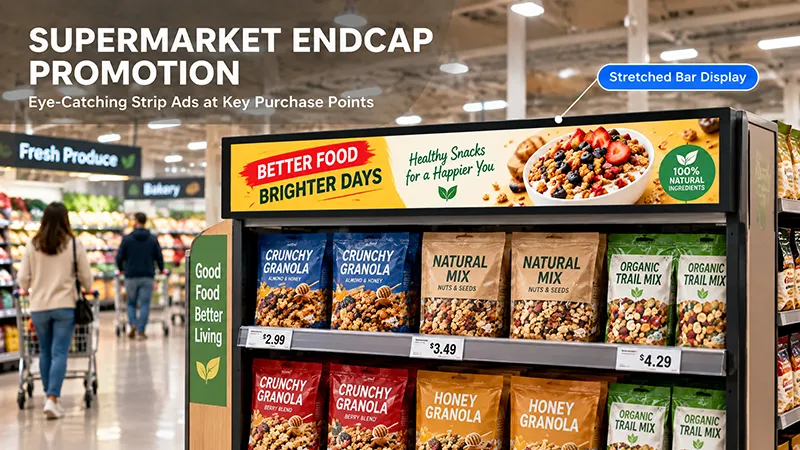
Shelf-edge displays are an effective way to communicate promotions.
Retailers often run seasonal campaigns, limited-time discounts, bundle offers, and new-product promotions. Updating printed materials for each campaign can involve extra labor and printing expenses.
Digital shelf displays allow promotional content to be updated electronically, depending on the content management system and network configuration.
Common promotional uses include:
For instance, a supermarket can feature a weekly promotion near a product category, while a cosmetics retailer can showcase a new skincare collection beside the products.
Images, animated graphics, and short videos can make promotional messages more noticeable than static printed labels.
However, promotional information should remain clear and easy to understand. Excessive animation or text may distract shoppers instead of helping them make decisions.
3. Use Visual Content to Enhance Product Presentation
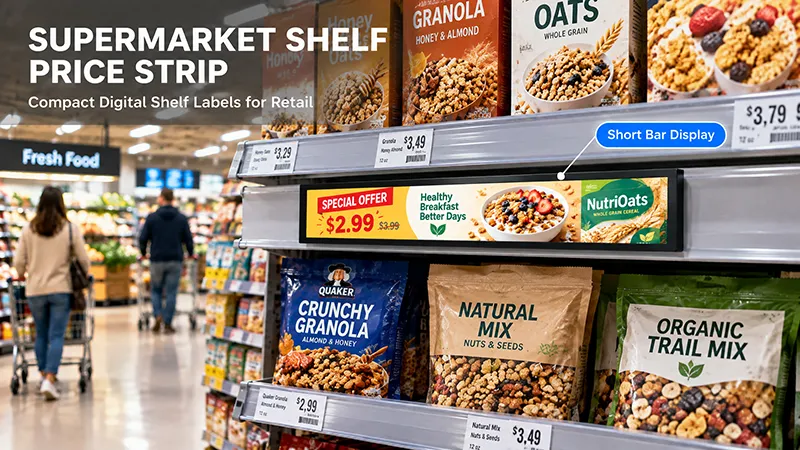
Unlike conventional printed shelf labels, LCD shelf-edge displays can showcase dynamic visual content.
Retailers can use product photos, promotional graphics, branded animations, and video clips to make products more appealing.
This approach is especially valuable in categories where a product’s appearance and features affect purchasing decisions.
For example:
The display format should suit the content. Compact screens work well for brief product descriptions and promotional messages, while larger shelf-mounted LCD displays offer more room for images and videos.
A consistent visual design is also essential. Applying the same brand colors, typography, and promotional style across displays helps create a cohesive retail environment.
4. Support Product Comparisons and Purchasing Decisions
Shelf-edge displays can help shoppers compare products in the same category.
For instance, an electronics retailer could show how models differ in screen size, memory, connectivity, and power consumption.
A supermarket might use digital screens to feature a product’s origin, ingredients, or distinctive characteristics.
This approach is especially valuable when customers need details beyond what a standard price label can provide.
In more advanced setups, interactive shelf displays can let shoppers explore additional product information or move between available options. These capabilities require compatible touchscreen hardware and dedicated software.
With standard non-touch displays, retailers can still share comparisons using scheduled slides or brief promotional videos.
The priority is to present information clearly, enabling shoppers to quickly spot the differences that matter.
5. Connect Shelf Edge Displays to Retail Content Management
Manually managing a large number of shelf edge displays can be challenging, particularly for retailers with multiple stores.
A content management system (CMS) can centralize this work.
Depending on the software platform, a CMS may offer:
Remote monitoring of device status
For example, a retail chain can create a promotional campaign centrally and distribute its content to selected stores.
Different product categories can also have their own playlists. Electronics displays may highlight technical specifications, while food and beverage displays may feature product images and seasonal offers.
For deployments across multiple stores, confirm how the CMS connects to the display hardware and whether it can integrate with existing retail systems.
If prices and inventory details must update automatically, the CMS may need additional integration with the retailer’s product database, POS, or ERP system. A digital display by itself does not ensure real-time price synchronization.
6. Select the Appropriate Shelf Edge Display Technology
Digital shelf displays are not all built with the same technology. Two widely used options are electronic shelf labels (ESLs) and LCD shelf edge displays.
ESLs typically use low-power technology, often e-paper, and are primarily intended to show prices and basic product details. They work well for retailers seeking an efficient way to update large volumes of price labels.
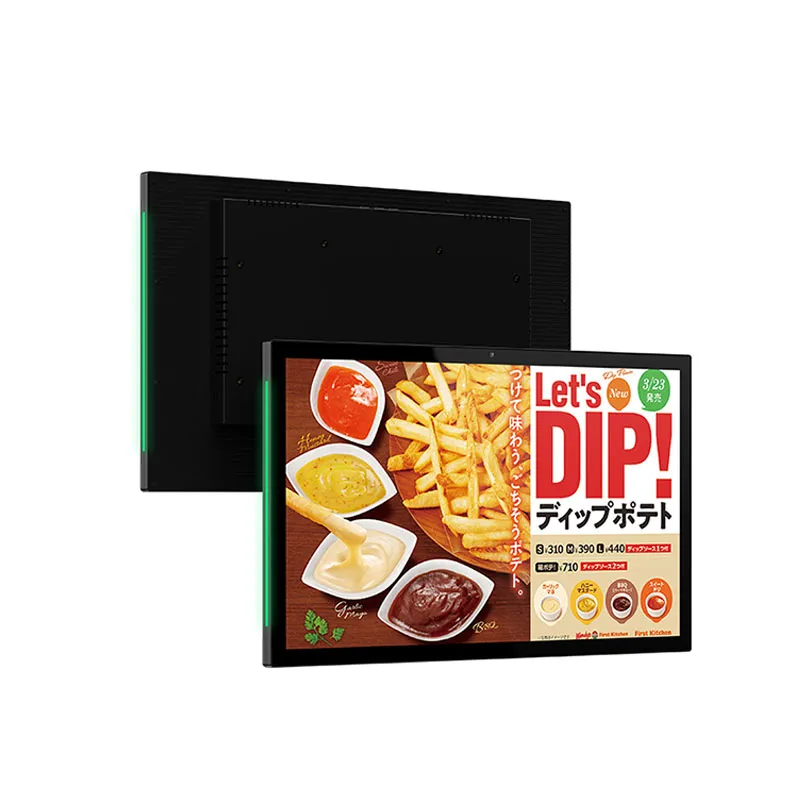
LCD shelf edge displays present full-color content and are better suited to visual advertising, product imagery, animated promotions, and video.
| Comparison | Electronic Shelf Labels | LCD Shelf Edge Displays |
|---|---|---|
| Main purpose | Price and basic information | Product information and advertising |
| Display technology | Commonly e-paper | LCD |
| Color content | Often limited | Full color |
| Video playback | Generally not designed for it | Supported by suitable hardware |
| Power requirements | Typically very low | Requires continuous power |
| Best suited for | Price updates and simple labels | Promotions and visual product content |
The right option depends on the retailer’s objectives. ESL may be more suitable when electronic price management is the primary need. LCD shelf edge displays provide greater flexibility when the aim is to capture attention and showcase richer promotional content.
7. Plan Installation, Power, and Connectivity
Shelf edge displays should integrate naturally with the existing retail environment.
Before installation, retailers should assess shelf dimensions, screen orientation, viewing distance, product placement, and available mounting space.
The mounting structure should secure the display without obstructing access to products or disrupting shelf restocking.
Power and connectivity also require careful consideration.
Power supply: LCD displays typically need a continuous power source. Plan cable routing to keep shelves orderly and minimize the risk of accidental disconnection.
Network connection: Wi-Fi may work well for wireless content management, while Ethernet offers a wired option where available.
Maintenance: Position displays to allow staff to clean and inspect them, and replace them when needed.
For larger retail projects, installation practices should be standardized across shelves and store locations. Consistent mounting positions and cable layouts simplify future maintenance.
8. Select the Right Screen Specifications
Selecting suitable display specifications is vital to dependable performance.
Key considerations include:
Connectivity: Verify that the display includes Wi-Fi, Ethernet, USB, or any other required interfaces.
Choose hardware based on its intended workload. A display used for basic promotional playback may require fewer resources than one running interactive product applications or sophisticated retail software.
For retailers creating their own display products, OEM customization can align the screen size, enclosure, interface configuration, and operating system with the shelf design.
9. Use Content Strategically Instead of Crowding the Screen
The effectiveness of a shelf-edge display depends not only on its hardware but also on the quality of its content design.
Customers often make quick decisions as they move through a store, so promotional messages should be clear and easy to grasp at a glance.
A practical content strategy includes:
For instance, a display promoting a new beverage might feature the product image, its primary selling point, and a brief promotional message. Further details can be shown on a separate slide.
Retailers should also review content regularly to confirm that promotions, product descriptions, and displayed prices remain accurate.
10. Portworld Shelf Edge Display Hardware and OEM/ODM Services
Retailers and solution providers creating customized shelf edge display projects can streamline product development by choosing a manufacturer with integrated hardware and display customization expertise.
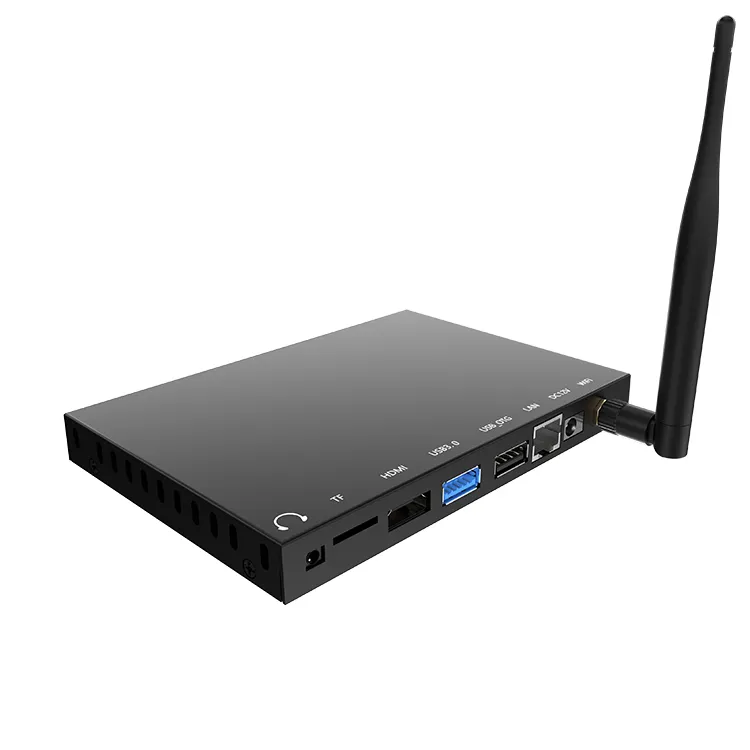
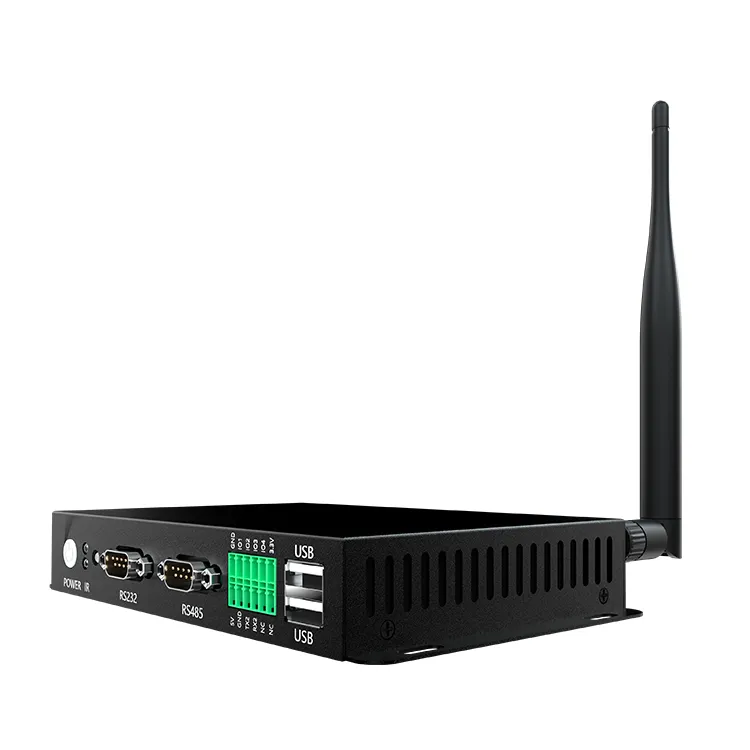
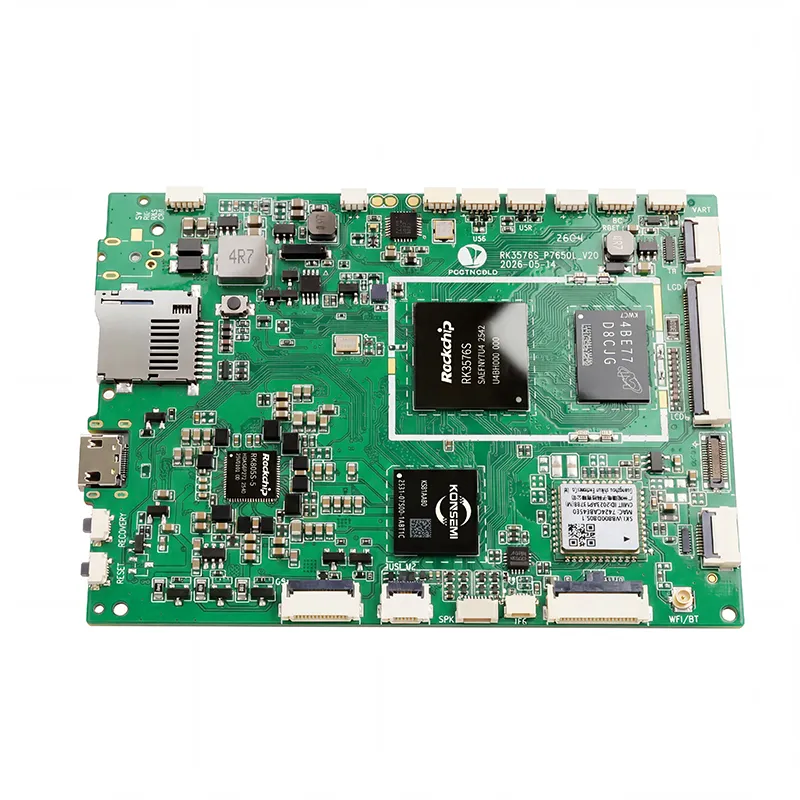
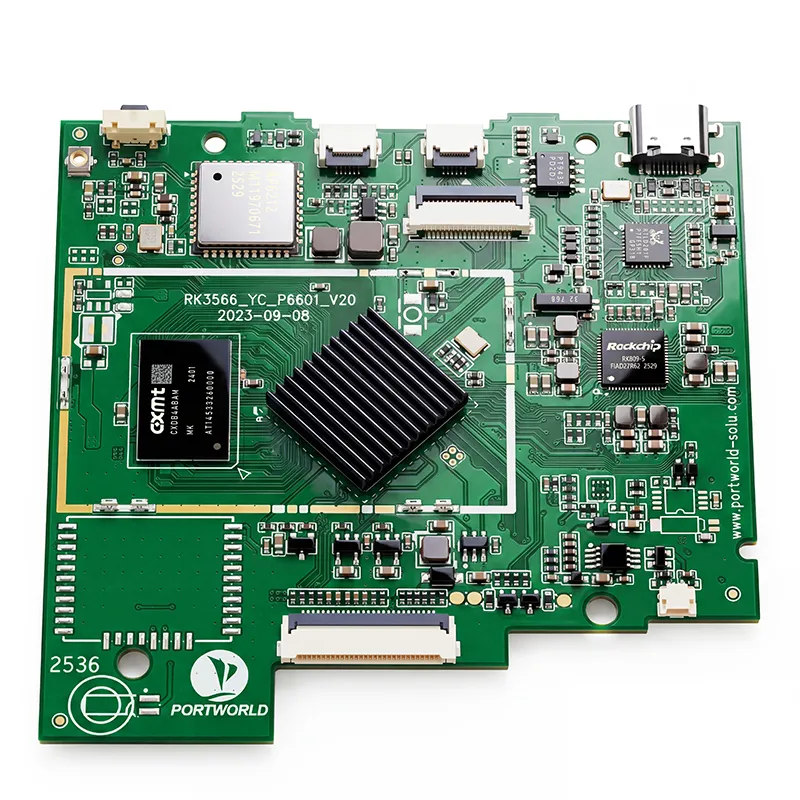
Portworld supplies digital signage hardware, embedded motherboards, and OEM/ODM customization services for commercial display applications.
According to project needs, customization options may include:
Prototype development and large-scale production
For shelf edge applications, the final design should account for shelf dimensions, viewing distance, power availability, content needs, and the planned management system.
Portworld can assist with hardware configuration and customization from initial project assessment through prototype development and manufacturing, helping businesses create digital display products suited to their retail applications.
Shelf edge displays give retailers more ways to communicate product information and promotions directly at the point of purchase. They can introduce product features, highlight discounts, present visual advertising, and support more informed shopping decisions.
The right solution depends on the retailer's objectives. Electronic shelf labels are suitable for basic price information, while LCD shelf edge displays are more appropriate for full-color promotions and dynamic product content.