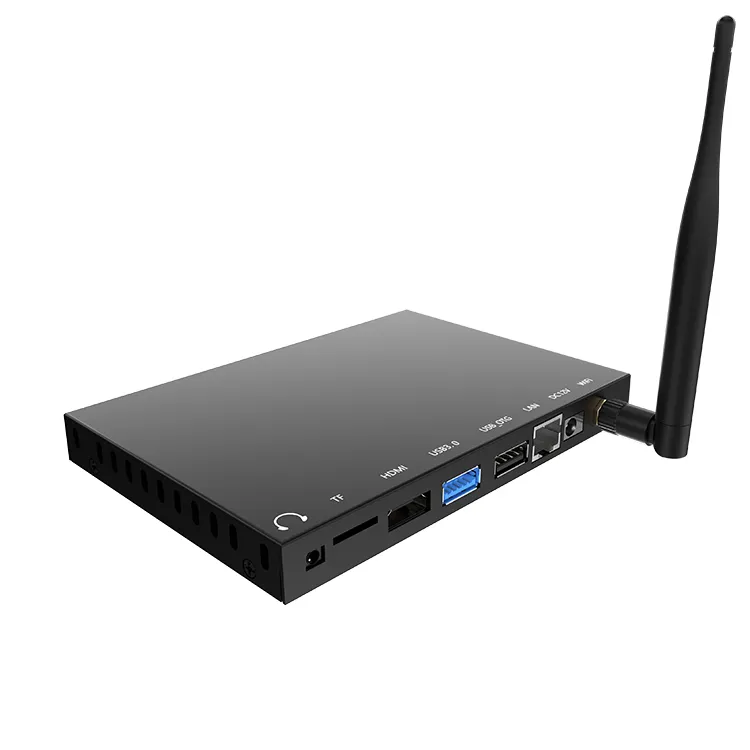
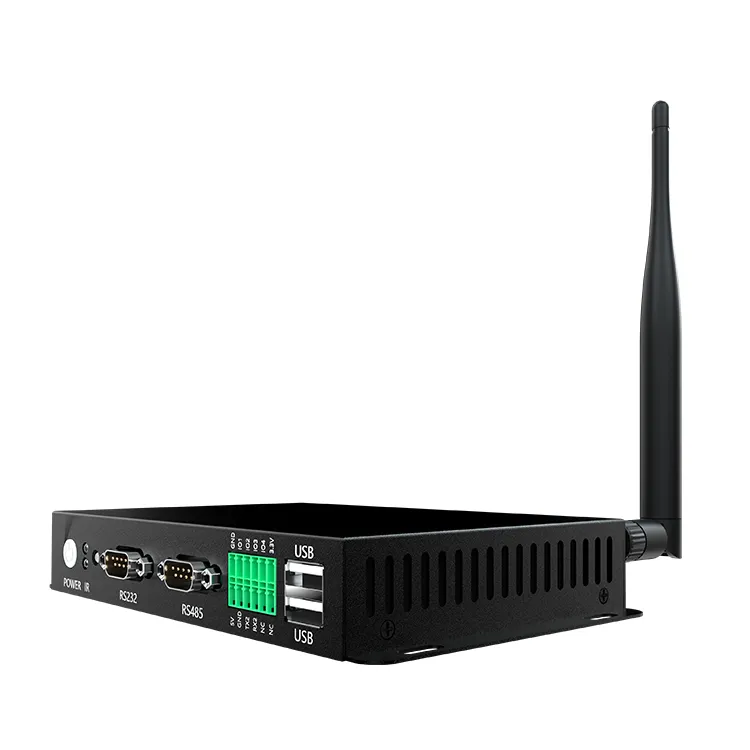
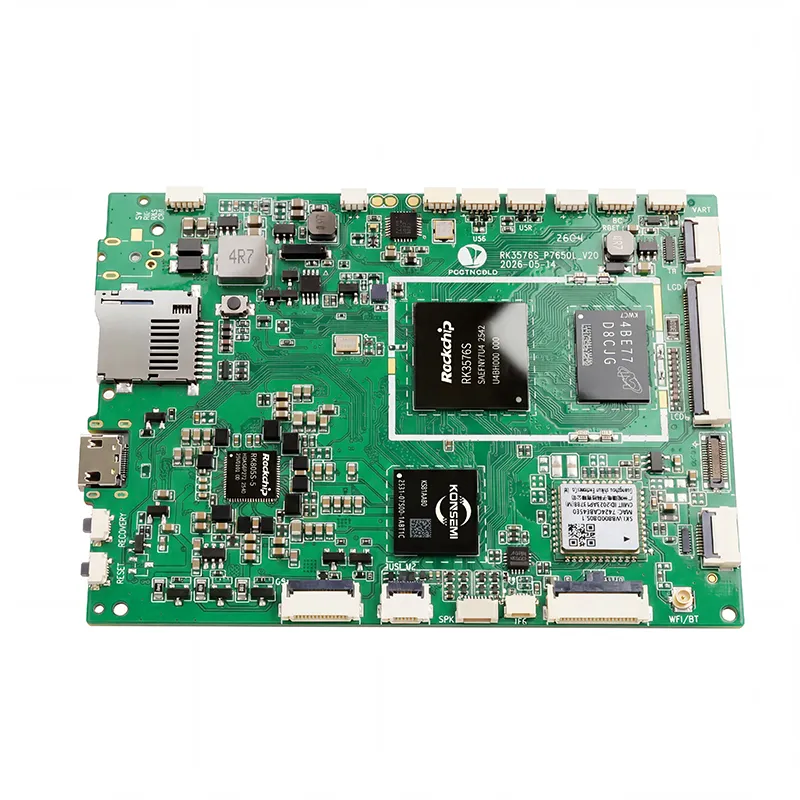
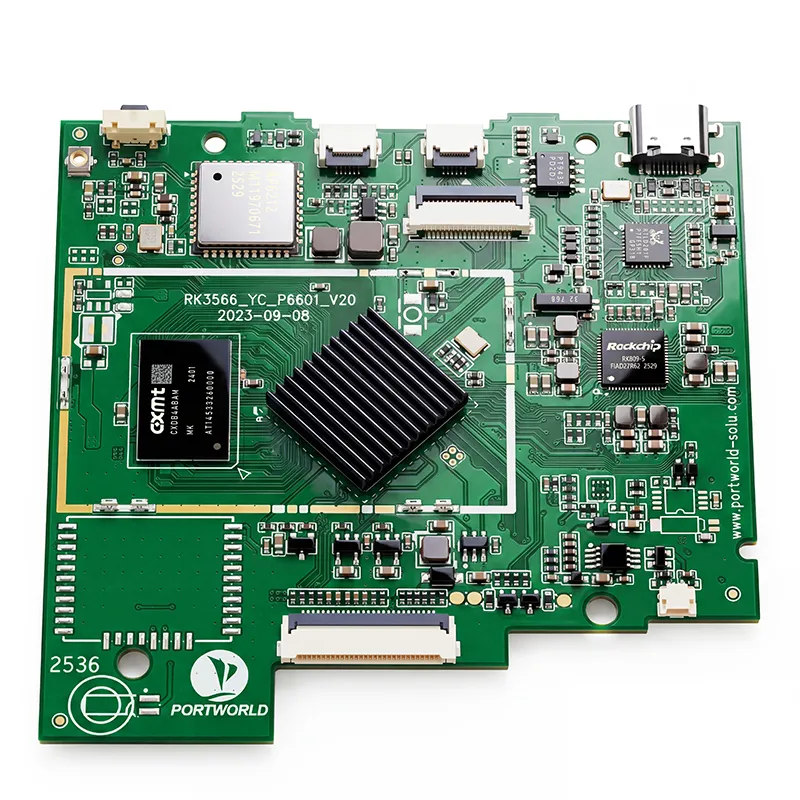
RK3576 Motherboard PCBA Design and Custom OEM/ODM Services
Apr 27,2026
The Next-Gen RK3588 Core board
Powerful, AI-Driven, High-Performance.Shop Now>




Shopping malls need more than conventional advertising boards to attract visitors and share information. Digital advertising kiosks offer a versatile way to showcase promotional videos, introduce stores, publicize events, and help shoppers navigate expansive commercial spaces. Dynamic content and centralized management enable malls to update campaigns more efficiently while creating a more engaging experience for visitors.
Selecting a digital advertising kiosk for a shopping mall involves more than choosing a large screen. Placement, visibility, hardware performance, content management, touchscreen capabilities, and enclosure design all affect which solution is most suitable.
This guide examines the key factors buyers should consider when choosing a digital advertising kiosk for a shopping mall.
1. Identify the Kiosk’s Primary Purpose and Placement
Begin by clarifying what the kiosk should achieve. Shopping malls may use a range of digital displays for advertising, navigation, store details, and visitor services.
Typical uses include:
Interactive information: Enable visitors to browse store listings, search for locations, and find service details.
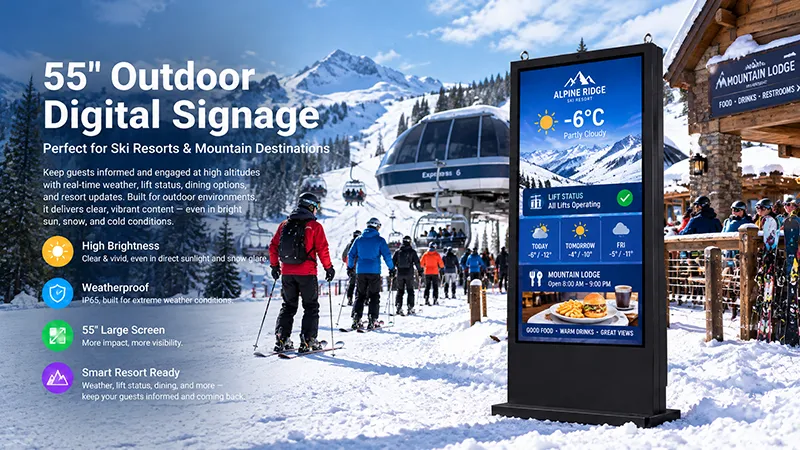
Choose an installation site that supports the kiosk’s intended role. Freestanding units are well suited to entrances, atriums, and open corridors, where they can capture attention. Wall-mounted displays may be more appropriate for narrow walkways or areas near elevators. Touchscreen information kiosks are particularly useful at main entrances and visitor service locations.
Before choosing a product, assess the available space, viewing distance, ambient lighting, foot traffic, and access to power and network connections. Ensure the kiosk is easy to see while keeping walkways, entrances, and emergency exits clear.
2. Choose the Right Screen Size and Brightness
Screen size and brightness have a direct impact on how clearly a kiosk communicates with visitors.
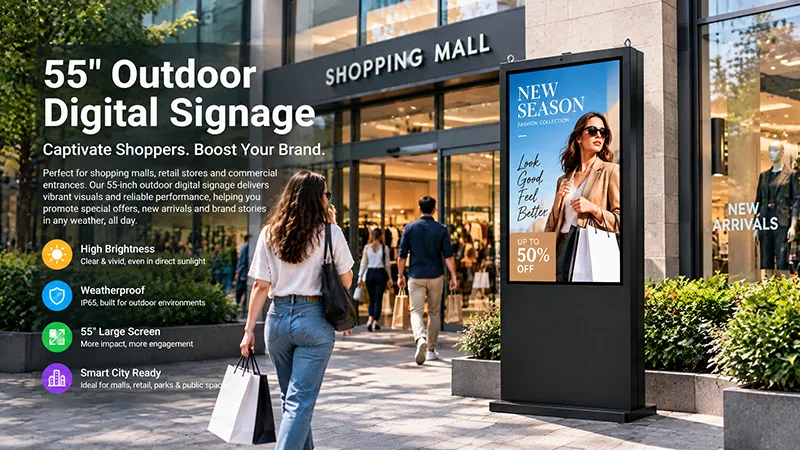
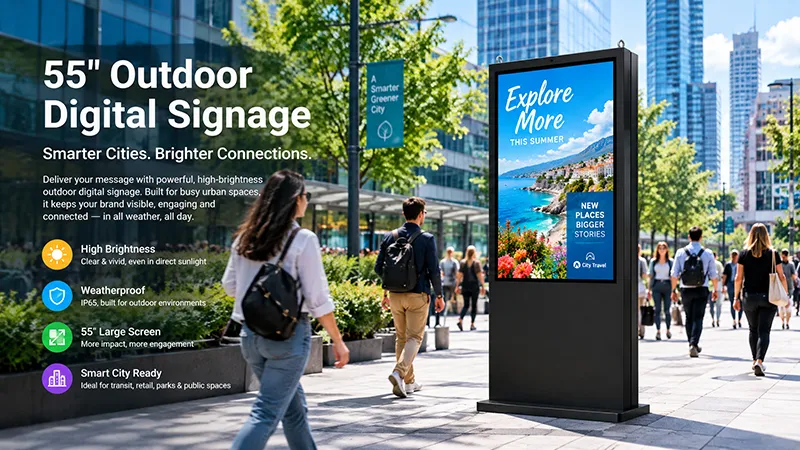
Larger displays create more visual presence in open spaces, while smaller screens can work well at dedicated information points. Common commercial floor-standing sizes include 43-inch and 55-inch displays. The best choice depends on viewing distance and the available installation space.
Screen resolution
Full HD (1920 × 1080) meets the needs of many standard advertising uses, such as promotional videos, images, and announcements. Consider a higher resolution when content includes intricate graphics, small text, or high-resolution product images.
Brightness
Although shopping malls are typically indoors, lighting can vary from one location to another. A kiosk in a dim corridor has different needs from one near a glass entrance or beneath strong overhead lighting.
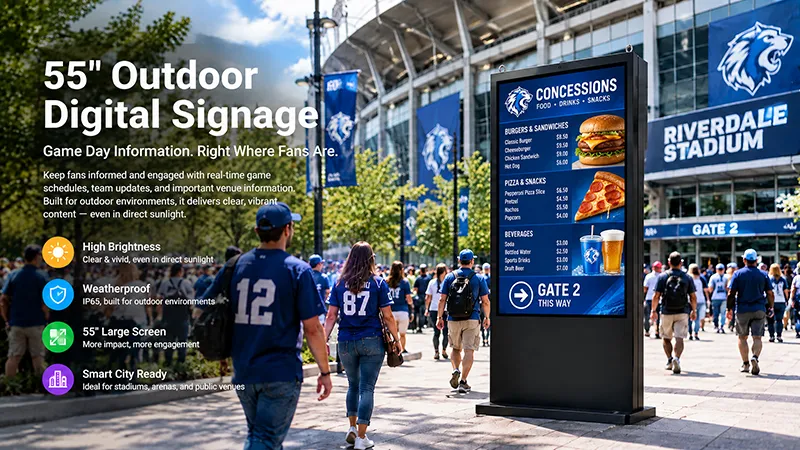
Standard indoor displays may be appropriate for typical mall settings. For areas exposed to direct sunlight or significant reflections, a higher-brightness configuration may be necessary.
Assess the conditions at the intended installation site instead of relying solely on an indoor or outdoor product label.
Viewing angle and orientation
Wide viewing angles allow visitors to view advertising content from a range of positions. Portrait orientation is commonly used for floor-standing advertising kiosks, as it suits promotional posters, vertical videos, and store announcements. Landscape displays may be better suited to certain directories and multimedia presentations.
3. Choose Between Touchscreen and Non-Touch Kiosks
A key decision is whether the kiosk requires interactive functionality.
Non-touch advertising kiosks are designed mainly to display content. They can automatically play promotional videos, product images, event announcements, and advertising playlists, making them suitable for locations where visitors primarily need to view information.
Touchscreen kiosks enable further interaction and can support applications such as:
Projected capacitive (PCAP) and infrared (IR) are common touchscreen technologies. The right option depends on screen size, touch requirements, enclosure design, and budget.
However, a touchscreen alone does not provide directory or self-service capabilities. Buyers must also account for the Android application, user interface, content database, and software integration.
For malls focused primarily on displaying advertisements, non-touch screens may offer a more economical option. Interactive kiosks can deliver greater value when visitors need information and navigation.
4. Assess the Hardware and Operating System
The kiosk’s internal hardware affects how reliably it runs applications and multimedia content.
When considering Android kiosks, buyers should evaluate the processor, RAM, storage capacity, graphics performance, and operating system compatibility.
Processor performance
A suitable ARM-based processor can support standard advertising playback and many commercial signage applications. More demanding interactive projects may need greater processing capacity.
RAM and storage
RAM influences application performance, while internal storage determines the amount of media and software that can be stored locally. The appropriate configuration depends on whether the kiosk plays simple advertising loops or runs more complex applications.
Operating System
Android is widely used in commercial digital signage because it supports multimedia playback and customized applications. Before purchasing, verify the Android version, application compatibility, SDK availability, and whether the manufacturer can customize the firmware.
Automatic application startup is also valuable for commercial deployments. When a kiosk powers on, the advertising application should launch automatically, without requiring staff to configure it manually.
5. Check Content Management and Remote Updating
A shopping mall may operate dozens or even hundreds of advertising screens across multiple floors and locations. Updating each device manually can be inefficient.
A compatible content management system (CMS) enables operators to manage advertising materials centrally.
Depending on the software platform, useful features may include:
For instance, a mall management team might run separate campaigns in the food court, on retail floors, and at the main entrance. Content can then be tailored to each location and promotional period.
Network connectivity is crucial for remote management. Wi-Fi allows flexible installation, while Ethernet may be preferable when a stable wired connection is required.
Before placing an order, verify CMS compatibility. Android hardware does not automatically come with a complete content management platform, so software and integration requirements should be defined separately.
6. Consider Enclosure Design and Public-Space Safety
Shopping mall kiosks are used in busy public settings. Their construction should be stable, durable, and designed to withstand frequent daily use.
Floor-standing models should feature a stable base and a suitable center of gravity. Their dimensions must also suit the intended installation area without obstructing pedestrian traffic.
Additional design considerations include:
Enclosure materials: Metal housings can offer structural stability and a polished, commercial appearance. Their finishes and colors can be tailored to complement the mall’s interior design.
Heat dissipation: The screen, motherboard, and power components produce heat while operating. Ventilation openings and the arrangement of internal components should provide effective thermal management.
Cable management: Power and network cables should be routed safely and tidily to minimize clutter and prevent accidental disconnection.
Maintenance access: Internal components should be easy to reach for inspection and servicing. A well-designed enclosure can shorten repair time when a kiosk requires maintenance.
For public-facing touchscreen models, assess the strength of the front glass and the durability of the touch interface in relation to anticipated usage conditions.
7. Verify Operating Hours and Long-Term Reliability
Digital advertising kiosks in shopping malls typically run during business hours and may operate for extended periods each day.
Buyers should ensure that the chosen display can meet the expected operating schedule. The panel, motherboard, power supply, and enclosure must function reliably together under the intended conditions.
Key factors to review include:
Warranty coverage and spare-parts availability
For large-scale deployments, testing a sample unit can be especially useful. It allows buyers to assess screen quality, advertising playback, network stability, touchscreen responsiveness, and enclosure construction before approving mass production.
Consider long-term reliability in addition to the initial purchase price, particularly when the kiosk will be part of a mall-wide digital signage network.
8. Compare the Overall Project Cost
The total cost of a digital advertising kiosk extends beyond the display hardware.
Depending on the project, additional expenses may include CMS licensing, application development, network installation, custom enclosures, shipping, installation, and ongoing maintenance.
When reviewing supplier quotes, ensure that the configurations being compared are equivalent.
Confirm whether the quoted price covers:
A lower upfront price may not be the most cost-effective option if the product requires further development or cannot work with the planned management system.
For projects involving multiple kiosks, assess production capacity and the manufacturer's ability to maintain consistent specifications across batches.
9. Consider OEM/ODM Customization for Mall Projects
Standard digital advertising kiosks satisfy many common needs, but certain shopping mall projects require tailored hardware or designs.
For instance, a mall might specify a particular screen size, a custom metal enclosure, a branded front panel, or a dedicated Android application. These requirements are easier to coordinate with a manufacturer that offers both hardware and software customization.
Common OEM/ODM options include:
Providing a detailed project specification enables the manufacturer to evaluate feasibility, recommend an appropriate configuration, and prepare an accurate quotation.
10. Portworld Digital Advertising Kiosk Solutions
Portworld offers commercial digital signage and embedded hardware for retail stores, shopping malls, hotels, exhibitions, and other business settings.
Its 55-inch indoor, floor-standing digital signage display is designed for shopping mall advertising. It features a Full HD 1920 × 1080 screen with 350 cd/m² brightness and a Rockchip RK3566 quad-core Cortex-A55 processor operating at speeds of up to 1.8 GHz. The standard configuration includes 2 GB of RAM, 16 GB of storage, and Android 11.
Other features include Wi-Fi, Bluetooth, dual 5 W speakers, and a metal enclosure with ventilation openings and a carrying handle. Optional configurations include IR or capacitive touchscreens.
For projects requiring tailored solutions, Portworld can provide support with hardware configuration, Android system customization, touchscreen integration, enclosure branding, application preinstallation, and OEM/ODM manufacturing.
The final setup can be adapted to the mall’s installation environment, advertising needs, software platform, and deployment volume.
Drawing on its experience with embedded hardware and commercial touchscreen products, Portworld supports projects from initial design and sample development through manufacturing and bulk delivery.