
RK3576 Motherboard PCBA Design and Custom OEM/ODM Services
Apr 27,2026
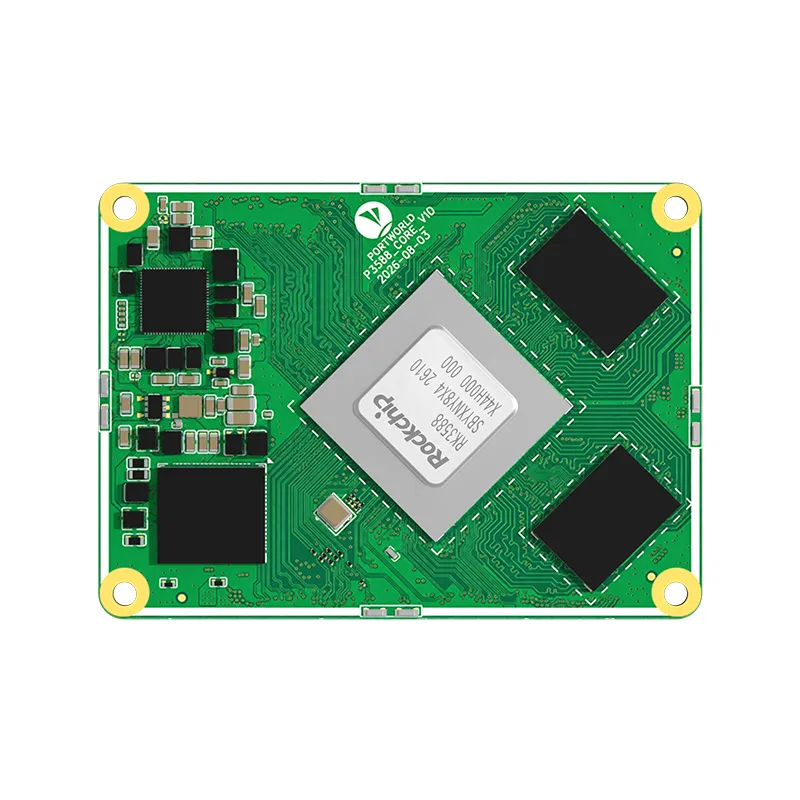
The Next-Gen RK3588 Core board
Powerful, AI-Driven, High-Performance.Shop Now>




When choosing an industrial panel PC, it is common to concentrate on factors such as screen size, processor capabilities, memory, and the operating system. Nonetheless, the significance of communication interfaces should not be overlooked. If your panel PC is unable to establish reliable communication with PLCs, sensors, meters, drives, or other industrial devices, even a high-performance system may not fulfill the requirements of your application.
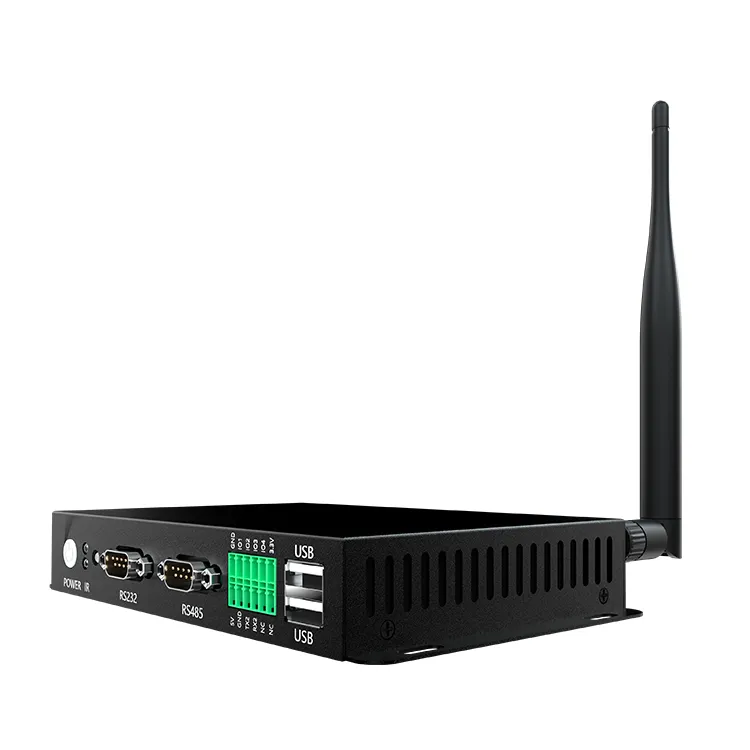
RS232 and RS485 are two prevalent serial communication interfaces utilized in industrial automation. While both facilitate data exchange between electronic devices, they exhibit notable differences in wiring, transmission distance, network topology, and resistance to electrical interference.
So, how do you determine which interface is appropriate for your industrial panel PC? The decision hinges on the equipment you intend to connect, the configuration of your installation, and the communication protocol employed by your control system.
Understanding RS232 and RS485
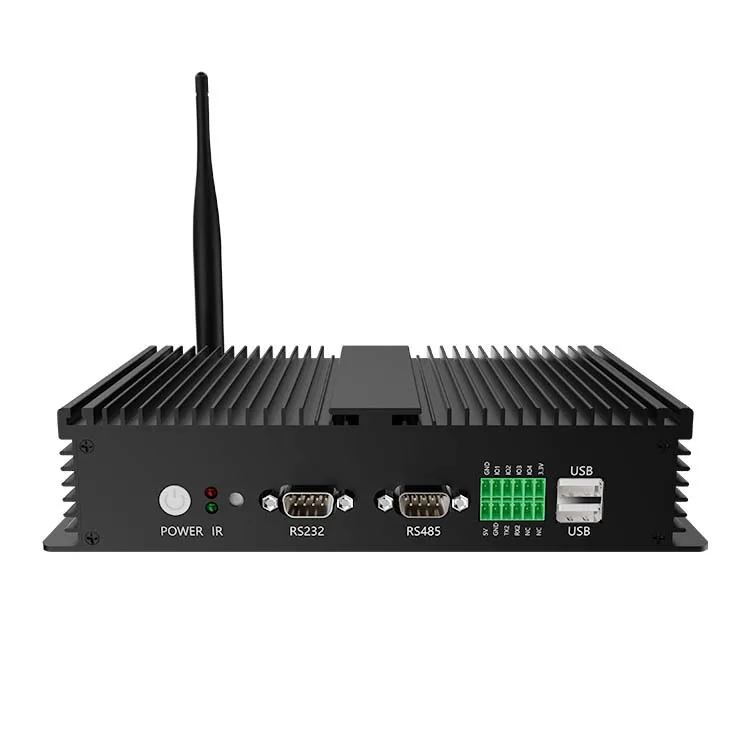
RS232 is a serial communication standard designed for point-to-point connections between two devices. For instance, an industrial panel PC can communicate with a barcode scanner, configuration port, controller, or measurement instrument via an RS232 connection.
RS232 employs single-ended signaling, which means that the signal voltage is referenced to a common ground. Its straightforward connection method renders it practical for short-distance communication between adjacent devices.
In contrast, RS485 utilizes differential signaling. It transmits data using a pair of signal wires, with the receiver interpreting the voltage difference between them. This method offers enhanced resistance to common-mode electrical noise, making RS485 ideal for longer cable runs and demanding industrial environments.
Additionally, RS485 supports multipoint networks, enabling multiple devices to share a communication bus when the network is appropriately designed. This feature is particularly advantageous in production lines, building automation, energy monitoring, and distributed control systems.
A key distinction is that RS232 and RS485 specify electrical signaling characteristics rather than the application protocol itself. Protocols like Modbus RTU can function over RS485 and, in certain implementations, RS232. It is essential to verify compatibility at both the electrical interface and protocol levels.
RS232 vs. RS485: Key Differences
The following comparison highlights the main factors to consider when choosing a serial interface for an industrial panel PC.
| Factor | RS232 | RS485 |
|---|---|---|
| Signaling | Single-ended | Differential |
| Typical topology | Point-to-point | Multipoint bus |
| Cable distance | Usually suitable for short links | Better suited to longer cable runs |
| Noise immunity | More sensitive to electrical noise | Generally better in noisy environments |
| Multiple devices | Typically connects two devices | Supports multiple devices on a shared bus |
| Wiring | Commonly TX, RX, and signal ground | Commonly differential A/B lines, with additional reference or shielding as required |
| Common applications | Configuration ports, scanners, nearby instruments | PLC networks, meters, sensors, drives, distributed controllers |
| Main design consideration | Cable length and grounding | Bus topology, termination, biasing, and device addressing |
The actual transmission distance and data rate are influenced by cable characteristics, baud rate, electrical conditions, grounding, and device implementation. RS485 is frequently utilized for long-distance communication; however, it does not ensure reliable communication without appropriate network design.
When Should RS232 Be Selected for an Industrial Panel PC?
RS232 is a viable option when your industrial panel PC needs to interact with a single nearby device. It is commonly found in legacy industrial equipment, testing instruments, embedded controllers, and maintenance interfaces.
For instance, an operator might utilize a panel PC to configure a controller or gather measurements from an instrument located within the same cabinet. If the connected equipment already has an RS232 port and the cable run is short, RS232 can serve as a straightforward solution.
Additionally, it can be advantageous when integrating older machinery. Replacing an existing controller or communication interface may incur unnecessary costs and validation efforts. A panel PC with built-in RS232 support can facilitate the integration process.
Nevertheless, RS232 becomes less appealing when cables need to traverse a large factory floor or come close to equipment that produces significant electrical interference. Furthermore, it is not intended for connecting multiple devices directly to a single shared serial bus.
Prior to choosing RS232, verify the necessary baud rate, connector type, pin assignment, cable length, and whether the connected device employs a compatible serial configuration.
When Is RS485 the Superior Option?
RS485 is frequently the preferred choice when an industrial panel PC needs to communicate with devices spread throughout a production facility or building.
Take, for instance, an energy-monitoring system that gathers data from several power meters. Rather than establishing a separate serial connection for each meter, an RS485 network can link compatible devices along a common bus. The panel PC can subsequently retrieve their readings via an appropriate serial interface and software protocol.
Similar configurations are prevalent in:
RS485 proves particularly advantageous when communication cables need to span longer distances or function in proximity to motors, inverters, and other potential sources of electrical interference.
However, RS485 is not universally compatible with all industrial devices. It is essential to confirm the protocol, baud rate, parity, device address, and wiring specifications. For instance, if a system operates using Modbus RTU, both the panel PC application and the connected devices must adhere to compatible Modbus configurations.
The Importance of RS232 and RS485 in Choosing an Industrial Panel PC
The communication interfaces present on an industrial panel PC play a crucial role in its ability to integrate seamlessly with existing equipment. A panel PC may possess an appropriate touchscreen, processor, and operating system, yet it may still necessitate additional hardware if its serial ports do not align with the target devices.
Prior to making a purchase, compile a list of the equipment that the panel PC needs to communicate with. Determine which devices utilize RS232, which ones utilize RS485, and whether any require Ethernet, USB, CAN, or other types of interfaces.
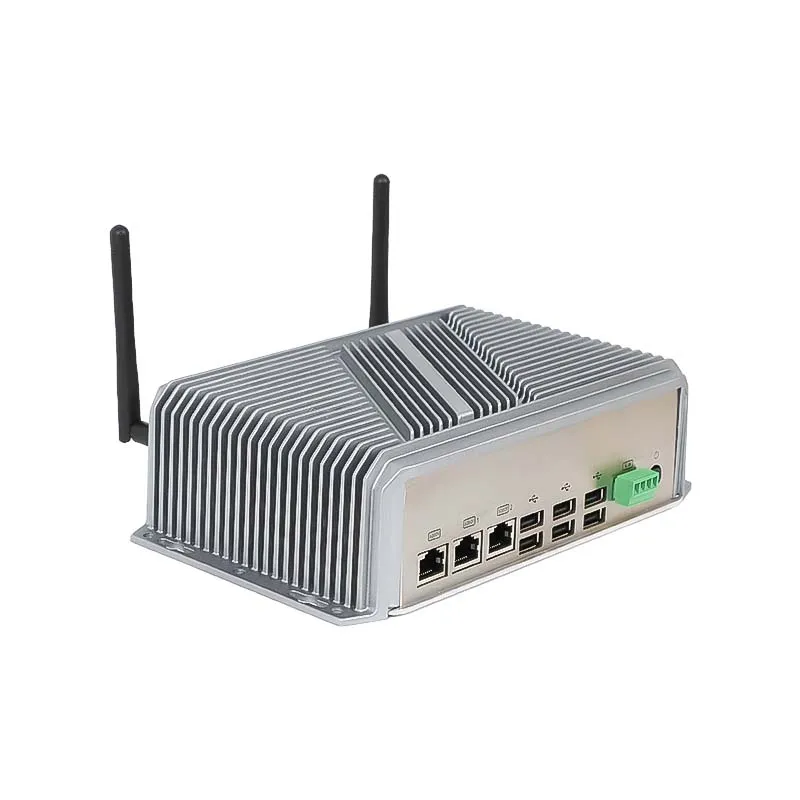
It is also important to assess the number of available ports. If the application demands simultaneous communication with multiple devices, a single serial port may prove inadequate. Depending on the hardware configuration, you might require several independent ports, an expansion board, a USB-to-serial adapter, or a custom motherboard design.
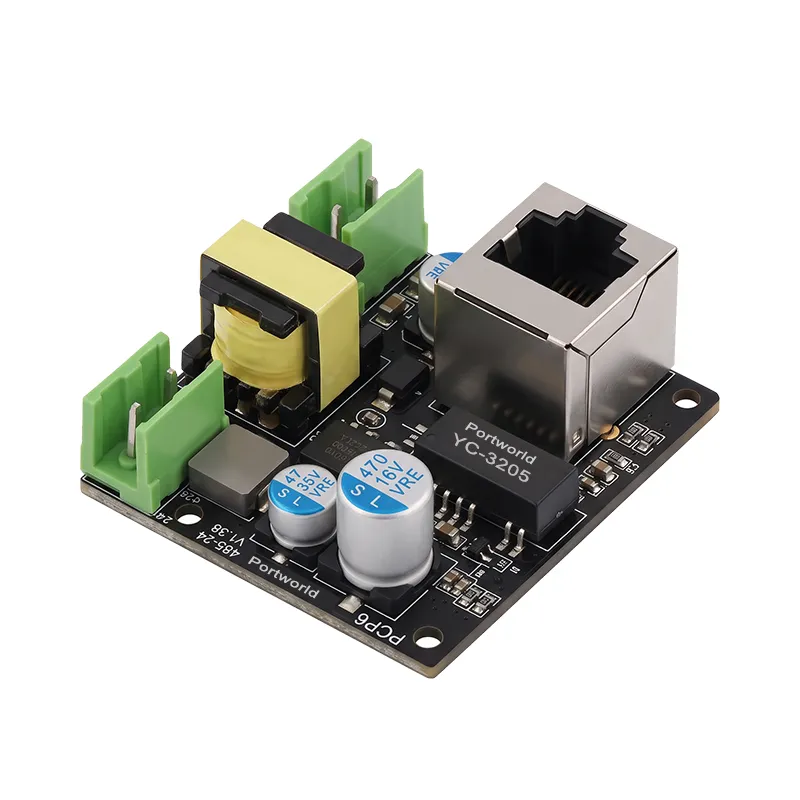
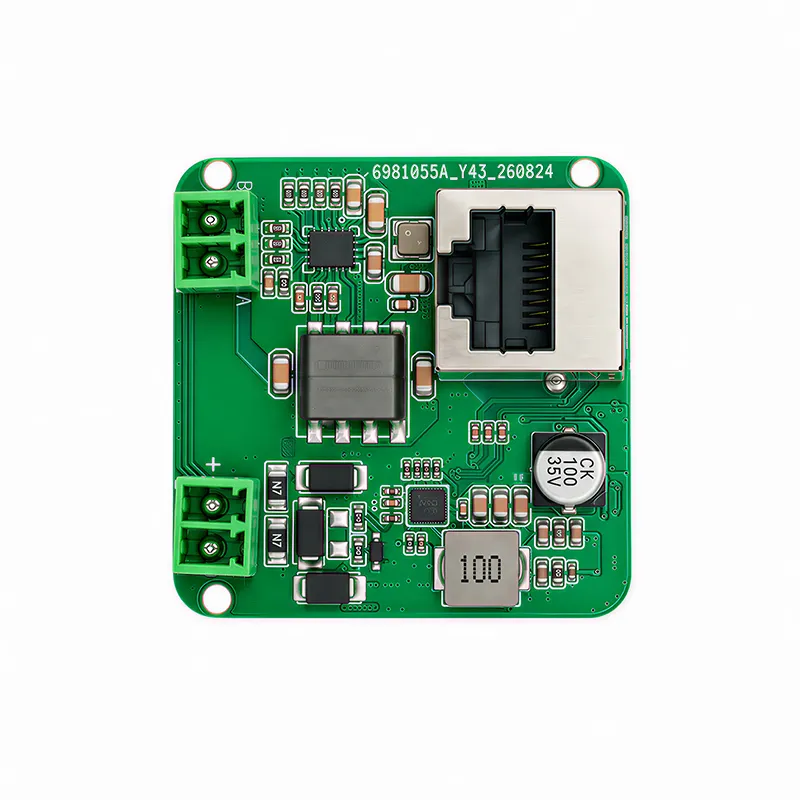
Electrical isolation is another critical factor. In environments with significant ground-potential differences or challenging electrical conditions, isolated serial interfaces can mitigate communication issues and safeguard equipment. The necessity for isolation is contingent upon the installation and the design of the interface; it should not be presumed to be available merely because a device supports RS485.
For applications that require both RS232 and RS485, opting for a panel PC that offers the appropriate combination of interfaces can minimize the need for external adapters and streamline the installation process.
Other Considerations Alongside Serial Interfaces
RS232 and RS485 represent only a portion of the selection criteria. A dependable industrial panel PC must also align with the application's computing, environmental, and software specifications.
Processor architecture and performance: ARM-based systems may be suitable for embedded HMI applications, equipment monitoring, and dedicated control interfaces. Conversely, for more intensive desktop applications, legacy software, or specific industrial software packages, an x86 platform might be more fitting.
Operating system and software compatibility: It is essential to verify whether your HMI software, device drivers, database, and communication libraries are compatible with the chosen operating system. Android, Linux, Ubuntu, Debian, and Windows can be appropriate for various projects, but compatibility must be confirmed for the specific application.
Display and touch requirements: The screen size, brightness, viewing angle, touch technology, and mounting method should correspond to the installation environment. A wall-mounted operator terminal and a panel PC situated within a machine enclosure may have significantly different requirements.
Environmental protection: Take into account the operating temperature, dust, moisture, vibration, enclosure design, and front-panel protection. An IP rating pertains to a specific enclosure configuration and should be validated against the manufacturer's documentation.
Long-term availability and customization: Industrial projects may necessitate consistent hardware across multiple production cycles. Verify component availability, lifecycle expectations, spare-part support, and whether the supplier can tailor interfaces or software for future iterations.
These considerations should be assessed collectively rather than viewing the serial interface as a standalone specification.
An Industrial Panel PC Can Support Both RS232 and RS485.
Indeed, numerous industrial applications gain advantages from having access to both interfaces. For instance, a machine might utilize RS232 for local configuration purposes while depending on RS485 for communication with a network of controllers or meters.
Nonetheless, the quantity and type of serial ports differ by model. Certain panel PCs provide one or more native serial ports, whereas others may necessitate optional configurations or external adapters.
When assessing a product, it is advisable to inquire with the manufacturer to verify:
These specifications are especially crucial for OEM projects, where the panel PC must integrate seamlessly into an existing control architecture.
Custom Industrial Panel PCs from Portworld
For manufacturers of equipment and integrators of industrial automation, selecting the appropriate panel PC goes beyond merely choosing the one with the largest screen or the fastest processor. It is essential to choose a panel PC that aligns with the communication architecture, installation environment, and software specifications of the final machine.
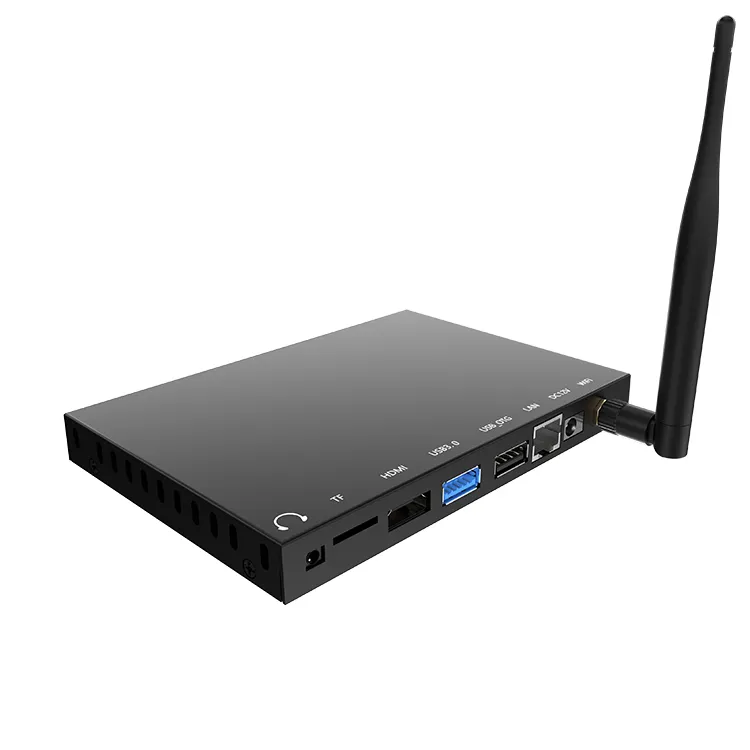
Portworld offers a range of industrial touchscreen monitors, embedded industrial panel PCs, and embedded computing boards tailored for industrial HMI and equipment integration projects.
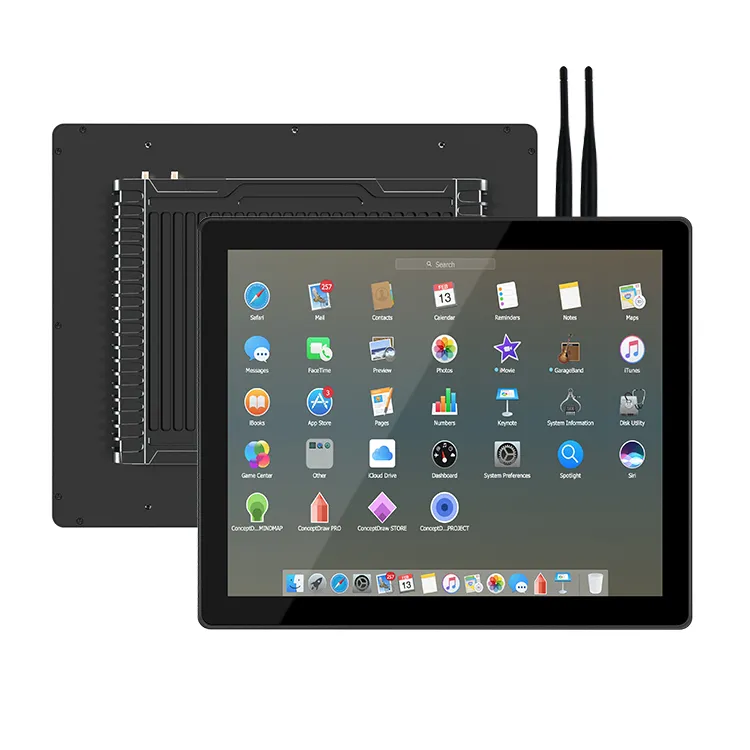
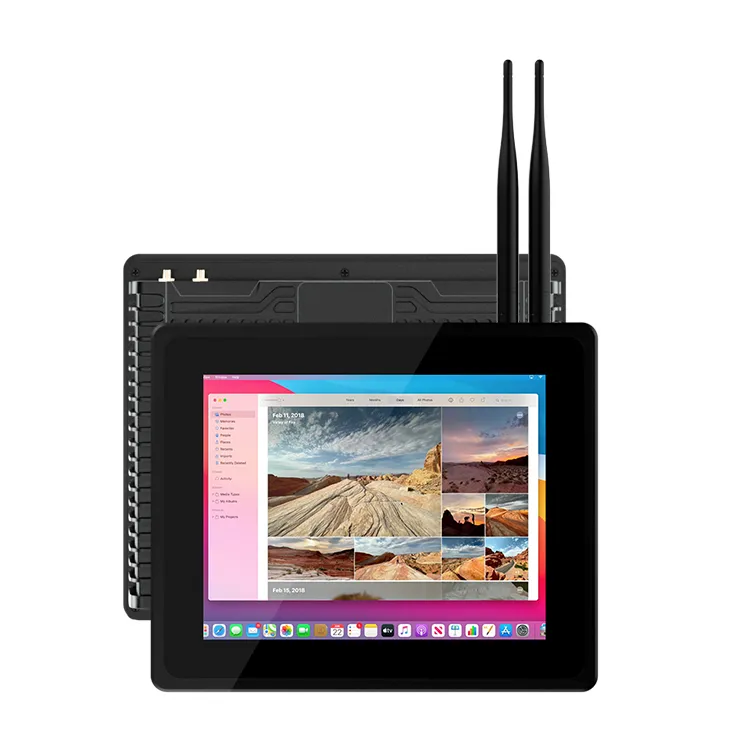
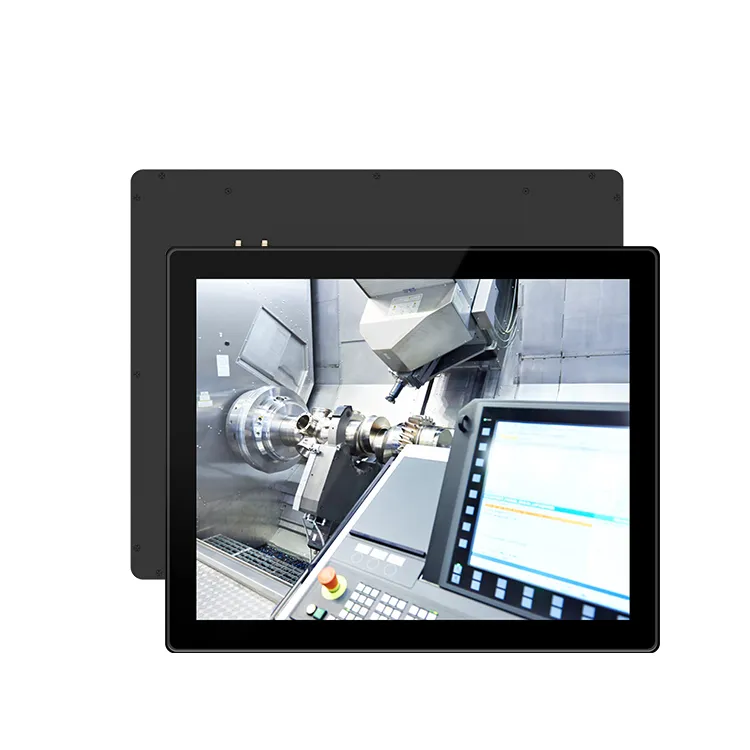
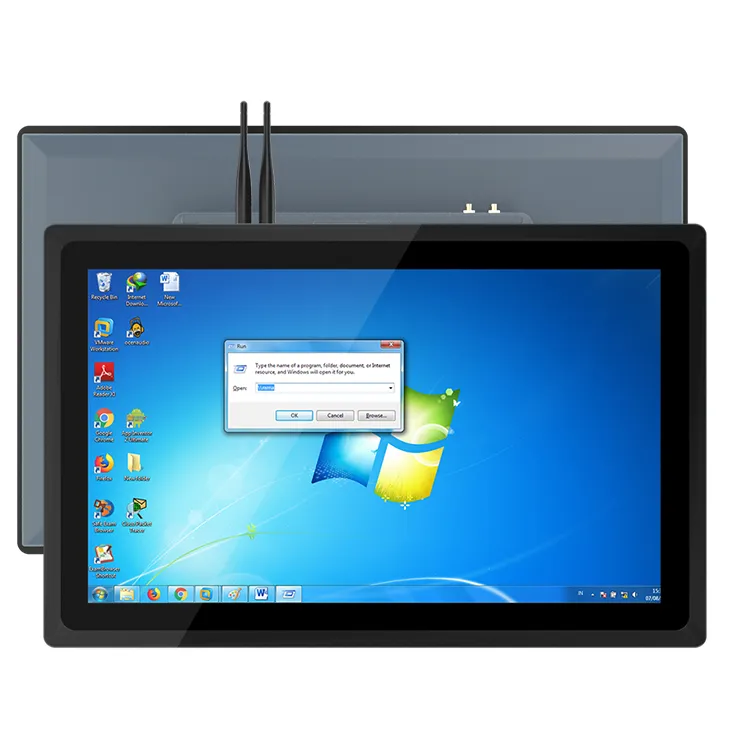
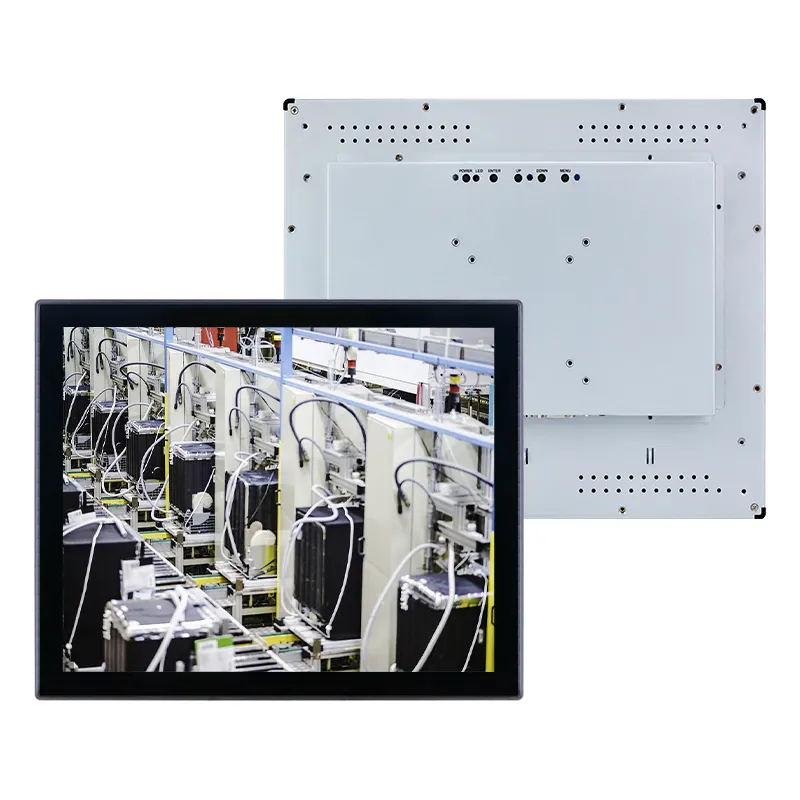
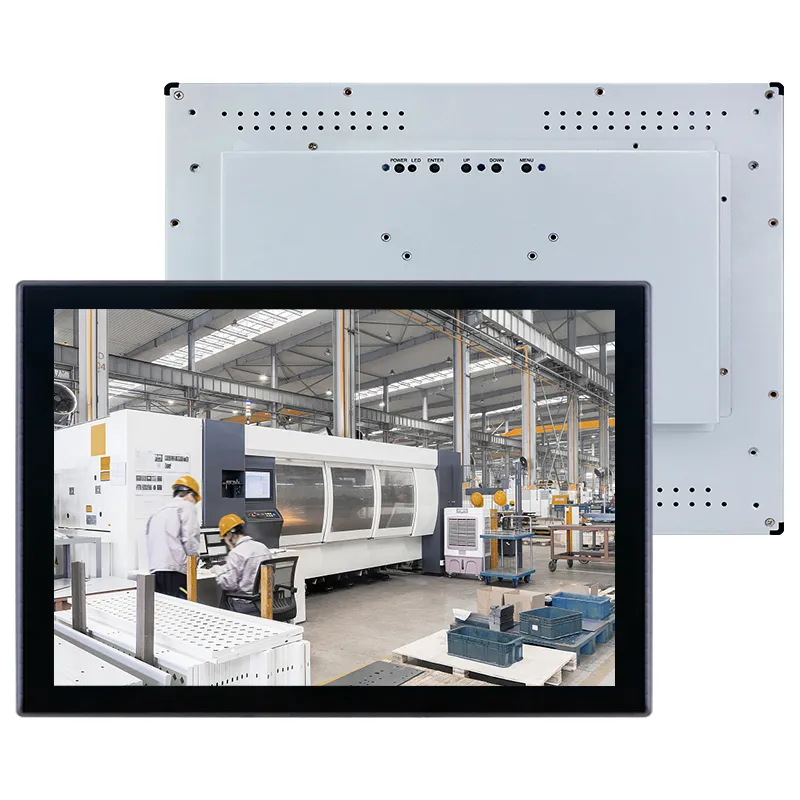
For instance, the YC-104EM is a 10.4-inch industrial touchscreen panel PC featuring an aluminum casing, 10-point capacitive touch technology, and front-panel IP65 protection. Meanwhile, the YC-215EM is a 21.5-inch all-in-one industrial panel PC designed for applications requiring a more extensive operator interface. It is important to verify the specific processor and interface configurations for the chosen model prior to placing an order.
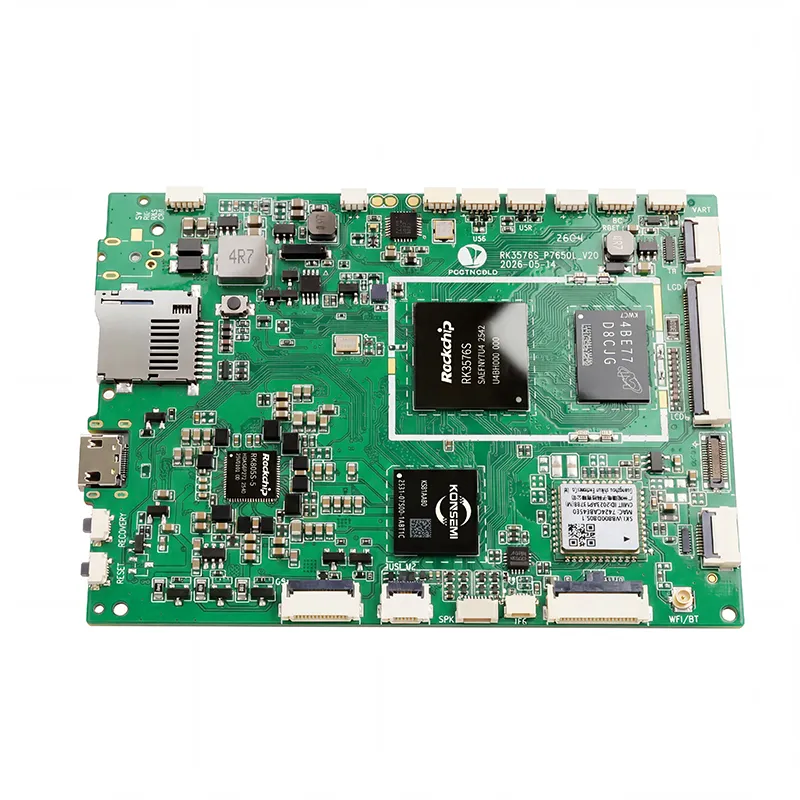
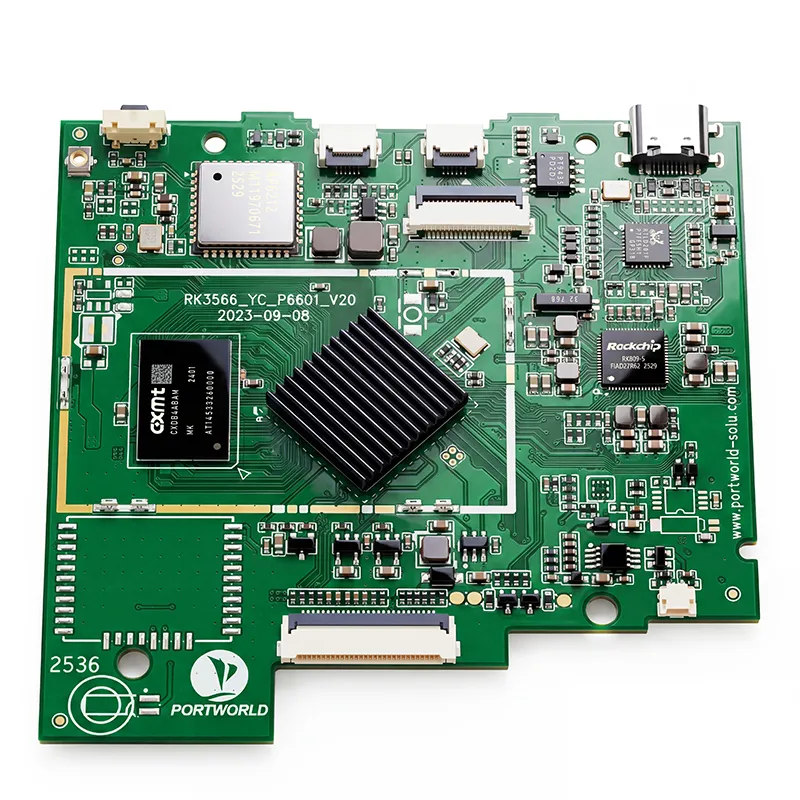
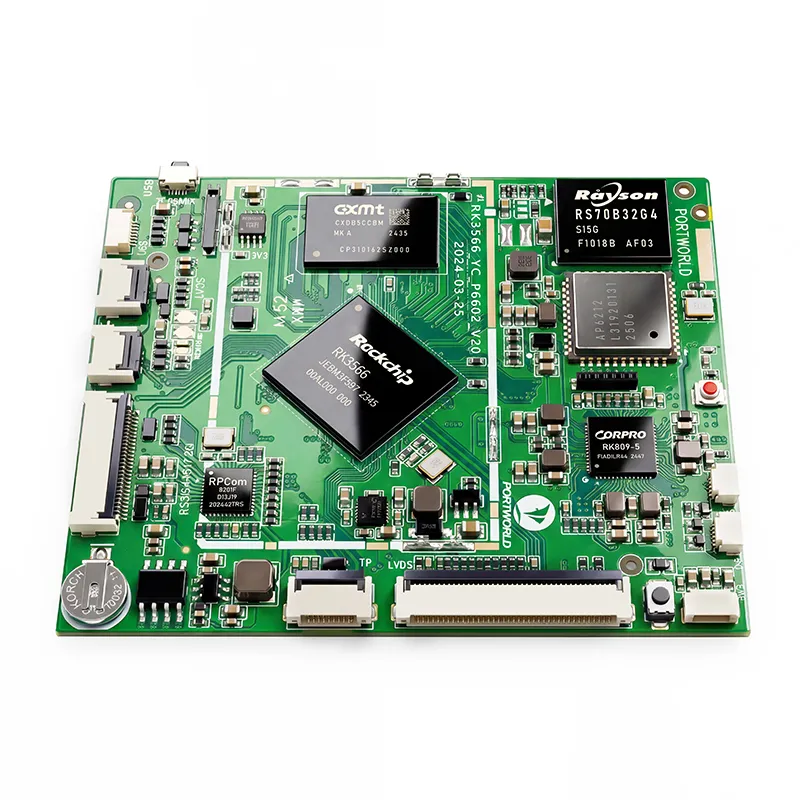
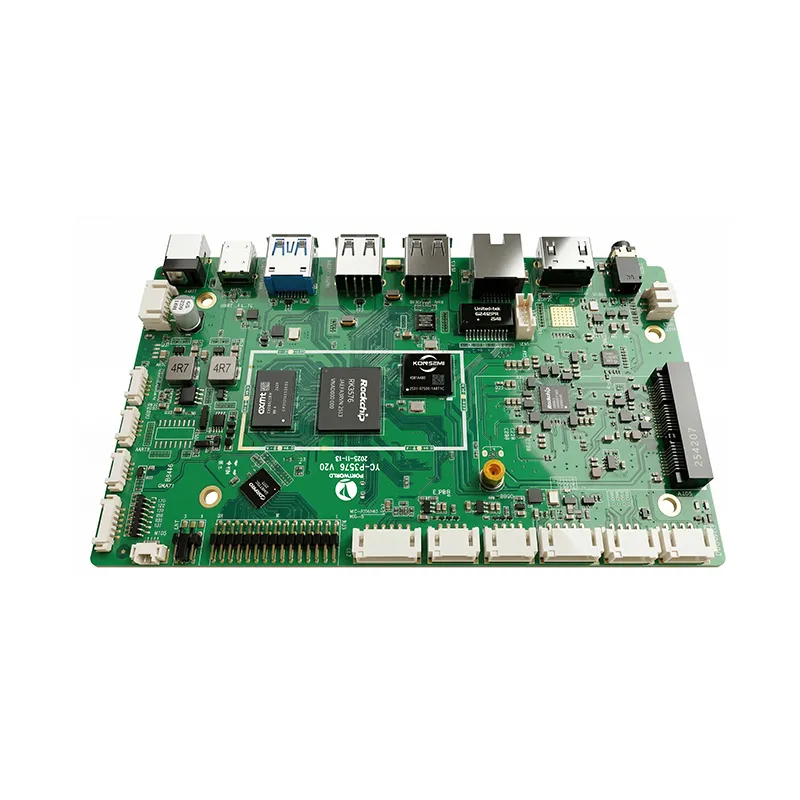
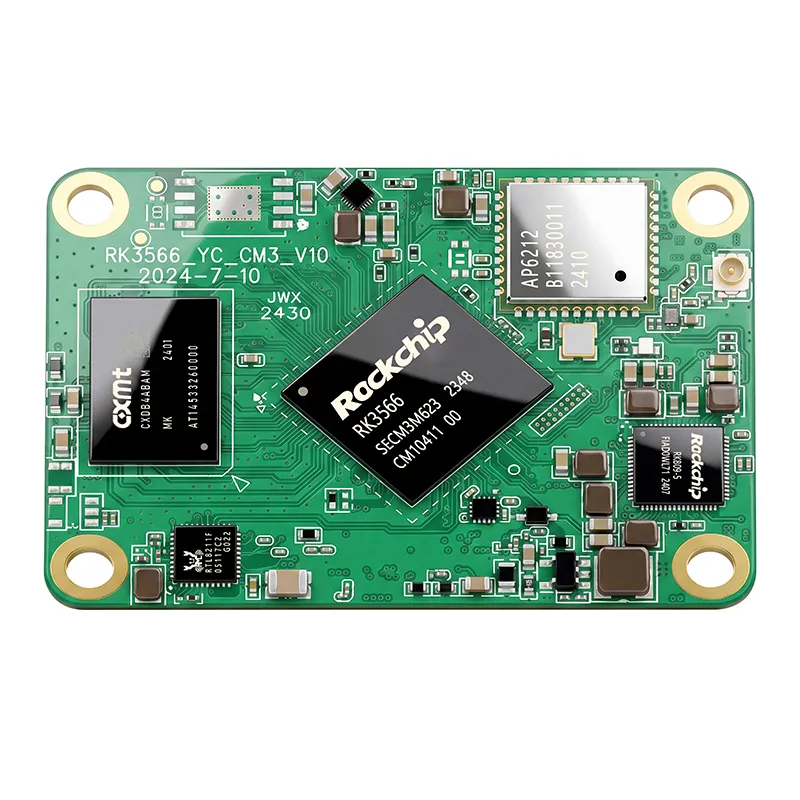
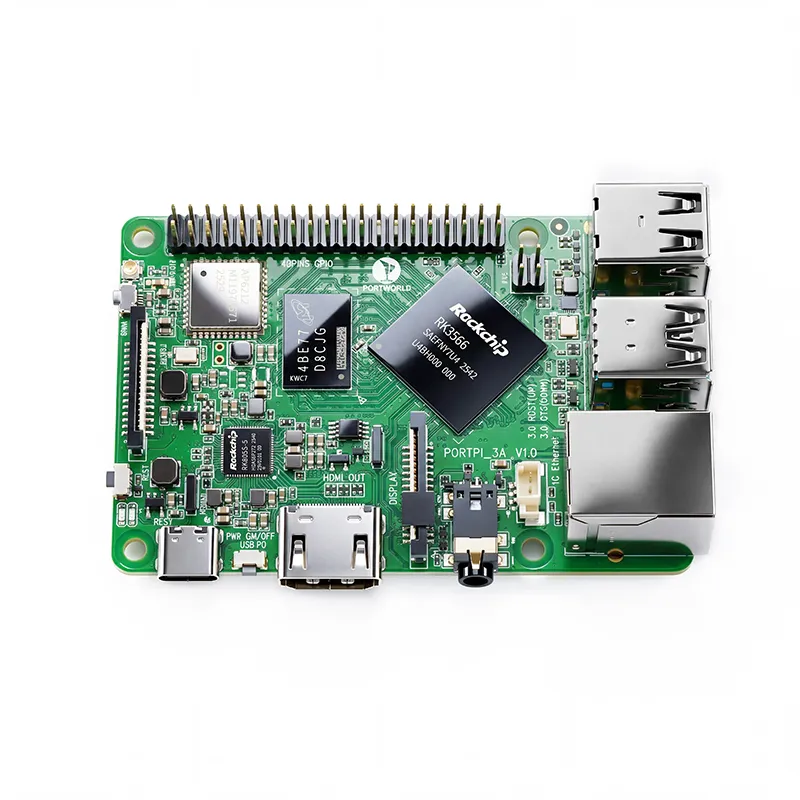
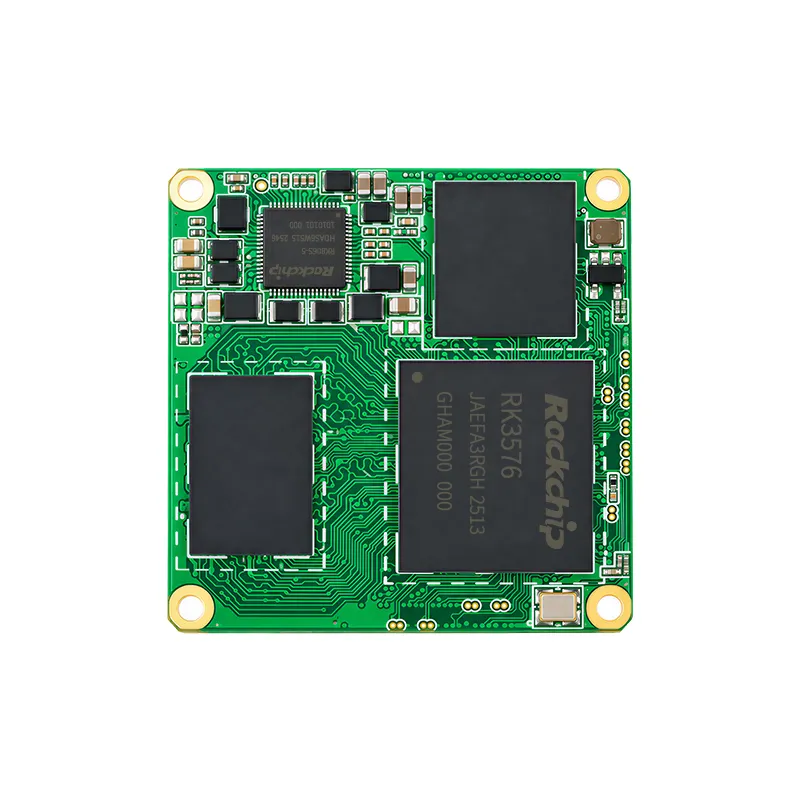
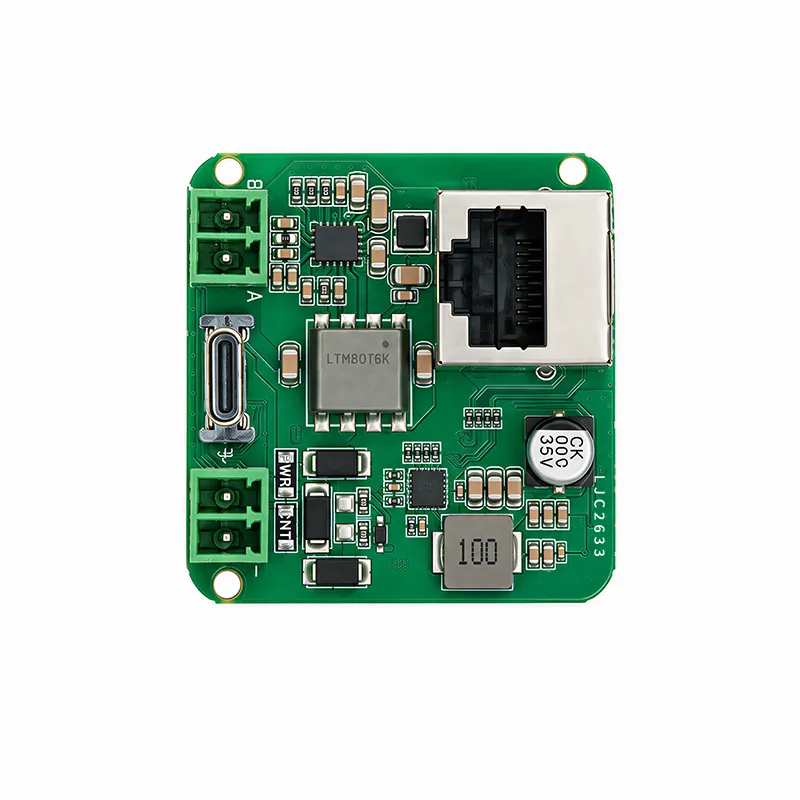
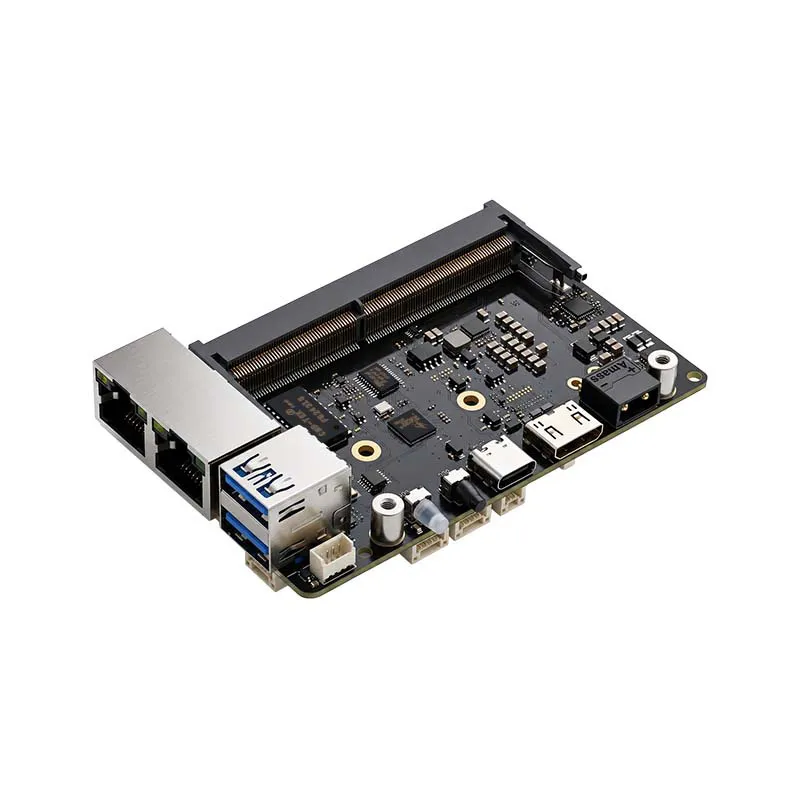
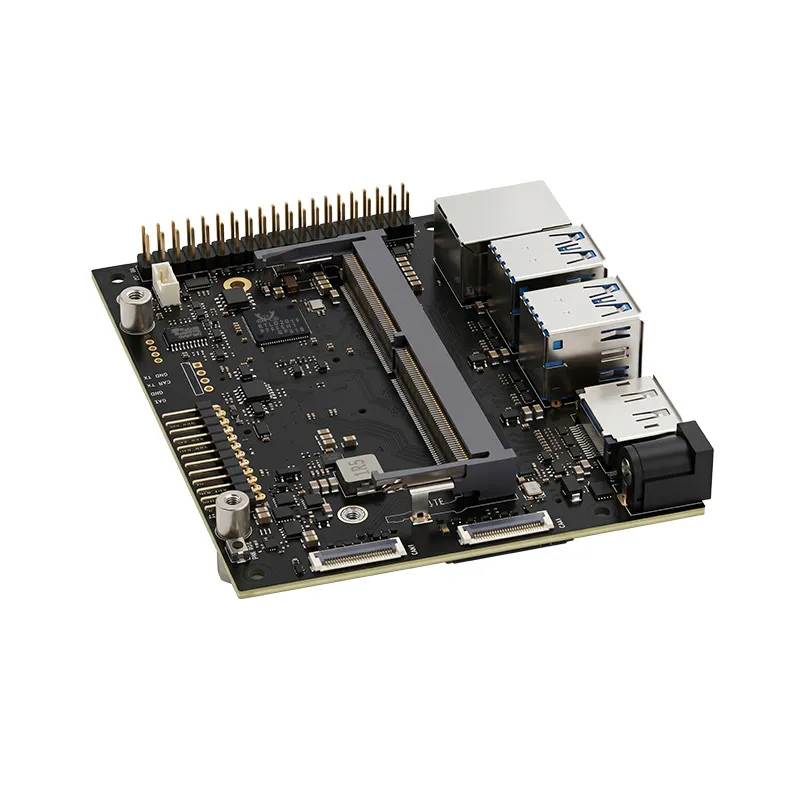
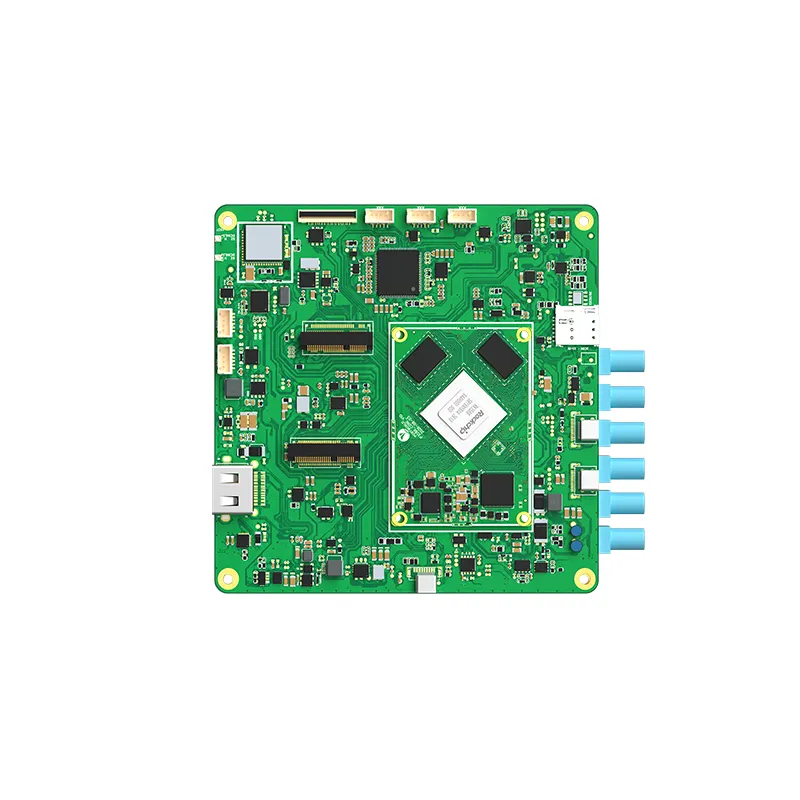
For projects necessitating a more tailored embedded platform, Portworld also offers motherboard and system-on-module solutions, such as the YC-P3566, which is based on the Rockchip RK3566 platform, and the YC-P3576, which utilizes the Rockchip RK3576 platform. These options are suitable for embedded HMI and industrial monitoring applications, contingent upon the necessary interface design and software compatibility.
Custom Industrial Panel PCs from Portworld
For manufacturers of equipment and integrators of industrial automation, selecting the appropriate panel PC goes beyond merely choosing the one with the largest screen or the fastest processor. It is essential to choose a panel PC that aligns with the communication architecture, installation environment, and software specifications of the final machine.
Portworld offers a range of industrial touchscreen monitors, embedded industrial panel PCs, and embedded computing boards tailored for industrial HMI and equipment integration projects.
For instance, the YC-104EM is a 10.4-inch industrial touchscreen panel PC featuring an aluminum casing, 10-point capacitive touch technology, and front-panel IP65 protection. Meanwhile, the YC-215EM is a 21.5-inch all-in-one industrial panel PC designed for applications requiring a more extensive operator interface. It is important to verify the specific processor and interface configurations for the chosen model prior to placing an order.
For projects necessitating a more tailored embedded platform, Portworld also offers motherboard and system-on-module solutions, such as the YC-P3566, which is based on the Rockchip RK3566 platform, and the YC-P3576, which utilizes the Rockchip RK3576 platform. These options are suitable for embedded HMI and industrial monitoring applications, contingent upon the necessary interface design and software compatibility.