RK3576 Motherboard PCBA Design and Custom OEM/ODM Services
Apr 27,2026
The Next-Gen RK3588 Core board
Powerful, AI-Driven, High-Performance.Shop Now>




Modern production lines produce a continuous flow of operational data, encompassing machine status, cycle times, production counts, quality results, and equipment alarms. However, in numerous factories, this data is often dispersed across individual machines, local displays, spreadsheets, and unconnected software systems. The absence of a comprehensive view of production performance can complicate the identification of bottlenecks and the response to unforeseen downtime.
Industrial panel PCs serve as an effective interface for consolidating production information at the shop-floor level. They enable operators to monitor equipment status, engage with manufacturing applications, acknowledge alarms, and retrieve production data via a touchscreen specifically designed for industrial settings. When integrated with PLCs, manufacturing execution systems (MES), and other factory software, these devices can play a crucial role in a more extensive production monitoring solution.
For manufacturers considering the implementation of a new monitoring system, it is essential to choose a panel PC based on the data it needs to present, the equipment it must interface with, and the operational conditions it will encounter.
What Function Does an Industrial Panel PC Serve in Production Monitoring?
An industrial panel PC integrates a display, touchscreen, and computing platform into a single device. Positioned next to machinery, at a production workstation, or within a control area, it provides operators with immediate access to the necessary information and software for monitoring production.
The function of the panel PC varies based on the system architecture. In a straightforward setup, it may simply show machine status and offer a local operator interface. In a more interconnected environment, it could operate an HMI application, access an MES dashboard, gather data through compatible interfaces, or interact with a central monitoring system.
Common information for production monitoring includes:
Maintenance notifications and operating hours
For instance, an operator at a packaging station might utilize a touchscreen to verify the current work order, track completed units, examine machine alarms, and document quality inspection results. Subsequently, supervisors could leverage the connected production system to assess performance across multiple workstations.
The panel PC serves as the local computing and interaction interface; however, it does not inherently establish a comprehensive monitoring system. The effectiveness of data collection, visualization, storage, and reporting is contingent upon the application software, communication architecture, and the equipment connected to it.
1. Identify Your Monitoring Needs Prior to Selecting Hardware
The initial phase in developing a production monitoring system involves specifying the information that operators and production managers require.
A machine operator may primarily seek real-time status updates, alarm alerts, and work instructions. Conversely, a production supervisor might require data on output versus targets, historical downtime, and performance metrics at the shift level. Maintenance staff may need access to equipment runtime, fault codes, and sensor data.
These specifications will dictate the necessary display size, processing power, communication interfaces, and software environment for the industrial panel PC.
For a single machine, a compact touchscreen could suffice. However, for a workstation that needs to present detailed production diagrams, quality records, and multiple dashboard panels, a larger display would be more suitable. Additionally, if the device is required to operate a complex Windows application, its computing platform must align with the software's specifications.
It is beneficial to categorize monitoring requirements into three distinct groups:
Live monitoring: This includes the information that operators require during production, such as the operating status, cycle count, and any active alarms.
Historical analysis: This encompasses data utilized for reviewing downtime, output trends, quality concerns, and shift performance. Typically, this information necessitates a database or monitoring application that extends beyond the capabilities of the panel PC itself.
Operator interaction: This involves tasks such as confirming work orders, entering inspection results, acknowledging alarms, or selecting machine recipes.
Establishing these functions at an early stage helps to avoid over-specifying the hardware or realizing too late that the chosen device cannot accommodate the necessary application.
2. Strategize the Connection of the Panel PC to Production Equipment
Communication compatibility stands as one of the most critical factors in a production monitoring initiative. Factories may house PLCs, meters, sensors, barcode scanners, and machines from various generations, each employing different interfaces or protocols.
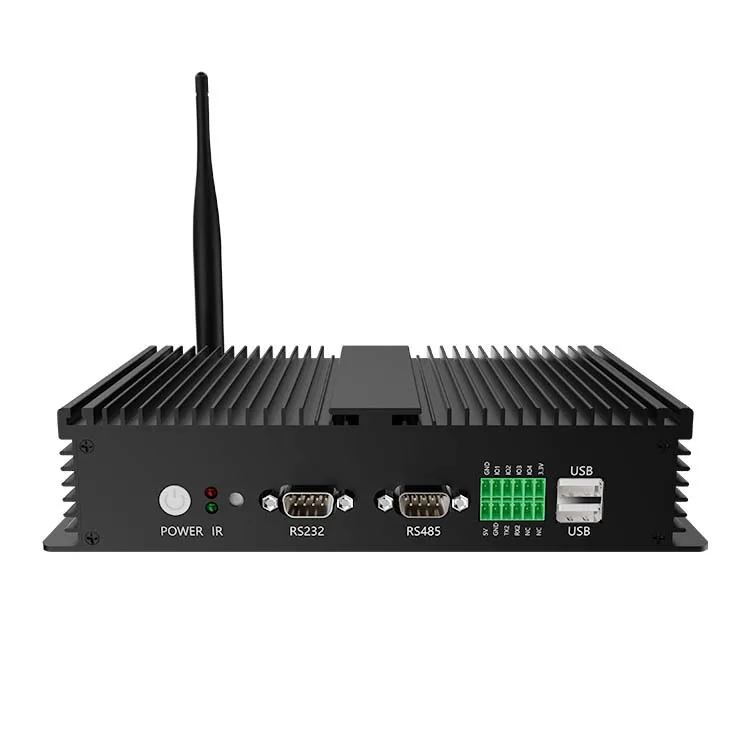
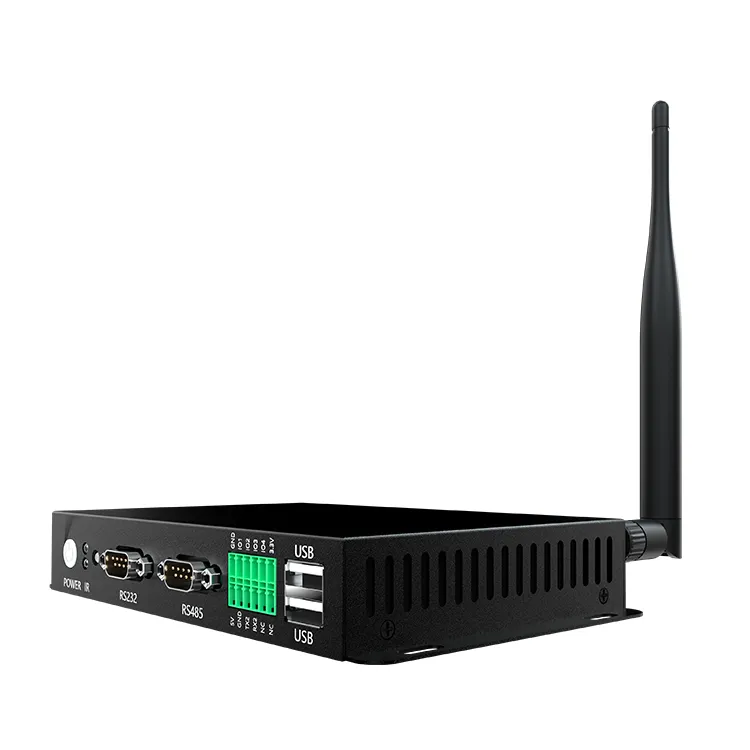
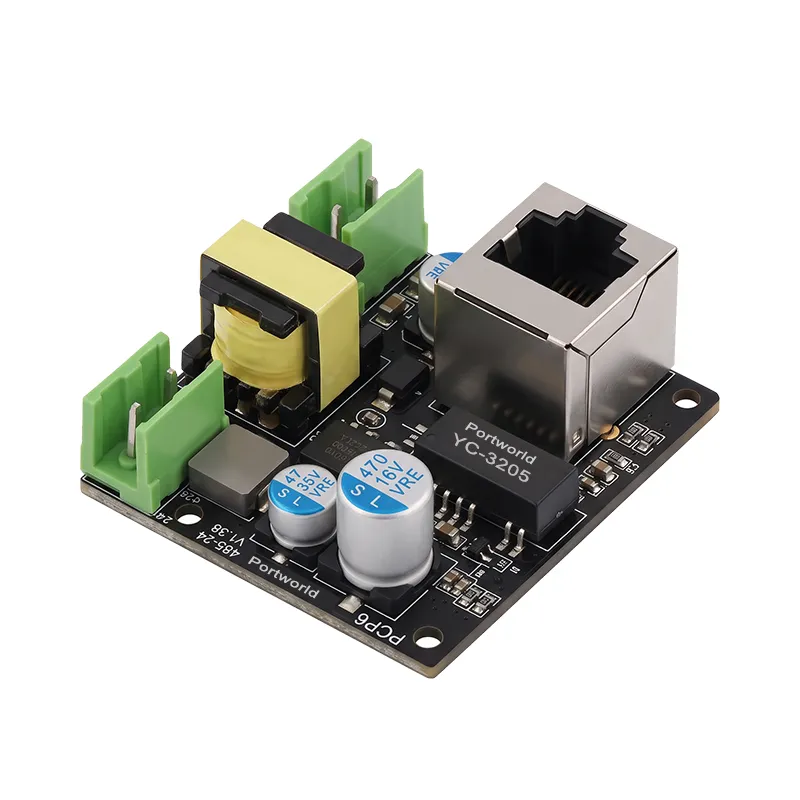
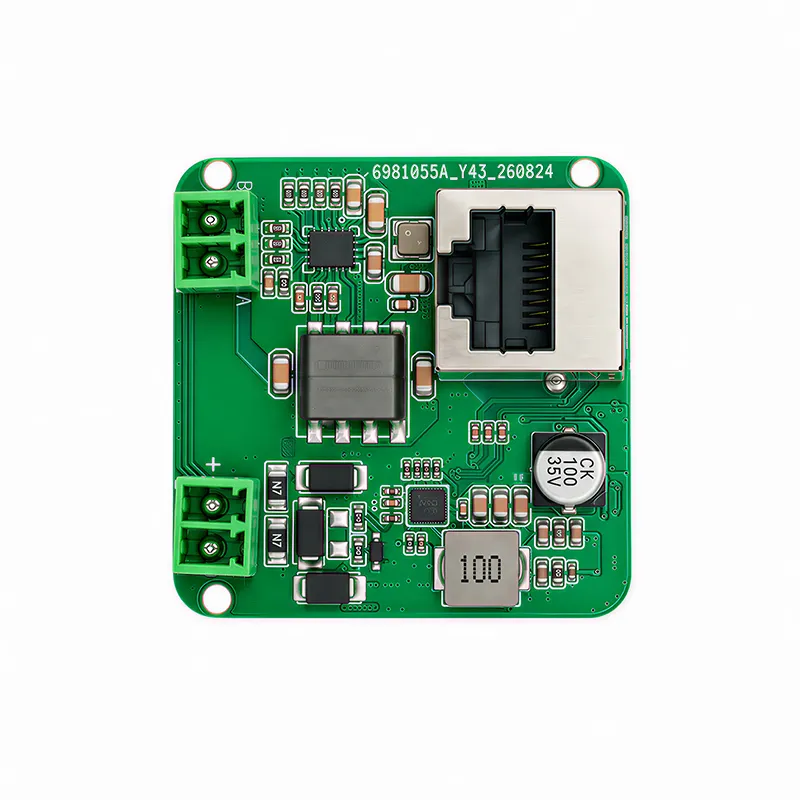
Anindustrial panel PC can connect via Ethernet, RS232, RS485, USB, or other compatible interfaces. The appropriate configuration is contingent upon the equipment and the desired data flow.
For instance, RS485 is commonly utilized in serial networks that link meters and industrial devices, including systems that implement Modbus RTU. Ethernet may serve for PLC communication, HMI applications, MES connectivity, or access to centralized dashboards. USB can facilitate connections to peripherals such as barcode scanners or data-storage devices.
Nevertheless, the mere presence of a physical interface does not ensure compatibility. The software of the panel PC must be compatible with the communication protocol and the specific data points necessary for the application.
Prior to placing an order, it is essential to document:
Whether the monitoring application necessitates an internet or cloud connection.
In environments with mixed equipment, a gateway or an existing industrial data platform may be required to translate protocols and integrate information. In such scenarios, the panel PC can concentrate on local visualization and operator interaction instead of managing every communication task independently.
3. Select the Appropriate Screen Size, Brightness, and Touchscreen
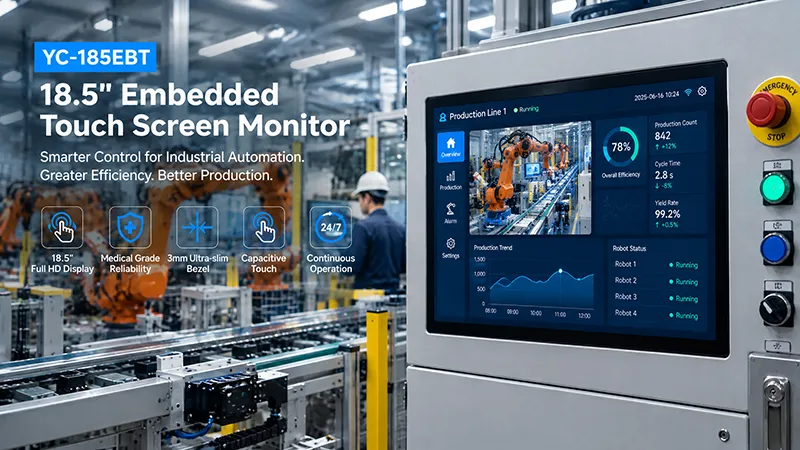
Production monitoring interfaces must be legible from the operator's typical working distance. The ideal display specifications are contingent upon the volume of information displayed, the space available for installation, and the lighting conditions present on the factory floor.
A 10.1-inch panel may be suitable for a compact machine interface that displays a limited number of operating parameters and alarm indicators. Conversely, a 15-inch or 21.5-inch display may be more appropriate for comprehensive production dashboards, trend charts, or multiple equipment-status panels.
Brightness should be chosen based on the surrounding lighting. Standard-brightness displays may suffice in controlled indoor settings, whereas brighter displays may be necessary near windows or in areas with intense industrial lighting. Additionally, anti-glare treatments and strategic display positioning can enhance readability.
The selection of touchscreen technology is also crucial. Operators may need to engage with the screen while wearing gloves, working in proximity to liquids, or using it frequently throughout their shift. The selected touch technology should be evaluated under real operating conditions.
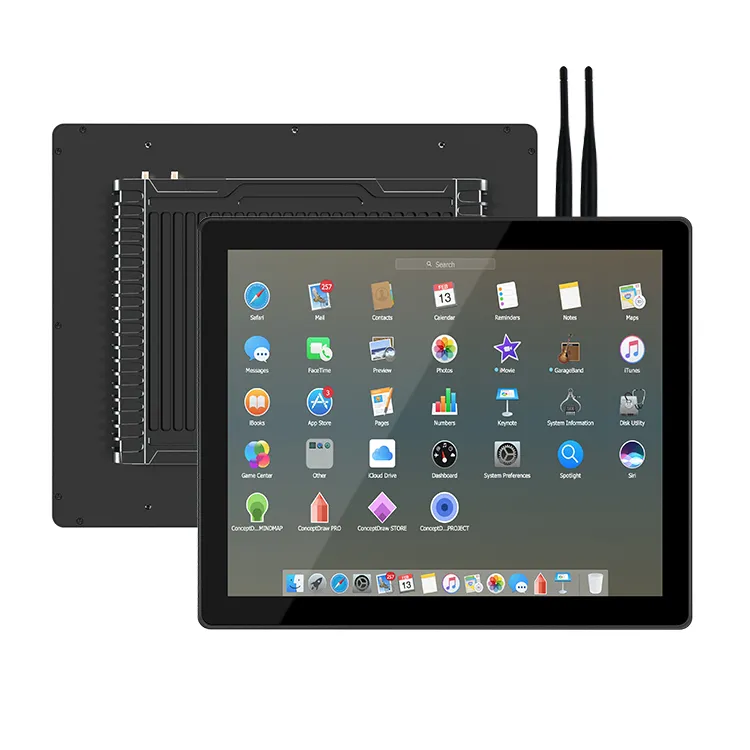
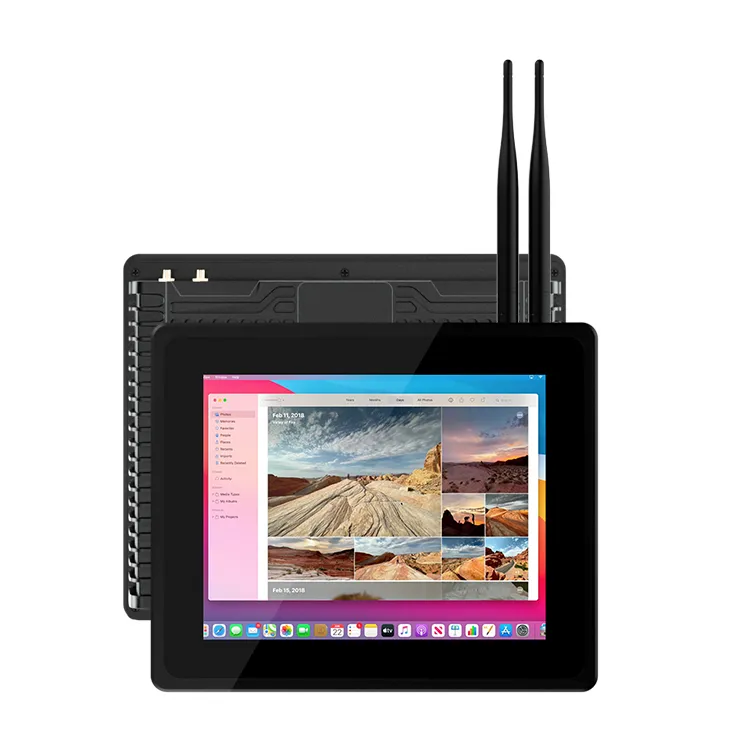
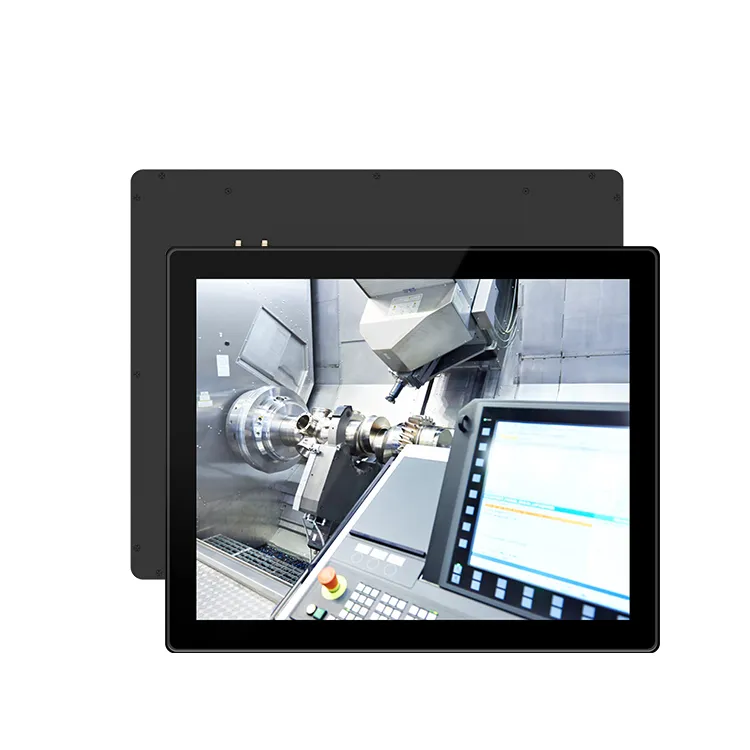
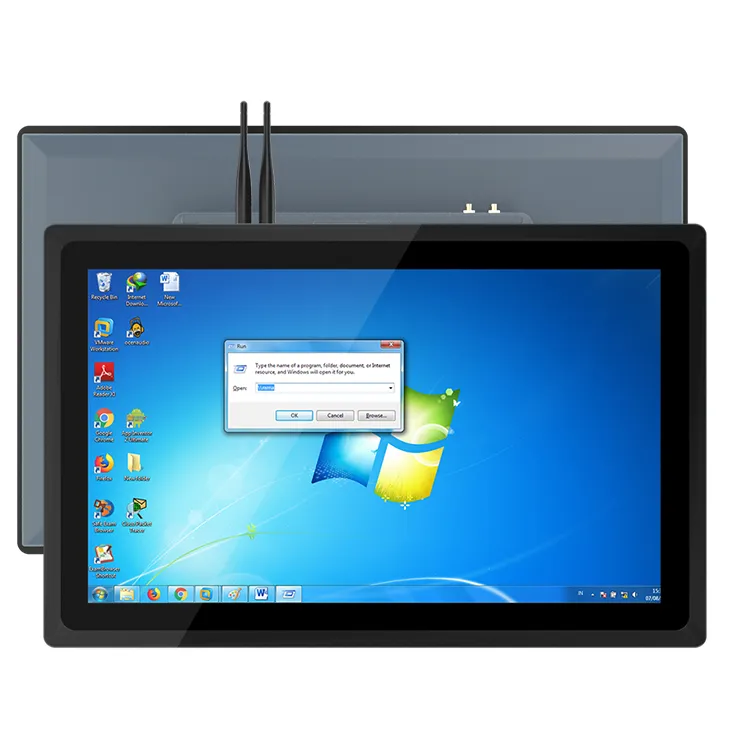
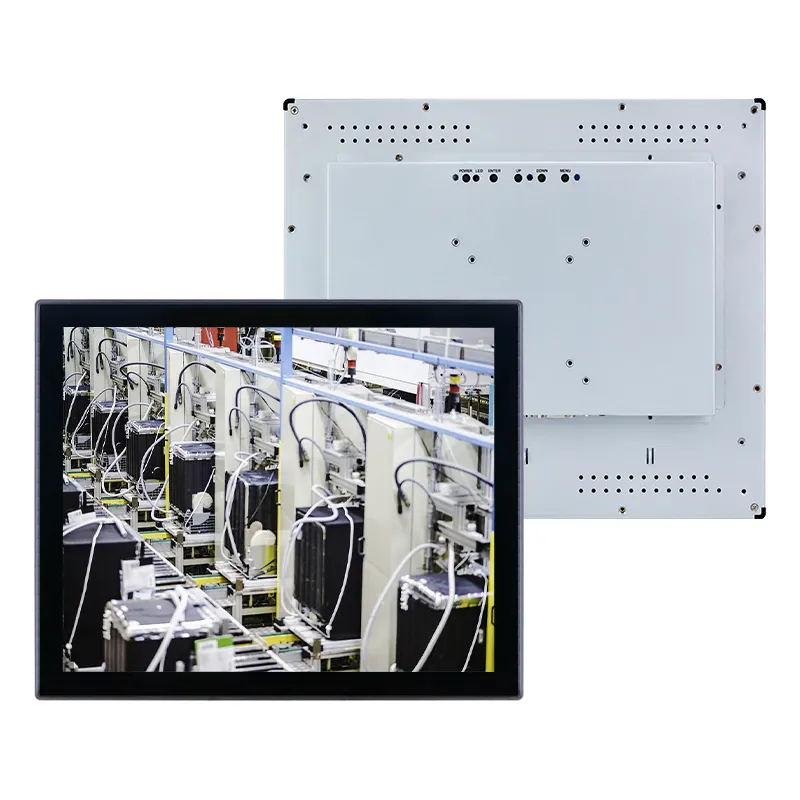
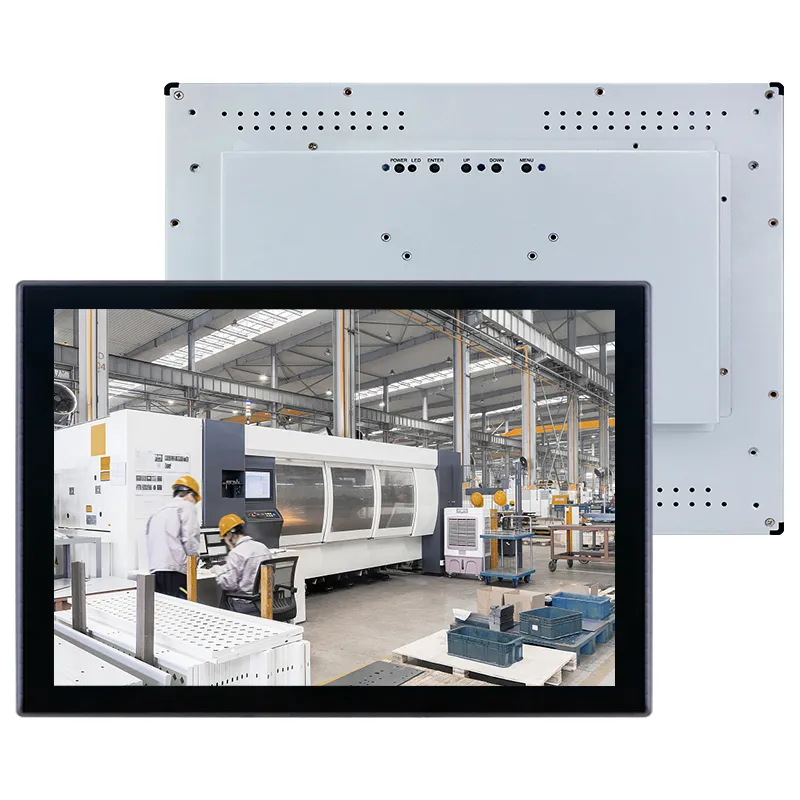
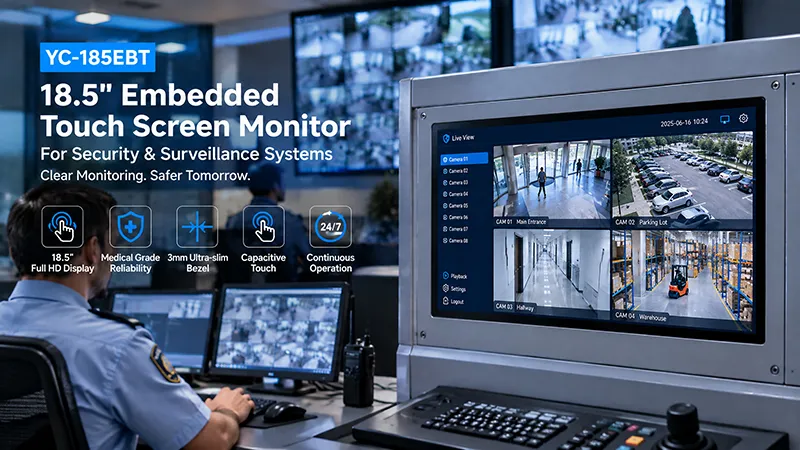
Portworld provides industrial embedded touchscreen monitors in various formats, including the YC-15EBT, YC-185EBT, and YC-215EBT, as well as industrial panel PCs like the YC-104EM and YC-215EM. These models serve as initial references for assessing screen size, embedded installation, and integrated computing needs. It is essential to verify the exact brightness, touch specifications, interfaces, and available configurations for the chosen model.
4. Choose a Computing Platform That Aligns with the Monitoring Software
Not all production monitoring applications necessitate a high-performance industrial computer. The level of computing power required is contingent upon whether the panel PC is displaying a simple dashboard, operating an HMI application, conducting local data processing, or running more resource-intensive industrial software.
An ARM-based platform may be suitable for dedicated monitoring interfaces, embedded Linux applications, or Android-based HMIs, provided that the software and drivers are compatible with the target architecture. Conversely, an x86-based panel PC might be more appropriate when the application relies on Windows-specific software, legacy drivers, or a more extensive desktop computing environment.
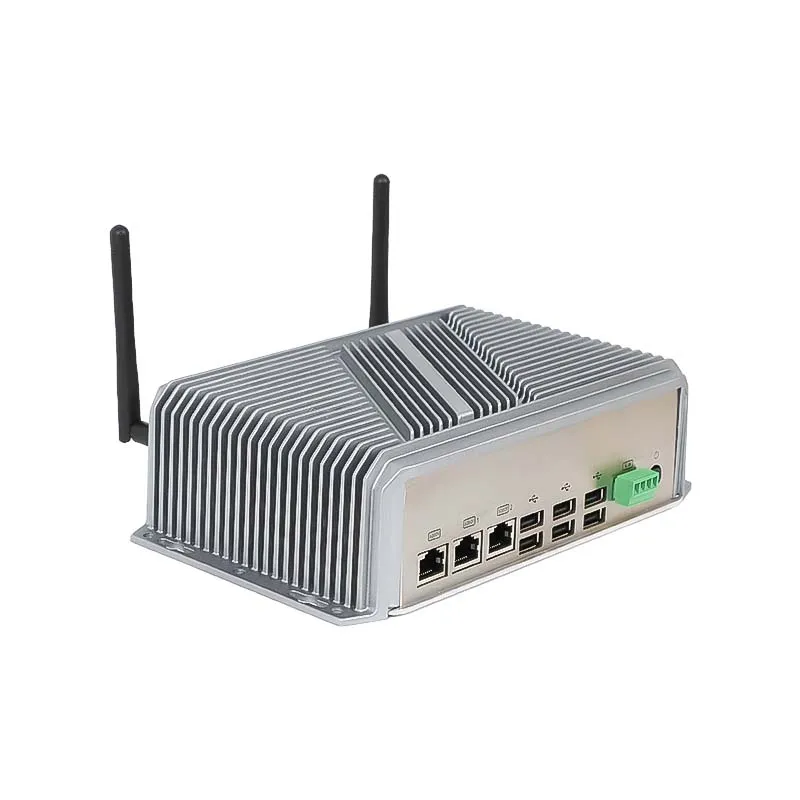
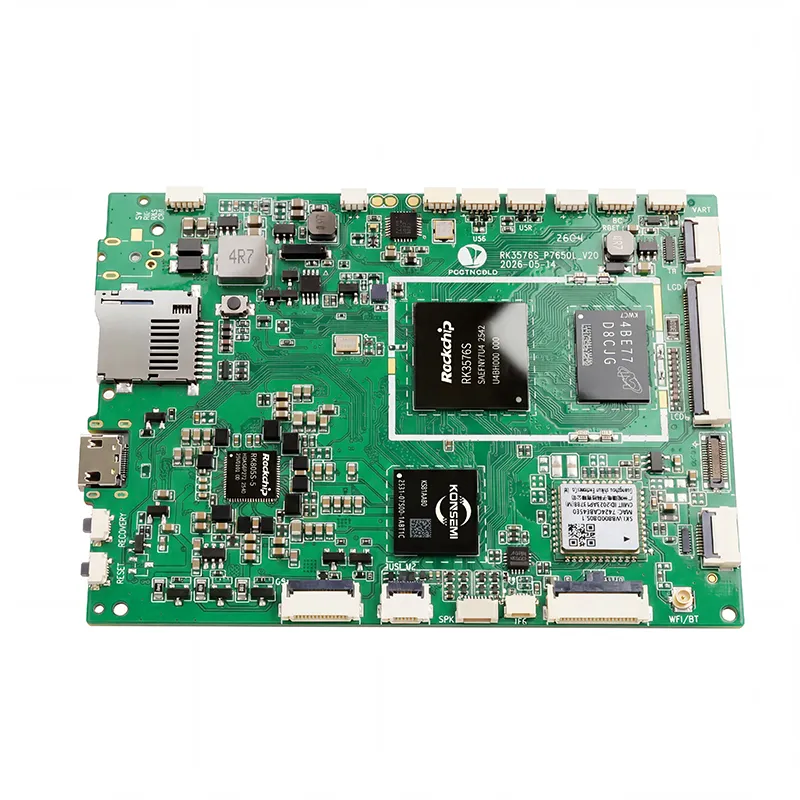
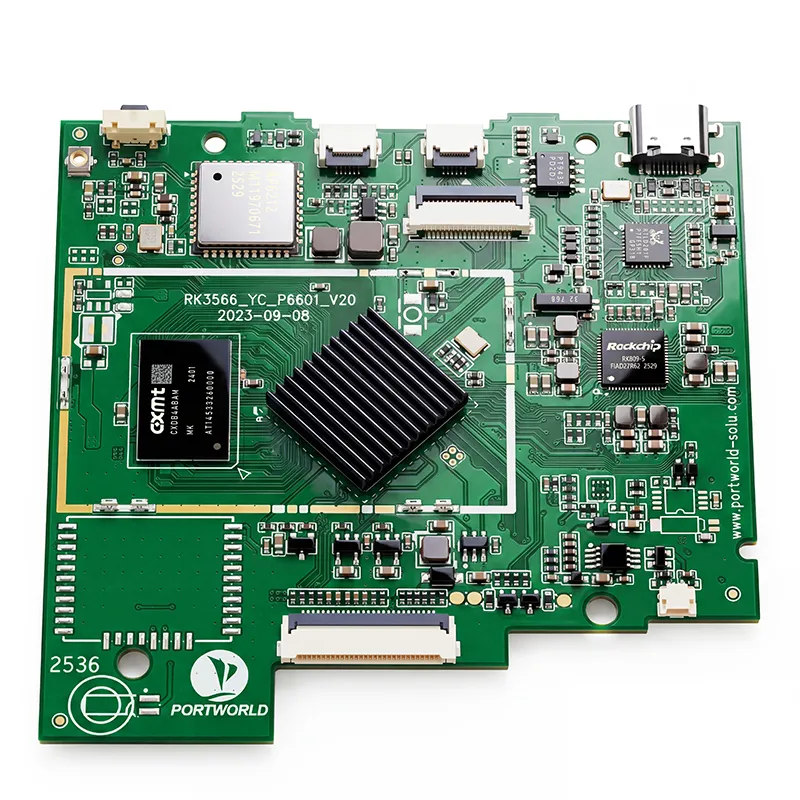
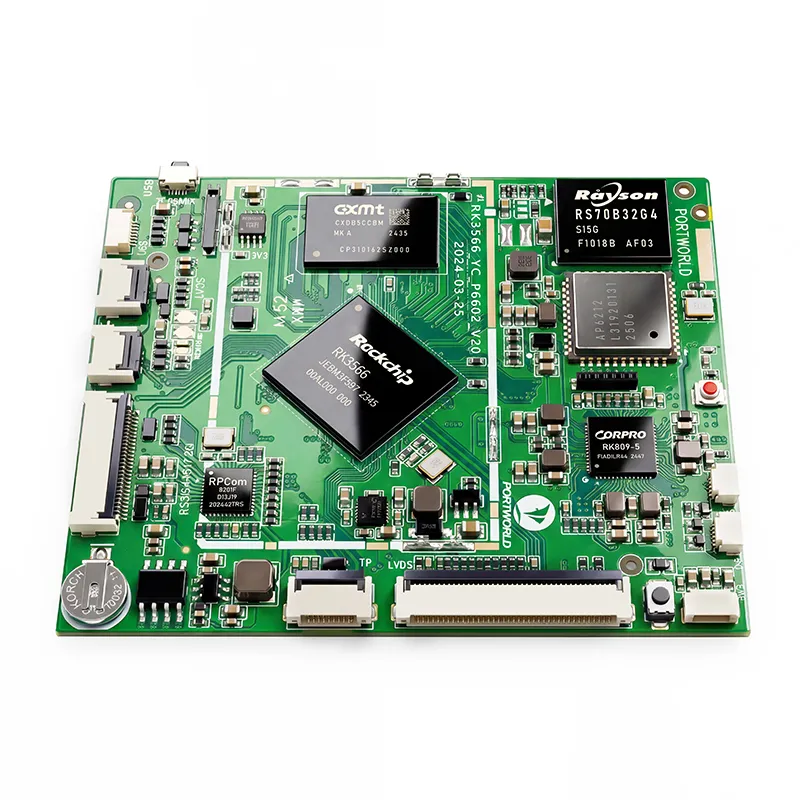
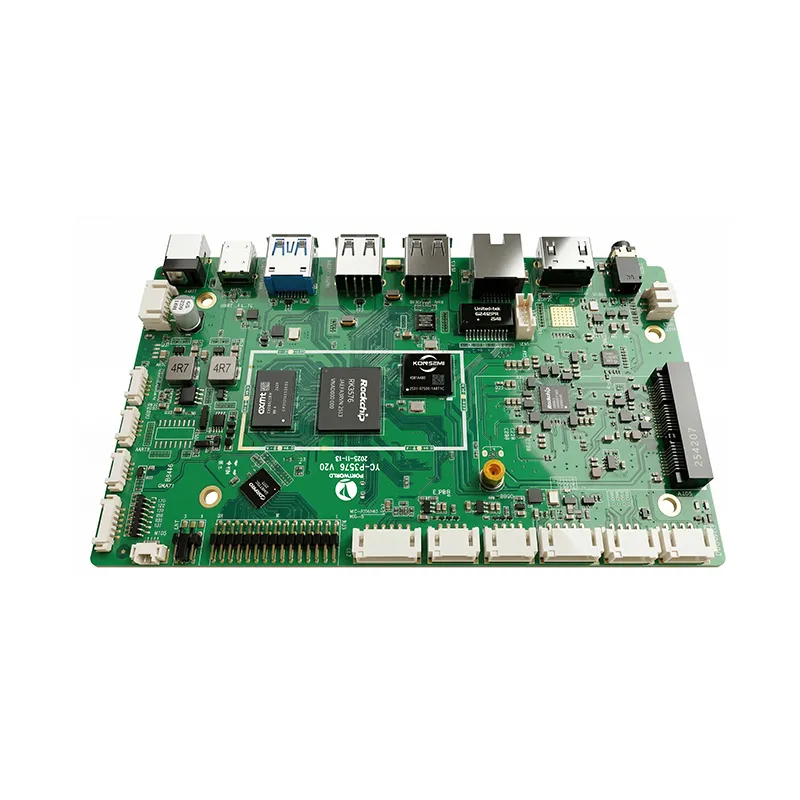
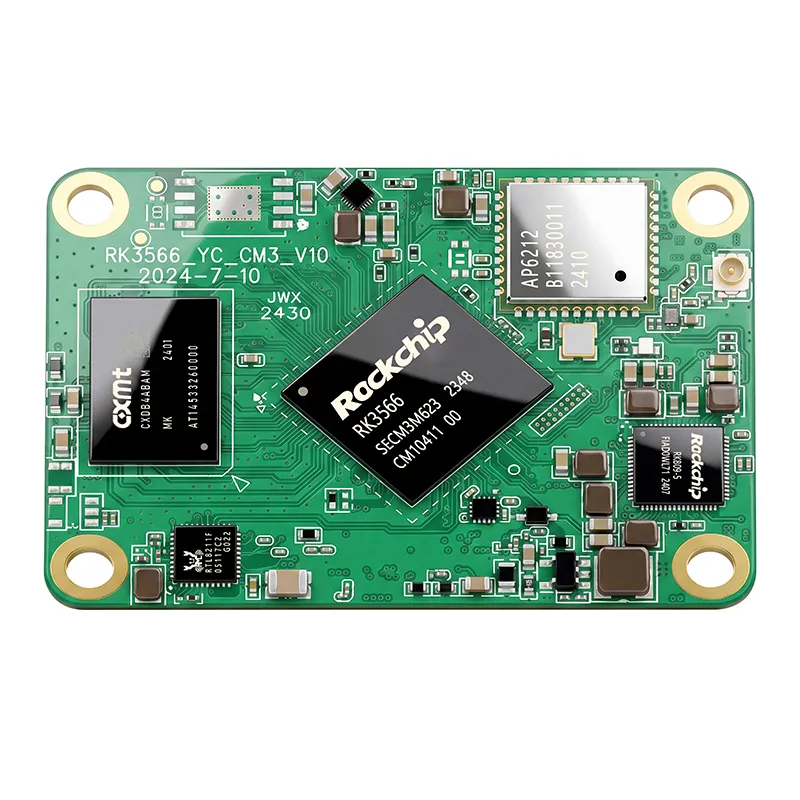
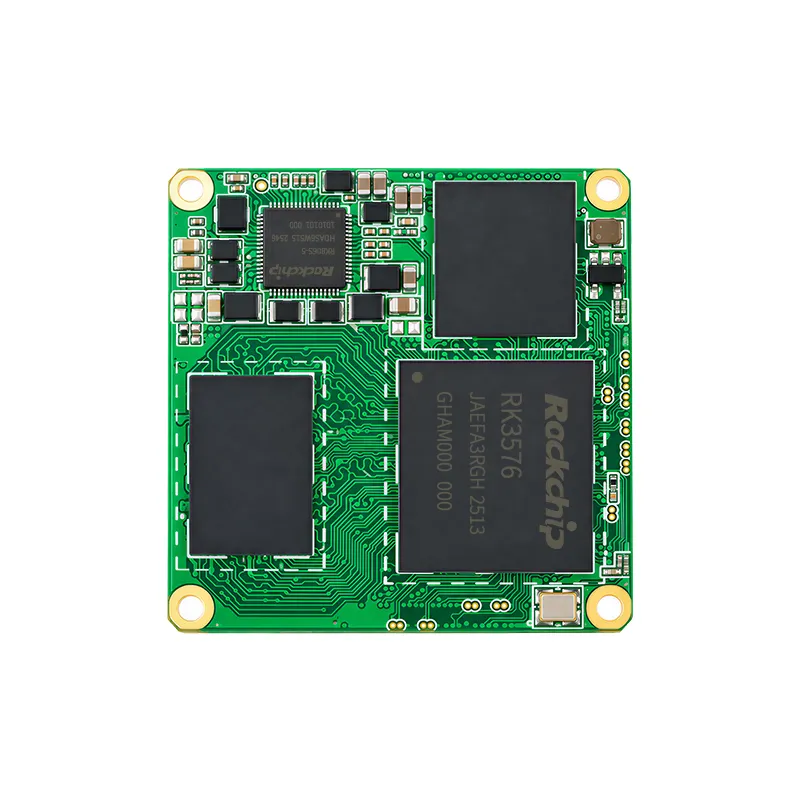
Portworld's embedded computing offerings feature ARM-based motherboards such as the YC-P3566, which utilizes the Rockchip RK3566, and the YC-P3576, which is based on the Rockchip RK3576. These options can be considered for compatible embedded monitoring solutions and tailored HMI designs.
When evaluating platforms, it is essential to assess the processor, memory, storage, graphics capabilities, operating system, and application compatibility collectively. Additionally, consider whether the panel PC needs to locally store data, run background services, or maintain functionality during temporary network outages.
For monitoring initiatives that involve complex analytics or AI workloads, it is crucial to evaluate the specific software requirements and benchmark the intended application prior to determining if a standard panel PC offers adequate performance.
Plan OEM Customization for Your Production Environment
While standard industrial panel PCs can meet many general needs, certain monitoring projects require a tailored combination of screen size, interfaces, mounting dimensions, software, and enclosure design.
OEM customization may encompass:
Branding, labels, and packaging
For instance, a manufacturer creating a specialized production machine might require a 10.1-inch touchscreen, an embedded ARM motherboard, RS485 communication with a controller, and a customized Linux image that directly launches into its HMI software.
Portworld facilitates OEM/ODM projects that involve industrial touchscreen hardware, embedded motherboards, PCB/PCBA development, software adaptation on supported platforms, and mechanical customization. The specific scope is contingent upon the chosen product, technical specifications, and anticipated production volume.
For an OEM project, it is essential to prepare a detailed specification that includes the connected equipment, communication protocols, operating system, display requirements, environmental conditions, and expected product lifecycle. This clarity aids in deciding whether a standard model with specific modifications or a more comprehensive custom design is suitable.
Before selecting an industrial panel PC, use the following checklist to review the main requirements.
| Planning area | Questions to answer |
|---|---|
| Monitoring objectives | Which machine states, production KPIs, alarms, and quality data must be displayed? |
| Equipment connectivity | Which PLCs, sensors, meters, and scanners need to connect? |
| Communication | Are Ethernet, RS232, RS485, or other interfaces required? Which protocols are used? |
| Display | What screen size, brightness, resolution, and touch technology are suitable? |
| Computing | Which processor architecture, memory, storage, and operating system does the software require? |
| System integration | Must the panel PC connect to MES, SCADA, ERP, or a web dashboard? |
| Environment | What are the expected temperature, dust, moisture, vibration, and lighting conditions? |
| Reliability | Is continuous operation required? What testing and lifecycle support are available? |
| Customization | Are custom mounting, interfaces, enclosure, software, or branding needed? |
| Deployment | How many units are required, and what are the sampling, production, and maintenance plans? |
Creating a Production Monitoring Solution with Portworld
Portworld specializes in providing industrial touchscreen monitors, embedded panel PCs, motherboards, and system-on-module solutions tailored for equipment manufacturers and system integrators. Their extensive portfolio is designed to support projects requiring local HMI interfaces, production dashboards, and customized embedded computing hardware.
Depending on the chosen platform and the scope of the project, Portworld's OEM/ODM services may encompass motherboard selection, PCB/PCBA development, interface integration, operating system adaptation, BSP/SDK support, mechanical customization, and branding.
For a production monitoring initiative, the optimal configuration is contingent upon the software architecture and the equipment being monitored. A compact ARM-based system might suffice for a dedicated dashboard, whereas a Windows-based industrial panel PC could be more suitable for software that requires x86 compatibility.
The objective is to develop a monitoring terminal that aligns with the factory's workflow, ensures reliable communication with the necessary equipment, and remains maintainable throughout the product lifecycle.