RK3576 Motherboard PCBA Design and Custom OEM/ODM Services
Apr 27,2026
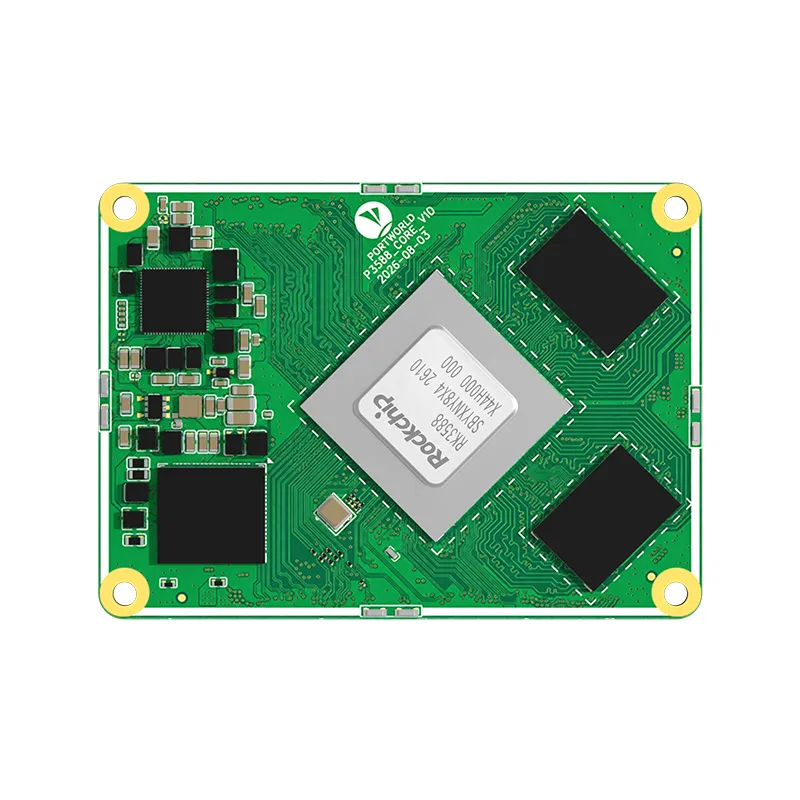
The Next-Gen RK3588 Core board
Powerful, AI-Driven, High-Performance.Shop Now>


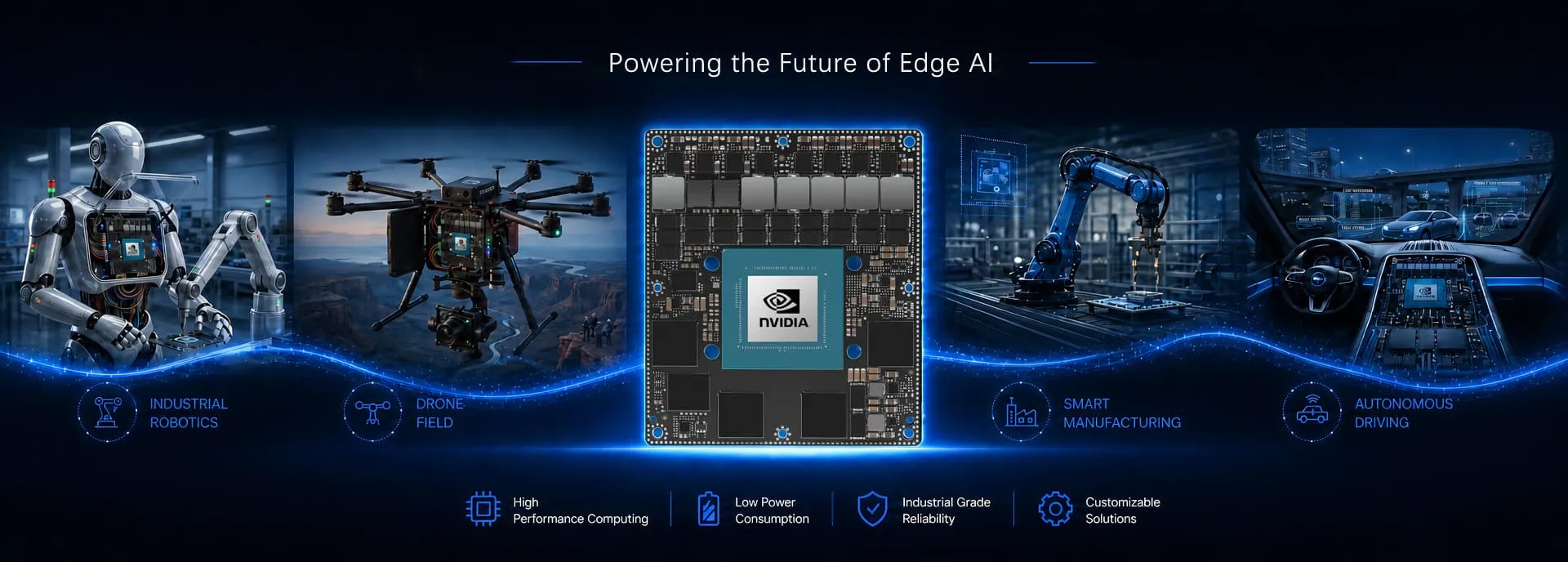


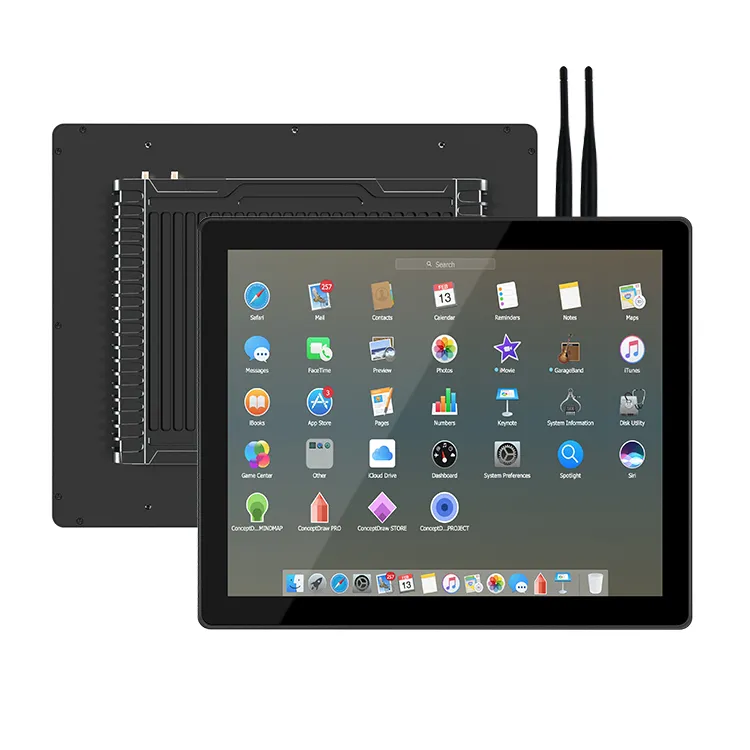
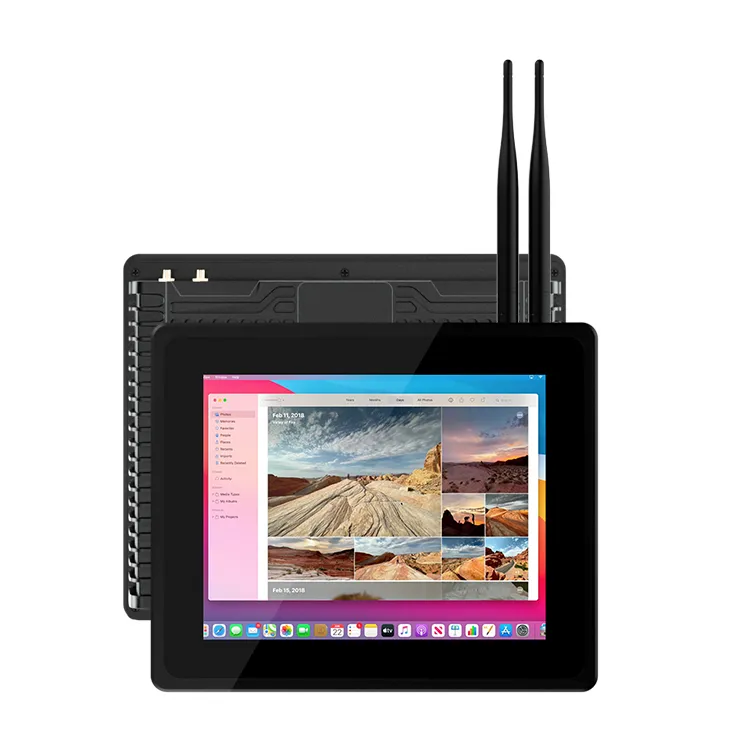
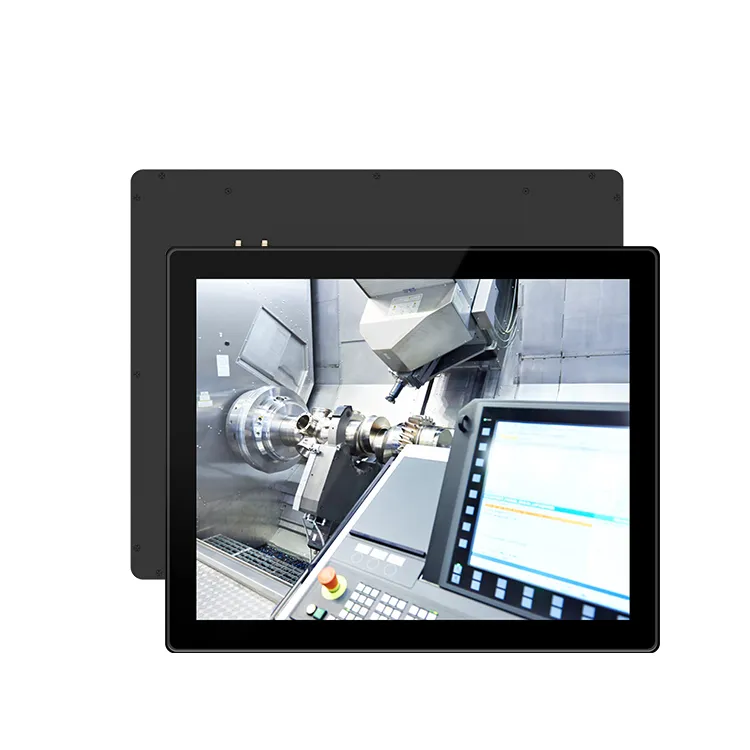
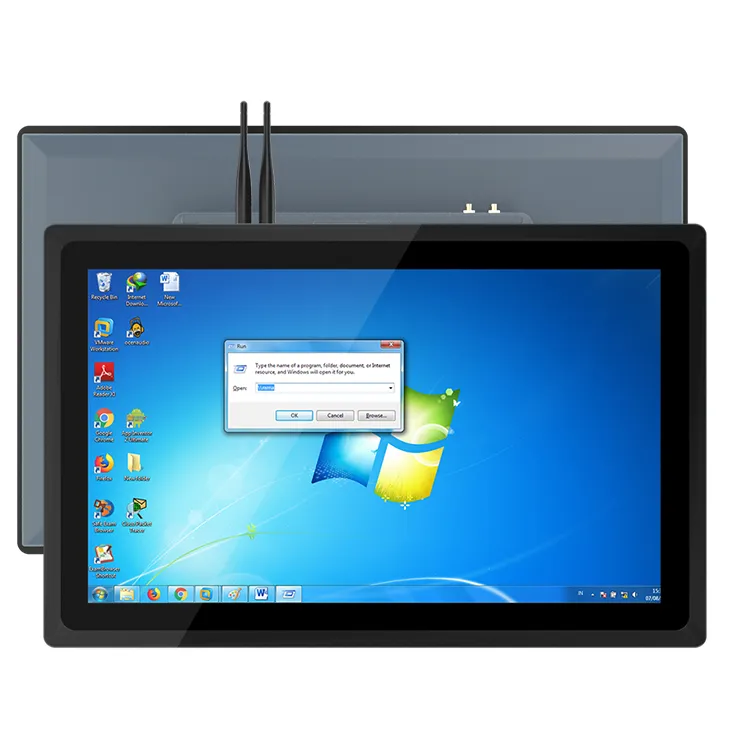
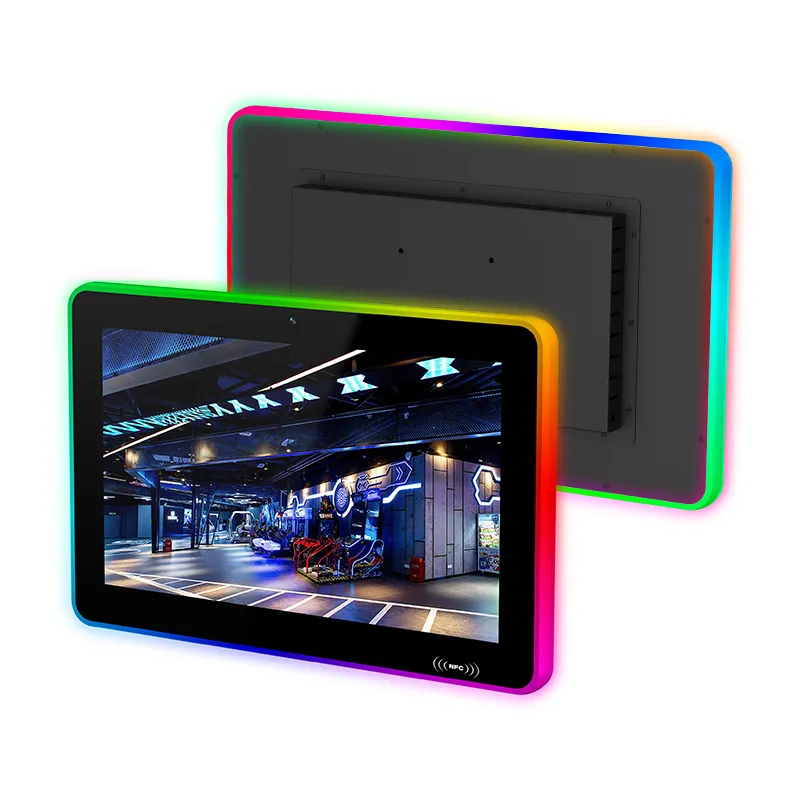
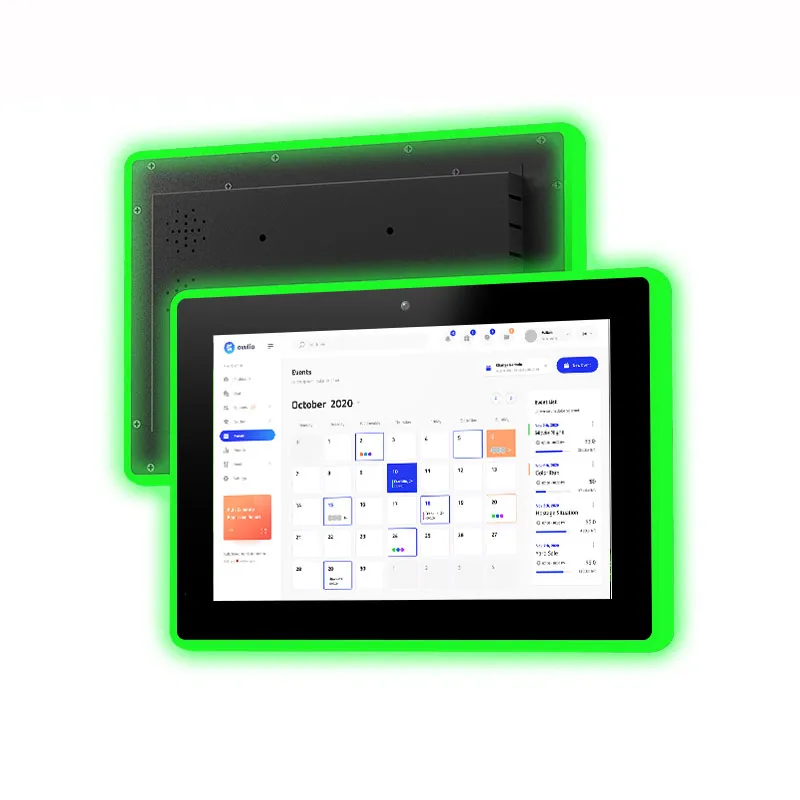
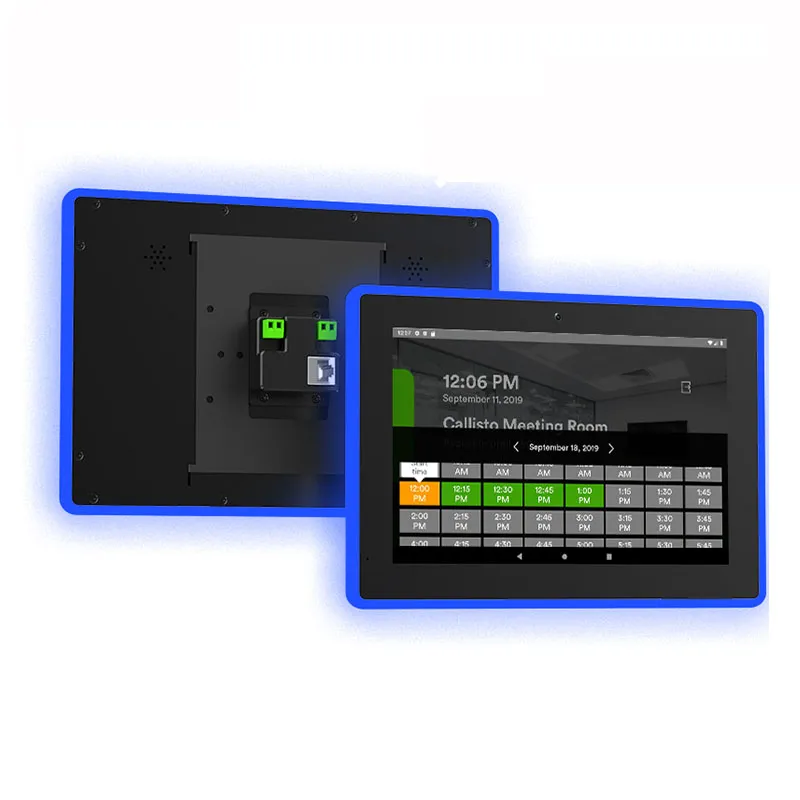
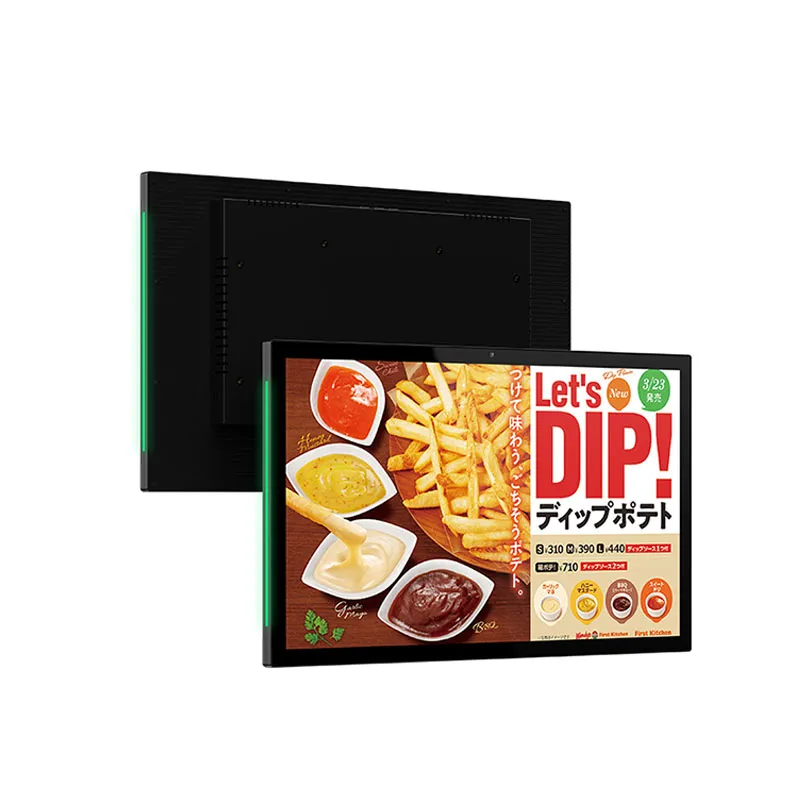
Android industrial panel PCs are becoming increasingly prevalent in factory terminals, equipment control systems, self-service kiosks, production monitoring, and intelligent automation devices.
In contrast to traditional desktop systems, an Android panel PC offers a touchscreen interface, embedded computing capabilities, wireless connectivity, and application deployment within a compact unit.
Nonetheless, selecting an Android industrial panel PC for a specific application requires more than merely choosing a screen size and processor. A device that functions effectively as a basic information terminal may not be appropriate for an industrial HMI that interacts with PLCs, gathers sensor data, manages peripherals, and operates continuously.
For OEM manufacturers and system integrators, the primary challenge lies in identifying a hardware and software platform that aligns with the application while allowing sufficient flexibility for future modifications.
Below are the key factors to evaluate prior to choosing an Android industrial panel PC for your project.
1. Begin with the Application, Not the Hardware
Prior to evaluating processor specifications or touchscreen dimensions, it is essential to clarify the intended functions of the panel PC.
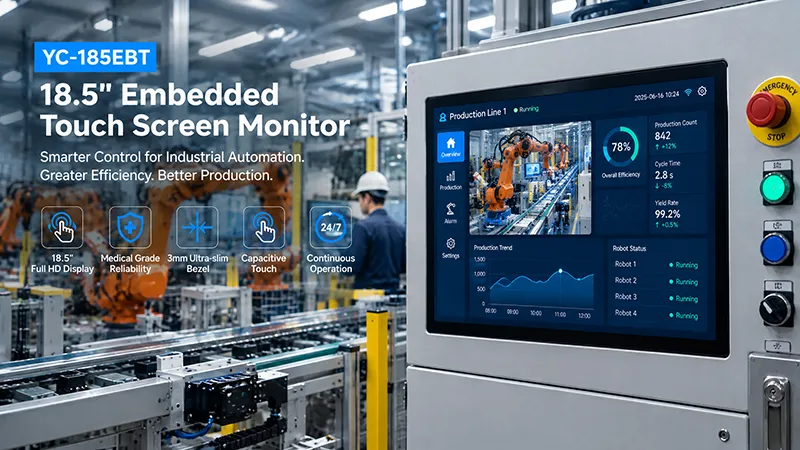
Various applications impose distinct requirements on the hardware. For instance, a wall-mounted information terminal may primarily serve to display a dashboard and facilitate user interaction. Conversely, a production-line HMI might necessitate communication with several controllers, the collection of real-time data, and the execution of a tailored control application.
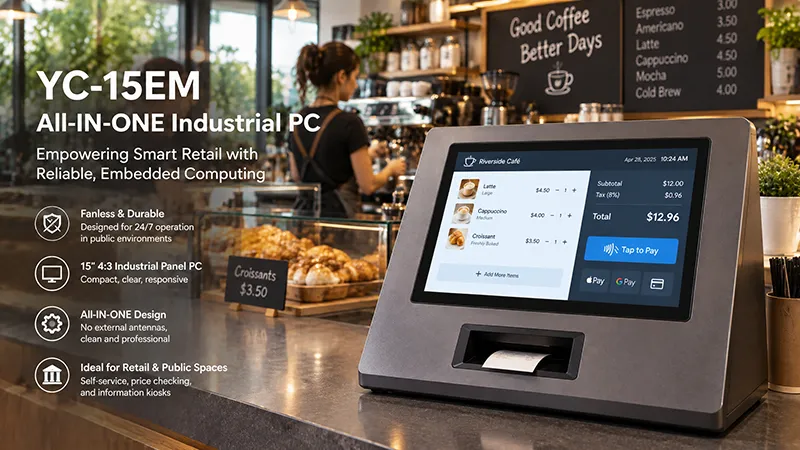
Reflect on the following examples:
| Application | Main Requirements |
|---|---|
| Industrial HMI | Touchscreen operation, PLC communication, stable application performance |
| Production monitoring | Network connectivity, real-time data display, database access |
| Smart equipment control | GPIO, RS485, USB, Ethernet, customized software |
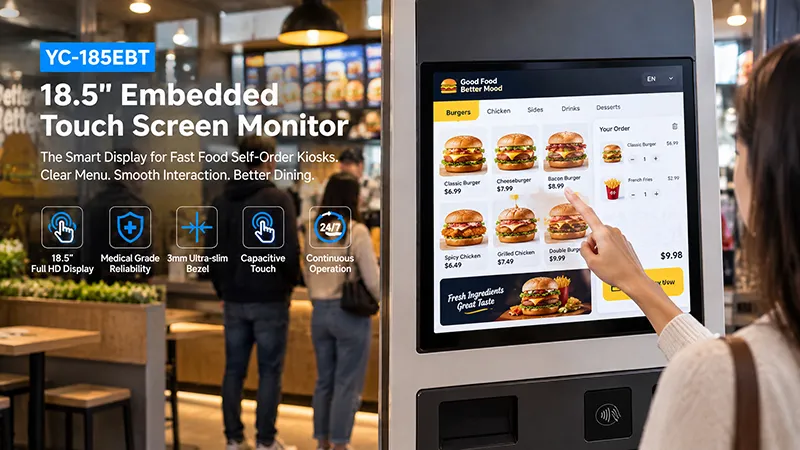
| Self-service terminal | Responsive touch, kiosk mode, peripheral integration |
| Energy monitoring | Serial communication, Modbus support, data collection |
| Industrial information terminal | Browser compatibility, remote management, network connectivity |
It is essential to determine if the application operates locally on the panel PC, connects to a remote server, or interacts with another embedded controller.
This differentiation influences processor performance, memory capacity, storage needs, network specifications, and software design.
A beneficial initial step is to compile a requirements list that includes the application, associated equipment, installation environment, display, interfaces, and anticipated production volume. This provides the manufacturer with a more defined foundation for suggesting either a standard model or a tailored solution.
2. Selecting the Appropriate Processor for Your Workload
The choice of processor is crucial when selecting an Android industrial panel PC. It significantly influences the device's ability to manage the Android operating system, touchscreen functionality, background processes, multimedia tasks, and application demands.
ARM-based processors are commonly utilized in embedded Android devices due to their balance of computing power, energy efficiency, and adaptable hardware integration.
For numerous industrial HMI and monitoring applications, it is advisable to consider Rockchip platforms.
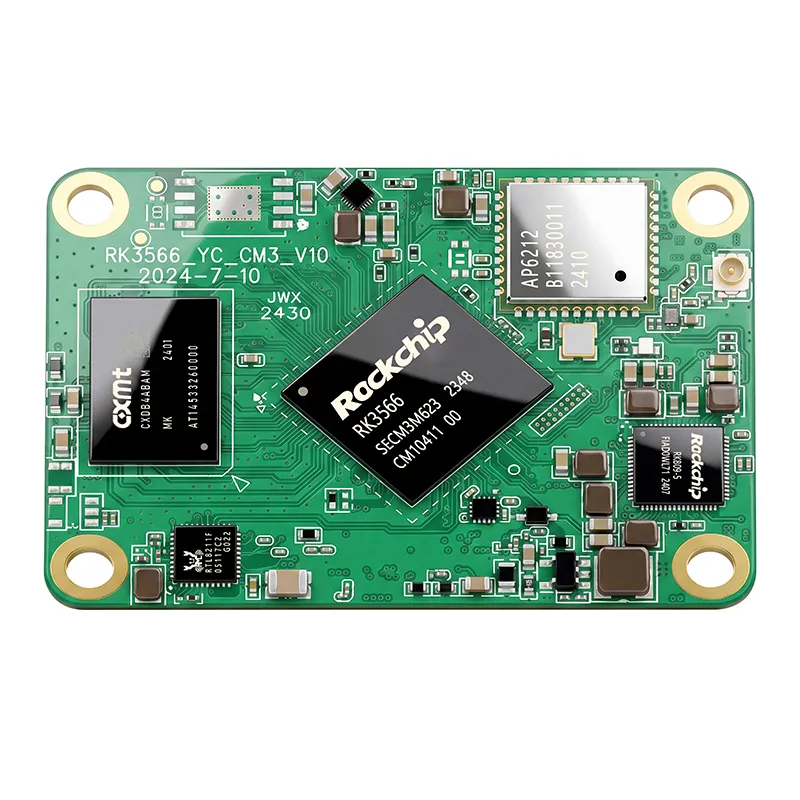
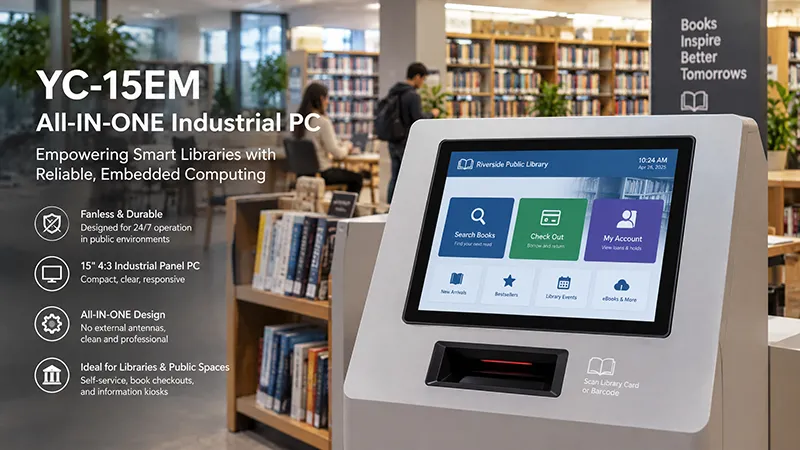
The RK3566 and RK3568 serve as suitable initial options for applications that involve touchscreen interfaces, equipment monitoring, network communication, and specialized Android software. These processors are practical choices when the workload does not necessitate extensive AI processing or high-end graphics.
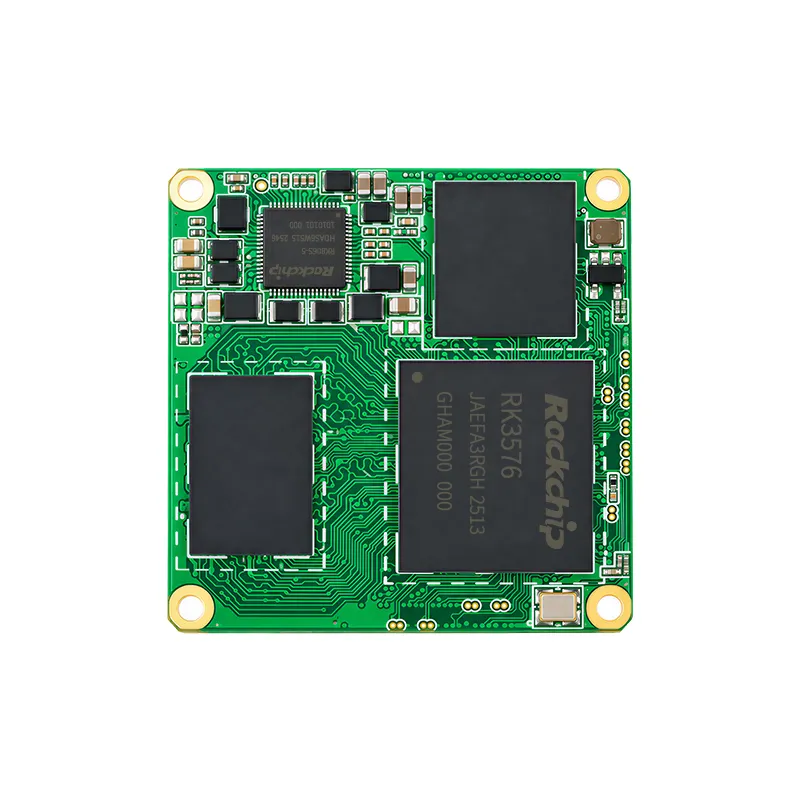
The RK3576 offers a more robust platform for applications with higher demands. It is appropriate for systems that integrate multiple software services, enhanced user interfaces, camera processing, or edge computing capabilities.
The RK3588 stands out as a superior choice for applications requiring intensive multimedia processing, advanced graphics, multiple display outputs, or AI-related tasks.
It is important to note that the best processor is not always the one with the highest performance. An excessively powerful computing platform may lead to increased hardware costs, higher power consumption, and greater thermal design challenges without enhancing the actual application performance.
Instead, assess the entire workload:
For a custom Android panel PC, it is also crucial to ensure that the chosen processor is equipped with an appropriate Android Board Support Package (BSP), compatible display drivers, and the necessary support for the required peripherals.
3. Choose an Appropriate Screen Size and Touch Technology
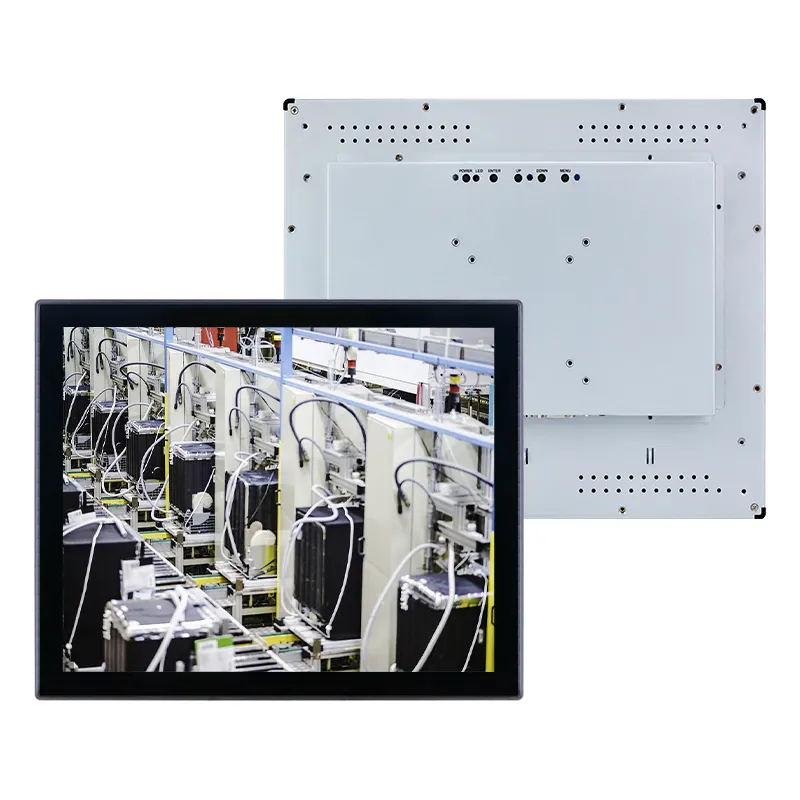
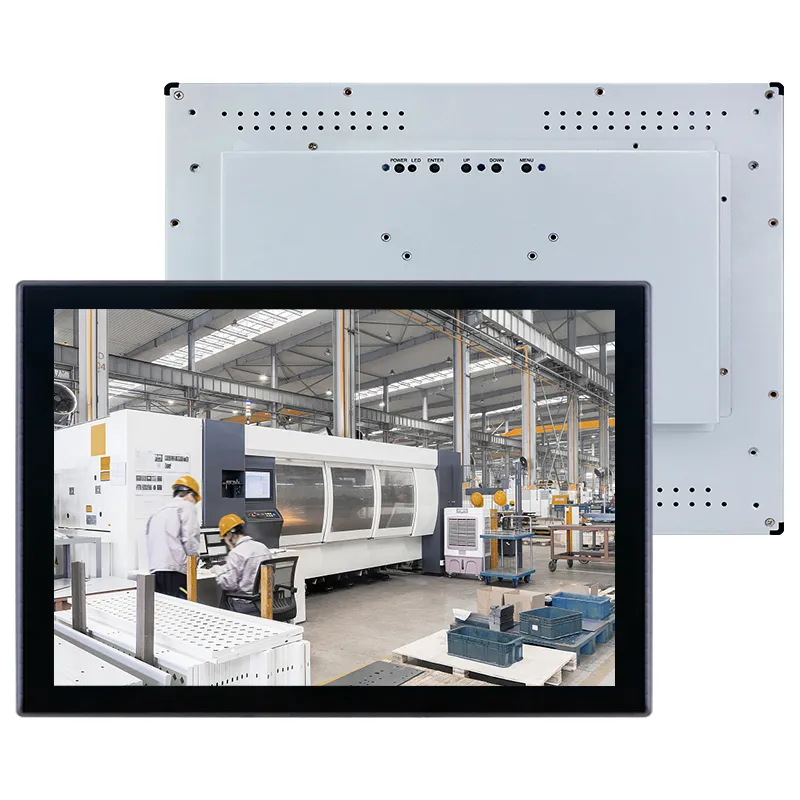
The display serves as the main interaction interface between operators and industrial machinery. Its dimensions and touch capabilities must align with the available installation space and operational needs.
Typical screen sizes encompass 7 inches, 10.1 inches, 10.4 inches, 15 inches, 15.6 inches, 17 inches, and 21.5 inches.
Smaller screens are advantageous for compact machinery and embedded control systems. A 10.1-inch display offers sufficient area for monitoring equipment status, adjusting parameters, and executing basic control functions without occupying excessive installation space.
Conversely, larger displays are more suitable when operators require simultaneous access to multiple dashboards, production metrics, equipment schematics, or intricate control interfaces.
The choice of touch technology is also significant. Project teams should assess:
Brightness selection should be based on the actual viewing environment. Indoor equipment terminals may not require the same level of brightness as displays situated near windows or in well-lit production areas.
If the panel PC is intended for use with gloves, is exposed to moisture, or is installed behind protective glass, it is essential to test touch performance under realistic conditions prior to design approval.
4. Verify Industrial Interfaces and Peripheral Compatibility
A custom Android industrial panel PC frequently needs to interact with devices beyond its touchscreen.
The necessary interfaces should be established before choosing the hardware platform. Failing to do so may result in a standard panel PC needing additional adapters or a redesign of the motherboard at a later stage.
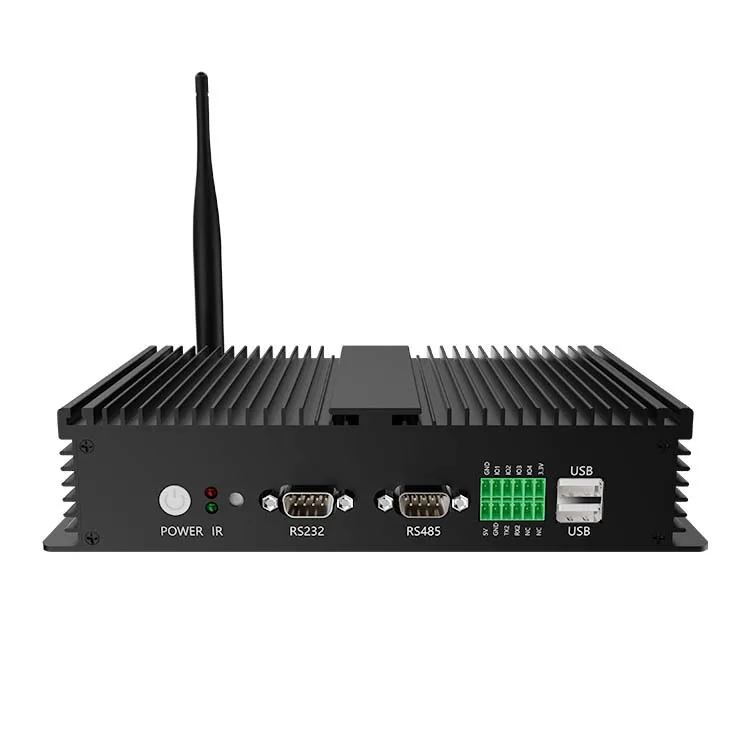
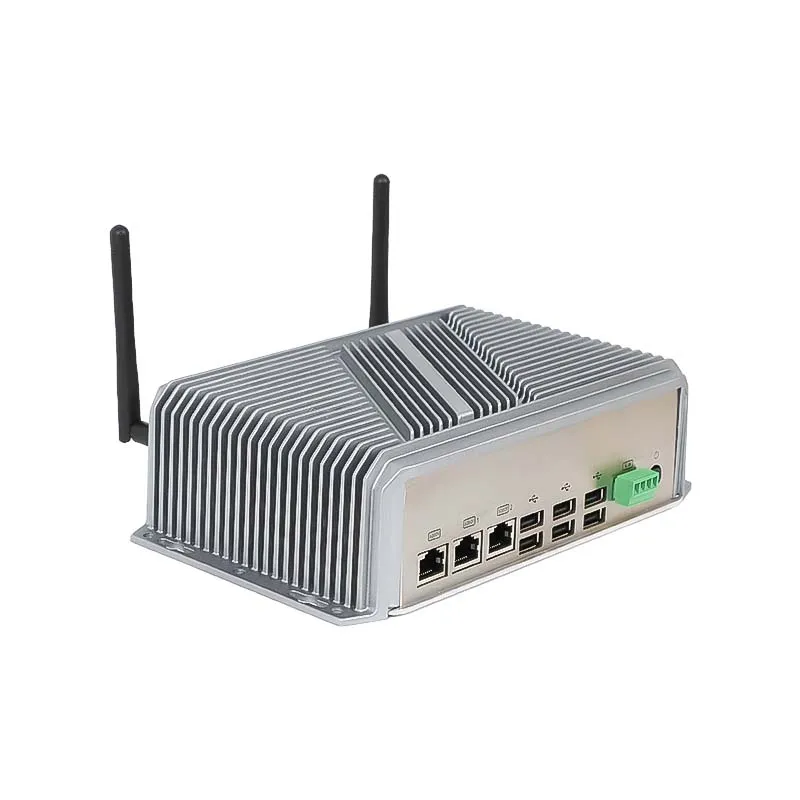
Common industrial interfaces include:
| Interface | Typical Application |
|---|---|
| Ethernet / RJ45 | PLC communication, LAN connectivity, remote monitoring |
| RS232 | Serial instruments, scanners, configuration interfaces |
| RS485 | Industrial controllers, meters, Modbus RTU networks |
| USB | Barcode scanners, printers, storage devices, cameras |
| GPIO | External signals, buttons, sensors, custom control |
| CAN | Communication with compatible embedded controllers |
| HDMI | External display connection |
| Wi-Fi | Wireless network access |
| Bluetooth | Wireless peripherals and accessories |
The existence of a physical interface does not inherently ensure software compatibility.
For instance, if an Android panel PC is equipped with an RS485 port, the application must still utilize a supported method to access that interface. This could entail a device SDK, system service, serial API, or the integration of a customized driver.
The same principle applies to USB peripherals. A barcode scanner might function as a standard keyboard input device, whereas a specialized industrial scanner could necessitate a dedicated SDK.
In projects utilizing Modbus RTU, it is essential to verify the serial interface, communication parameters, device addressing, and software implementation. For systems based on Ethernet, it is important to confirm the necessary protocols and network configuration.
If your application necessitates multiple serial ports, isolated interfaces, CAN, relay outputs, or specialized connectors, it is advisable to consult with the manufacturer regarding the hardware design prior to ordering samples.
5. Verify the Android Version and Software Customization Needs
Android is frequently chosen for industrial panel PCs due to its support for touchscreen applications, adaptable UI development, and extensive embedded software ecosystem.
Nonetheless, not all Android devices are compatible with the same applications or system-level functionalities.
Prior to selecting a platform, it is essential to verify the Android version that the hardware supports and whether it aligns with your application's specifications. The application developer should also assess the processor architecture, Android APIs, native libraries, permissions, and necessary system services.
Another crucial differentiation is between AOSP and Google Mobile Services (GMS). AOSP offers the open-source Android foundation, but Google Play and Google Mobile Services are not inherently included. If your application relies on Google services, this requirement should be confirmed at an early stage.
For specialized industrial devices, system customization may take precedence over features aimed at consumers.
Common customization needs encompass:
Boot logo and startup behavior: Showcase a tailored brand logo and initiate the designated application automatically upon startup.
Kiosk mode: Limit access to system settings, navigation controls, or unrelated applications to ensure operators remain within the specified interface.
System application management: Eliminate unnecessary applications, set default configurations, and manage application permissions.
Auto-run APK: Automatically install and launch the client's application when the device powers on.
Remote updates: Specify the methods for delivering application packages, firmware, and system updates, as well as recovery procedures in the event of an update failure.
SDK and documentation: Supply the technical documentation necessary for interfacing with serial ports, GPIO, sensors, and other hardware functionalities.
For an OEM project, it is essential to address these requirements prior to finalizing the hardware and Android image. Customization at the system level can significantly depend on the chosen processor platform and BSP.
6. Assess Thermal Design and Operating Conditions
Industrial panel PCs are often utilized for prolonged durations within equipment cabinets, manufacturing settings, or installations that are accessible to the public. Consequently, thermal design is a critical factor to consider during the selection process.
Components such as the processor, LCD backlight, power supply, wireless modules, and others produce heat. In a compact fanless design, it is essential to ensure that heat is effectively transferred and dissipated.
When assessing an Android industrial panel PC, take into account:
Whether the installation allows for adequate ventilation.
A device that demonstrates optimal performance during a brief showcase may exhibit different behavior after several hours of uninterrupted operation.
For this reason, thermal validation should be conducted using the actual Android application, the final enclosure, the intended display brightness, and the anticipated ambient conditions.
If the panel PC is to be installed in a dusty or humid environment, it is also important to confirm the enclosure's protection level. An IP rating should pertain to the specified final product configuration, rather than merely to an individual display component.
Portworld Android and Embedded Computing Solutions
For OEM manufacturers and system integrators engaged in the development of custom industrial terminals, Portworld offers embedded computing platforms, industrial touchscreen products, motherboards, and hardware customization services.
The embedded hardware portfolio from Portworld features platforms based on Rockchip that can be assessed for various Android and Linux applications.
For instance:
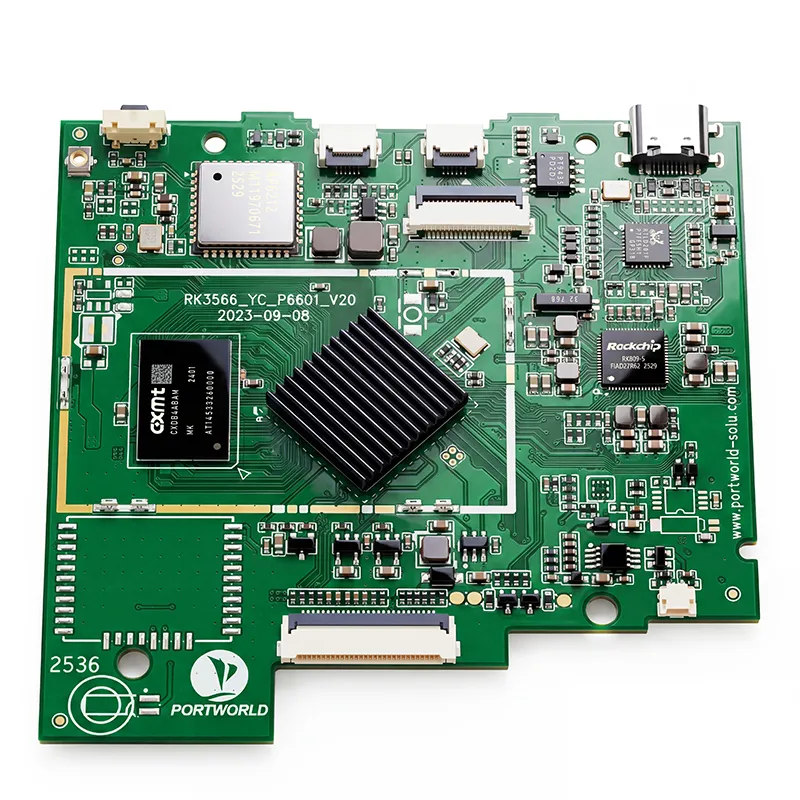
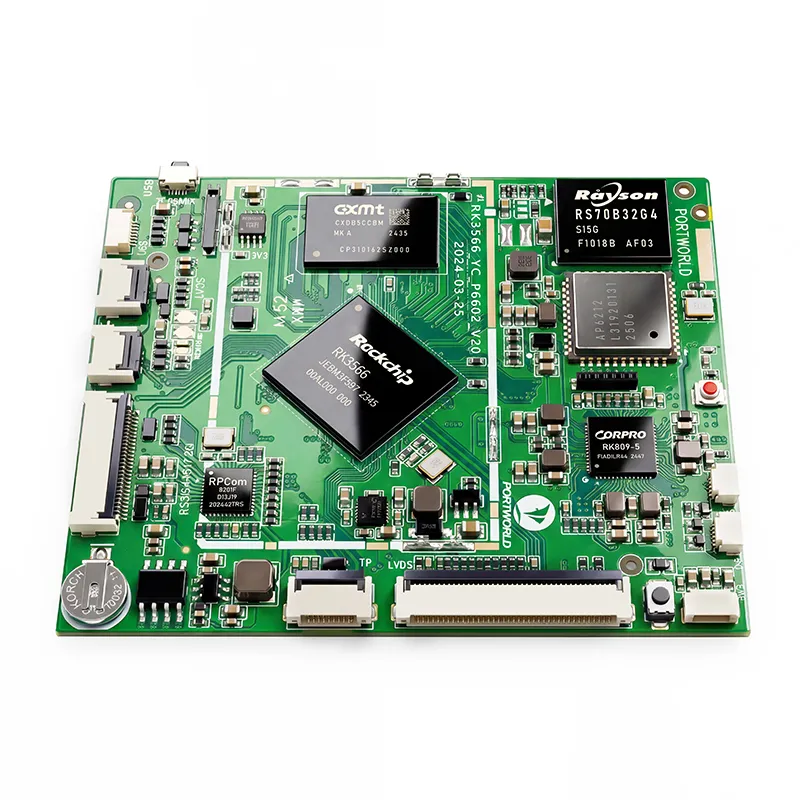
YC-P3566: This platform utilizes the Rockchip RK3566 processor and is ideal for evaluating applications related to embedded control, touchscreen HMI, and equipment monitoring.
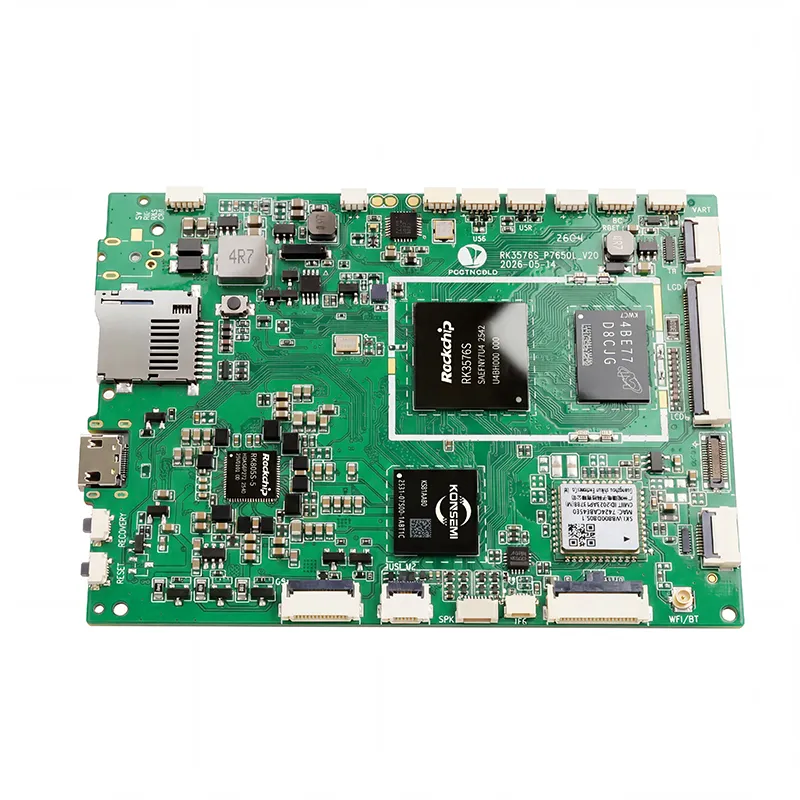
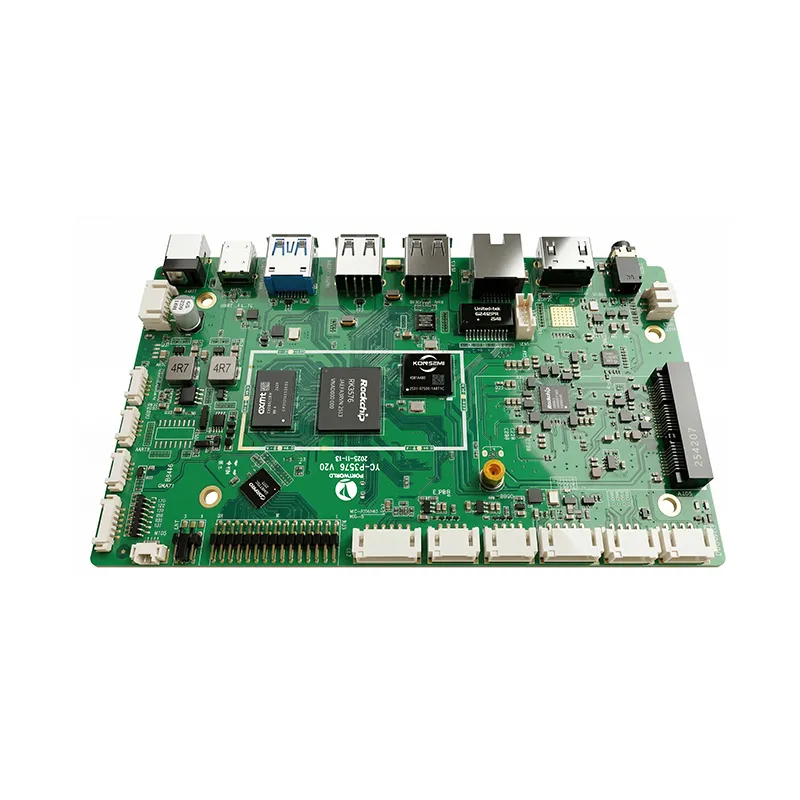
YC-P3576: Built on the Rockchip RK3576 processor, this platform provides enhanced performance for more demanding embedded applications.
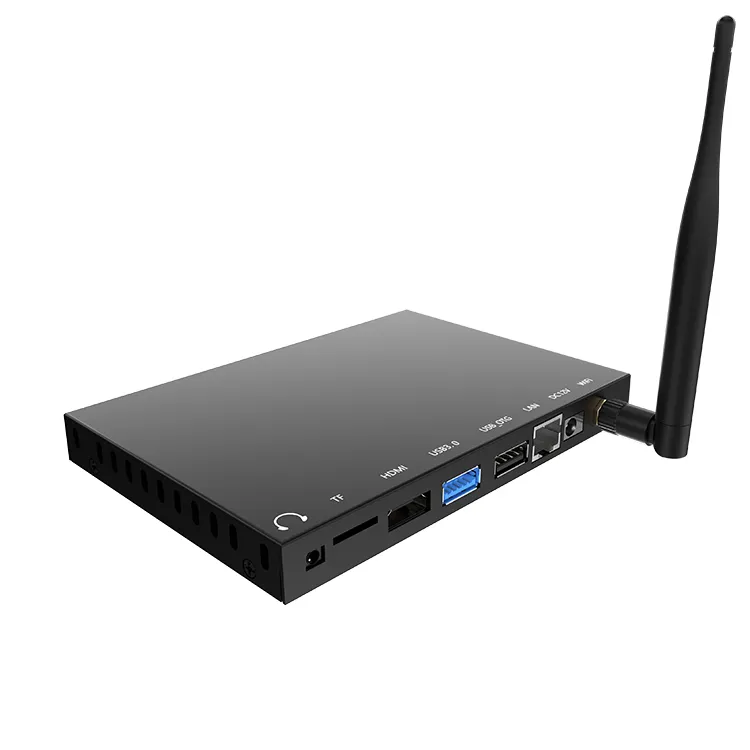
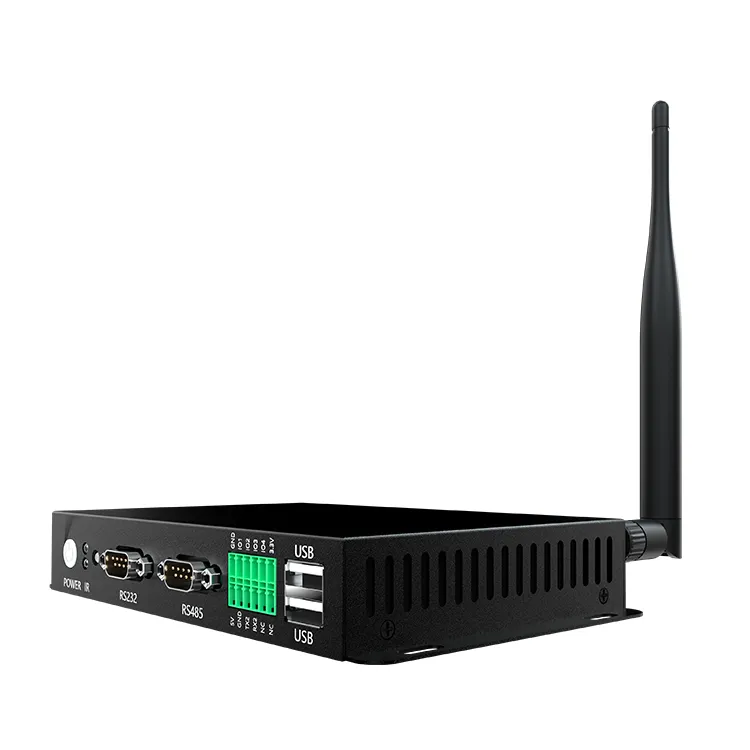
YC-I720: This embedded mini PC platform is primarily based on the RK3566, with alternative processor configurations available based on project requirements. Its Android 11 platform and diverse connectivity options render it suitable for industrial IoT and terminal applications.
The ultimate appropriateness of these platforms is contingent upon the necessary display, interface configuration, Android build, and software workload.