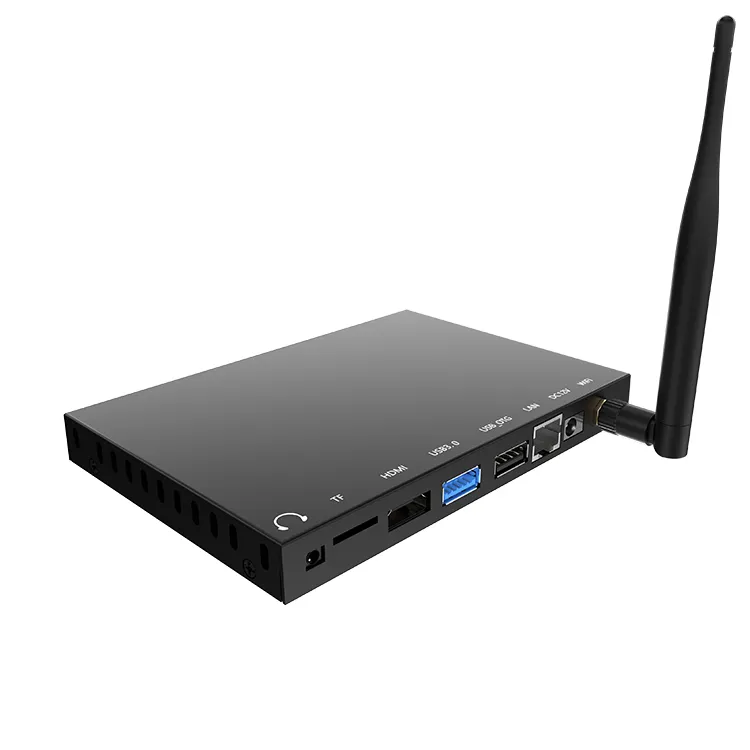
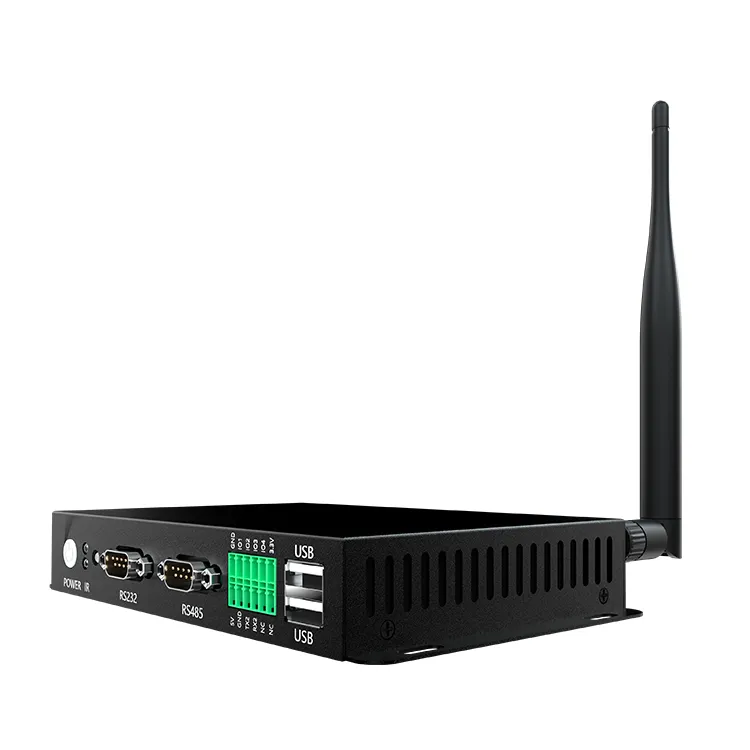
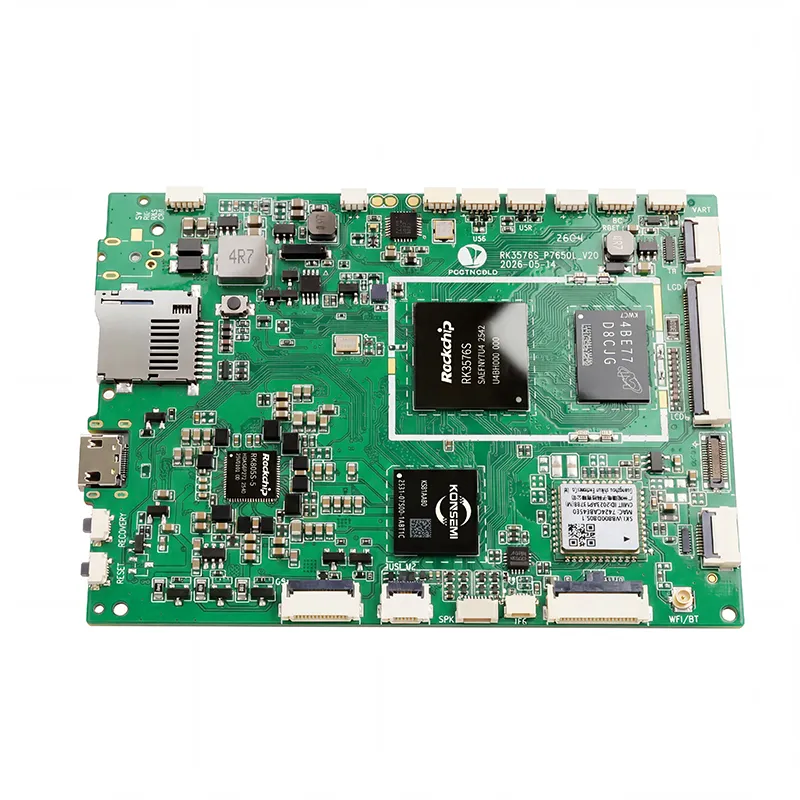
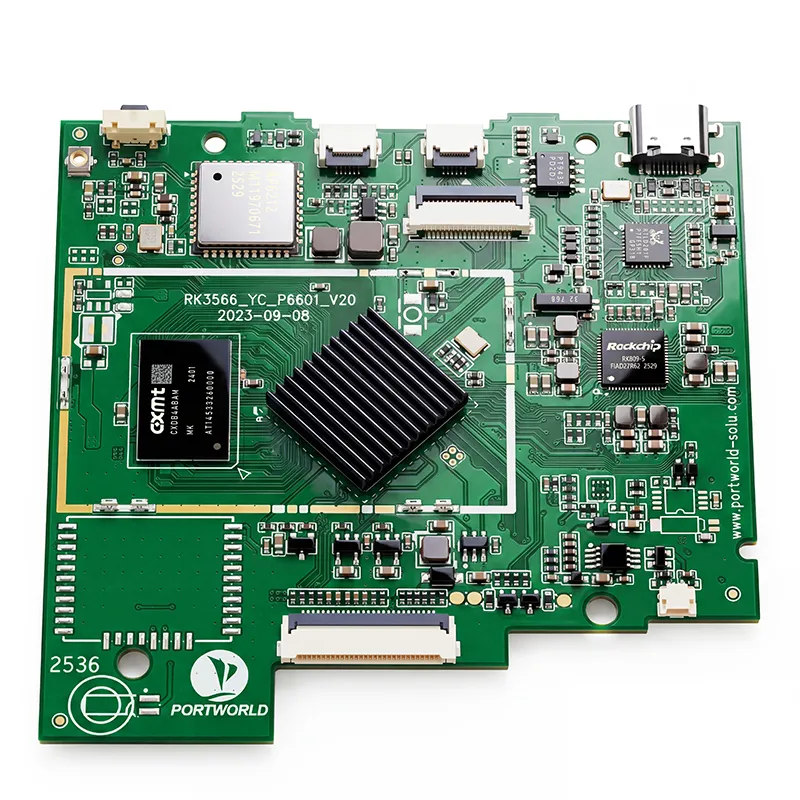
RK3576 Motherboard PCBA Design and Custom OEM/ODM Services
Apr 27,2026
The Next-Gen RK3588 Core board
Powerful, AI-Driven, High-Performance.Shop Now>




When selecting an industrial Panel PC, processor performance is one of the first specifications engineers look at. A faster CPU may seem like the safest choice, but more processing power does not always mean a better industrial system.
An operator terminal used to display machine status and receive touch input has very different requirements from a panel PC running multiple applications, processing camera images, or performing edge AI inference.
Choosing an underpowered platform can lead to slow screen updates, delayed responses, and poor multitasking performance. On the other hand, selecting an unnecessarily powerful processor increases hardware costs, power consumption, and thermal design requirements.
So, how much processing power does an industrial Panel PC actually need?
The answer depends on what the system needs to do, how many applications it runs simultaneously, and how long it is expected to operate.
1. Begin with the Application, Not the Processor Model
The most effective approach to choosing an industrial Panel PC is to define its workload before comparing CPU specifications.
Industrial Panel PCs are widely used for machine-control interfaces, production monitoring, equipment configuration, data visualization, and industrial IoT applications. These tasks have different computing requirements.
For instance, a panel PC that displays a few buttons, temperature readings, and operating-status indicators may perform reliably with a low-power ARM processor. By contrast, a system running a Windows-based SCADA application alongside multiple communication services and a database client may require a more powerful x86 platform.
It is useful to categorize industrial applications into several performance levels.
| Application type | Typical workload | Suggested platform direction |
|---|---|---|
| Basic HMI | Buttons, status indicators, simple menus | Entry-level ARM or Intel |
| Equipment monitoring | Real-time data, charts, alarms, communication | Mid-range ARM or Intel |
| Advanced HMI | Multiple applications, complex graphics, local databases | Higher-performance ARM or Intel |
| Machine vision | Camera input, image processing, inspection | High-performance CPU with suitable accelerator |
| Edge AI | Local inference, object detection, predictive analysis | AI-capable SoM or edge computing platform |
These are recommended starting points, not rigid hardware requirements. Test the actual processor, memory, and storage configuration with the software you plan to use.
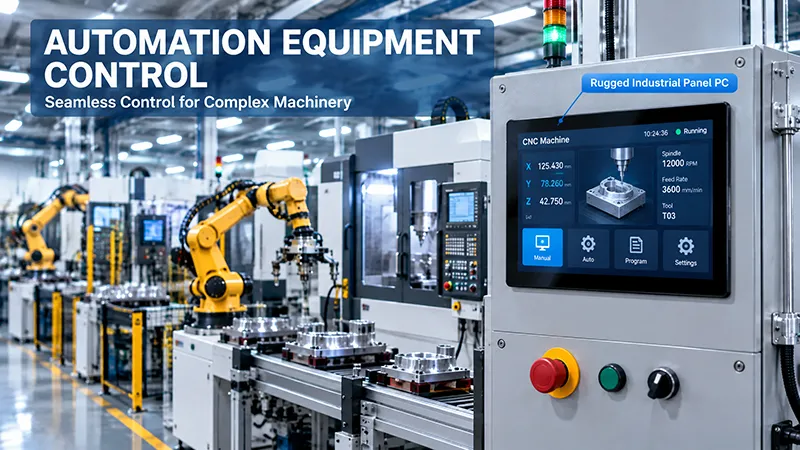
2. Basic HMI Applications: Use Hardware Efficiently
Many industrial Panel PCs serve mainly as human-machine interfaces.
Common functions include:
These applications typically depend more on reliable communication and responsive touch controls than on intensive CPU processing.
A modest ARM platform may be adequate if the interface is lightweight and the operating system is optimized for the application. For instance, a Rockchip-based Android or Linux platform can be a practical choice for embedded HMI systems.
For these applications, choosing a high-end processor may offer little perceptible improvement. Engineers should prioritize:
For a straightforward machine interface, a well-tuned system with adequate memory can often provide a better user experience than a more powerful platform burdened by unnecessary background services.
3. Production Monitoring and Data Visualization Require Greater Capacity
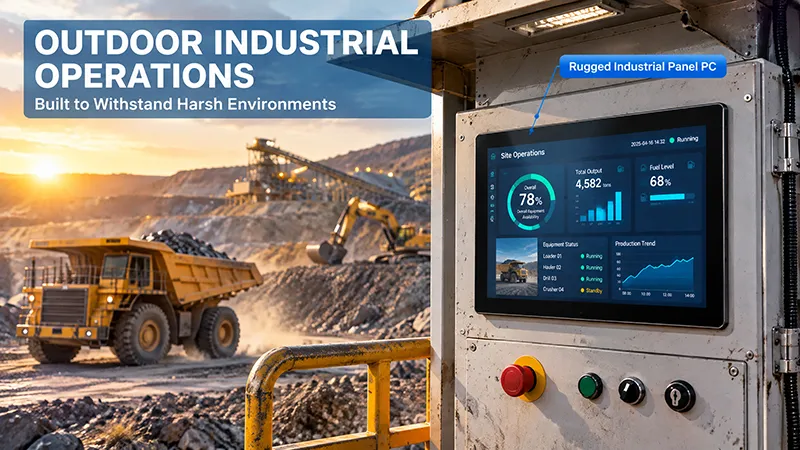
Industrial Panel PCs used for production monitoring typically perform more tasks than basic HMI terminals.
A standard production monitoring interface may show the status of multiple machines, production metrics, alarm histories, trend charts, and real-time sensor data.
The workload increases when the system must:
Support remote monitoring and maintenance tools.
In these circumstances, processor performance and RAM capacity become increasingly important.
A mid-range ARM processor may be appropriate for a customized Linux or Android monitoring terminal. An Intel-based industrial Panel PC may be a better choice when the application relies on Windows software, x86 compatibility, or the simultaneous operation of several desktop applications.
It is also essential to distinguish local processing from remote processing. When most data analysis occurs on a server, the Panel PC primarily needs to manage communication and visualization. If the terminal must process and store substantial amounts of data locally, it requires greater computing power and storage capacity.
4. Advanced HMI and Multitasking Demand a More Capable CPU
Industrial interfaces are increasingly more than basic control screens. They may include 3D equipment visualizations, video playback, complex animations, browser-based applications, remote desktop software, and multiple communication services.
These workloads can place heavier demands on CPU and GPU resources.
For these systems, consider the following:
CPU architecture and core performance
Multi-core processors can support applications that run several tasks at once. However, not all industrial software is designed to take advantage of parallel processing. Evaluate single-core performance and software compatibility as well.
GPU capability
Systems with complex graphics, high-resolution displays, or multiple display outputs may need more powerful graphics processing. Confirm that the integrated GPU supports the required resolution, refresh rate, and number of displays.
Memory capacity
Running several applications increases RAM demand. Insufficient memory may lead to slowdowns, application restarts, or excessive use of storage for swapping.
Thermal design
Higher-performance processors produce more heat. In a fanless industrial enclosure, the thermal solution must accommodate the processor's sustained workload, rather than only its peak performance.
A practical approach is to test the complete application using the intended display resolution and peripheral configuration before finalizing the hardware.
5. Machine Vision and Edge AI Require a Different Performance Strategy
Machine vision and edge AI applications demand more than a conventional HMI processor can provide.
An industrial Panel PC used for visual inspection, object recognition, or automated equipment monitoring may need to handle camera streams and run inference models directly on the device.
Typical workloads may include:
For these applications, adding CPU cores alone may not be the most effective approach. Dedicated GPUs, NPUs, and other AI accelerators can handle specific workloads more efficiently.
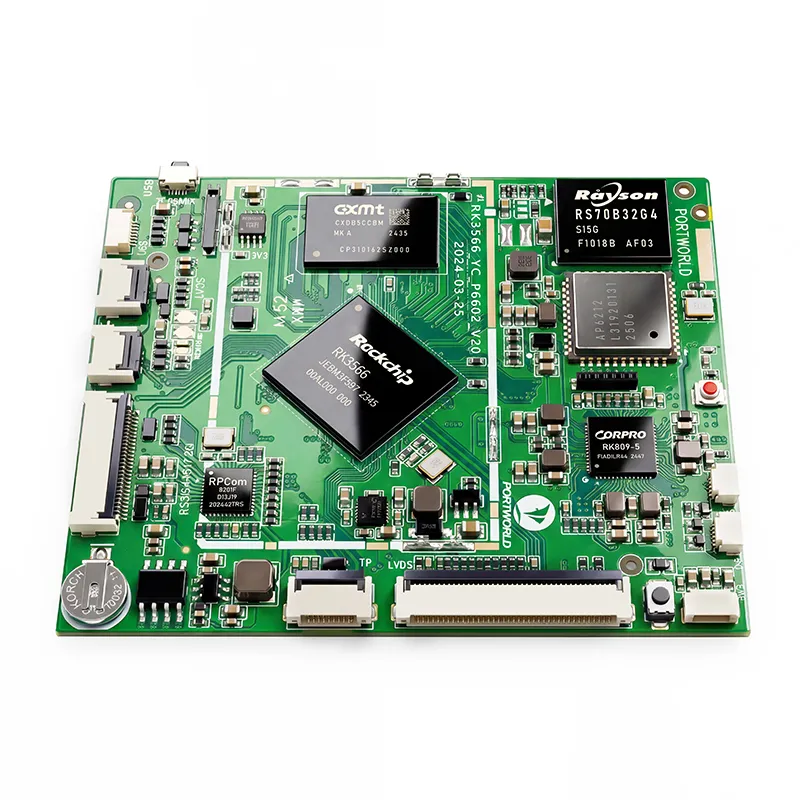
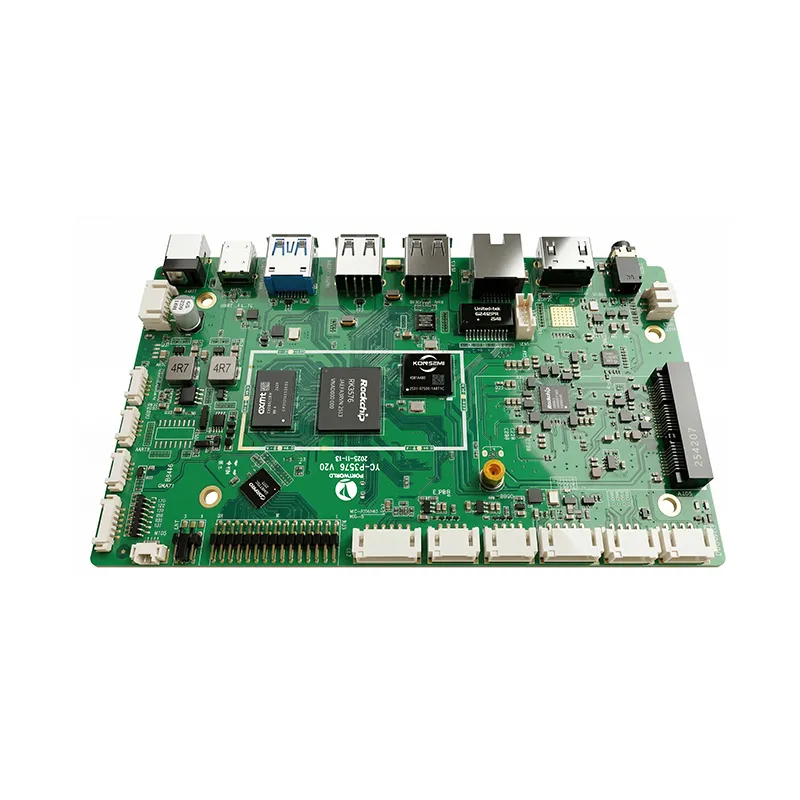
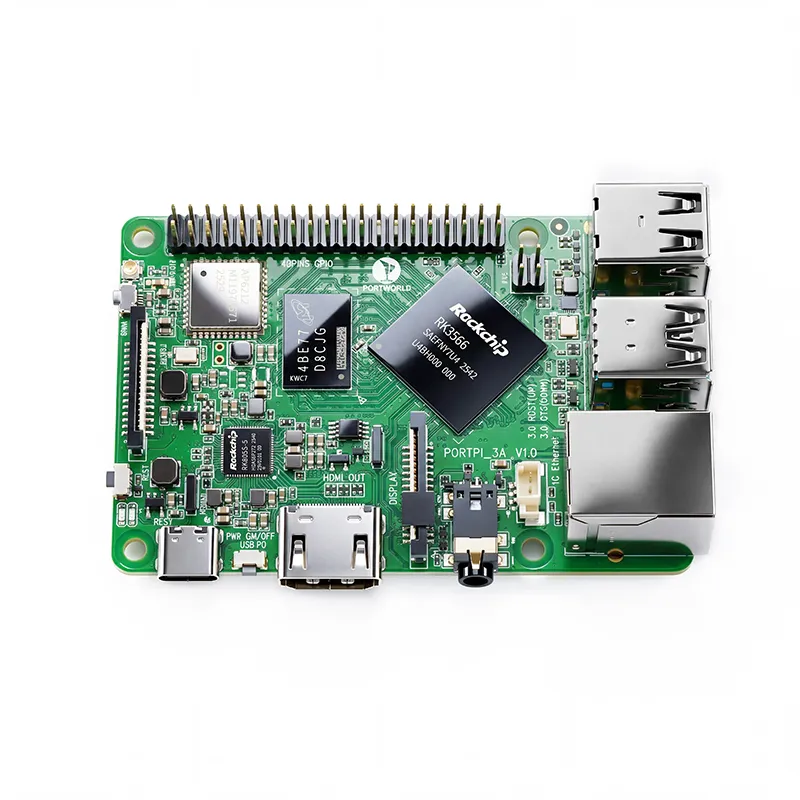
For example, Portworld offers several Rockchip-based computing platforms designed for embedded and edge AI applications.
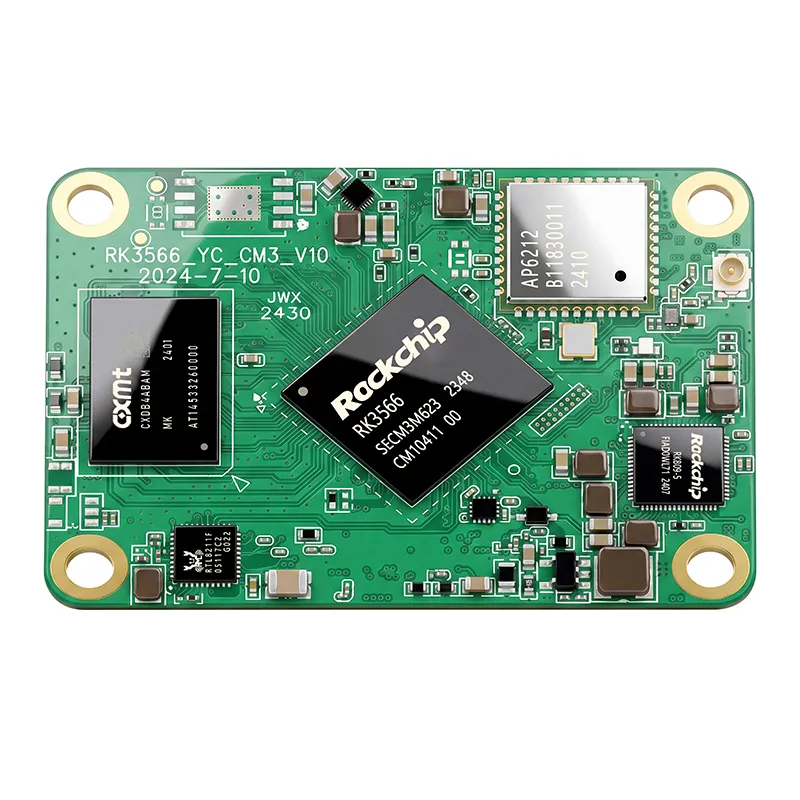
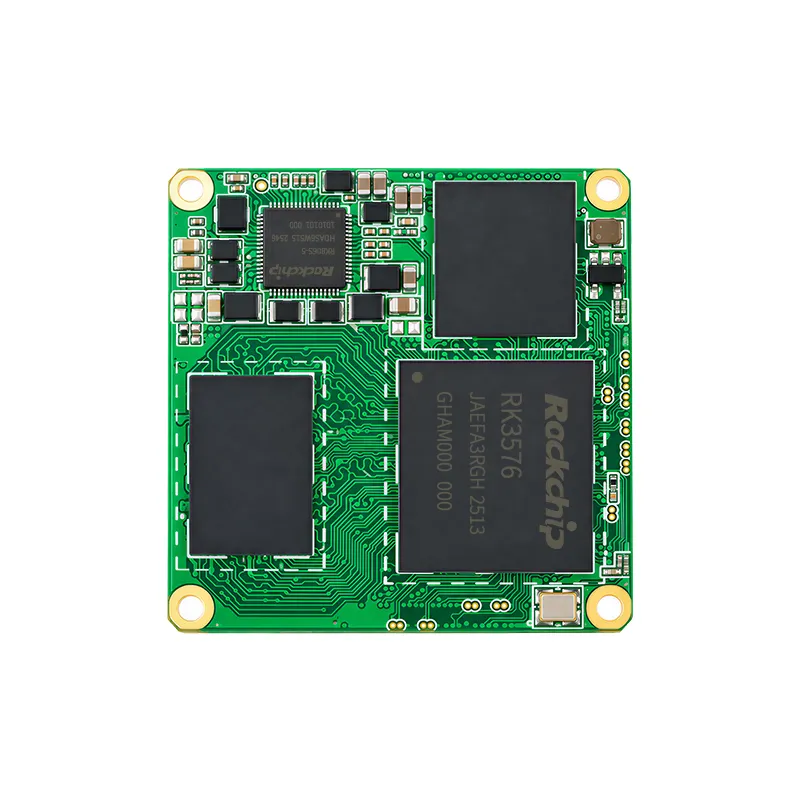
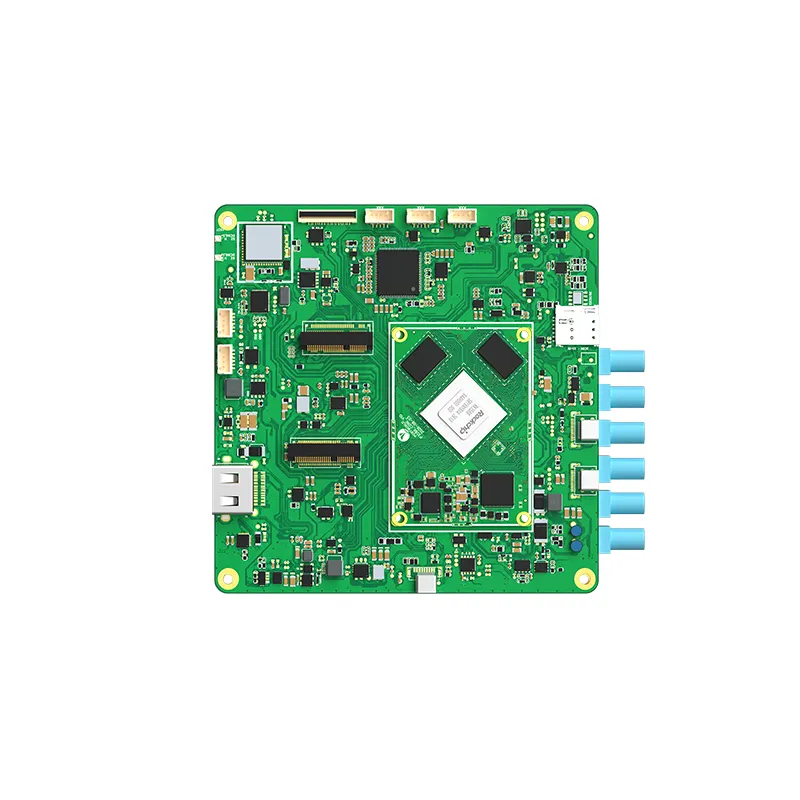
The YC-Core3576 is a compact RK3576 system-on-module featuring an octa-core CPU, Mali-G52 graphics, and an NPU that supports INT4, INT8, and FP16 inference. It can provide the computing foundation for embedded systems that require local AI processing.
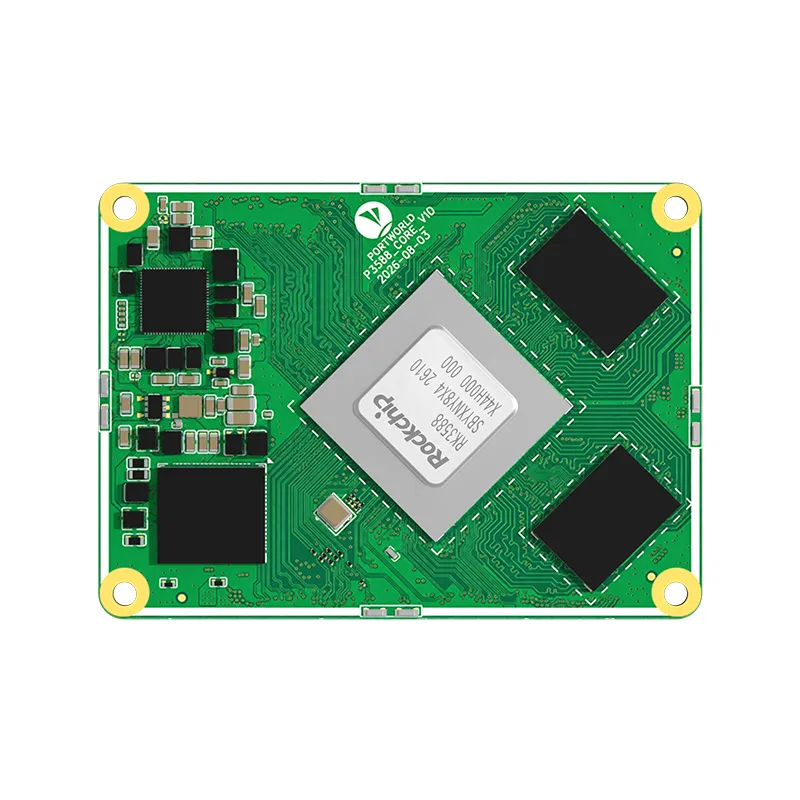
For more demanding applications, the YC-Core3588 is based on the RK3588 platform. It combines four Cortex-A76 cores and four Cortex-A55 cores with a 6 TOPS NPU. With support for 8K video processing and multiple display interfaces, it is suited to more advanced embedded computing designs.
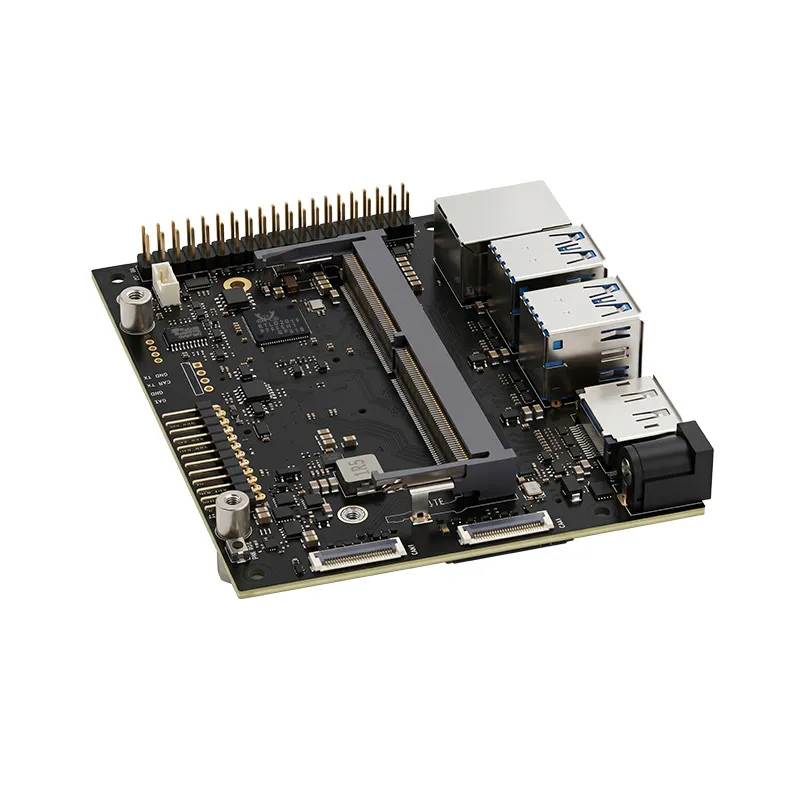
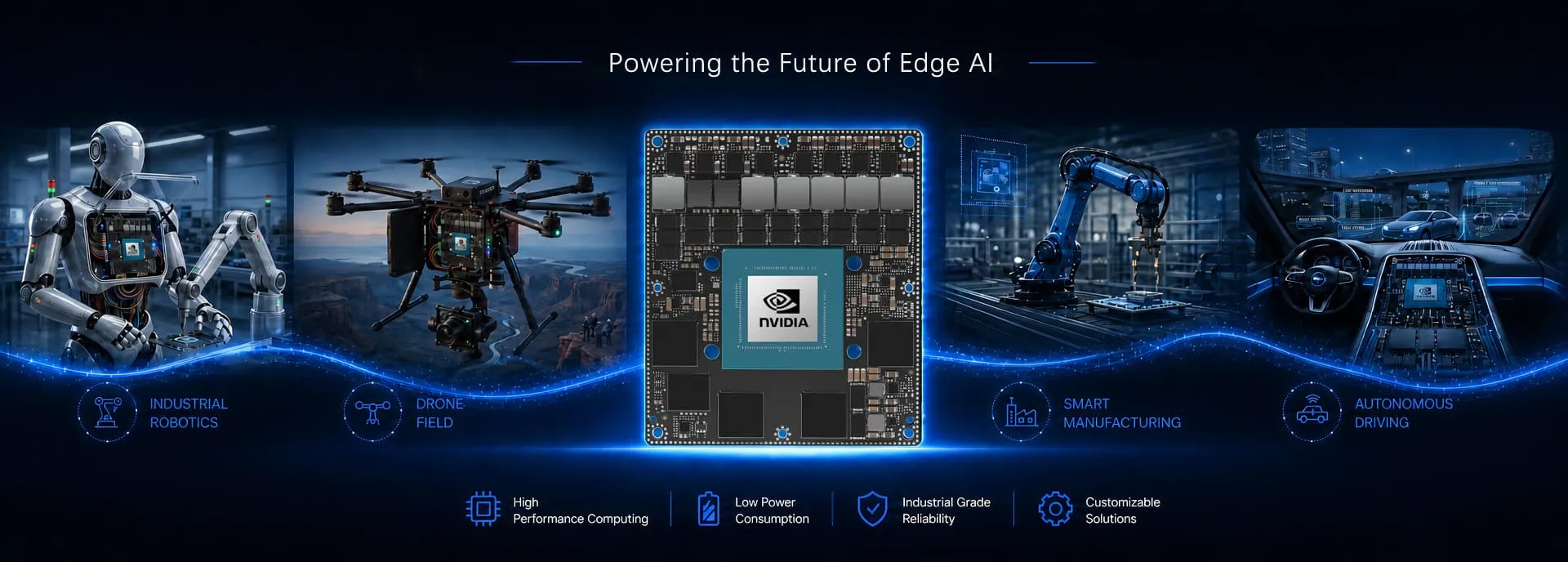
For applications requiring NVIDIA's AI software ecosystem, Portworld also offers Jetson-based solutions such as the YC-N1902 and YC-N2401.
The key is to match the accelerator to the actual model and framework. NPU TOPS ratings alone do not guarantee a particular inference speed. Model size, precision, memory bandwidth, software optimization, and input resolution all affect real-world performance.
6. CPU Is Only One Element of the Performance Equation
A frequent mistake is choosing an industrial Panel PC based solely on its processor model.
In reality, system responsiveness depends on multiple components working together.
RAM: How Many Tasks Can Run Smoothly?
RAM determines how much data and how many applications can stay active in memory.
A basic HMI may run effectively with a modest memory configuration. More complex monitoring systems, browser-based interfaces, and multitasking applications require greater capacity.
As a general starting point:
These figures are planning guidelines, not universal minimum requirements. Windows applications, databases, and AI workloads may need substantially more memory.
Storage: Assess Application Size and Data Retention
Storage capacity affects application installation, system updates, log retention, and local data buffering.
An industrial Panel PC used solely as an HMI may require relatively little storage. By contrast, a production monitoring terminal that saves historical data, images, or application logs will need more capacity.
Engineers should also account for storage endurance, write frequency, and recovery mechanisms, especially in systems that operate continuously.
GPU: Essential for Graphics and Video
The GPU manages graphics rendering and video workloads. It is more important when an interface includes complex animations, multiple high-resolution displays, or video streams.
In machine vision and AI applications, the GPU or NPU can also accelerate specific computational tasks.
Network and I/O: Prevent Performance Bottlenecks
Even a powerful processor cannot make up for an unsuitable communications architecture.
Industrial applications may require multiple Ethernet ports, RS232, RS485, USB, GPIO, or fieldbus interfaces. When data must be collected from numerous devices, network throughput and interface availability can be as critical as CPU performance.
The choice between ARM and Intel depends on the software environment, workload, power requirements, and deployment strategy.
| Selection factor | ARM-based Panel PC | Intel-based Panel PC |
|---|---|---|
| Typical use | Embedded HMI, Android/Linux terminals, IoT | Windows HMI, industrial desktop applications |
| Power consumption | Often lower for comparable embedded workloads | Depends on processor generation and configuration |
| Software compatibility | Depends on ARM support and OS build | Broad compatibility with x86 software |
| AI acceleration | Available on selected platforms with NPU | Depends on CPU, GPU, and accelerator configuration |
| Customization | Suitable for embedded BSP and hardware customization | Suitable for x86-based industrial system integration |
| Development considerations | May require ARM-specific application builds | Often easier for existing Windows and x86 software |
Portworld provides both Rockchip-based ARM platforms and Intel-based industrial Panel PC solutions.
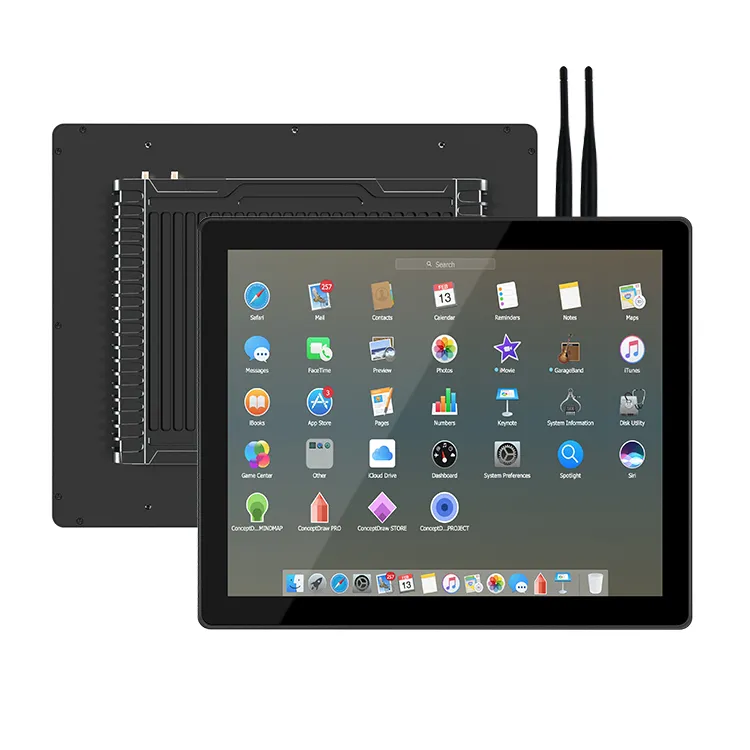
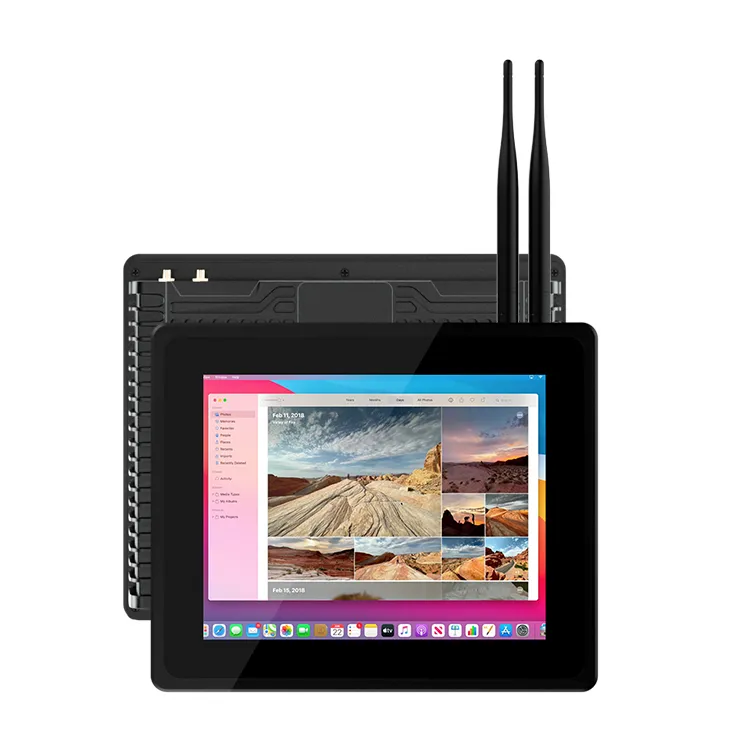
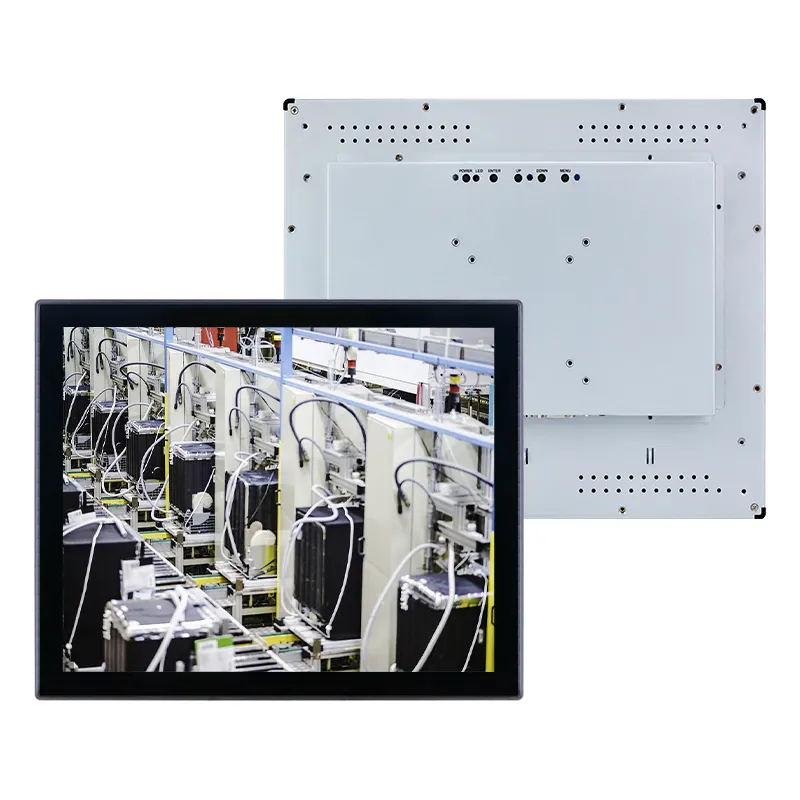
For example, the YC-104EM is a 10.4-inch industrial Panel PC available with Intel processor configurations such as the Celeron J4125 or Core i5-3317U, depending on the selected version. It can be considered for industrial applications that require an x86 software environment.
For embedded Android or Linux applications, Rockchip-based platforms offer another route. The right choice depends on software compatibility, performance testing, operating system requirements, and long-term product availability.
8. Consider Sustained Performance and Thermal Management
Industrial equipment frequently runs for extended periods, sometimes without interruption. A processor that performs well in a brief benchmark may deliver different results after operating for hours inside a compact enclosure.
Thermal throttling may lower CPU frequency when temperatures exceed the processor’s operating limits. This can lead to slower interface updates or inconsistent application performance.
Before choosing a platform, assess:
Whether connected peripherals generate substantial heat.
Fanless designs can reduce maintenance needs, but require suitable thermal engineering. Test the processor under realistic conditions instead of choosing it solely by its maximum clock frequency.
Standard industrial Panel PCs meet the needs of many applications. However, some projects call for a particular processor, display size, interface configuration, or operating system.
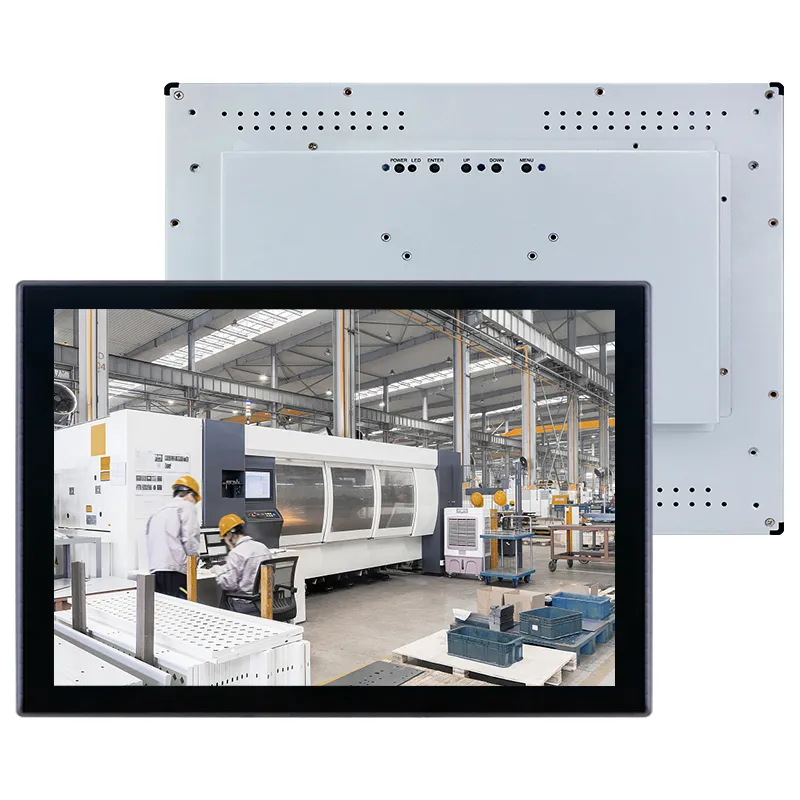
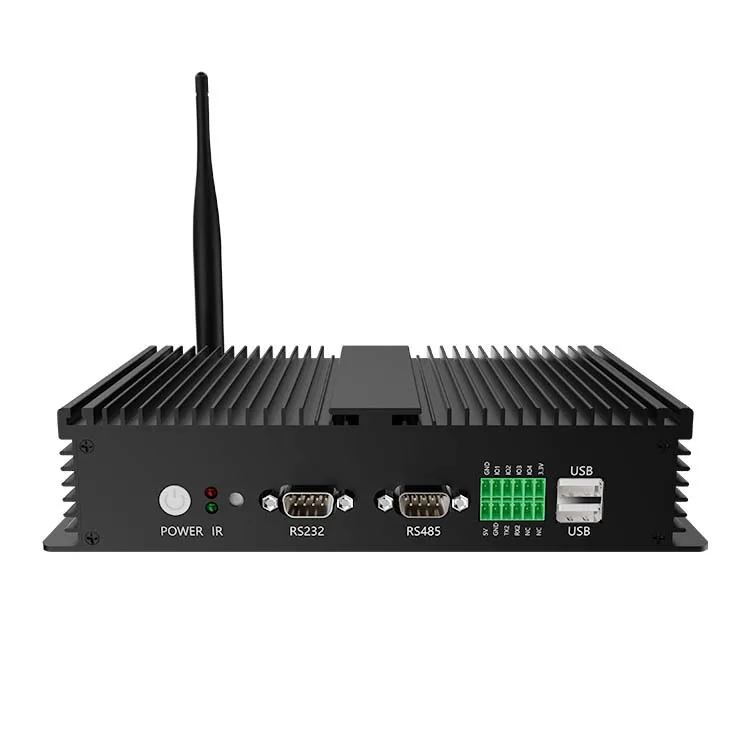
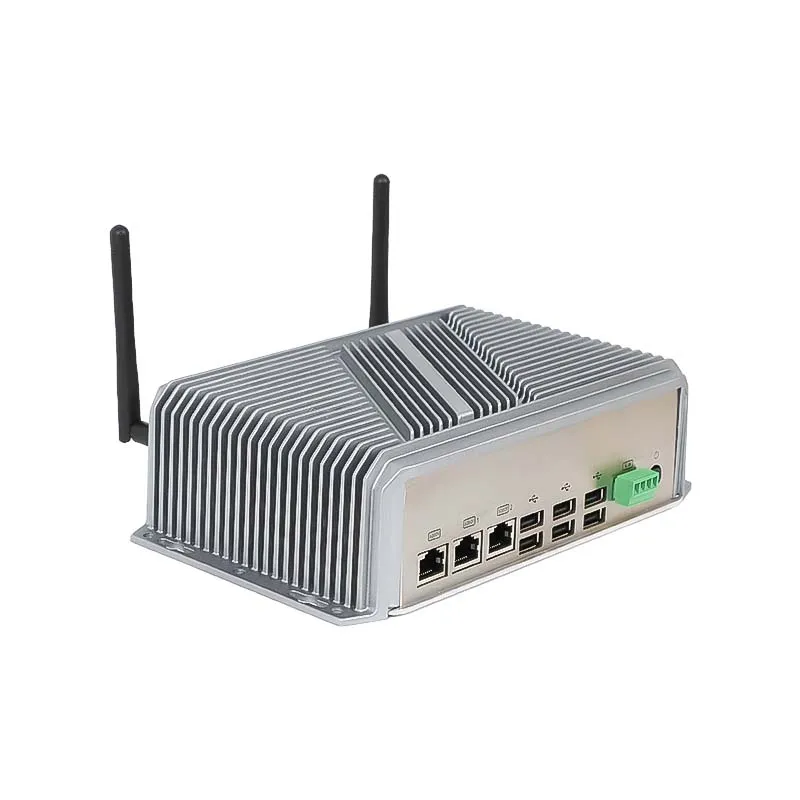
Portworld offers industrial touchscreen displays, embedded Panel PCs, motherboards, and system-on-module solutions for OEM and ODM projects.
Depending on the application, the hardware platform can be configured with:
BSP, SDK, application deployment, and software customization.
An efficient embedded platform may suffice for basic HMI applications. Advanced industrial monitoring may benefit from a higher-performance Panel PC with greater multitasking capacity. For machine vision and edge AI, an AI-capable computing platform may provide a stronger foundation than a conventional HMI terminal.
The goal is not to select the most powerful processor available, but to build a balanced system that meets the application's performance needs, operating conditions, and expected service life.