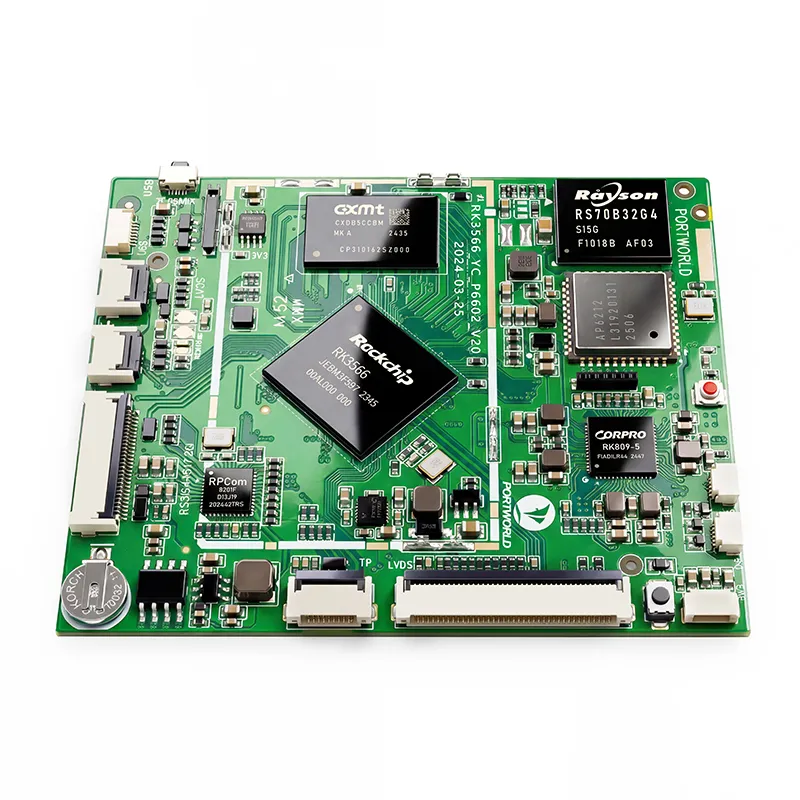
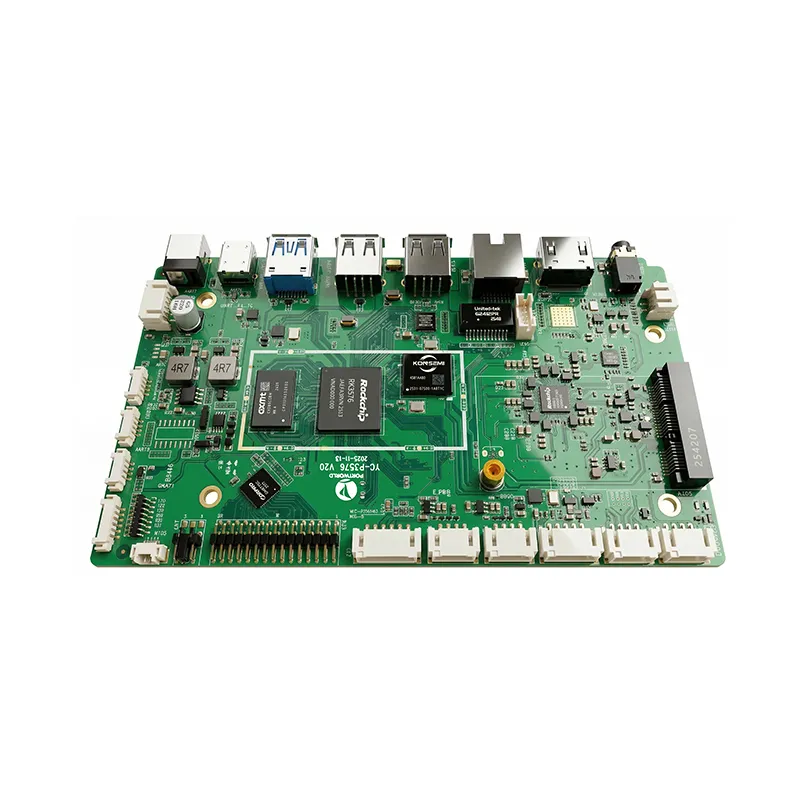
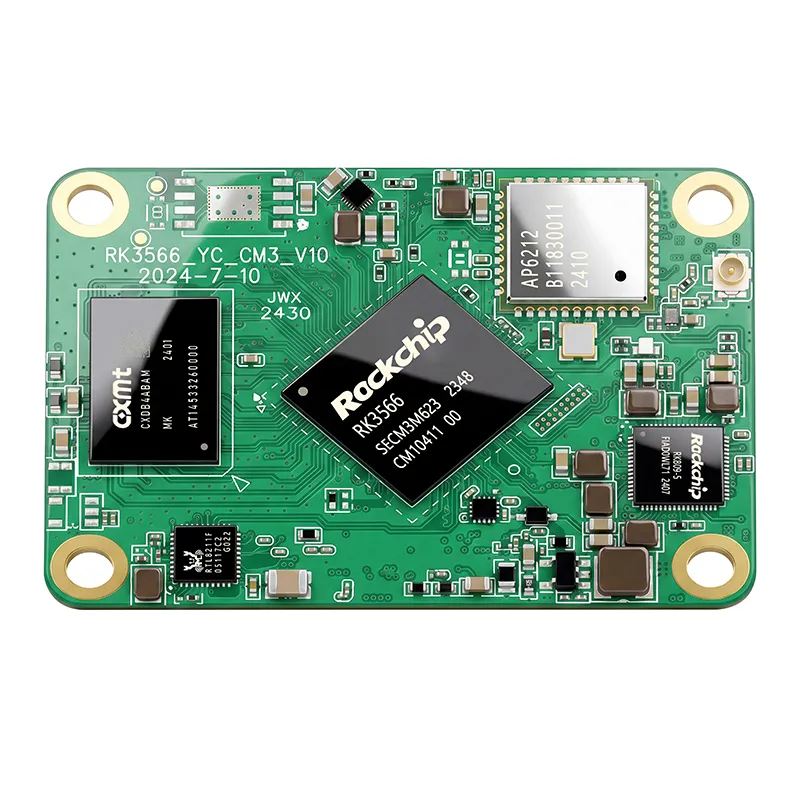
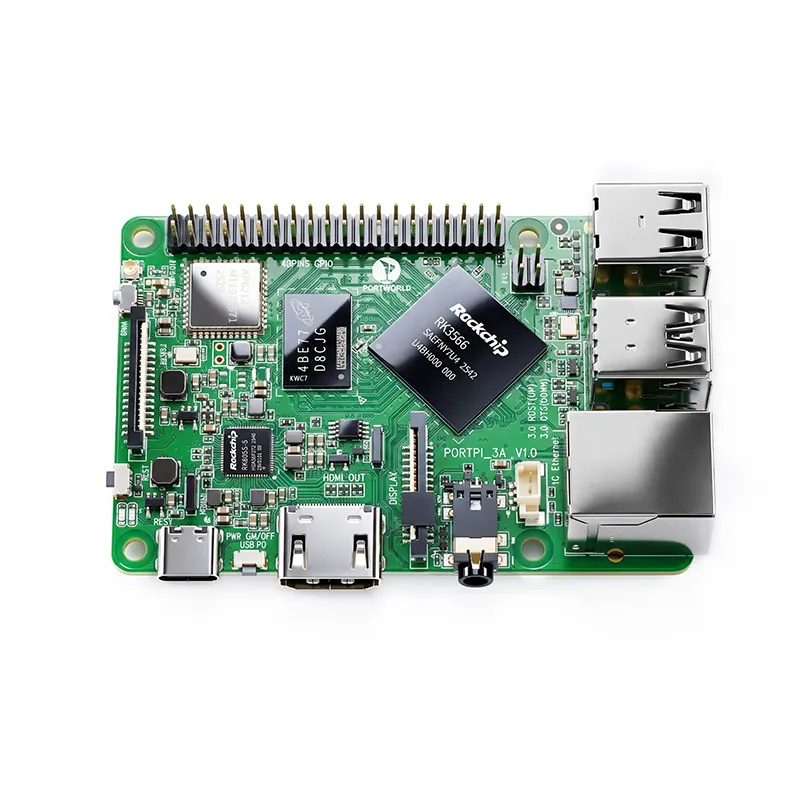
RK3576 Motherboard PCBA Design and Custom OEM/ODM Services
Apr 27,2026
The Next-Gen RK3588 Core board
Powerful, AI-Driven, High-Performance.Shop Now>




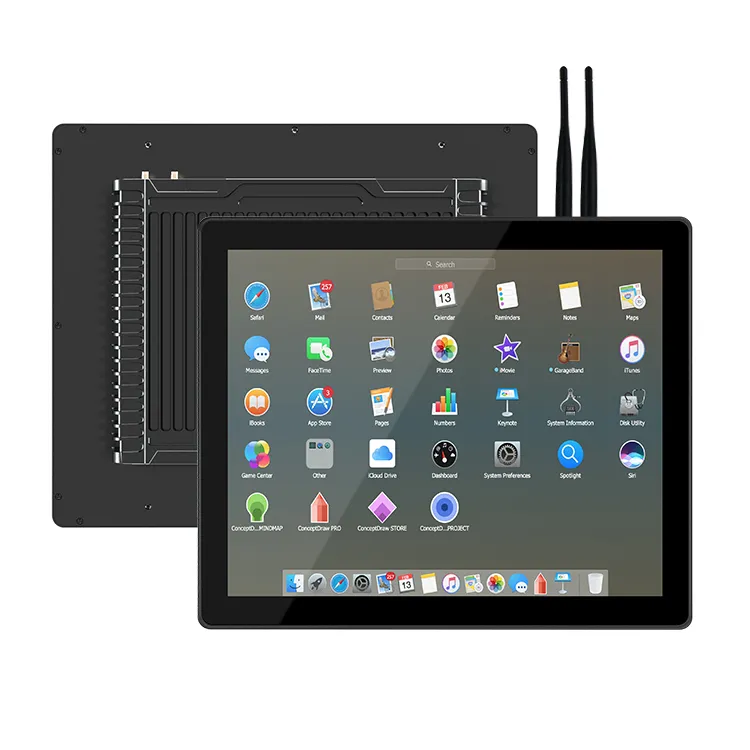
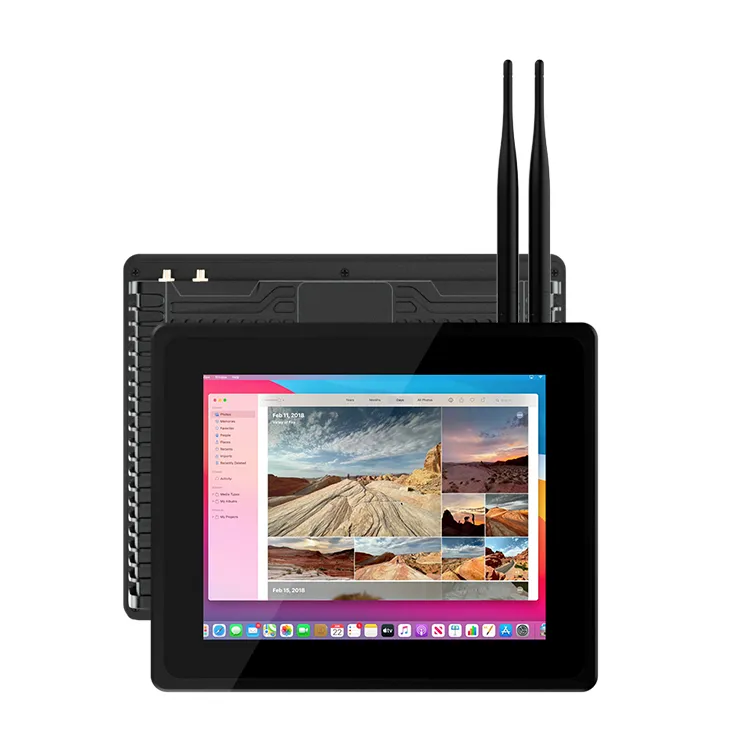
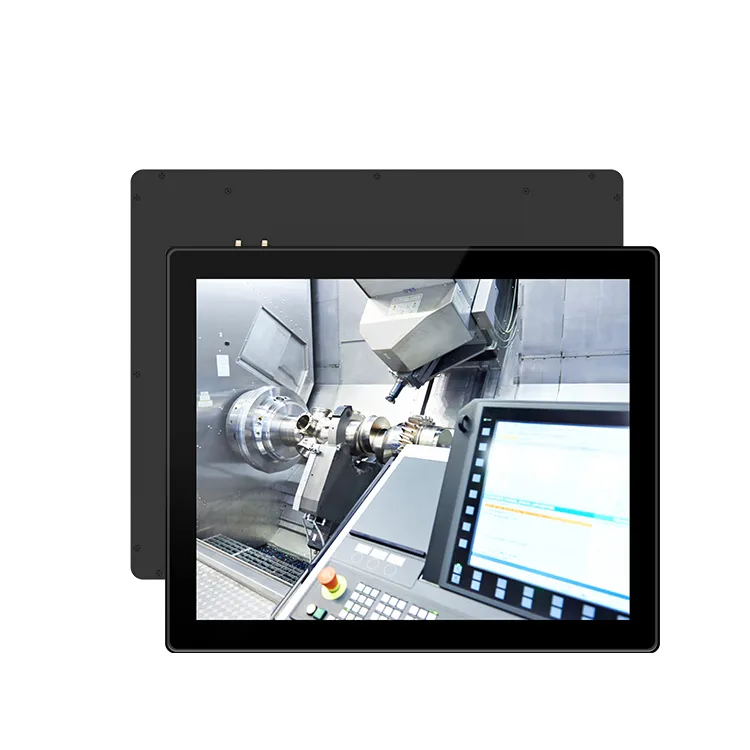
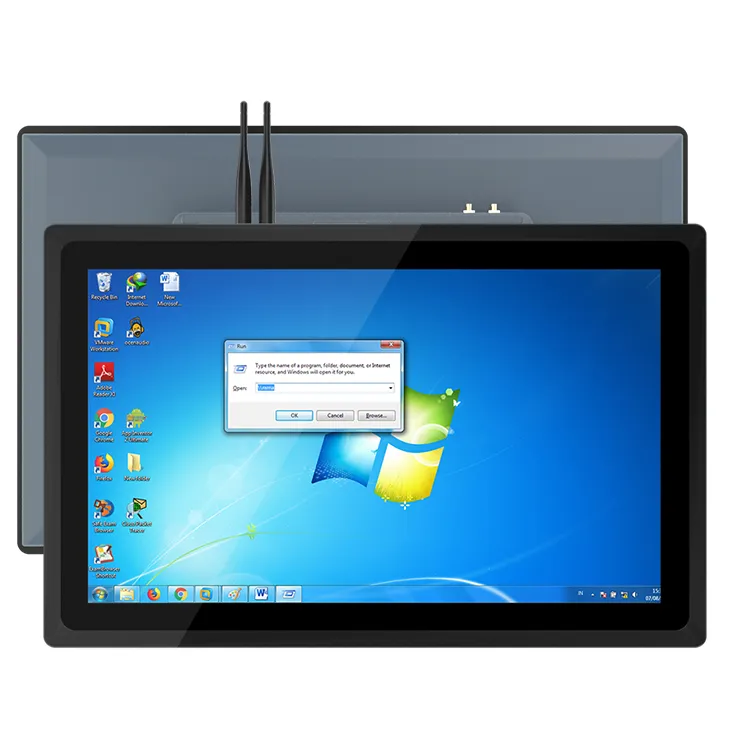
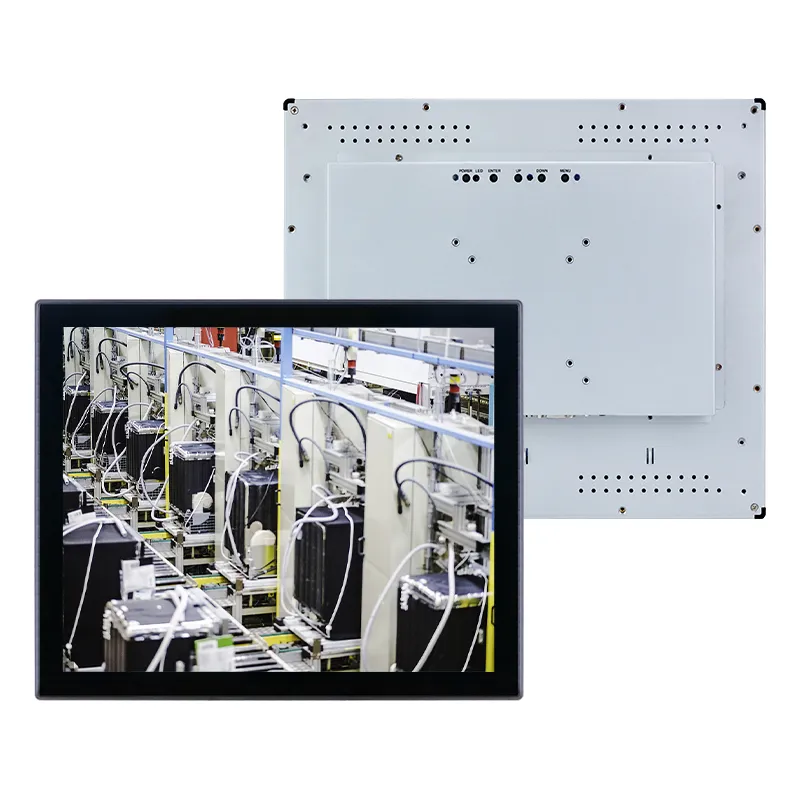
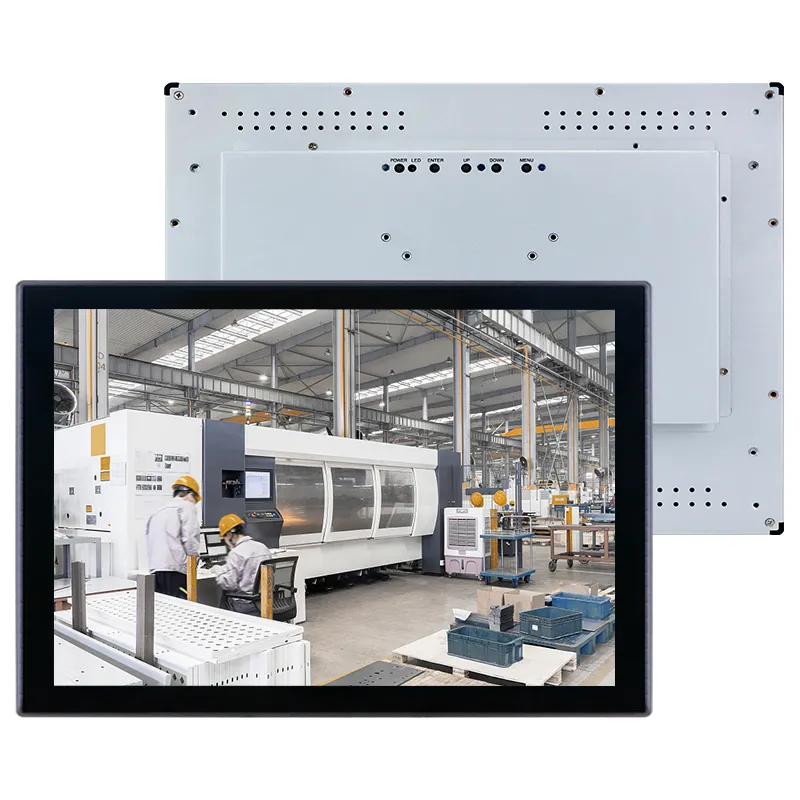
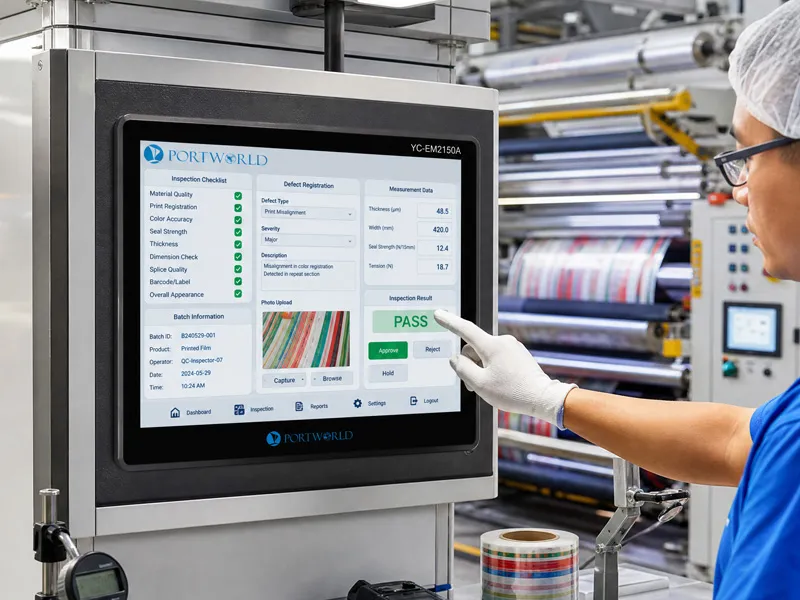
Industrial settings significantly differ from office or commercial environments. Dust, vibrations, moisture, temperature fluctuations, and constant operation can adversely impact standard displays. For uses such as factory automation, outdoor terminals, transportation systems, and industrial machinery, a robust industrial touch screen monitor is engineered to ensure dependable performance under demanding conditions.
Nevertheless, selecting the appropriate rugged touch screen monitor involves more than merely picking a display that appears durable. Considerations such as the level of protection, touch technology, hardware design, and long-term reliability are all crucial factors.
Comprehend the Working Environment
The initial step in selecting a rugged industrial touch screen monitor is to understand the installation location of the device.
Various environments have distinct requirements:
Factory and Automation Environments
Manufacturing plants may subject equipment to:
Dust and metal particles
Machine vibrations
Oil and chemical exposure
Extended operational hours
A rugged industrial display featuring a sealed enclosure, robust housing, and effective thermal design is vital for ensuring reliable performance.
Outdoor Applications
Outdoor systems such as electric vehicle charging stations, intelligent kiosks, and transportation terminals necessitate enhanced protection against:
Rain and moisture
Direct sunlight
Temperature variations
In these scenarios, features like IP65 protection, high-brightness displays, and wide temperature tolerance are crucial.
Check the Protection Rating
The protection level is a critical specification for rugged industrial touch screens.
IP65 Protection
An IP65-rated front panel offers:
Complete dust protection
Defense against water jets
This makes it appropriate for various industrial applications, including:
Machine control panels
Factory HMIs
Outdoor monitoring systems
Industrial kiosks
For more challenging environments, additional protective features may be necessary based on the application.
Choose the Right Touch Technology
Touch performance significantly influences user experience and system reliability.
Capacitive Touch Screen
Projected capacitive (PCAP) touch technology delivers:
Smooth and rapid response
Multi-touch functionality
Smartphone-like usability
It is frequently utilized for:
Smart terminals
Digital signage
Interactive displays
Resistive Touch Screen
Resistive touch technology provides:
Usability with gloves
Enhanced resistance to industrial interference
Dependable performance in demanding environments
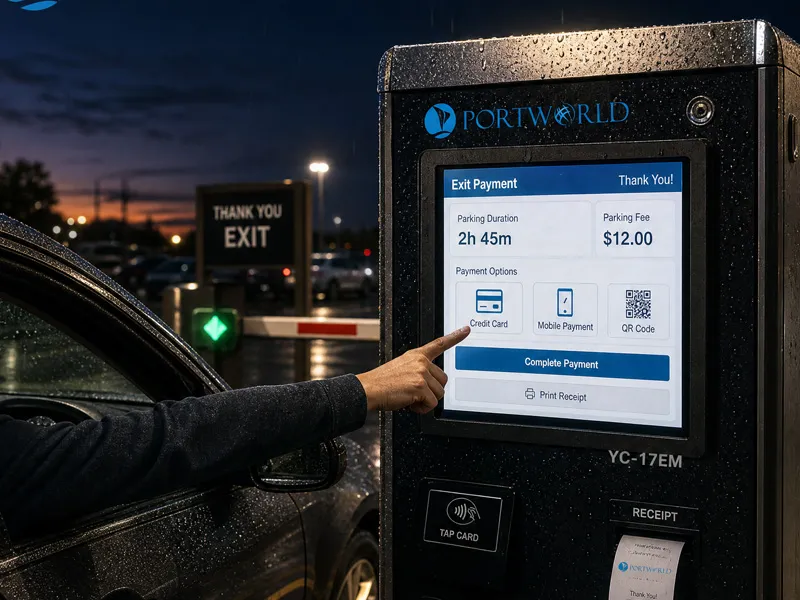
It is commonly chosen for:
CNC machines
Factory equipment
The appropriate touch technology is determined by how operators interact with the device.
Consider Rugged Hardware Design
A dependable rugged industrial touch screen monitor must feature industrial-grade construction.
Key attributes include:
Metal Housing
An aluminum alloy enclosure offers:
Enhanced mechanical protection
Superior heat dissipation
Extended product lifespan
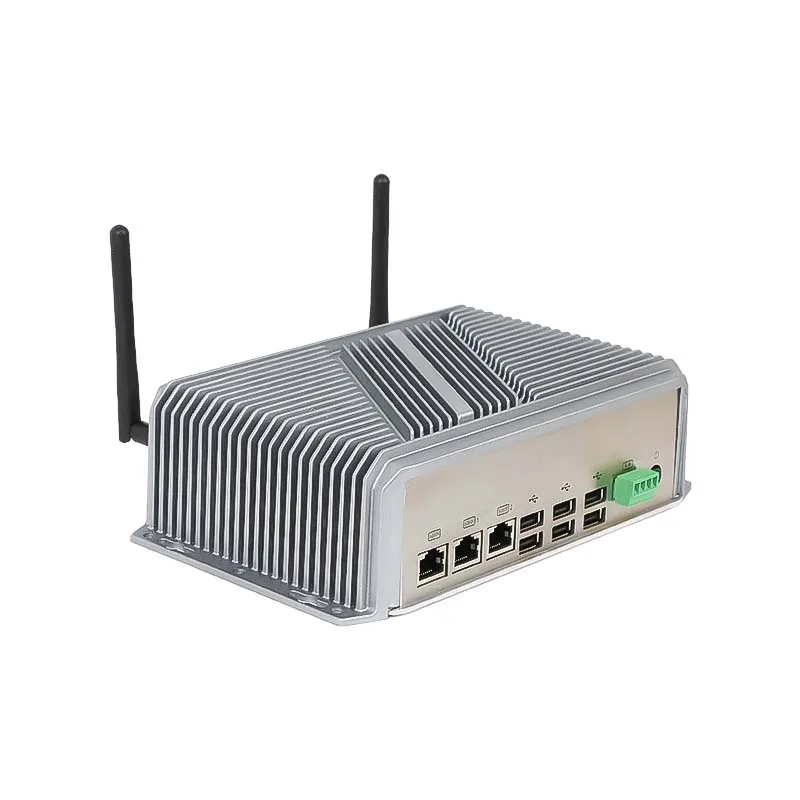
Fanless Cooling
Fanless designs minimize:
Dust buildup
Noise levels
Maintenance needs
They are well-suited for continuous 24/7 industrial use.
Shock and Vibration Resistance
Industrial machinery may undergo constant movement and vibration. A rugged display should be engineered to ensure stable performance under such circumstances.
Evaluate Display Performance
Screen visibility is essential, particularly in outdoor or brightly lit settings.
Take into account:
Brightness level
Resolution
Viewing angle
Anti-glare treatment
For outdoor uses, displays that are readable in sunlight with high brightness are advisable to guarantee clear visibility.
Examine Industrial Interfaces and Compatibility
A durable industrial touch screen monitor frequently needs to interact with various systems.
Common interfaces consist of:
HDMI
USB
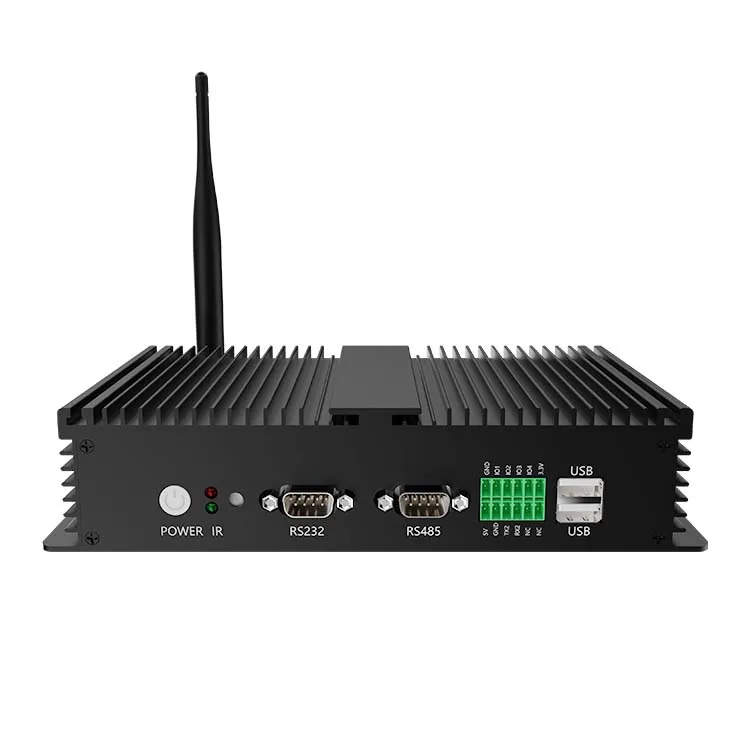
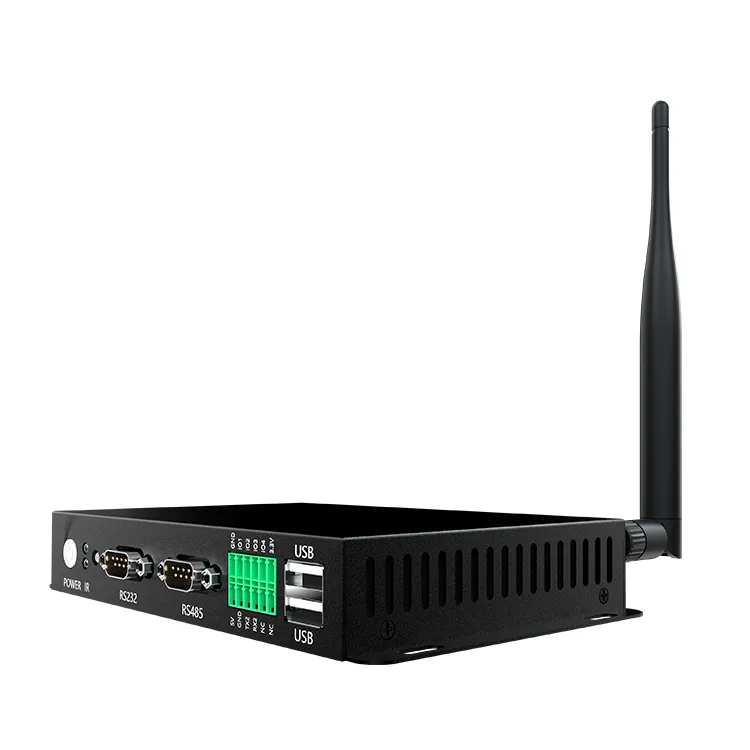
RS232
RS485
Ethernet
GPIO
These facilitate connections with:
PLC controllers
Industrial PCs
Sensors
Automation equipment
Selecting a display with versatile interfaces simplifies future system expansion.
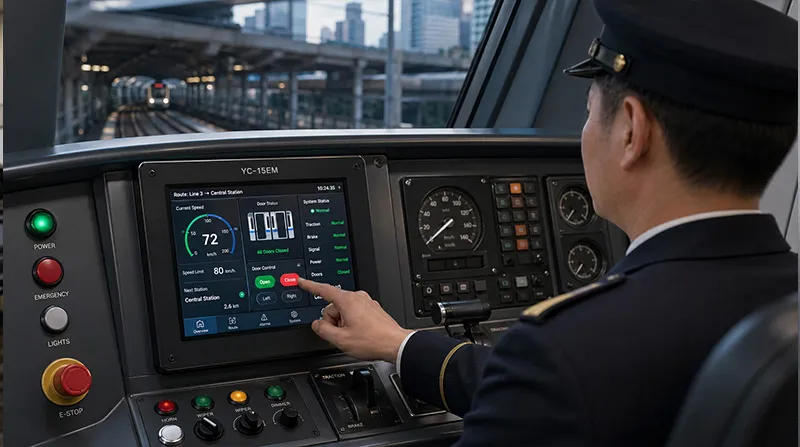
Evaluate Long-Term Reliability and Lifecycle
Industrial projects typically necessitate equipment to function for multiple years. An appropriate rugged touch screen monitor should offer:
24/7 operational capability
Stable supply of components
Industrial-grade materials
Extended product lifecycle support
For system integrators and OEM clients, long-term availability is often as crucial as initial performance.
Importance of Customization Capability
Various industrial projects frequently demand tailored solutions.
Reputable manufacturers can deliver:
Custom screen dimensions
Touch panel modifications
Interface enhancements
Mounting options
Support for Android/Linux/Windows
Bespoke housing and branding
This adaptability aids businesses in incorporating touch displays into specialized equipment.