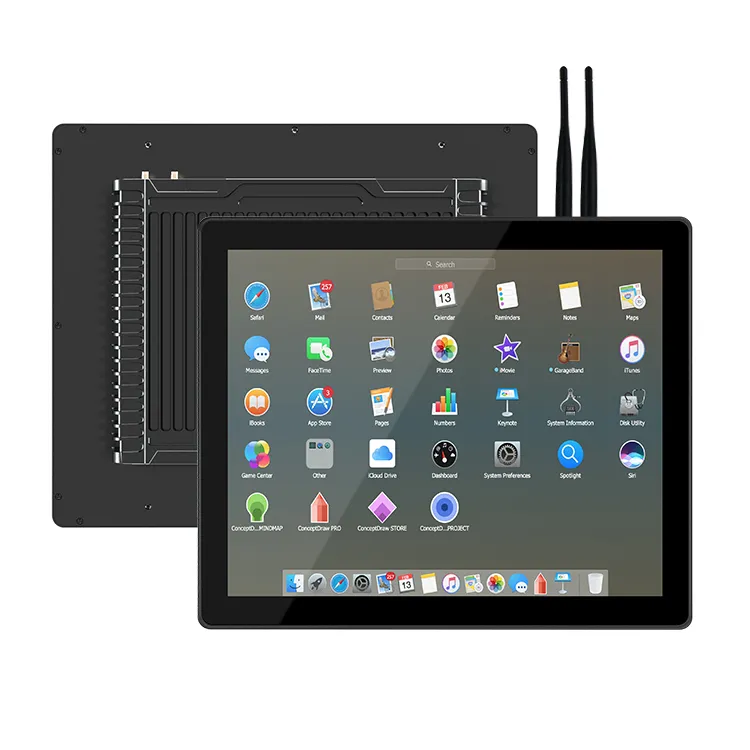
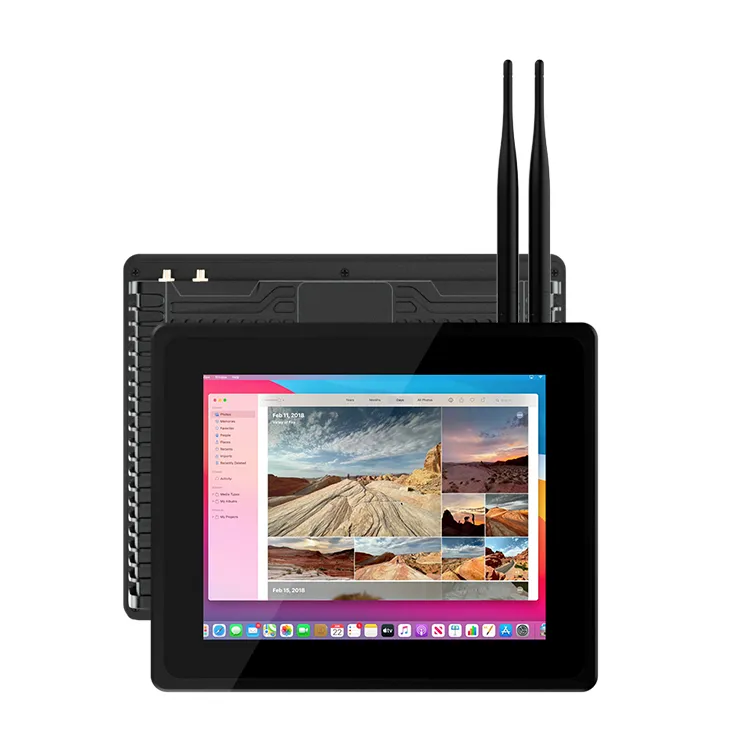
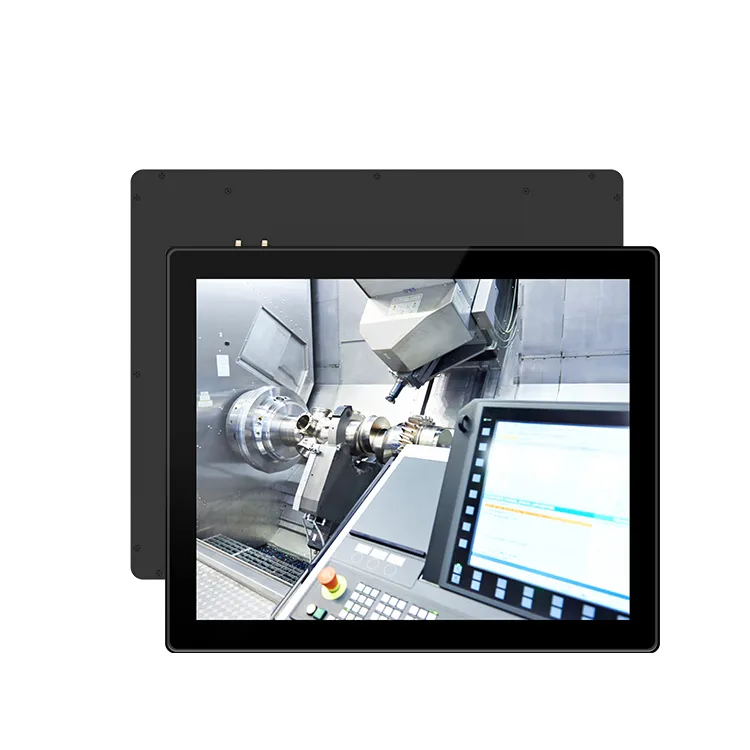
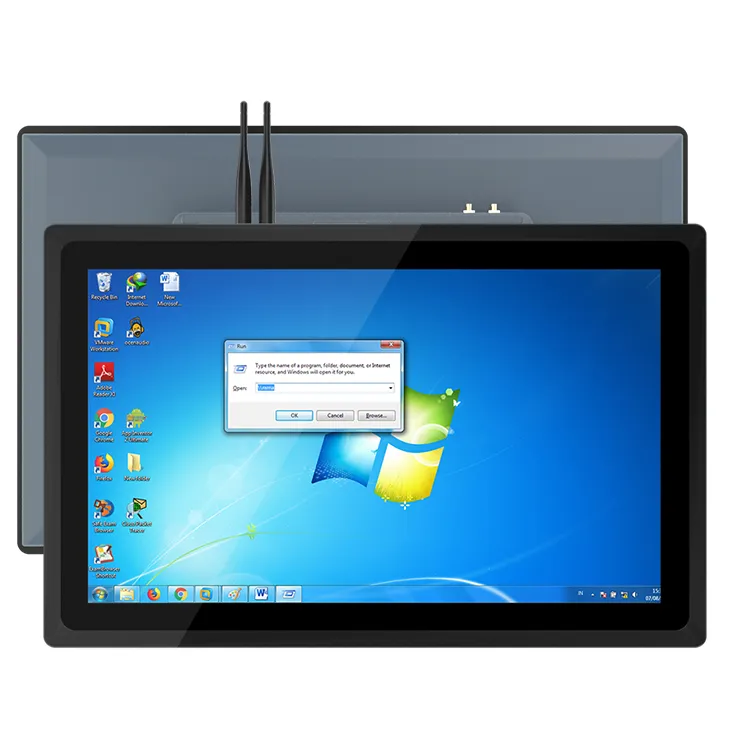
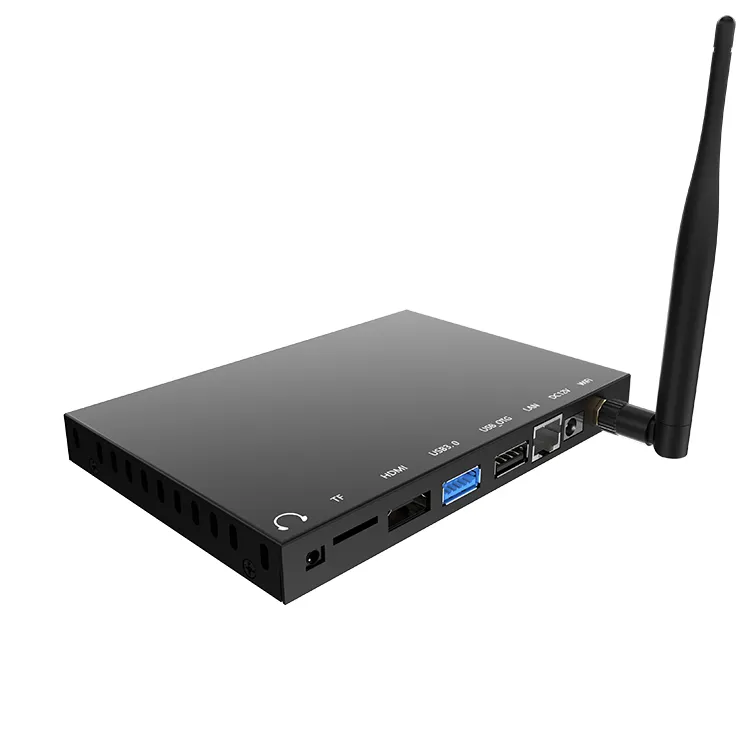
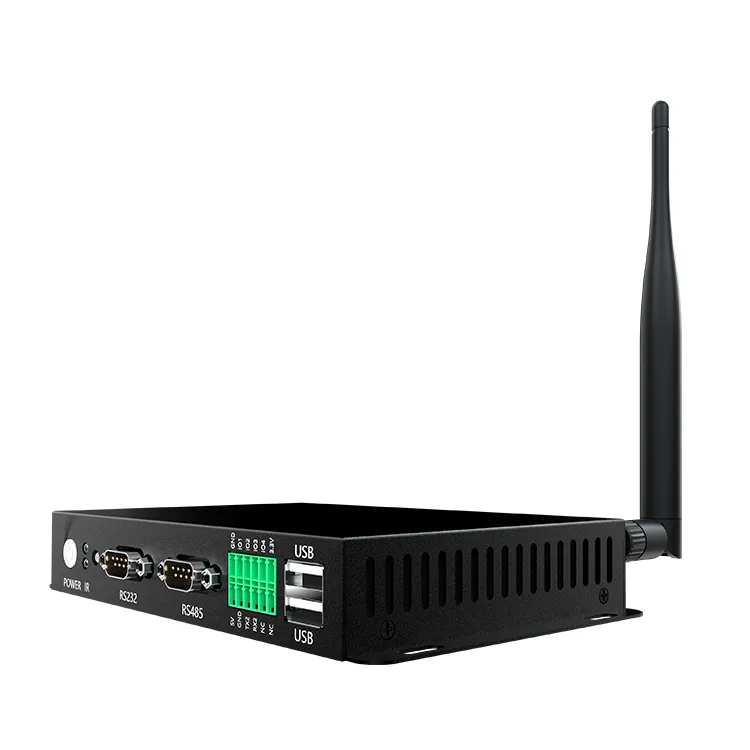
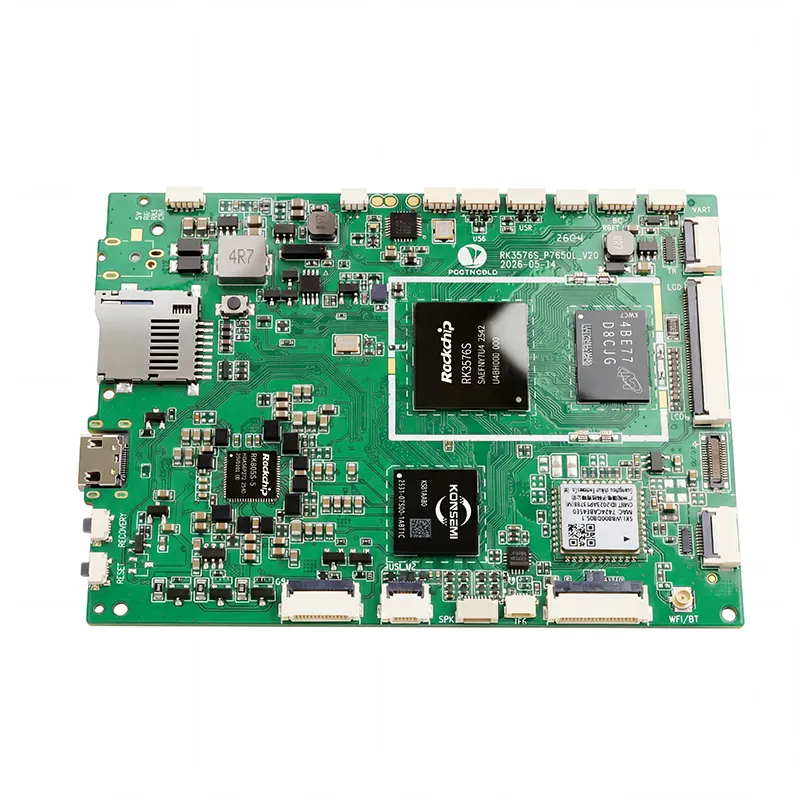
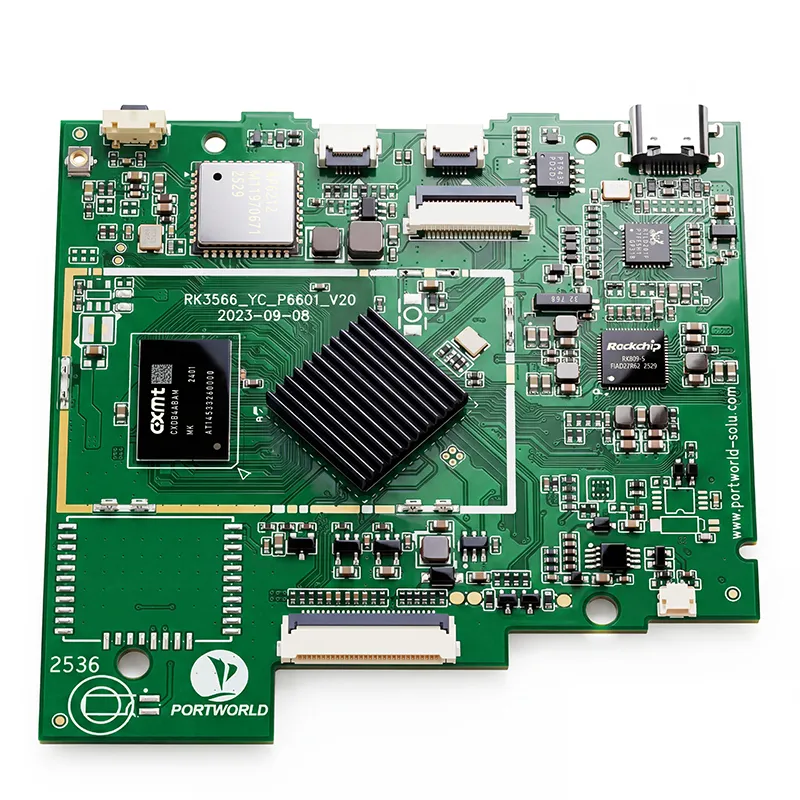
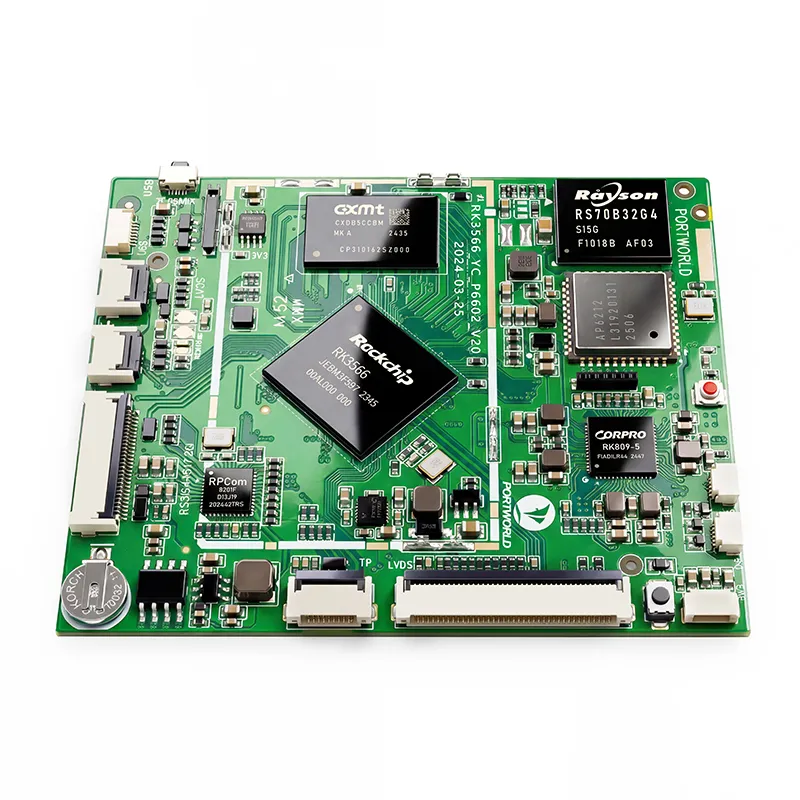
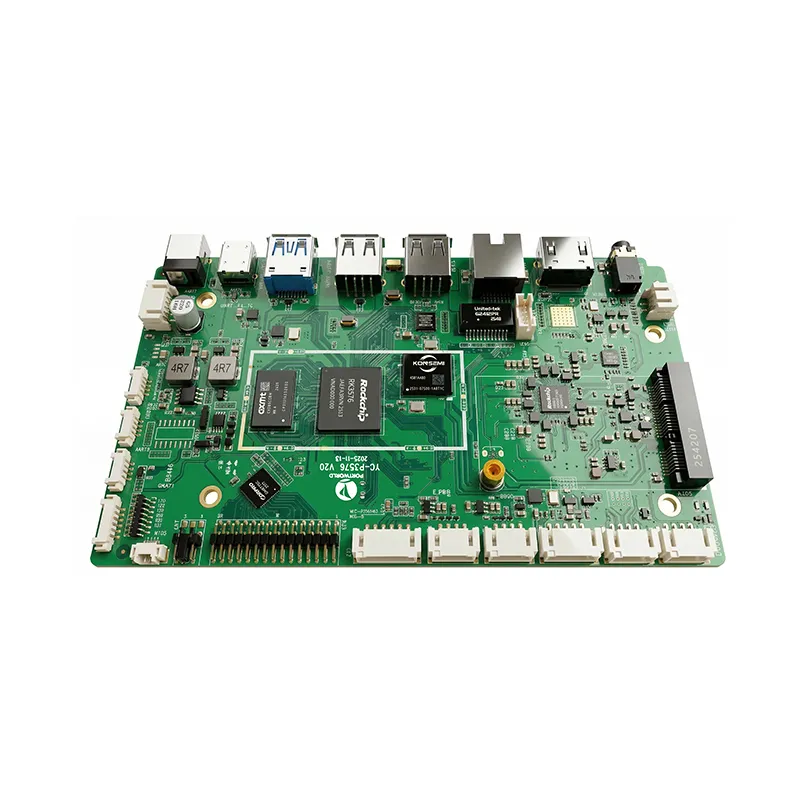
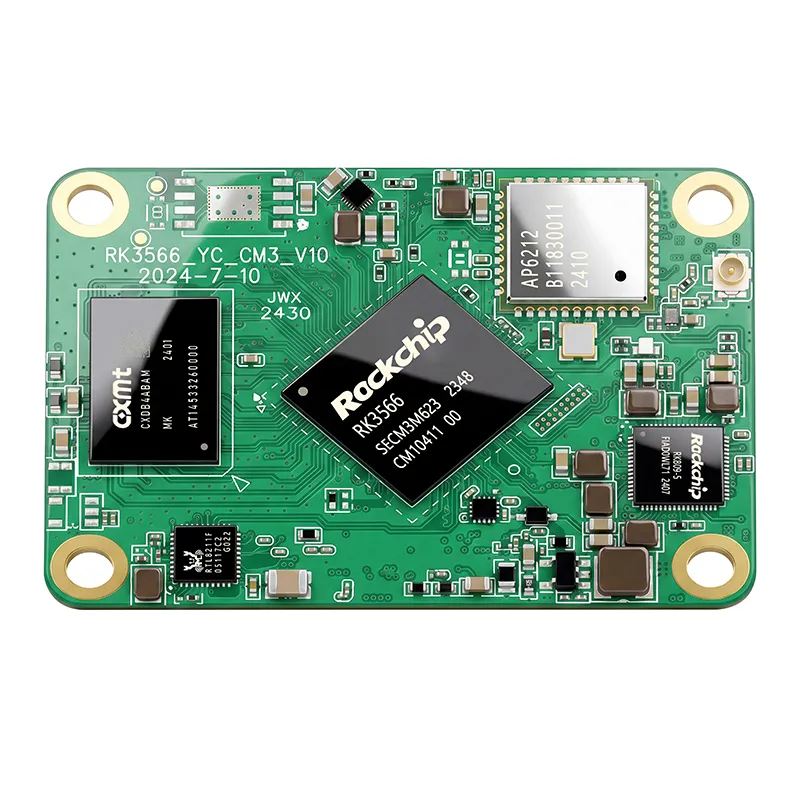
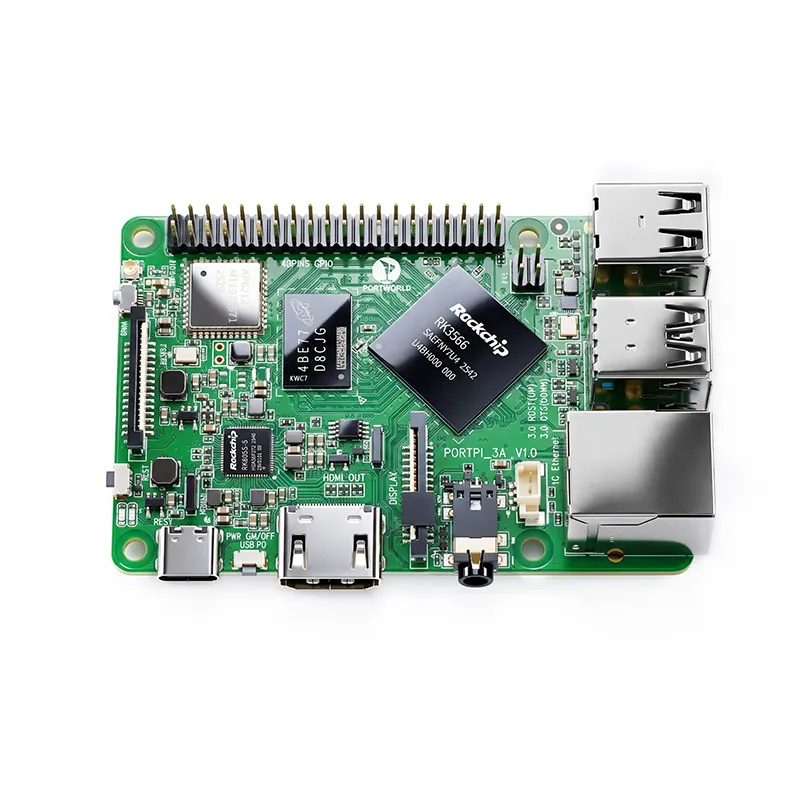
RK3576 Motherboard PCBA Design and Custom OEM/ODM Services
Apr 27,2026
The Next-Gen RK3588 Core board
Powerful, AI-Driven, High-Performance.Shop Now>




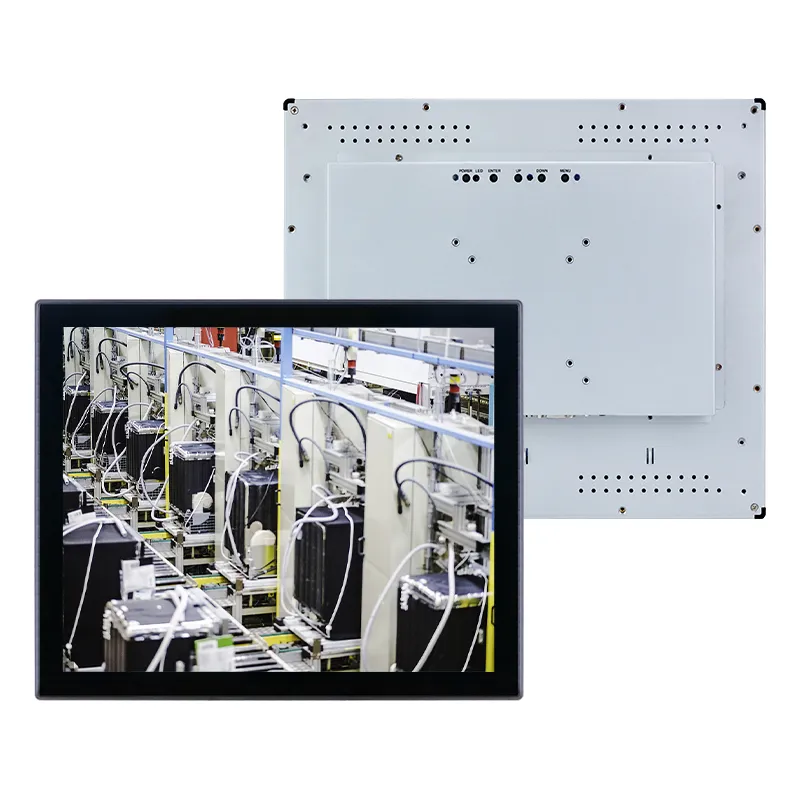
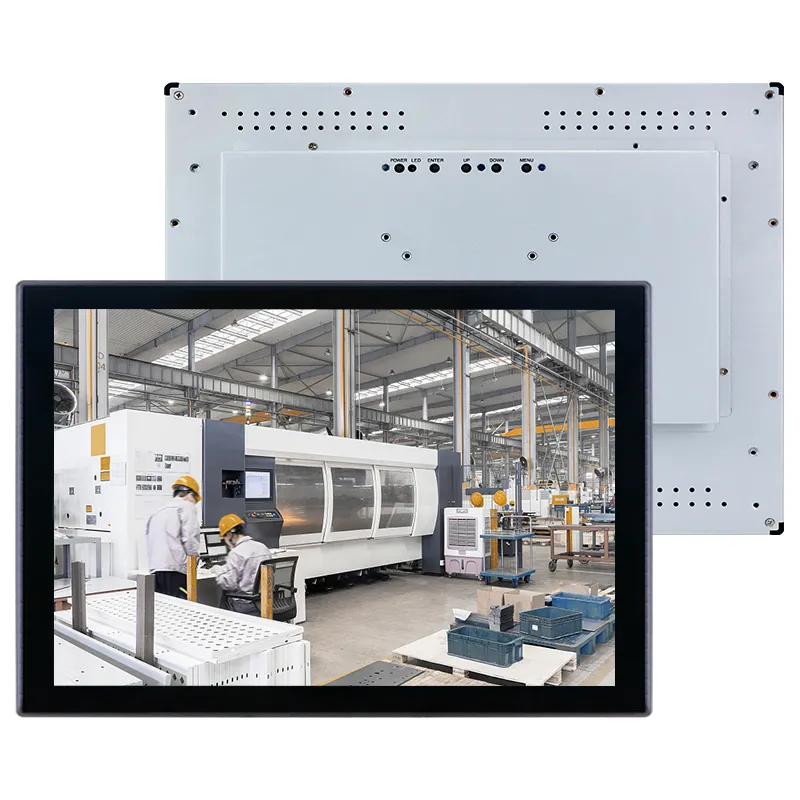
As industries increasingly embrace automation, digital transformation, and advanced equipment, industrial touch screens have emerged as a vital interface connecting operators with machines. These touch displays are utilized across various sectors, including factory automation systems, medical devices, smart kiosks, transportation hubs, and IoT applications, significantly enhancing operational efficiency and user engagement.
Nonetheless, procuring industrial touch screens for B2B initiatives differs markedly from acquiring consumer tablets or commercial displays. Industrial applications necessitate greater reliability, extended product lifecycles, enhanced environmental protection, and adaptable customization options.
For manufacturers, system integrators, and equipment developers, selecting the appropriate industrial touch screen supplier can profoundly influence product performance, maintenance expenses, and overall business success.
This guide outlines the essential considerations B2B purchasers should keep in mind when sourcing industrial touch screens and provides insights on how to choose a dependable manufacturing partner.
Comprehending Industrial Touch Screens for B2B Applications
Industrial touch screens are specifically engineered for professional settings where durability, stability, and integration flexibility are essential.
In contrast to consumer displays, industrial touch solutions are constructed to function effectively in demanding conditions, which include:
Dust and moisture exposure
Temperature variations
Continuous operation
Mechanical vibrations
Frequent user interactions
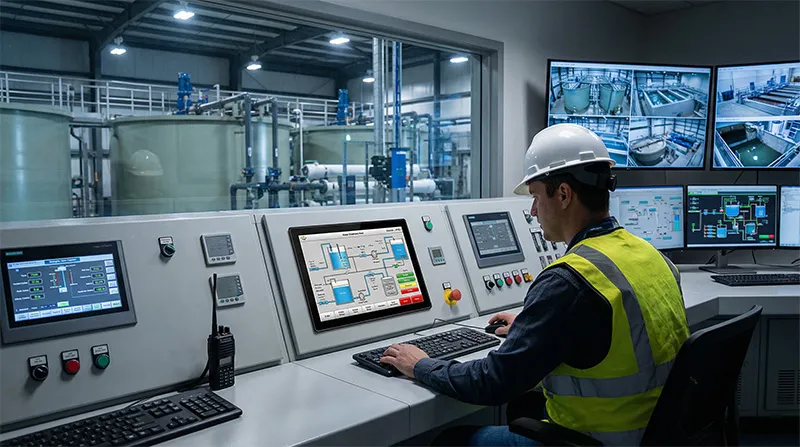
Common applications encompass:
Industrial automation control panels
CNC machine interfaces
Factory HMI systems
Medical equipment displays
Smart retail terminals
Digital signage systems
Transportation control terminals
Energy management systems
For B2B purchasers, the objective extends beyond merely locating a screen with excellent image quality. The emphasis should be on identifying a display solution that can consistently perform within the entire system.
1. Establish Your Application Requirements Prior to Purchase
The initial step in acquiring industrial touch screens is to comprehend your project specifications.
Numerous purchasing errors occur when buyers concentrate solely on screen dimensions and cost, neglecting the actual operating conditions.
Before reaching out to suppliers, clarify:
Application Environment
Take into account:
Indoor or outdoor setup
Exposure to dust or moisture
Operating temperature range
Required operational hours
Installation site
For instance, a factory control panel may necessitate IP65 protection, whereas a smart retail kiosk may emphasize aesthetics and touch functionality.
Usage Purpose
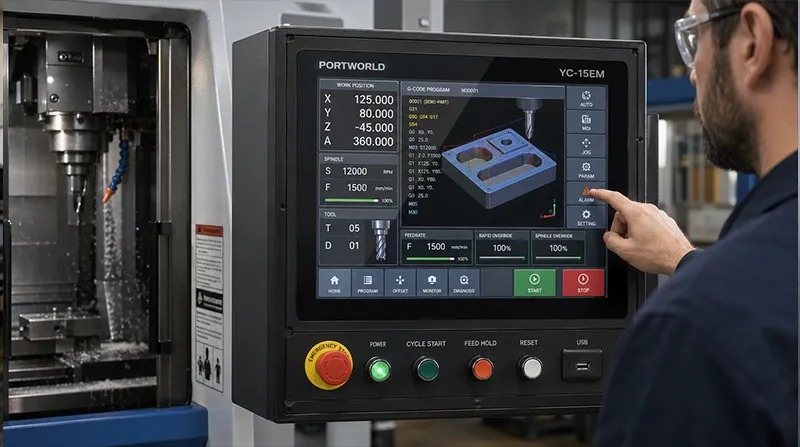
Various applications demand distinct specifications:
Machine control necessitates precise touch response and industrial interfaces.
Medical devices require dependability and ease of cleaning.
Outdoor terminals need high brightness and resistance to weather conditions.
Smart kiosks call for seamless interaction and appealing design.
A well-defined application assists manufacturers in recommending the appropriate solution.
2. Select the Appropriate Touch Technology
Touch technology represents a critical factor when selecting industrial touch screens.
The two predominant options are:
Capacitive Touch Screen
Projected capacitive (PCAP) touch technology is extensively utilized in contemporary industrial displays.
Benefits include:
Seamless touch experience
Multi-touch capability
High sensitivity
Outstanding user interaction
It is appropriate for:
Industrial HMIs
Smart terminals
Medical devices
Interactive displays
Numerous industrial applications employ 10-point capacitive touch for gestures such as zooming, swiping, and multi-user engagement.
Resistive Touch Screen
Resistive touch technology continues to be advantageous in specific industrial settings.
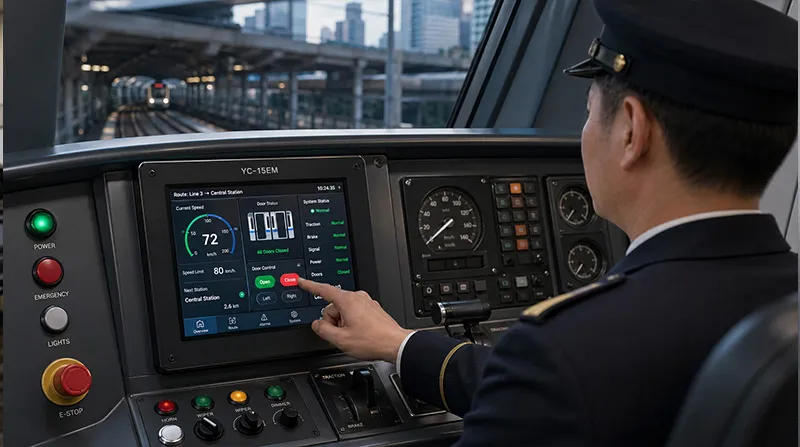
Benefits include:
Compatibility with gloves or stylus
Cost-effectiveness
Dependability in particular industrial conditions
It is frequently utilized in:
Factory equipment
Outdoor industrial devices
Settings that necessitate precise input
Selecting the appropriate touch technology is contingent upon the operating environment and user needs.
3. Focus on Display Quality and Visibility
Industrial touch screens must ensure clear visibility across various lighting conditions.
Key display parameters include:
Resolution
A higher resolution results in sharper images and improved visualization of:
Production data
Machine parameters
Monitoring dashboards
Common resolutions are:
1280×800
1920×1080 Full HD
4K UHD
Brightness
Brightness requirements vary based on installation conditions.
Standard brightness may suffice for indoor settings, whereas outdoor or brightly lit environments may necessitate higher brightness levels.
Viewing Angle
Wide viewing angles are crucial in industrial settings where multiple operators might need to view the display at the same time.
4. Evaluate Industrial Protection Features
Industrial settings necessitate enhanced protection compared to commercial uses.
When procuring industrial touch screens, consider:
IP Protection Rating
Numerous industrial displays demand:
IP65 front panel protection
Dustproof design
Water-resistant structure
This safeguards equipment against dust, splashes, and industrial cleaning activities.
Rugged Construction
Industrial displays frequently incorporate:
Aluminum alloy housing
Reinforced frames
Shock-resistant structures
Such designs enhance durability in factories, warehouses, and transportation settings.
Temperature Resistance
Industrial equipment may function under extreme conditions.
Dependable industrial touch screens should accommodate broader temperature ranges than consumer displays.
5. Assess Integration and Interface Alternatives
In B2B projects, connectivity frequently takes precedence over the visual display itself.
An appropriate industrial touch screen must facilitate integration with current systems.
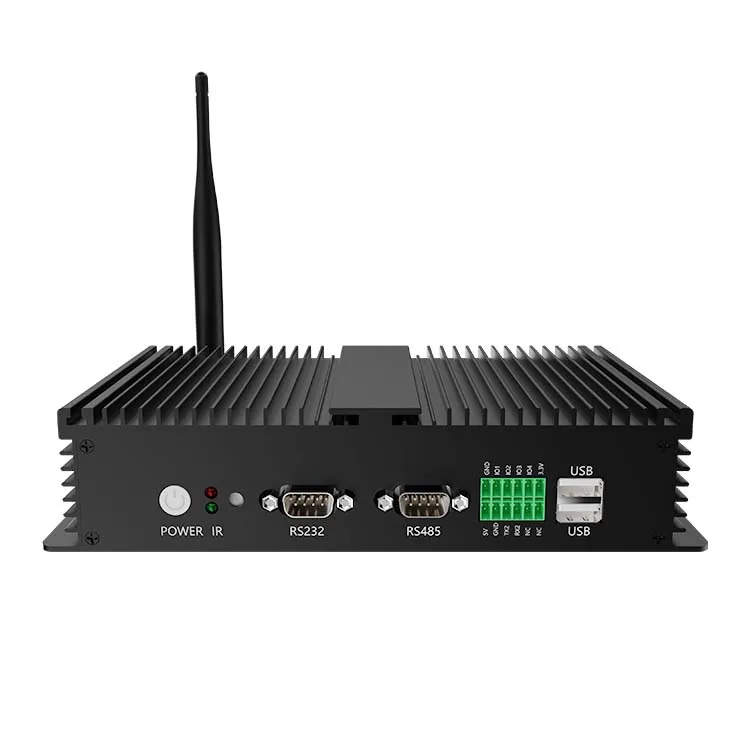
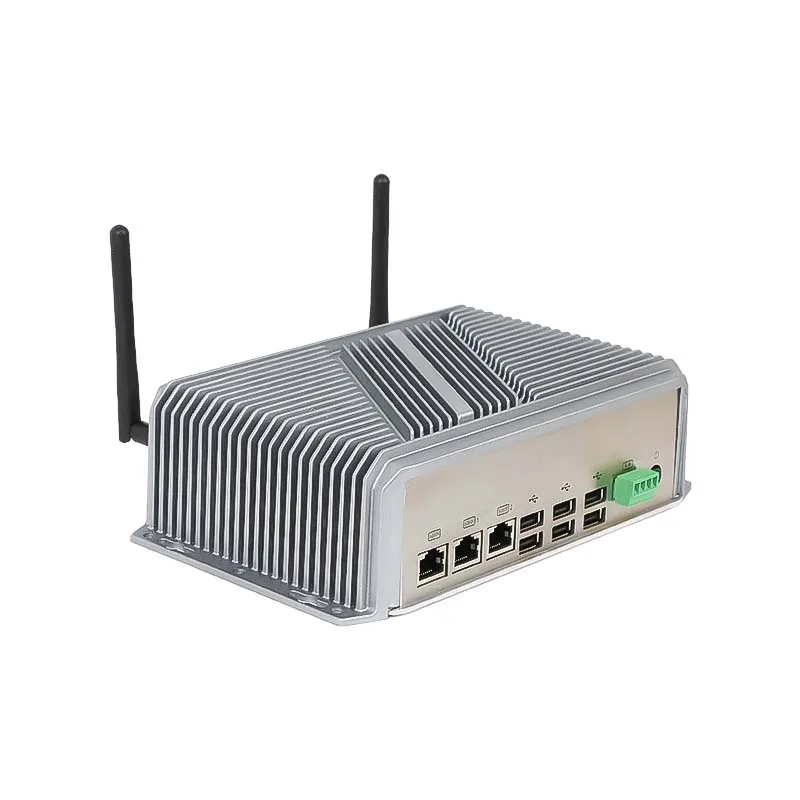
Typical interfaces include:
HDMI
USB touch interface
VGA
Ethernet
RS232
RS485
GPIO
USB expansion
For instance:
A factory HMI system might necessitate RS485 communication.
A smart kiosk could require USB peripherals.
An IoT terminal may demand network connectivity.
Prior to making a purchase, ensure that the supplier can offer the necessary interfaces or tailor them to fit your system.
6. Assess OEM/ODM Customization Capabilities
Numerous B2B clients require more than just standard offerings.
A dependable industrial touch screen manufacturer ought to offer customization services, which encompass:
Mechanical Customization
Such as:
Custom enclosure design
Mounting brackets
Embedded installation structures
Panel dimensions
Hardware Customization
Including:
Motherboard selection
Interface expansion
Processor configuration
Memory and storage options
Software Customization
Including:
Windows support
Android customization
Linux adaptation
Firmware optimization
The OEM/ODM capability enables businesses to develop products that align more closely with their market needs.
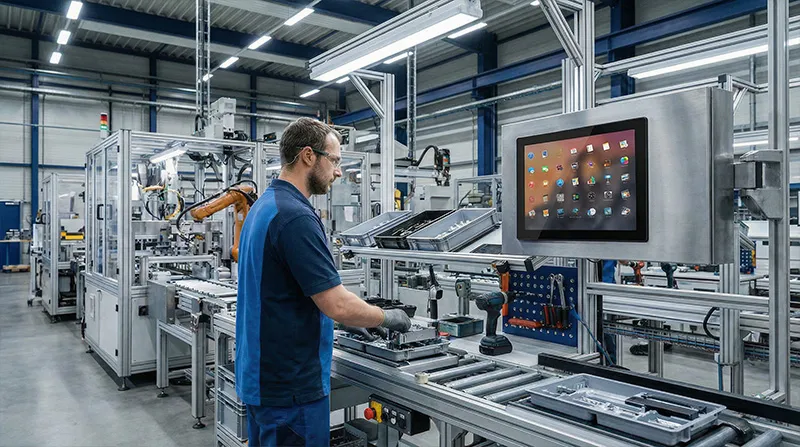
7. Assessing Supplier Manufacturing Expertise
Selecting the appropriate supplier is a critical aspect of B2B sourcing.
A dependable industrial touch screen manufacturer ought to possess experience in:
Industrial automation
Embedded systems
Smart terminals
IoT applications
Commercial equipment
Key evaluation criteria include:
Production Capability
Determine if the supplier can accommodate:
Prototype development
Small-batch production
Mass production
Quality Control
A competent manufacturer should implement testing procedures for:
Touch performance
Display quality
Aging tests
Temperature tests
Interface verification
Long-Term Supply
Industrial products frequently necessitate years of availability.
A reliable supplier should offer:
Consistent hardware configuration
Product lifecycle management
Technical support