RK3576 Motherboard PCBA Design and Custom OEM/ODM Services
Apr 27,2026
The Next-Gen RK3588 Core board
Powerful, AI-Driven, High-Performance.Shop Now>




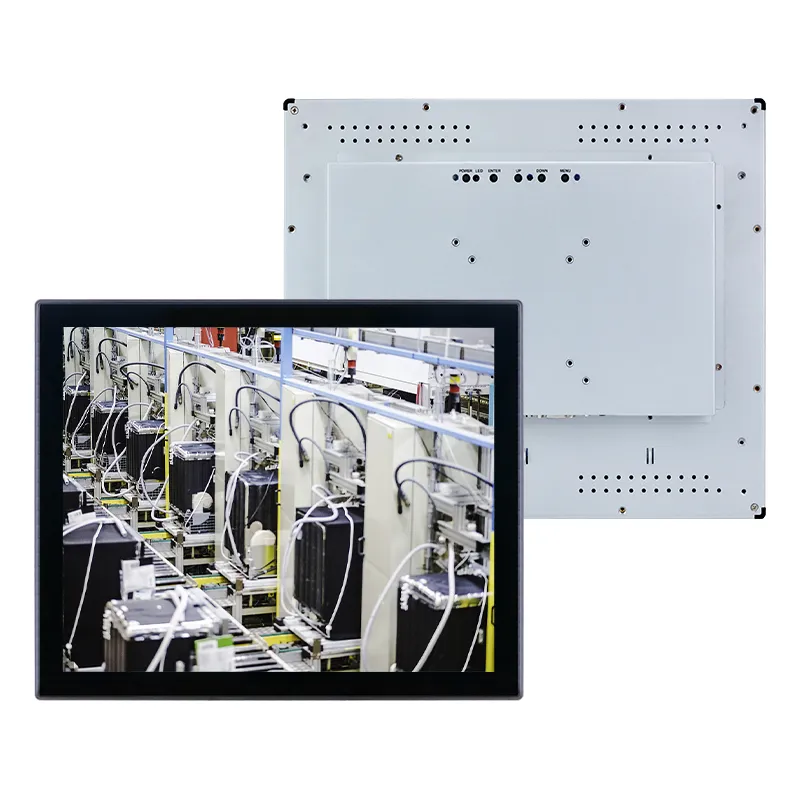
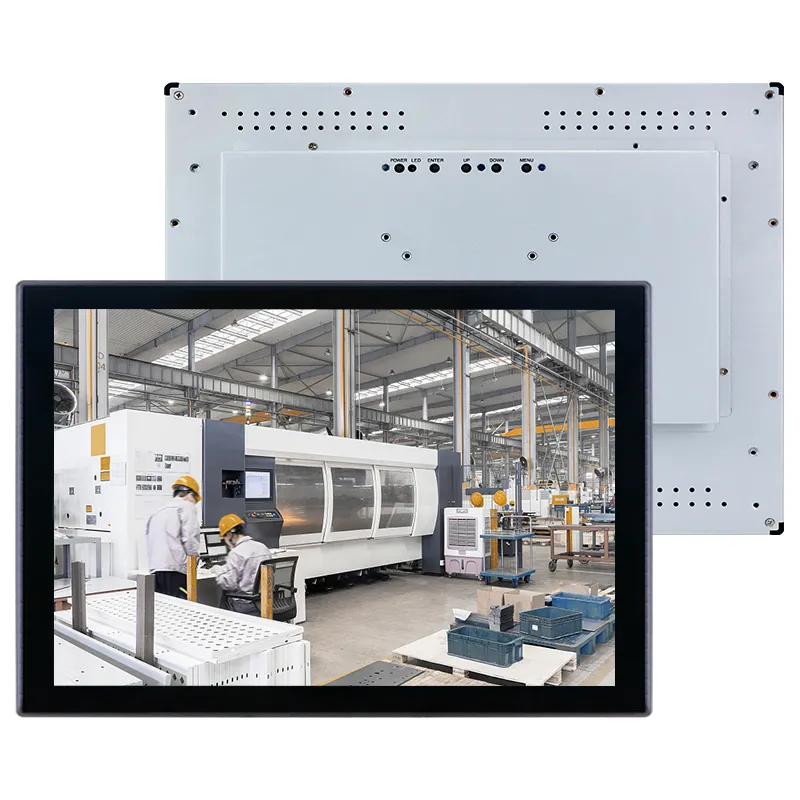
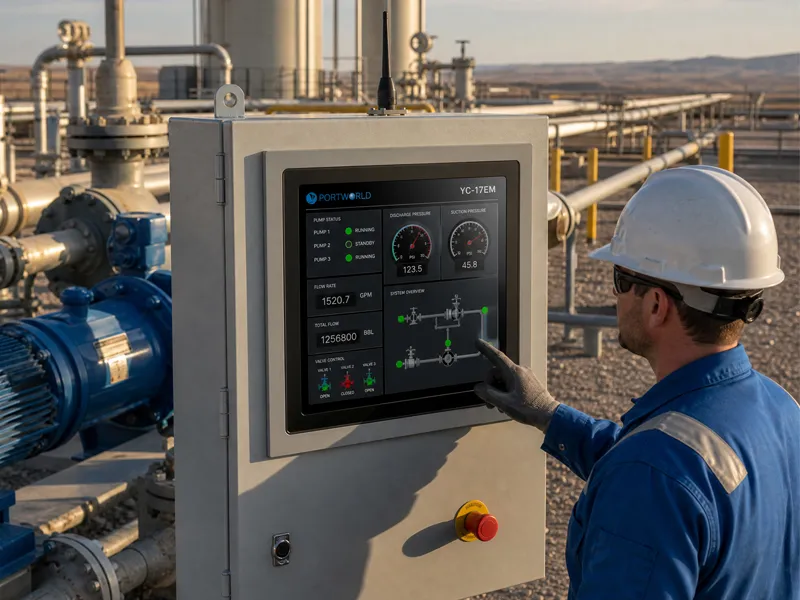
Contemporary maritime facilities are progressively implementing automation technologies. Encompassing container management, crane operations, shipment identification, and intelligent supply chain frameworks, industrial touchscreen displays function as the critical human-machine interface (HMI) facilitating communication between personnel and mechanized systems.
Nevertheless, port settings present substantial obstacles. Saline aerosol exposure, atmospheric moisture, particulate matter, mechanical oscillation, thermal fluctuations, and perpetual external deployment necessitate touchscreen technologies demonstrating considerably superior resilience compared to conventional retail-grade monitors.
Selecting an appropriate industrial touchscreen display for port mechanization demands thorough evaluation of safeguarding specifications, visual output quality, data transmission capabilities, and sustained operational dependability.
Comprehending Port Automation Environmental Specifications
Maritime terminals function continuously throughout all hours, and machinery must sustain consistent functionality under severe environmental circumstances. Industrial touchscreen displays deployed in maritime facilities are typically positioned on:
Container transfer cranes and hoisting apparatus
Autonomous transport vehicles (AGVs)
Terminal management software platforms
Shipment examination facilities
Inventory and supply chain command centers
Exterior apparatus enclosures
Advanced maritime facility surveillance frameworks
In contrast to conventional workplace monitors, industrial display systems must endure mechanical strain and climatic exposure while guaranteeing dependable tactile responsiveness for personnel.
Key Factors When Selecting an Industrial Touchscreen Monitor for Ports
1. Choose a Rugged Industrial Design
Port equipment experiences exposure to vibration, impact, and mechanical movement. An appropriate industrial touchscreen monitor should incorporate:
Metal housing construction
Shock and vibration resistance
Fanless cooling design
Industrial-grade components
Long-term operational stability
A robust enclosure protects internal components and guarantees dependable performance in challenging port environments.
2. Look for IP65 or Higher Protection
Water, dust, and salt mist represent typical obstacles in port applications. An industrial touchscreen monitor featuring IP65 protection delivers:
Dust-proof front panel
Water-resistant touchscreen surface
Protection against moisture and splashes
This renders it appropriate for outdoor control cabinets, crane cabins, and other exposed areas.
3. Consider Sunlight Readability for Outdoor Use
Numerous port automation systems function outdoors beneath direct sunlight. A conventional display may become challenging to read owing to glare.
Essential display characteristics include:
High brightness panel
Anti-glare surface treatment
Wide viewing angle
Strong contrast ratio
Sunlight-readable industrial displays enable operators to observe information distinctly even in intense outdoor conditions.
4. Selecting Appropriate Touch Technology Solutions
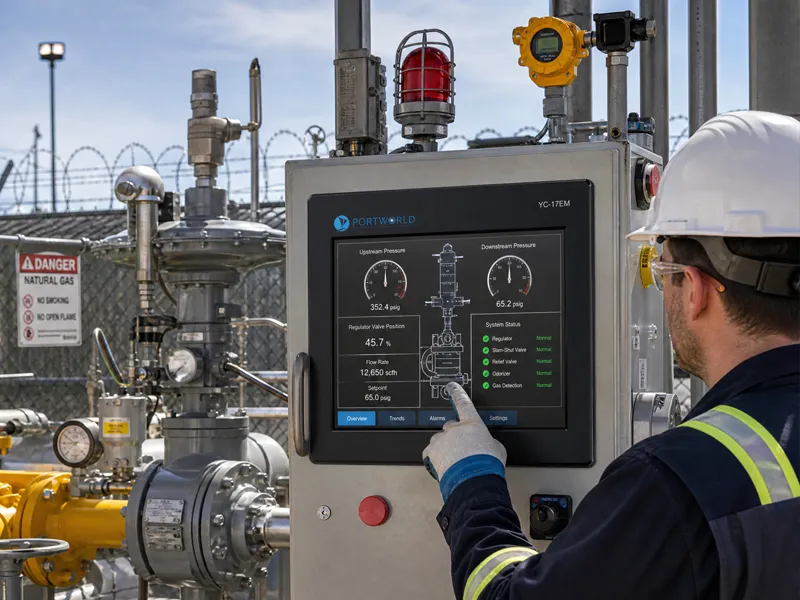
Port operators frequently require the capability to engage with systems while utilizing protective gloves or operating under adverse environmental circumstances.
Primary touchscreen alternatives encompass:
Capacitive Touchscreen
Delivers a refined multi-touch interface
Offers superior precision
Optimal for sheltered or controlled settings
Resistive Touchscreen
Functions effectively with gloved hands or stylus implements
Demonstrates dependable performance in industrial contexts
Projected Capacitive (PCAP) Touch
Enables multi-touch gesture recognition
Delivers a contemporary user interface experience
Accessible with specialized glove-touch functionality
The optimal selection is contingent upon the specific operational environment and organizational user specifications.
5. Establishing Comprehensive Industrial Connectivity Solutions
Port automation infrastructure typically necessitates integration with programmable logic controllers, sensor networks, imaging systems, and command networks.
Relevant connection interfaces include:
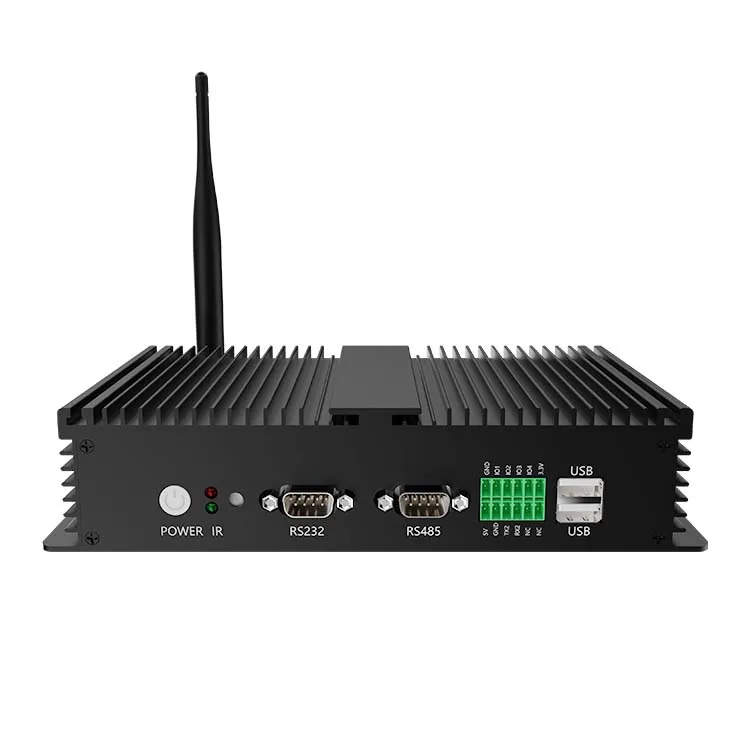
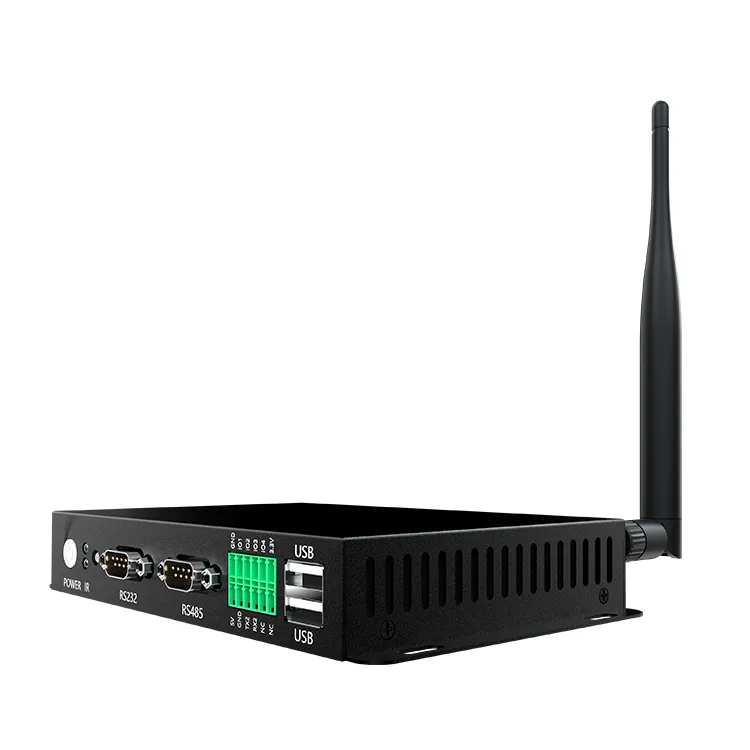
RS232 / RS485
CAN Bus
Ethernet LAN
USB
HDMI
GPIO
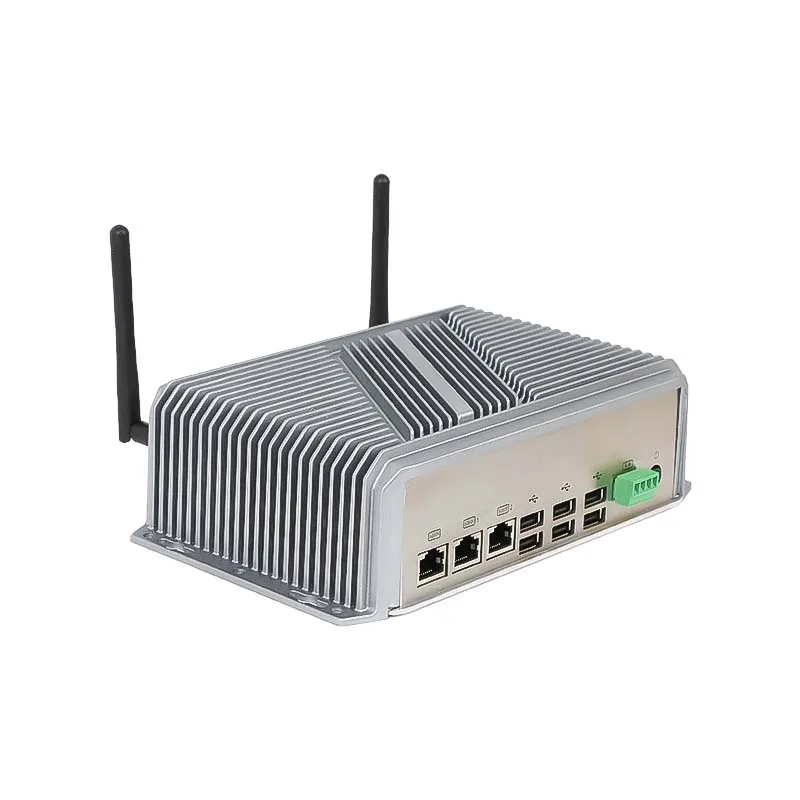
These connection interfaces facilitate seamless integration of the touchscreen monitor with industrial control systems and mechanized equipment.
6. Evaluate Comprehensive Temperature Performance Capabilities
Outdoor port infrastructure encounters fluctuating seasonal temperatures. Industrial touchscreen monitors must accommodate extensive operating temperature ranges to preserve operational consistency.
Key specifications to evaluate:
Industrial-specification LCD display technology
Optimized thermal management systems
Passive cooling architecture without mechanical fans
Temperature-resilient component materials
This approach minimizes service interventions and extends equipment operational longevity.
7. Assess Supplier Capabilities for Extended Support and Customization
Port automation initiatives typically involve extended implementation timelines. Selecting a supplier offering OEM/ODM services facilitates:
Adaptable display dimensions
Customized interface configurations
Integrated embedded computing solutions
Branding and housing personalization
Continuous product accessibility
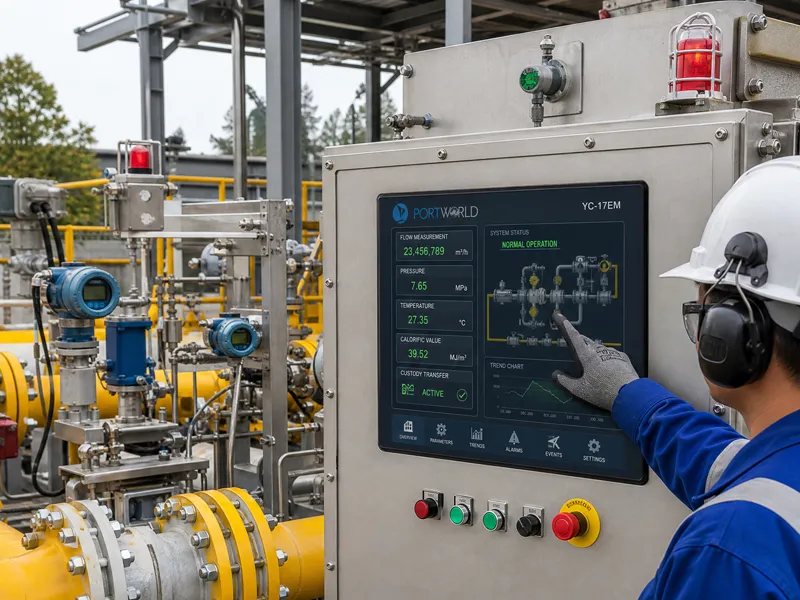
An established industrial display provider ensures sustained technical support and accommodates future system enhancements.
Industrial Touchscreen Monitor Deployment in Advanced Port Operations
Industrial touchscreen technologies serve critical functions across:
Automated container handling facilities
Port equipment operational control systems
Crane management user interfaces
Intelligent supply chain management platforms
Automated vehicle routing systems
Asset performance monitoring stations
Public-facing digital information systems
These solutions deliver operators with instantaneous system visibility, operational command capabilities, and comprehensive information presentation.