RK3576 Motherboard PCBA Design and Custom OEM/ODM Services
Apr 27,2026
The Next-Gen RK3588 Core board
Powerful, AI-Driven, High-Performance.Shop Now>




As industrial automation, smart manufacturing, and digital control systems continue to grow, touch screen monitors are becoming a vital interface between operators and machinery. Nevertheless, industrial settings often present challenges such as dust, moisture, vibration, and the need for continuous operation, rendering standard commercial displays inadequate.
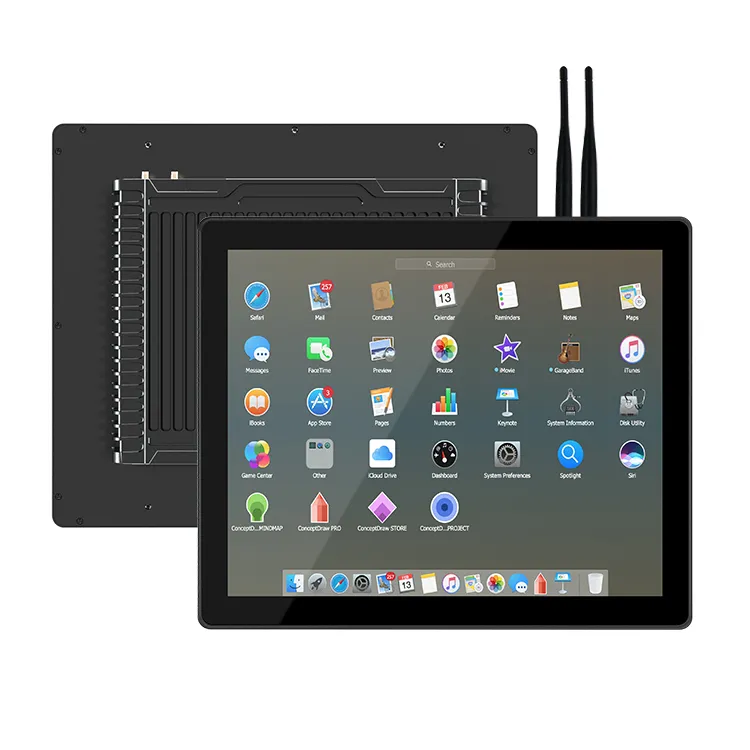
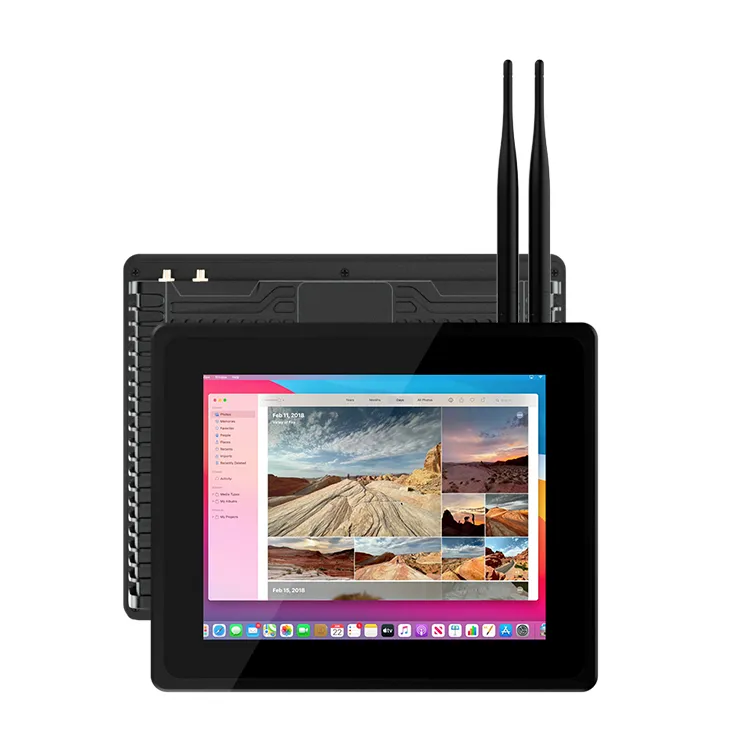
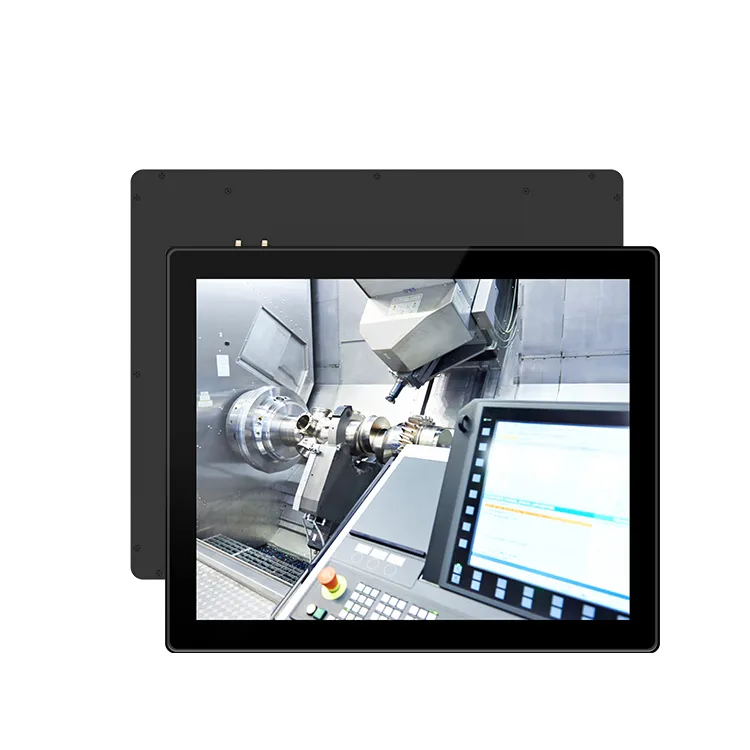
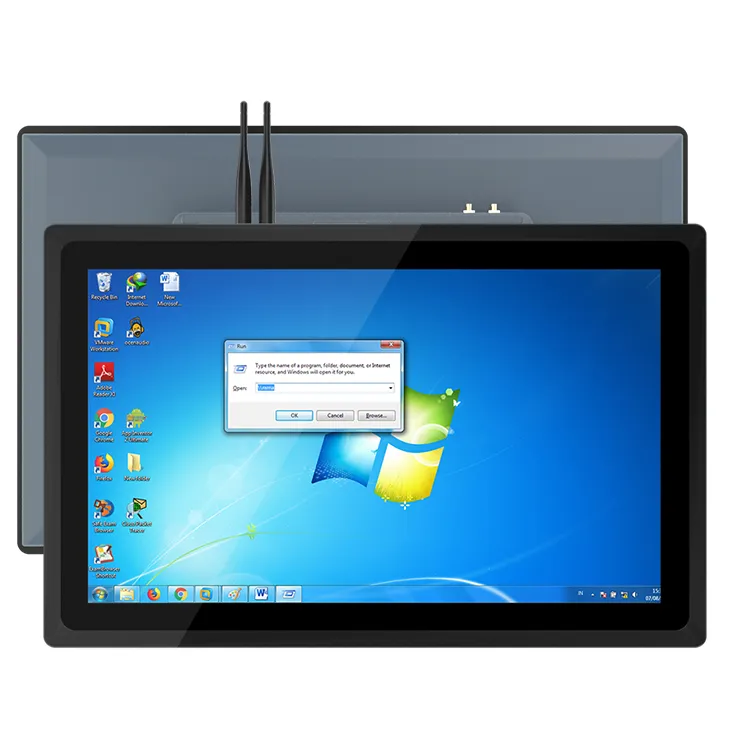
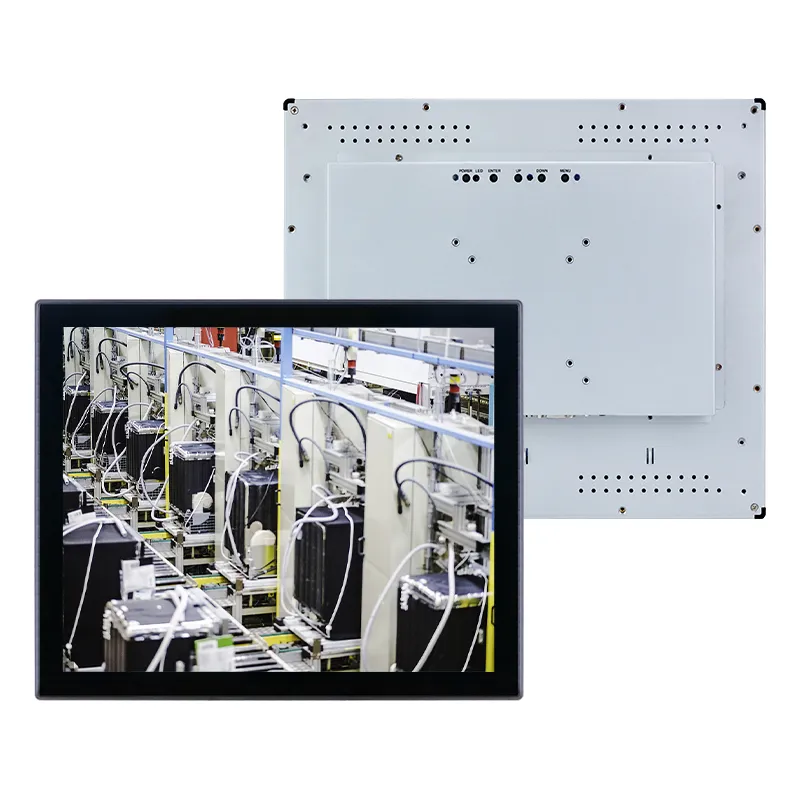
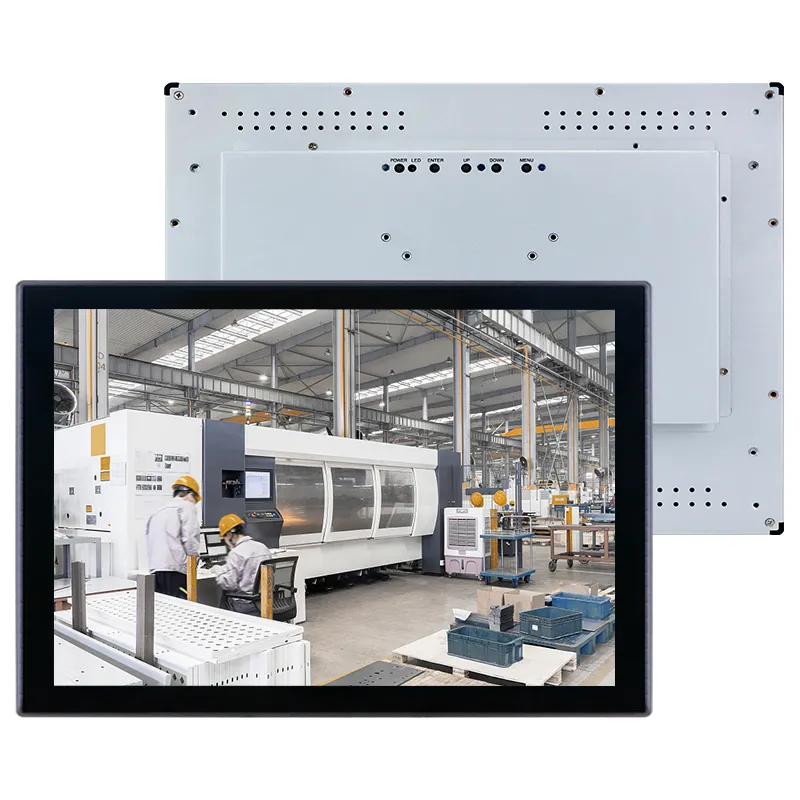
An IP65 industrial touch screen monitor is specifically engineered to deliver dependable performance in demanding environments. However, with various sizes, touch technologies, protection levels, and hardware options available, selecting the appropriate solution necessitates thorough evaluation.
Understanding IP65 Protection for Industrial Touch Screens
Prior to choosing a monitor, it is crucial to comprehend the significance of the IP65 rating.
The IP65 designation signifies that the front panel of the display is:
Dust-tight: Fully shielded against dust infiltration into the enclosure
Water-resistant: Safeguarded against low-pressure water jets from any direction
This renders IP65 industrial touch screen monitors ideal for applications such as:
Factory automation
CNC machine control
Outdoor terminals
Smart kiosks
Production line monitoring
However, it is important to note that IP65 protection typically pertains to the front panel. For fully outdoor or extreme conditions, additional protective measures may need to be taken into account.
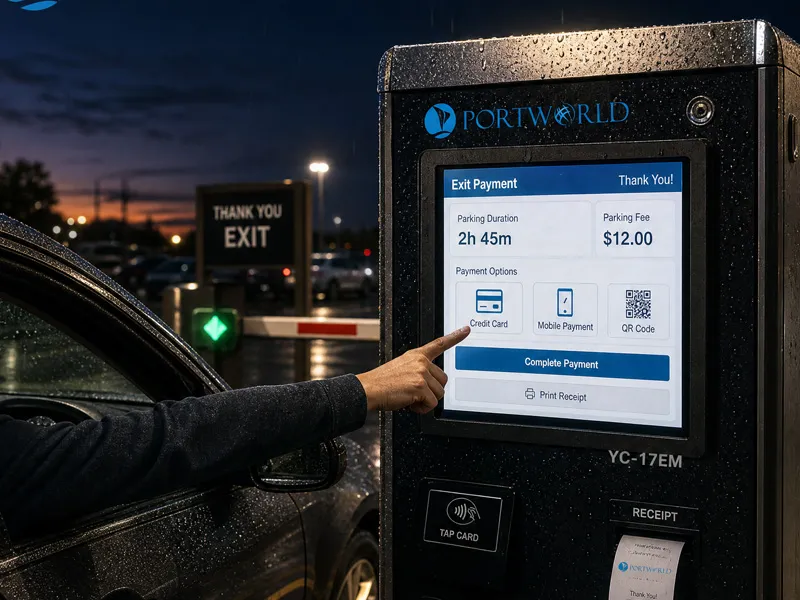
1. Evaluate the Application Environment
The initial step involves determining the location for the installation of the touch screen monitor.
Various environments necessitate distinct designs:
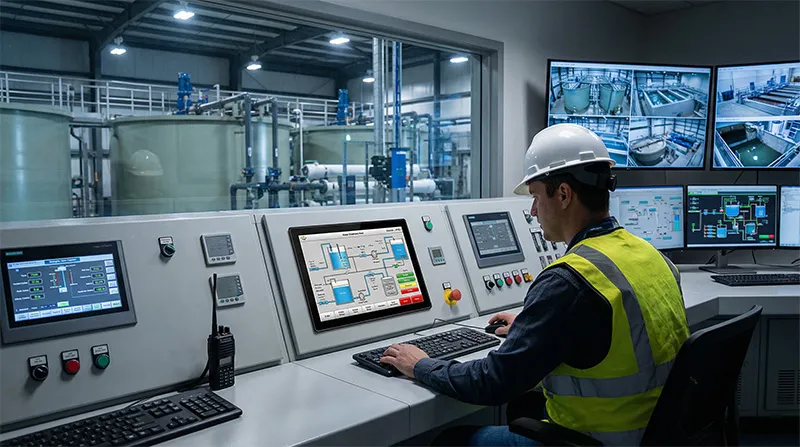
Factory and Automation Systems
Manufacturing settings typically feature:
Machine vibration
Metal dust
Oil contamination
Continuous operation
A robust industrial touch monitor with a metal casing and effective cooling design is advisable.
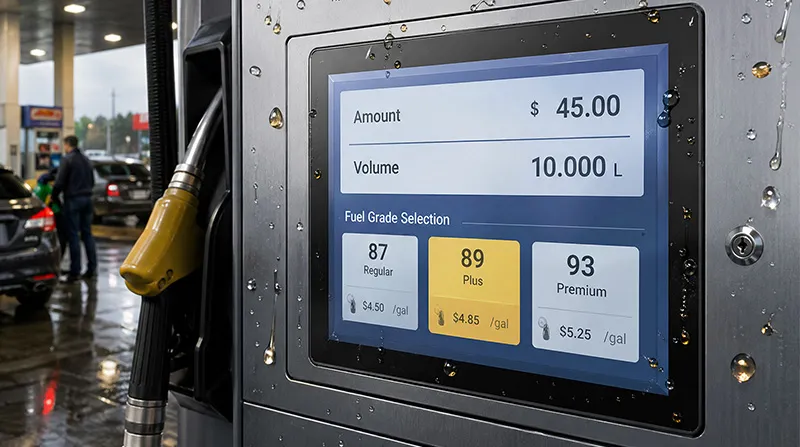
Outdoor Applications
Installations in outdoor settings may demand:
Higher brightness displays
Broader temperature range support
Enhanced waterproof protection
Anti-glare treatment
Commercial and Public Terminals
For kiosks, retail spaces, and transportation systems, key considerations may encompass:
Slim embedded design
Ease of maintenance
Extended product lifecycle
2. Choose the Appropriate Screen Size and Display Performance
Industrial touch screen monitors come in a variety of sizes, typically ranging from 7 inches to over 21 inches.
The appropriate size is contingent upon the viewing distance and available installation space.
Key display characteristics include:
Resolution
Brightness
Viewing angle
Contrast ratio
Panel lifespan
For instance:
Compact screens are ideal for machine interfaces and embedded devices
Medium-sized displays are frequently used for industrial control panels
Large displays are favored for monitoring systems and digital dashboards
3. Select the Suitable Touch Technology
Touch technology has a direct impact on user experience and system reliability.
Benefits:
Seamless operation
Support for multi-touch gestures
Interaction similar to smartphones
Ideal for:
Smart kiosks
Digital signage
Commercial terminals
Resistive Touch Screen
Benefits:
Functional with gloves
Dependable in industrial settings
High resistance to interference
Ideal for:
CNC machines
Factory machinery
Challenging work environments
The selection is contingent upon the manner in which operators engage with the system.
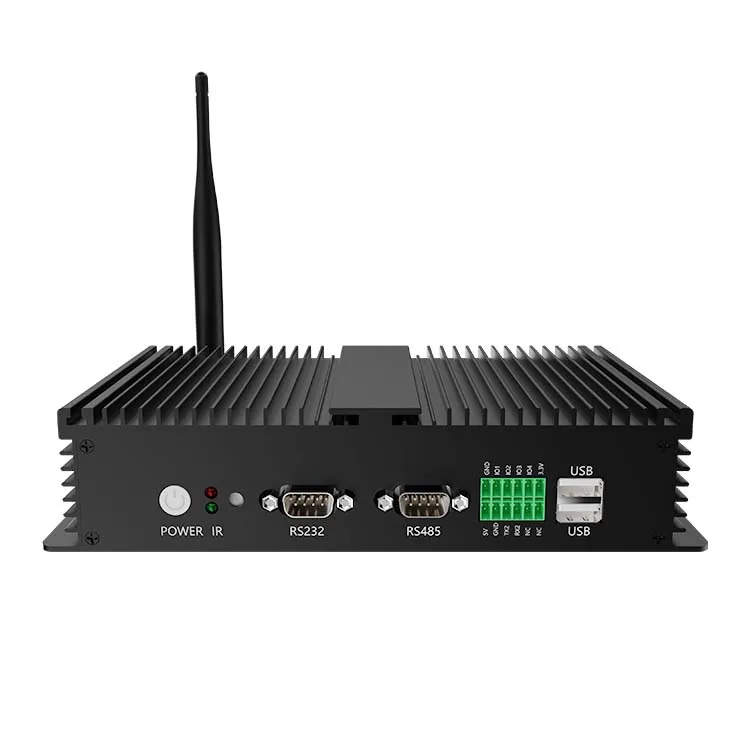
4. Assess Industrial Connectivity Requirements
An industrial touch screen monitor must establish communication with various devices.
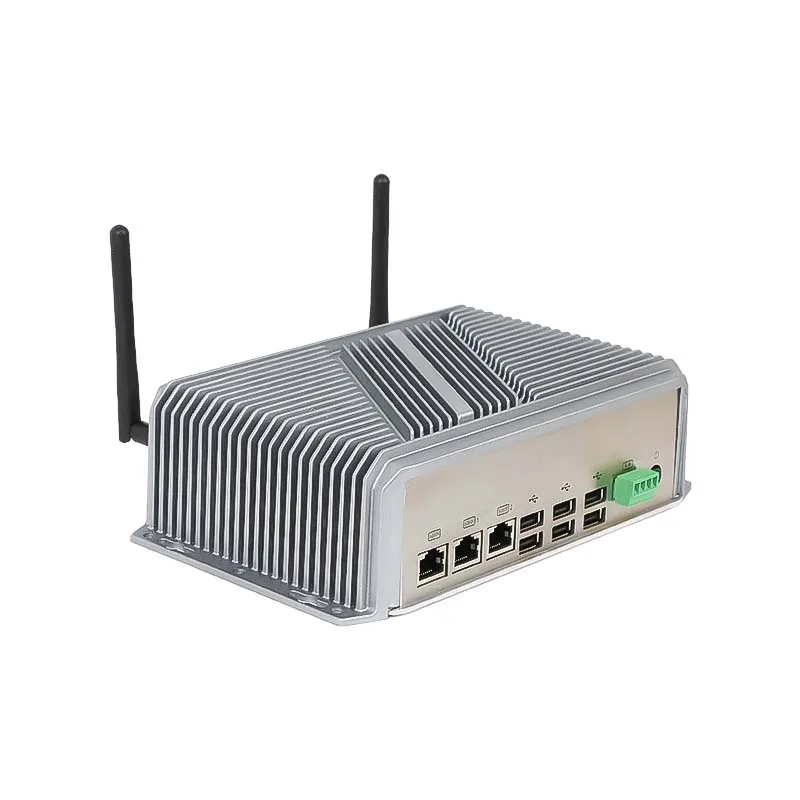
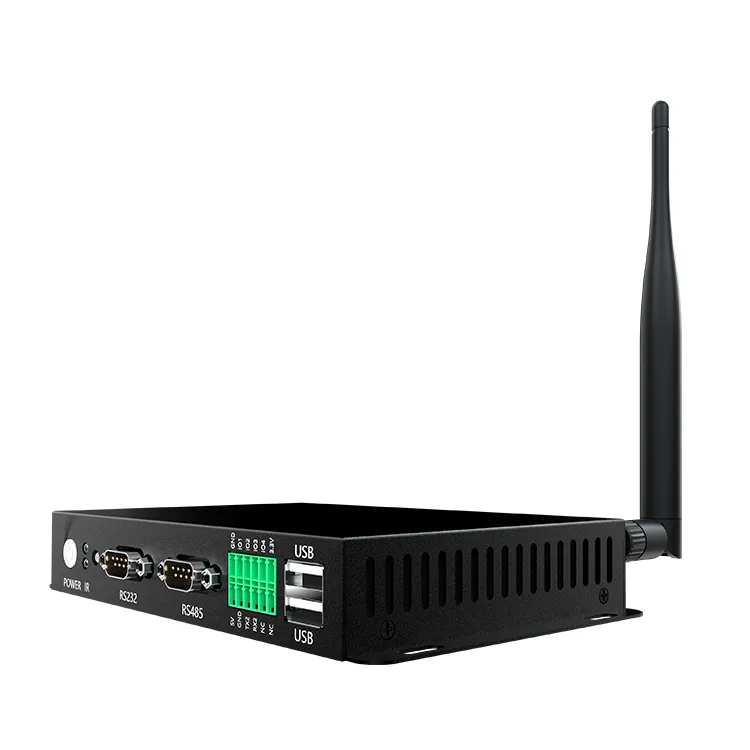
Typical interfaces include:
HDMI
USB
RS232
RS485
Ethernet
GPIO
CAN Bus
In automation projects, RS232 and RS485 interfaces are particularly crucial as they facilitate connections with:
PLC controllers
Sensors
Industrial equipment
Selecting the appropriate interfaces during the design phase can help mitigate future integration challenges.
5. Assess Durability and Long-Term Reliability
Industrial projects frequently necessitate equipment that can function for extended periods.
A dependable IP65 industrial touch screen monitor should feature:
Industrial-grade components
Fanless cooling design
Aluminum alloy housing
Resistance to shock and vibration
Capability for 24/7 operation
A long product lifecycle and consistent supply are also vital considerations for large-scale implementations.
6. Take Customization Requirements into Account
Various industries may necessitate distinct configurations.
Professional OEM/ODM manufacturers are capable of customizing:
Screen dimensions
Touch panel design
Mounting structure
Interface layout
Operating system
Branding and enclosure
For instance, industrial panel PCs can merge computing hardware with the touchscreen, offering a comprehensive solution for automation and smart control applications.
Selecting the Appropriate IP65 Industrial Touch Screen Monitor Supplier
A dependable supplier should offer more than just standard hardware. Key considerations include:
Experience with industrial products
Engineering assistance
Customization capabilities
Quality control procedures
Long-term technical support
Portworld supplies IP65 industrial touch screen monitors, embedded panel PCs, and tailored industrial display solutions for sectors such as automation, manufacturing, transportation, IoT, and smart terminals.
With support for various screen sizes, touch technologies, operating systems, and industrial interfaces, Portworld aids customers in developing dependable solutions for challenging environments.
Choosing an IP65 industrial touch screen monitor requires more than selecting a screen size. Application environment, touch technology, connectivity, durability, and customization capability all influence the final solution.