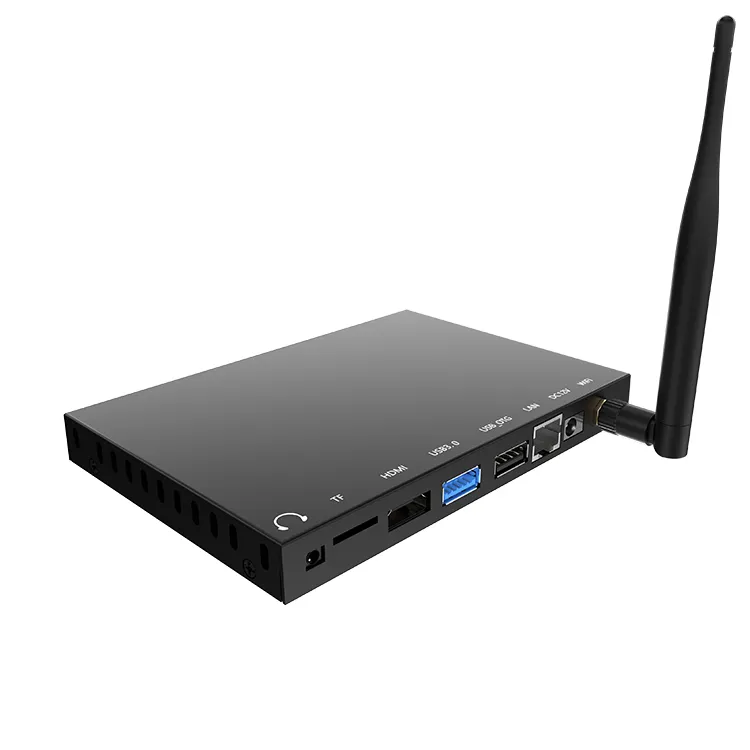
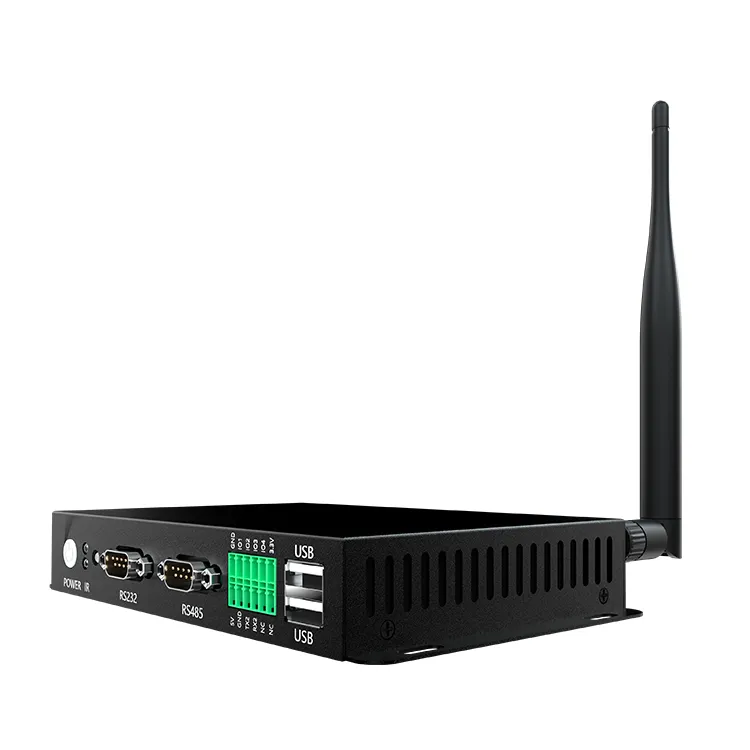
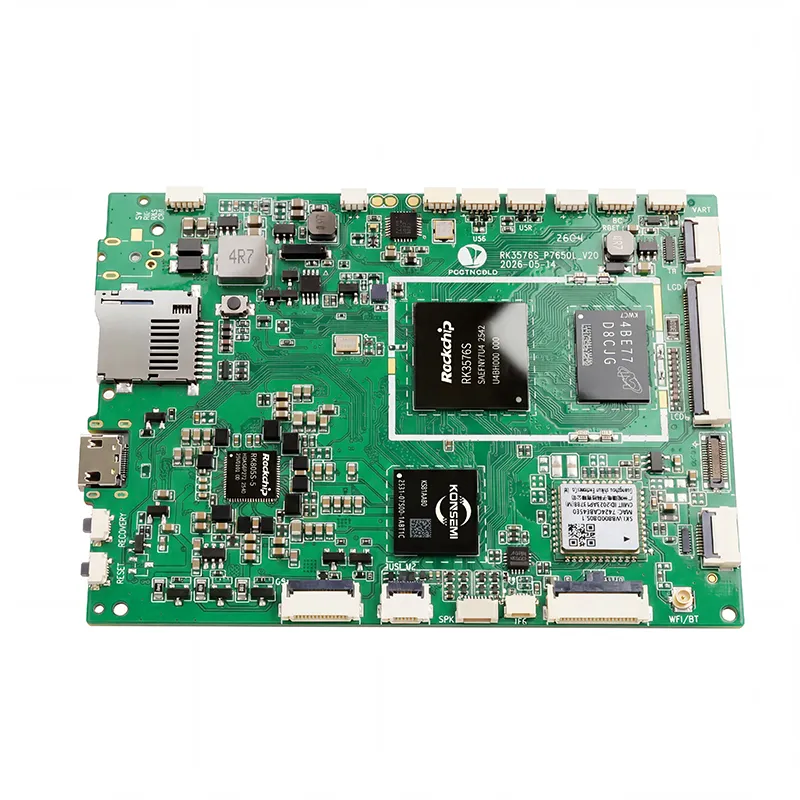
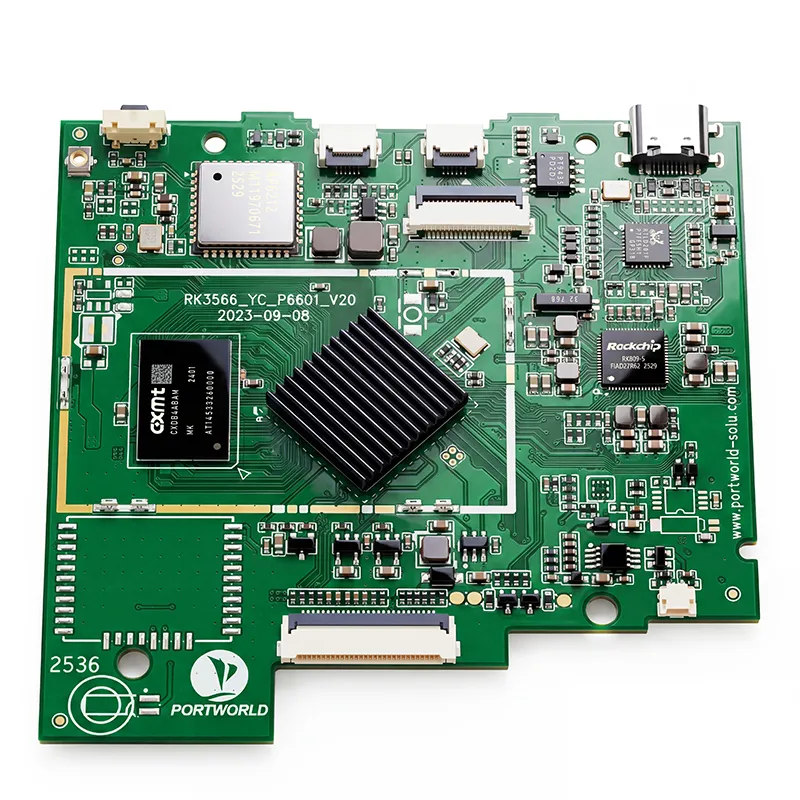
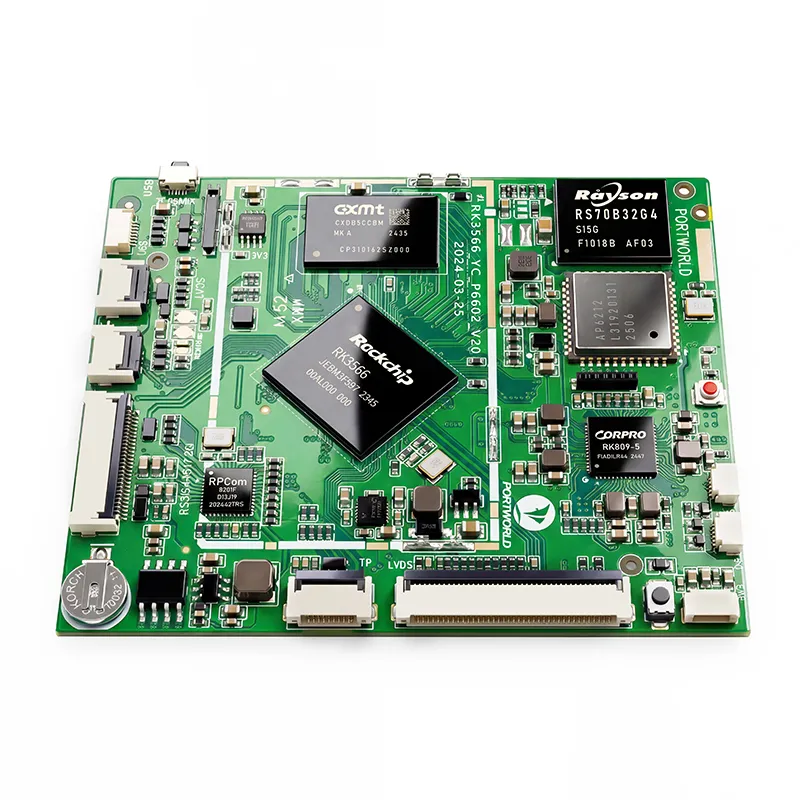
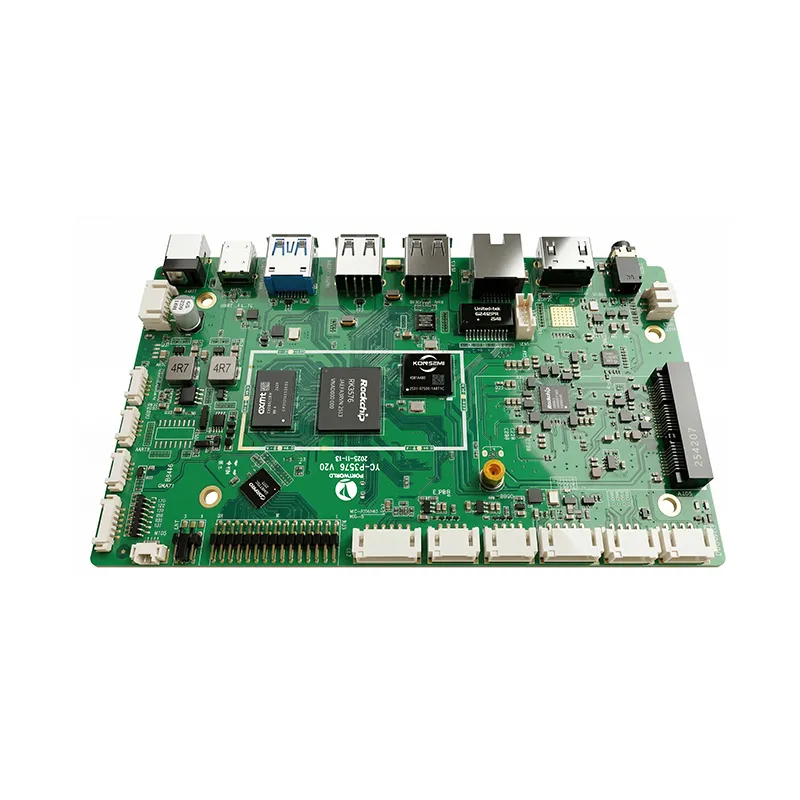
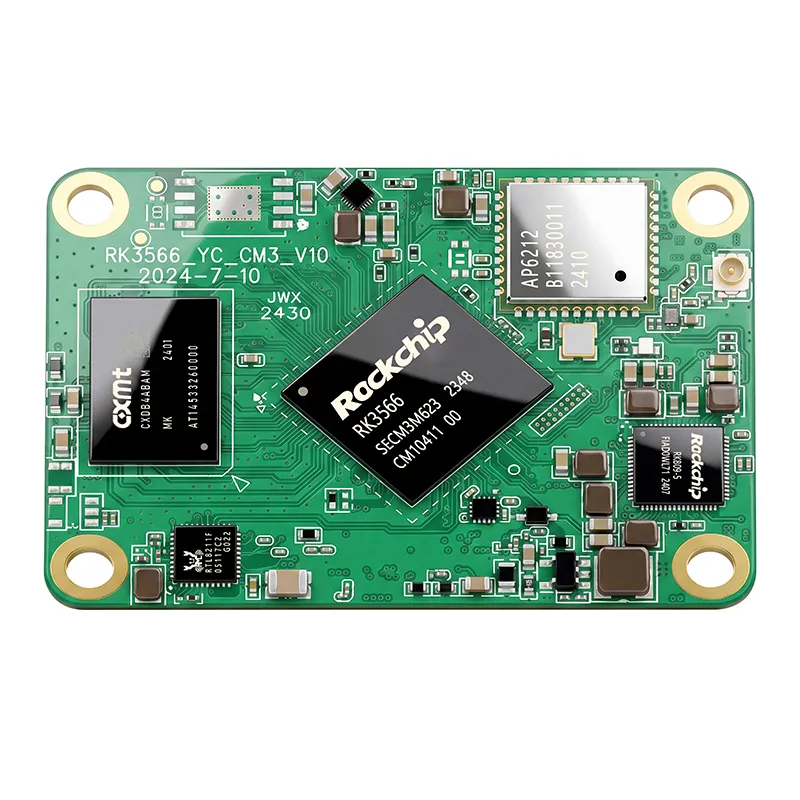
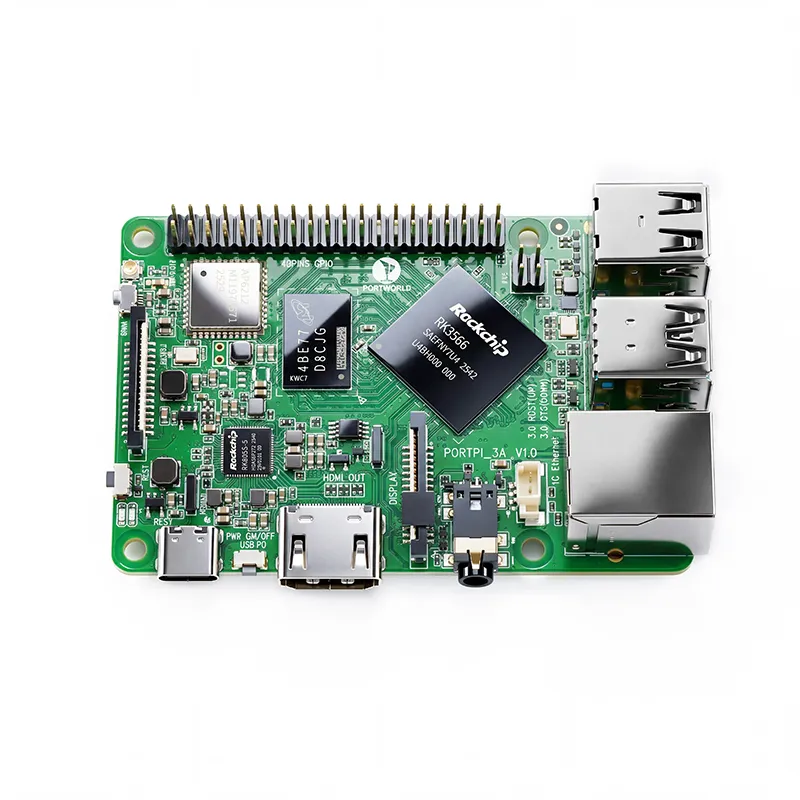
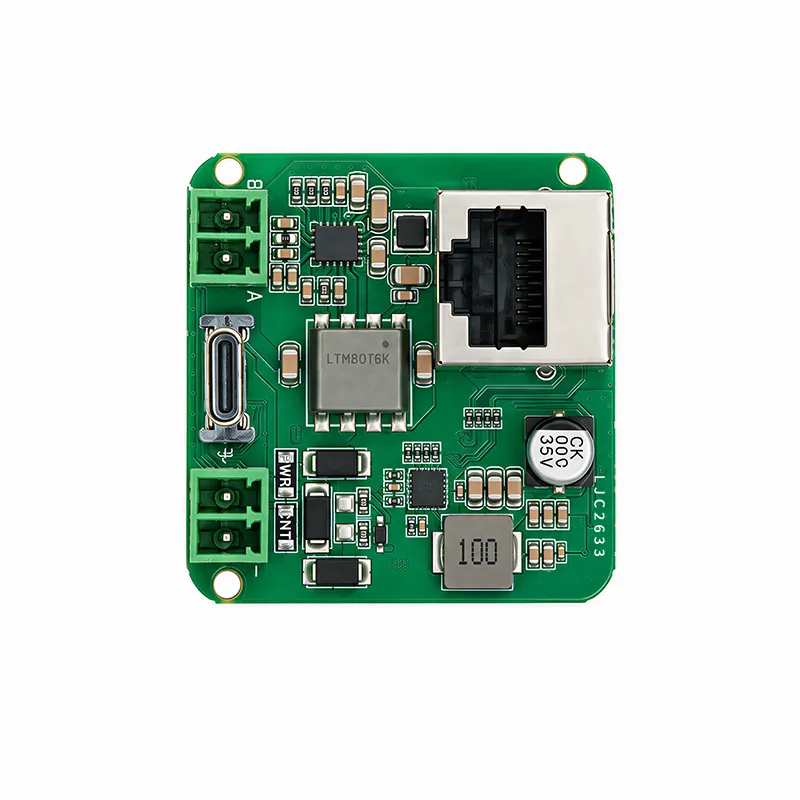
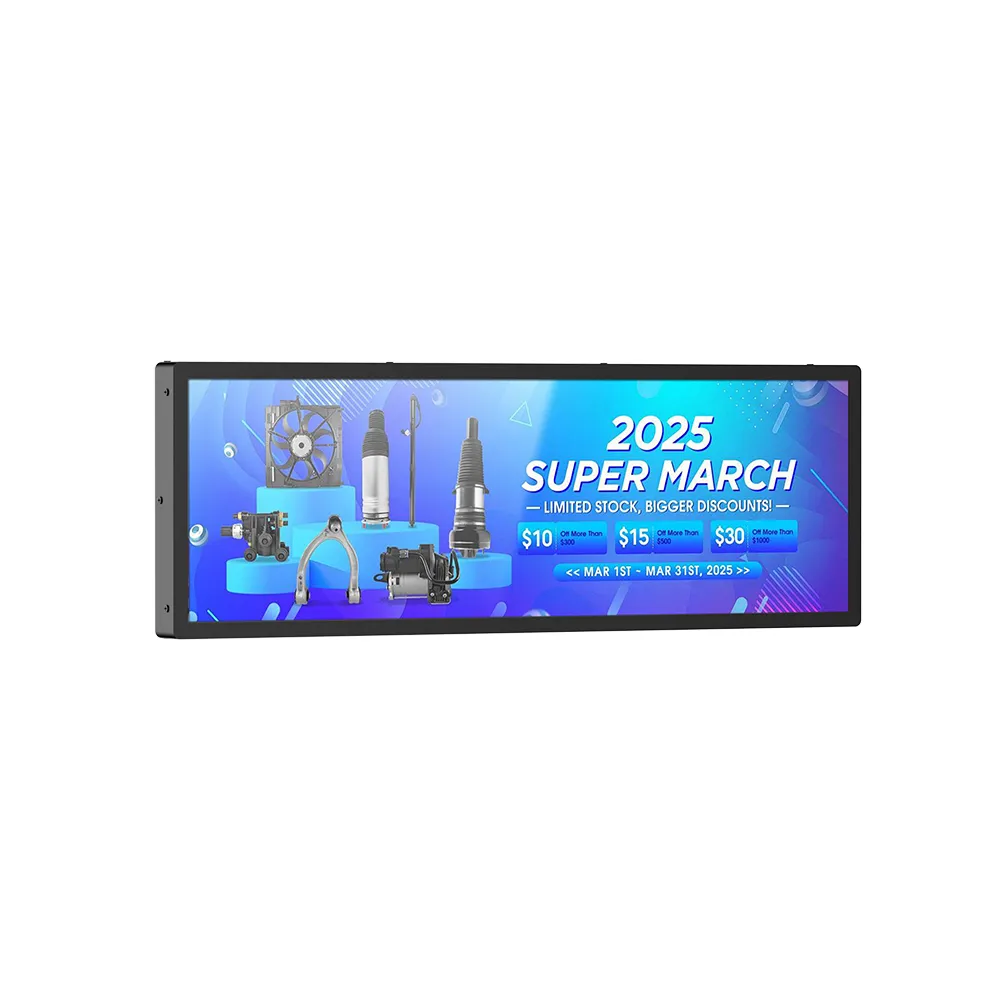
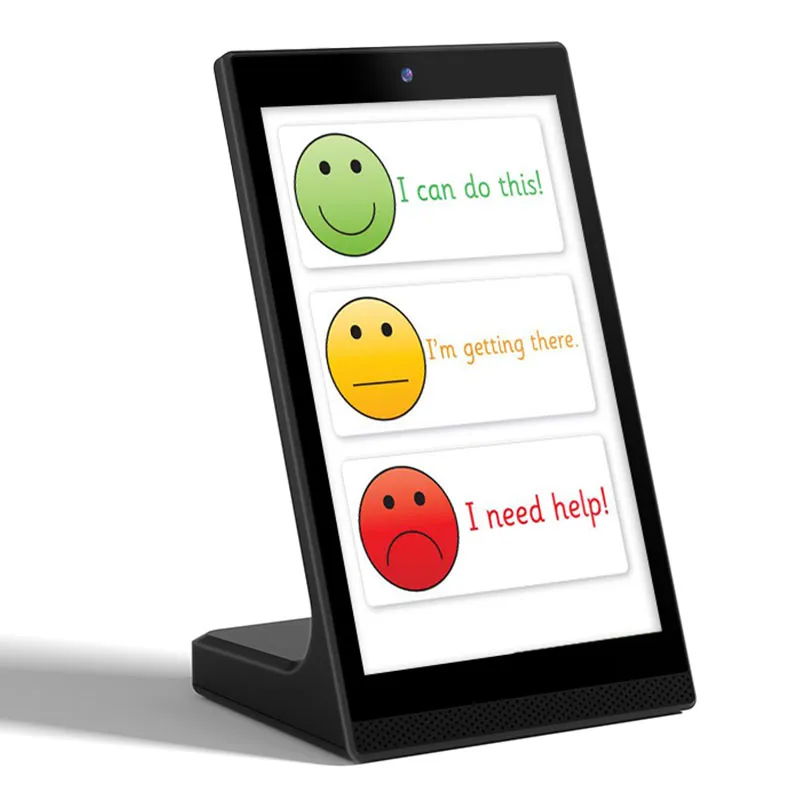
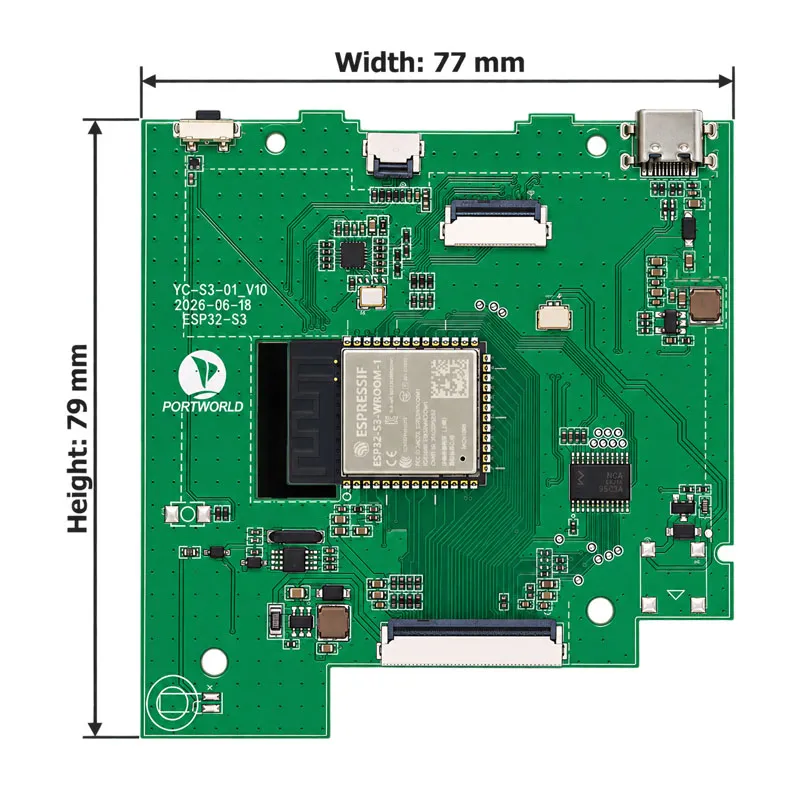
Ultra-Compact 79×77 Form Factor
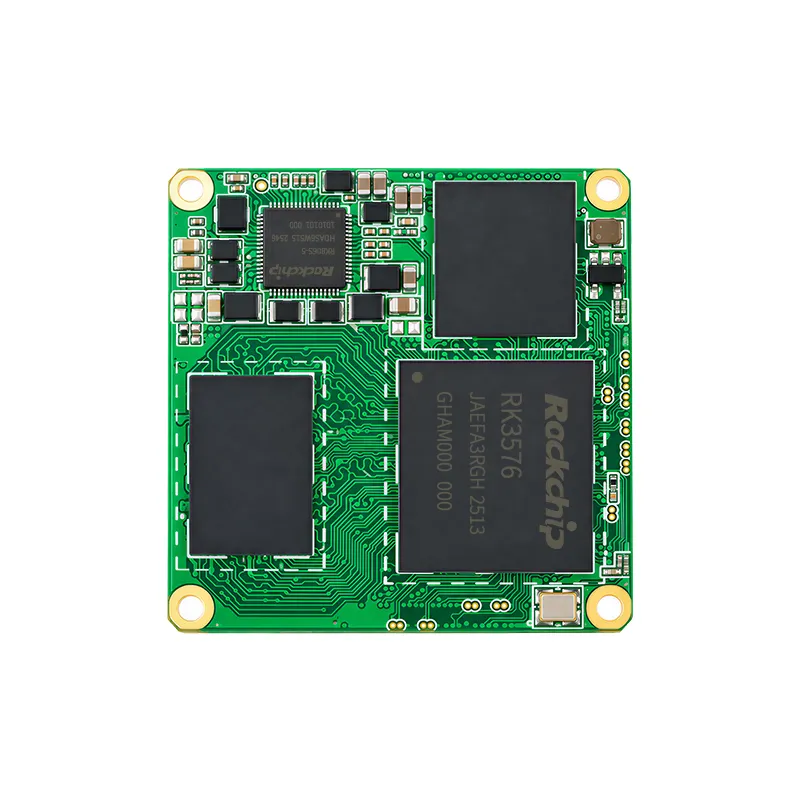
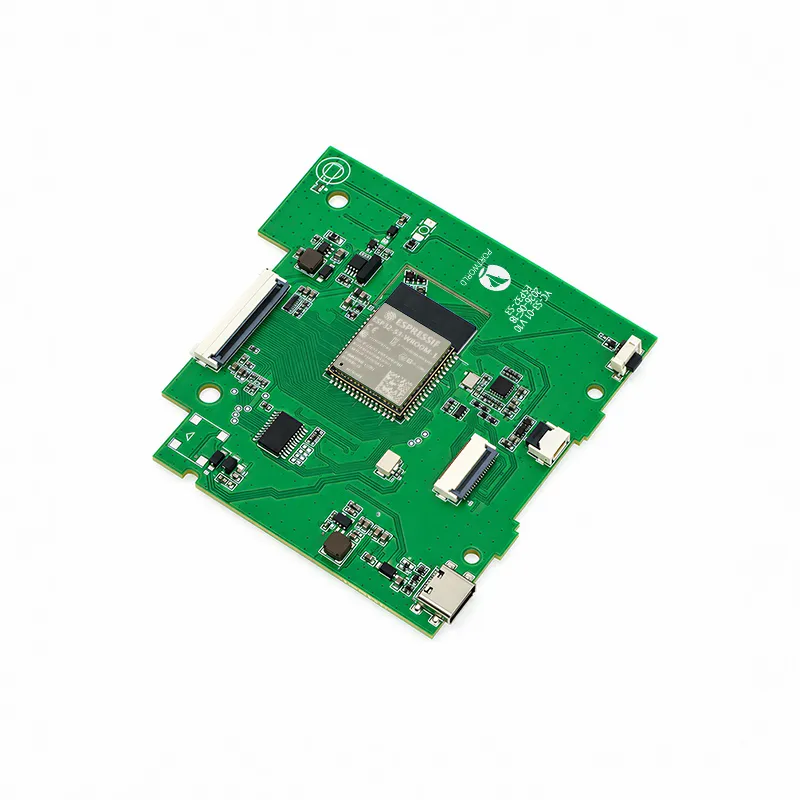
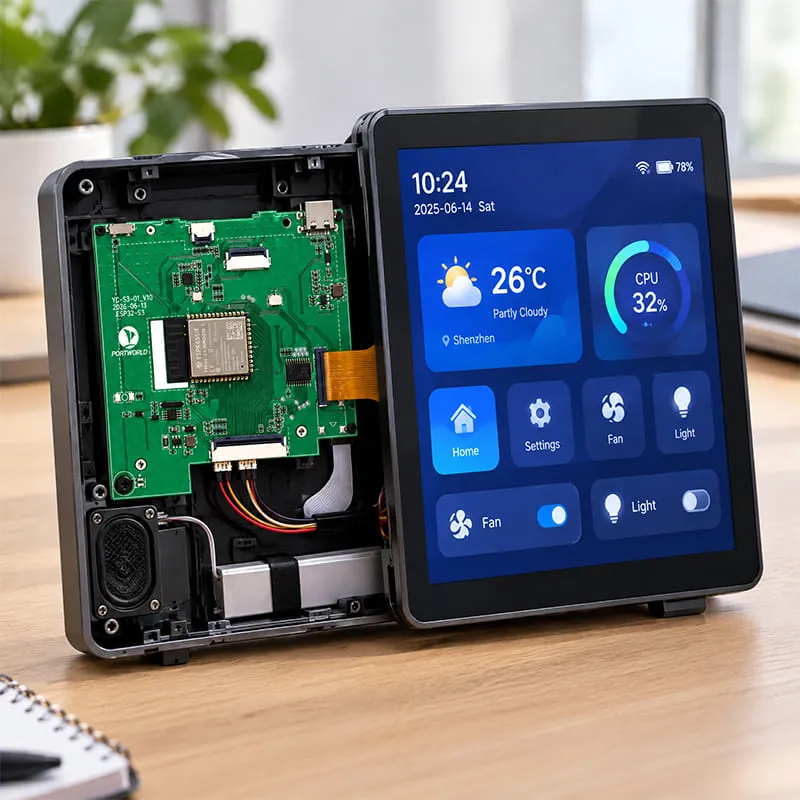
Designed with an ultra-small 79×77mm footprint, the ESP32-YCS3 easily fits into compact wall-mount enclosures, standard 86-type switch boxes, desktop control panels, and smart household appliances.
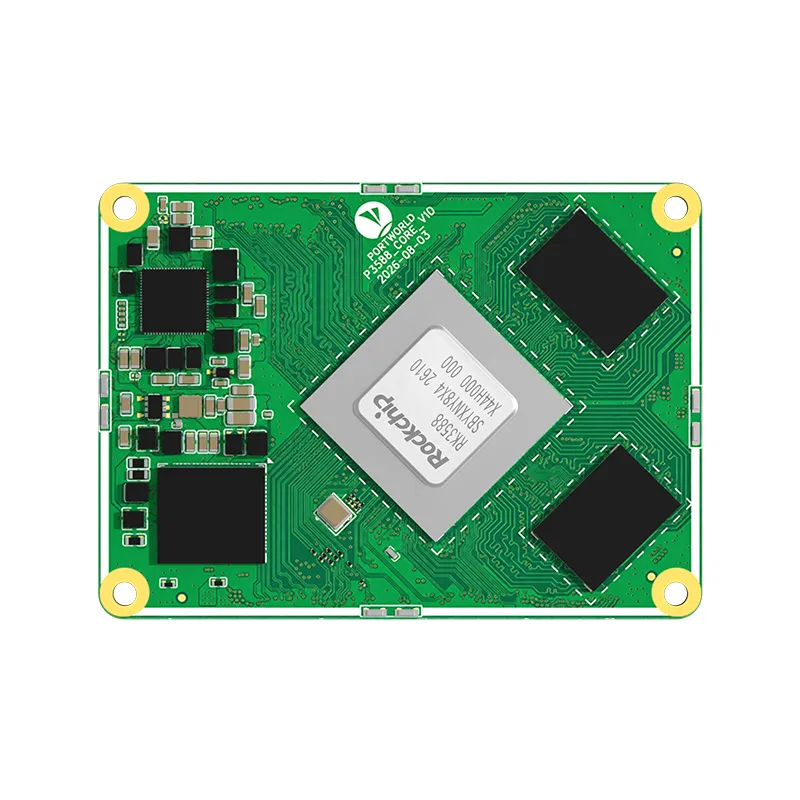
The Next-Gen RK3588 Core board
Powerful, AI-Driven, High-Performance.Shop Now>


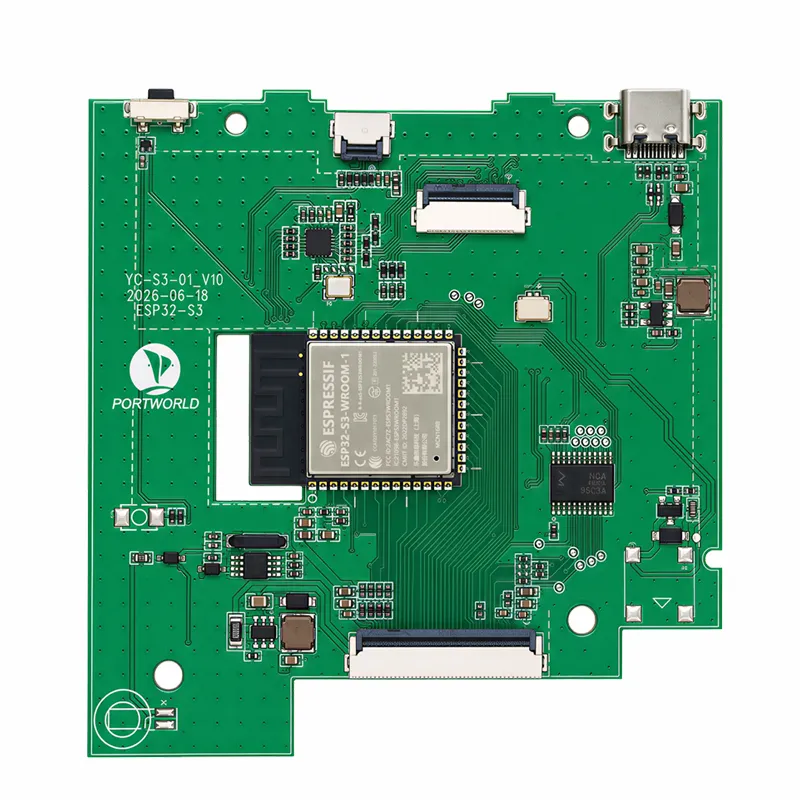
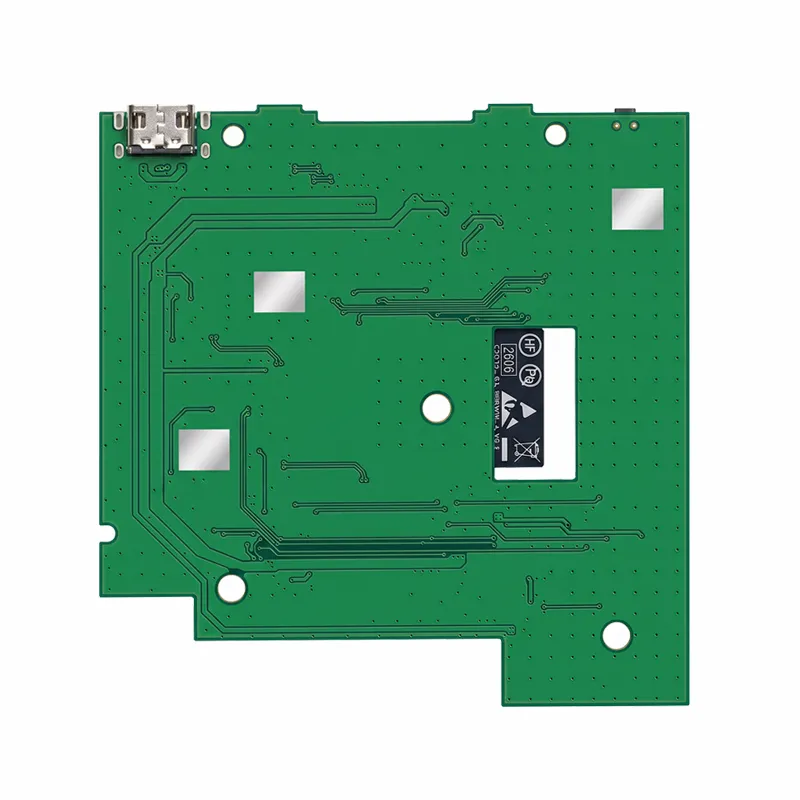
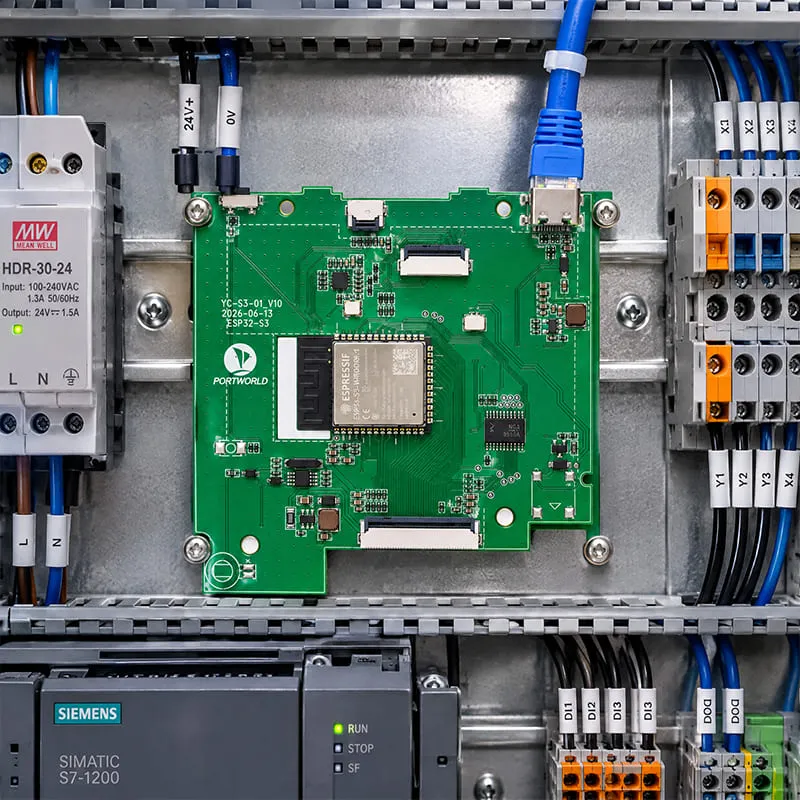
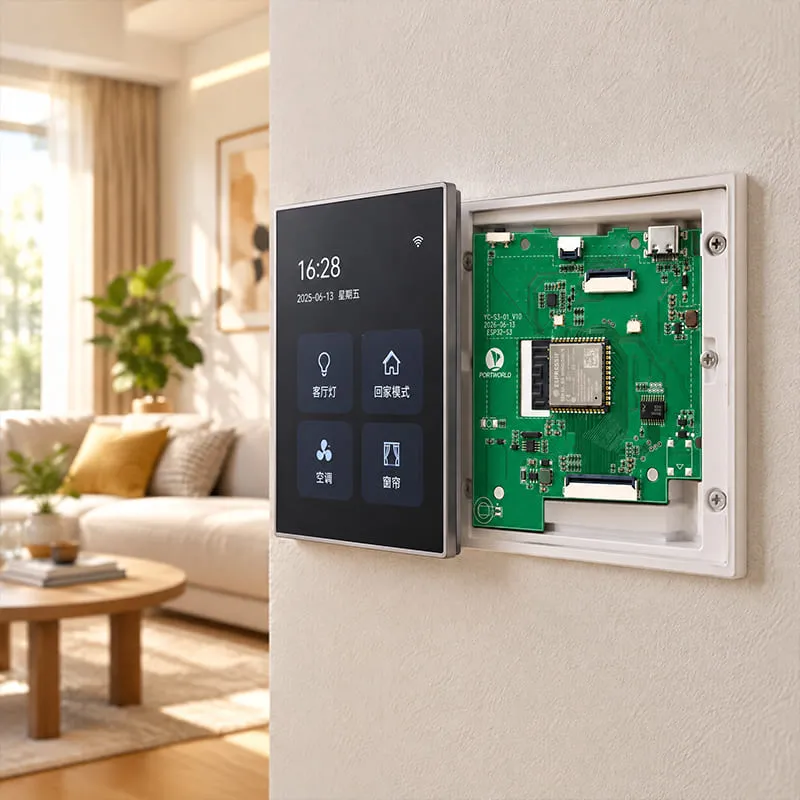


Backbone by Portworld’s 18+ years of hardware engineering pedigree, we provide complete OEM/ODM customization services. Global partners receive full access to SDK source code, schematics, and SOPs for local CKD/SKD assembly and white-label integration.
Fill in our contact form.
We will get in touch with you as soon as possible.
| Basic Parameters | SoC | ESP32-S3 |
| CPU | Dual-core 32-bit Xtensa® LX7 processor, up to 240MHz | |
| AI Processing | Integrated vector instruction set for neural network acceleration and graphical computing, without independent GPU | |
| Video Decoding | No hardware video decoding; supports software decoding (such as MJPEG software decoding, suitable for low-resolution applications) | |
| Memory | 512KB on-chip SRAM + 8MB PSRAM | |
| Storage | 16MB onboard Flash | |
| Operating System | Supports FreeRTOS real-time operating system | |
| Power Supply | 3.3V / 5V input (±5% voltage tolerance), supports PoE expansion, DC power supply, and AC power supply | |
| Dimensions | 79mm × 77mm | |
| Power Consumption | Maximum approximately 1.5W (5V/300mA), supports deep sleep mode for ultra-low power operation | |
| Operating Temperature | -40℃ to +85℃ | |
| Communication Interfaces | Ethernet | 1 × 100Mbps Ethernet (RJ45), supports PoE power supply |
| Wi-Fi | 2.4GHz Wi-Fi 802.11 b/g/n | |
| Bluetooth | Bluetooth 5.0 LE | |
| Display & Touch Interfaces | Display Interface | 1 × RGB parallel interface (RGB565/RGB666), supports up to 800×480 resolution |
| Display Interface | Supports 8080 parallel interface and SPI display interface | |
| MIPI Display | MIPI-DSI not supported directly (requires external MIPI bridge chip) | |
| Touch Interface | Supports I2C capacitive touch panel | |
| USB & Control Interfaces | USB Interface | 1 × USB Type-C OTG interface |
| USB Function | Supports USB 1.1 full-speed and high-speed modes, firmware flashing, and debugging | |
| Buttons | 1 × Reset button, 1 × Boot button | |
| Expansion Interfaces | Sensor Interface | Temperature & humidity sensor interface |
| Communication Expansion | RS485 interface | |
| Control Expansion | Relay control interface and GPIO expansion | |
| Power Expansion | PoE expansion interface | |
| Environmental Specifications | Operating Temperature | -40℃ to +85℃ |
| Power Efficiency | Low-power design with deep sleep support | |
| Mechanical Design | Form Factor | Ultra-compact 79mm × 77mm embedded design |
| Installation | Suitable for wall-mounted panels, smart control terminals, and embedded IoT devices |
1. What is the Portworld ESP32-YCS3?
The Portworld ESP32-YCS3 is an ESP32-S3-based embedded mainboard for touchscreen HMI, smart control, and connected devices. It combines dual-core processing, display interfaces, Ethernet connectivity, and peripheral expansion.
2. Which processor does the ESP32-YCS3 use?
The ESP32-YCS3 uses the Espressif ESP32-S3, a 32-bit Xtensa dual-core processor running at up to 240MHz.
3. What applications is the ESP32-YCS3 designed for?
The ESP32-YCS3 is designed for smart home control panels, embedded touchscreen interfaces, environmental monitoring terminals, and connected appliance controls.
4. What are the dimensions of the ESP32-YCS3?
The ESP32-YCS3 measures 79 × 77 mm. Enclosure integration should also account for connector positions, cable clearance, mounting points, and component height.
5. How much memory does the ESP32-YCS3 include?
The specified ESP32-YCS3 configuration includes 8MB PSRAM and 16MB Flash for application code, graphical assets, and runtime data.
6. What is the difference between PSRAM and Flash on the ESP32-YCS3?
PSRAM provides working memory for runtime tasks such as graphics buffers. Flash stores firmware and persistent resources, including fonts, images, and application assets.
7. Does the ESP32-YCS3 support floating-point calculations?
Yes. The ESP32-S3 processor includes a single-precision Floating-Point Unit for supported numerical calculations used in sensing, control, and other embedded applications.
8. Can the ESP32-YCS3 support lightweight AI applications?
The ESP32-S3 includes vector instructions that can accelerate suitable neural network operations. Practical AI workloads depend on model size, memory requirements, software optimization, and application timing.
9. Does the ESP32-YCS3 include a dedicated AI NPU?
The supplied specifications describe CPU vector instructions for neural network acceleration. They do not list a separate dedicated NPU.
10. Does the ESP32-YCS3 support LVGL?
Yes. The ESP32-YCS3 supports the LVGL lightweight graphics library for building embedded graphical interfaces with buttons, menus, widgets, and animations.
11. Can the ESP32-YCS3 be used to build a touchscreen HMI?
Yes. Its display interfaces, I2C touch signals, and LVGL support provide a foundation for touchscreen HMI development with compatible display and touch hardware.
12. What types of interfaces can be created with LVGL?
Developers can create equipment dashboards, lighting controls, thermostat screens, settings menus, and appliance interfaces. Performance depends on display resolution, rendering complexity, and firmware design.
13. Does LVGL support guarantee smooth animation on every screen?
No. Animation performance depends on the display interface, resolution, buffer configuration, graphical assets, and other tasks running on the board.
14. Which display interfaces does the ESP32-YCS3 support?
The supplied specifications list RGB parallel, 8080 parallel, and SPI display protocols through a 40-pin FPC display connection. Panel compatibility requires verification of the pinout and electrical requirements.
15. What resolution is listed for the RGB display interface?
The supplied specifications list RGB565 and RGB666 display support at resolutions up to 800 × 480. The selected panel and firmware configuration must be compatible.
16. Can any 40-pin display connect directly to the ESP32-YCS3?
No. A matching pin count does not guarantee compatibility. The display pinout, voltage, interface protocol, timing, backlight requirements, and connector orientation must also match.
17. How does the ESP32-YCS3 connect to a touch panel?
The board provides I2C touch panel signals. The selected touch controller requires compatible wiring, electrical characteristics, and firmware drivers.
18. Can the ESP32-YCS3 drive multiple displays simultaneously?
The supplied information lists several supported display protocols but does not confirm simultaneous multi-display operation. Confirm the required configuration with Portworld.
19. Does the ESP32-YCS3 support ESP-IDF?
Yes. The ESP32-YCS3 supports Espressif’s ESP-IDF development framework for firmware development and hardware integration.
20. Does the ESP32-YCS3 support FreeRTOS?
Yes. FreeRTOS support enables developers to organize application tasks such as display updates, sensor acquisition, network communication, and control logic.
21. Can the ESP32-YCS3 run Android, Ubuntu, or Debian?
The supplied specifications list ESP-IDF and FreeRTOS support. Android, Ubuntu, and Debian are not listed as supported platforms for this board.
22. Does Portworld provide an SDK for the ESP32-YCS3?
Yes. Portworld lists SDK packages, technical documentation, and code samples for ESP32-YCS3 development. Confirm the available package and supported features for the selected board revision.
23. Can developers customize the ESP32-YCS3 firmware?
Yes. The supported development environment allows application-specific firmware development, including interface design, peripheral integration, communication functions, and control behavior.
24. Does the ESP32-YCS3 support wired Ethernet?
Yes. The supplied specifications list 100 Mbps Ethernet connectivity. The available physical connections and implementation details should be checked against the board documentation.
25. Does the ESP32-YCS3 support Gigabit Ethernet?
The specified Ethernet connection is 100 Mbps. Gigabit Ethernet is not listed in the supplied product information.
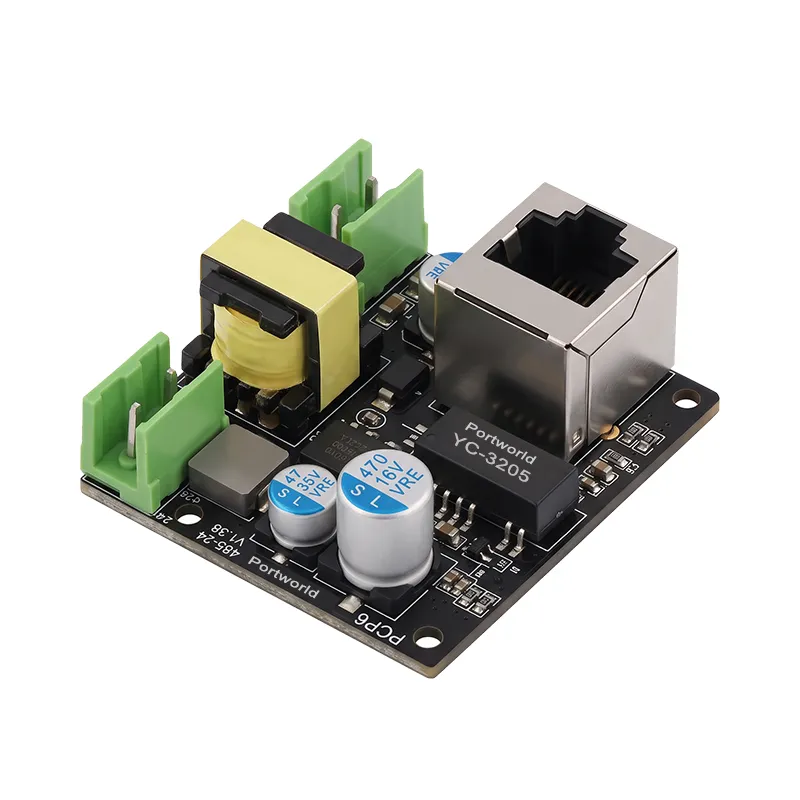
26. Does the ESP32-YCS3 support Power over Ethernet?
The ESP32-YCS3 provides an FPC connector for PoE expansion. Power over Ethernet operation requires a compatible PoE expansion solution.
27. Is PoE ready to use without additional hardware?
The supplied information describes expandable PoE support. Confirm whether the selected product package includes the required PoE module and associated connections.
28. What is the benefit of PoE for an ESP32-YCS3 control panel?
With compatible PoE hardware, one Ethernet cable can carry network data and power to the device. This can simplify installation where a separate local power connection is inconvenient.
29. Which environmental sensors can connect to the ESP32-YCS3?
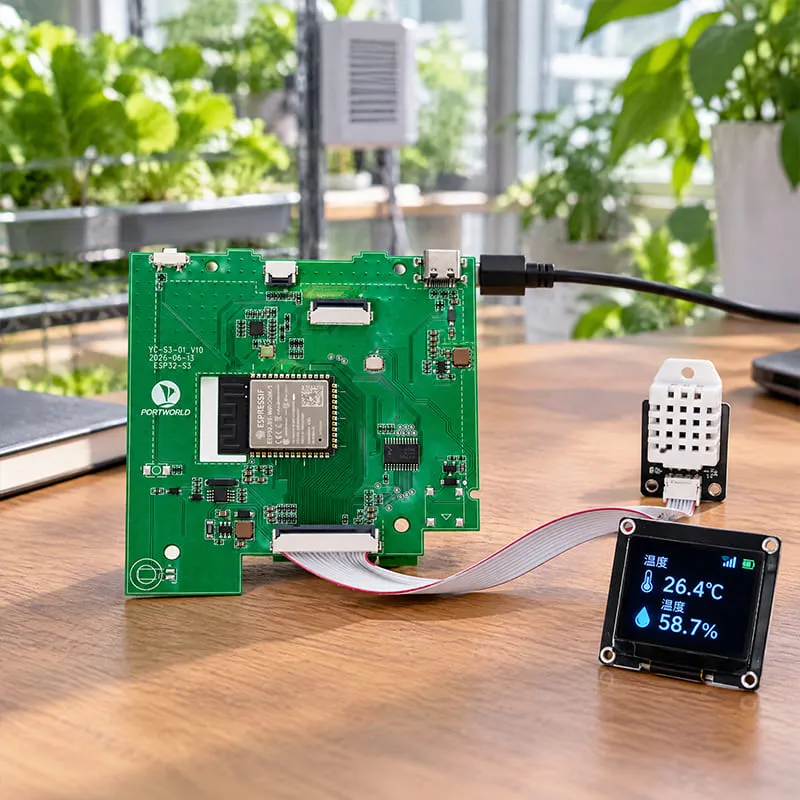
The board includes dedicated FPC connections for temperature and humidity sensors. Specific sensor compatibility depends on the connector pinout, supply voltage, communication protocol, and firmware support.
30. Does the ESP32-YCS3 support a buzzer?
Yes. The supplied specifications list a buzzer module socket. Confirm the compatible buzzer module and its electrical requirements before connection.
31. What is the RTC battery header used for?
The RTC battery header provides a connection for a backup battery in the board’s real-time clock implementation. Battery specifications and time-retention behavior should be confirmed in the hardware documentation.
32. Can the ESP32-YCS3 communicate with RS485 devices?
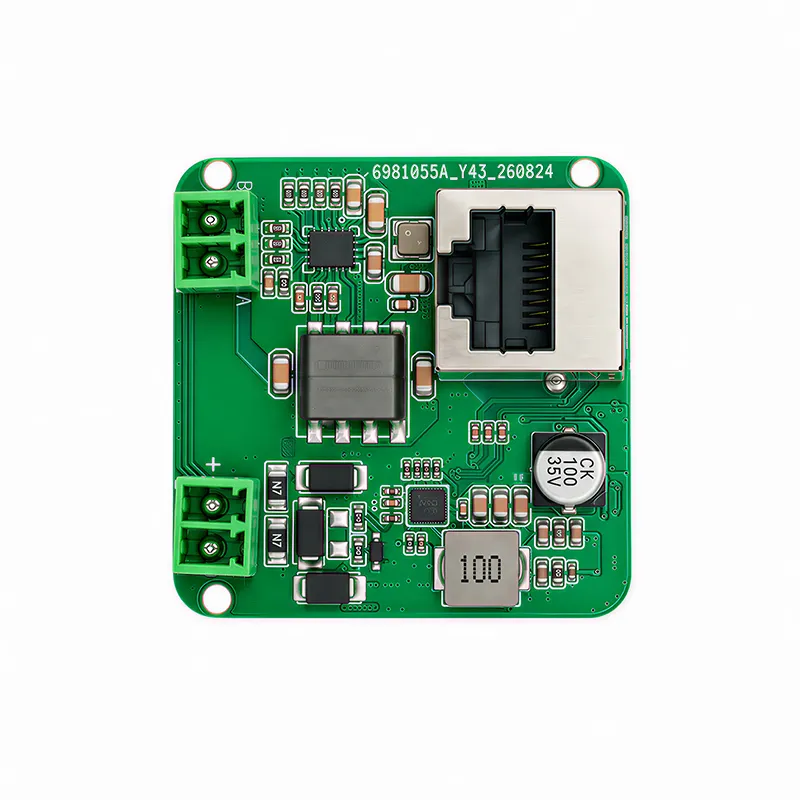
RS485 is listed as an expansion option. Communication requires the appropriate transceiver hardware, wiring, and application protocol implementation.
33. Can the ESP32-YCS3 control relays?
Relay output is listed as an expansion capability. The relay hardware and driving circuit must be selected for the intended load and control requirements.
34. Does the ESP32-YCS3 provide GPIO expansion?
Yes. GPIO headers are listed for connecting compatible external peripherals and control circuits. Available pins and electrical limits should be checked in the board documentation.
35. What is the Type-C connector used for?
The onboard Type-C USB OTG connector is listed for firmware flashing, supported debugging functions, and 5V power input. Available functions depend on the firmware and development setup.
36. What power input options does the ESP32-YCS3 offer?
The supplied information lists Type-C 5V power, designated 3.3V/5V DC inputs, and PoE expansion. Use the documented input connection and voltage for the selected configuration.
37. How much power does the ESP32-YCS3 consume?
The supplied specification states a maximum board consumption of 1.5W at 5V/300mA. Confirm the measurement conditions and calculate display, backlight, and peripheral power separately unless they are explicitly included.
38. Does the ESP32-YCS3 support deep-sleep mode?
Yes. Deep-sleep support is listed for low-power applications. Achievable system consumption depends on firmware settings and which external circuits remain powered.
39. What is the operating temperature range of the ESP32-YCS3?
The specified operating temperature range is −40°C to 85°C. The complete product, including its display, power supply, and peripherals, requires validation for the intended environment.
40. Does Portworld offer OEM/ODM and CKD/SKD services for the ESP32-YCS3?
Yes. Portworld lists OEM/ODM customization and CKD/SKD assembly support, with SDK source code, schematics, and SOP resources available according to the agreed project scope.